


ESP32 Bit Pirate is an open-source firmware that turns your device into a multi-protocol hacker's tool, inspired by the legendary Bus Pirate.
It supports sniffing, sending, scripting, and interacting with various digital protocols (I2C, UART, 1-Wire, SPI, etc.) via a serial terminal or web-based CLI. It also communicates with radio protocols like Bluetooth, Wi-Fi, Sub-GHz and RFID.
Use the ESP32 Bit Pirate Web Flasher to install the firmware in one click. See the Wiki for step-by-step guides on every mode and command. Check ESP32 Bit Pirate Scripts for a collection of scripts.
For hardware extensions, see the ESP32 Bus Expander for additional radio interfaces, and the ESP32 Bit Pirate Dock to use original Bus Pirate adapters and accessories.
-
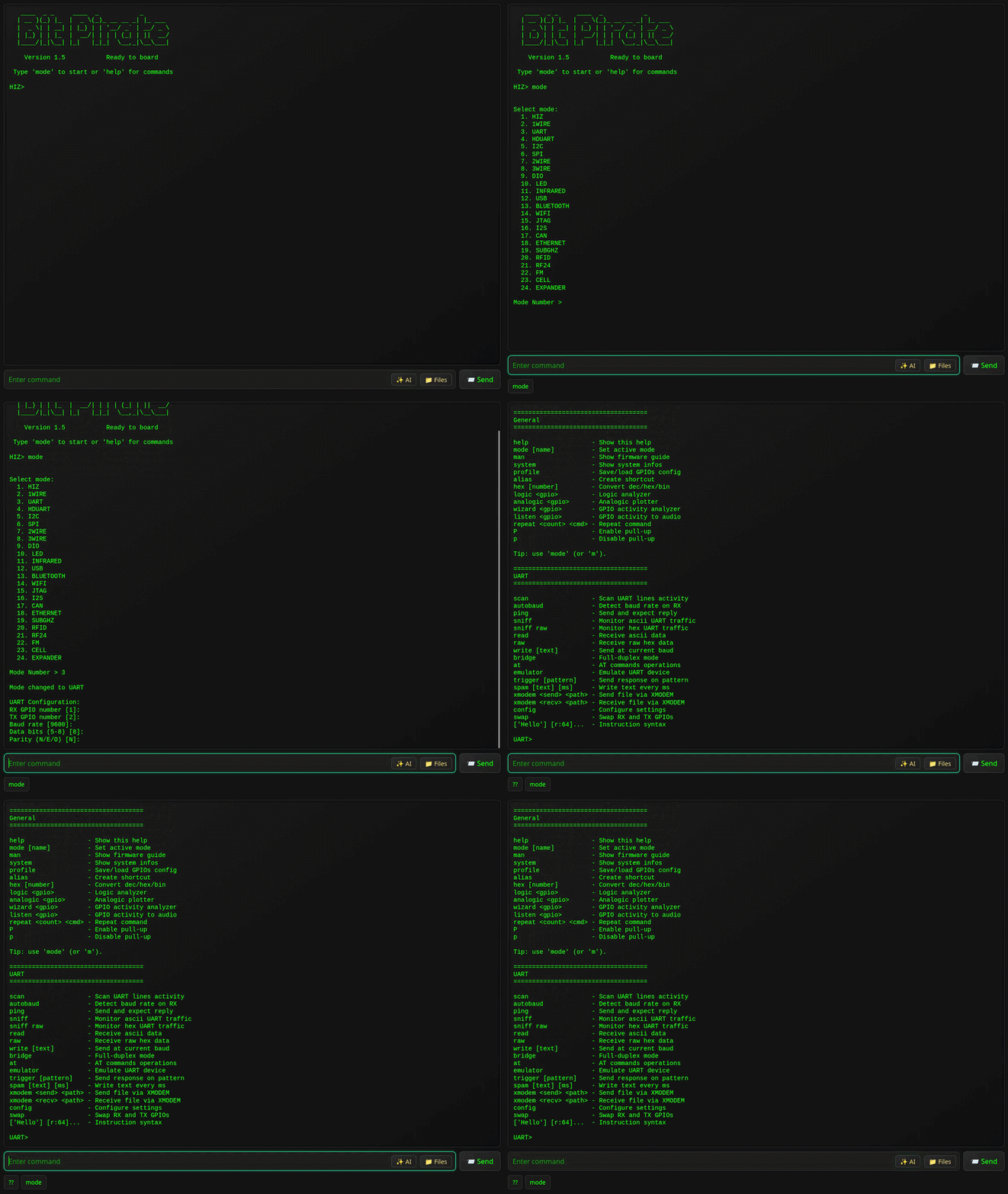
Interactive command-line interface (CLI) via USB Serial or WiFi Web.
-
Modes for:
- HiZ (default)
- I2C (scan, glitch, slave mode, dump, eeprom)
- SPI (eeprom, flash, sdcard, slave mode)
- UART / Half-Duplex UART (bridge, read, write)
- 1WIRE (ibutton, eeprom)
- 2WIRE (sniff, smartcard) / 3WIRE (eeprom)
- DIO (Digital I/O, read, pullup, set, pwm)
- Infrared (send, record, universal remote)
- USB (HID, flashrom, storage, usb-uart)
- Bluetooth (BLE HID, scan, spoofing, sniffing)
- Wi-Fi / Ethernet (sniff, deauth, nmap, netcat)
- JTAG (scan, SWD, openOCD)
- LED (animations, set LEDs)
- I2S (test speakers, mic, play sound)
- CAN (sniff, send and receive frames)
- SUBGHZ (analyze, record, replay)
- RFID (read, write, clone)
- RF24 (scan, send, receive)
- FM (analyze, broadcast)
- CELL (dump sim card, sms, call)
-
Protocol sniffers I2C, UART, SPI, 1Wire, 2wire, CAN, Wi-Fi, Bluetooth, SubGhz.
-
Baudrate auto-detection, AT commands and various tools for UART.
-
Registers manipulation, EEPROM dump tools, identify devices for I2C.
-
Read all sort of EEPROM, Flash and various others tools for SPI.
-
Scripting using Bus Pirate-style bytecode instructions or Python.
-
Device-B-Gone command with more than 80 supported INFRARED protocols.
-
Direct I/O management, PWM, servo, GPIOs state.
-
Analyze radio signals and frequencies on every bands.
-
Near than 50 addressable LEDs protocols supported.
-
Ethernet and WiFi are supported to access networks.
-
Import and export data with the LittleFS over HTTP.
-
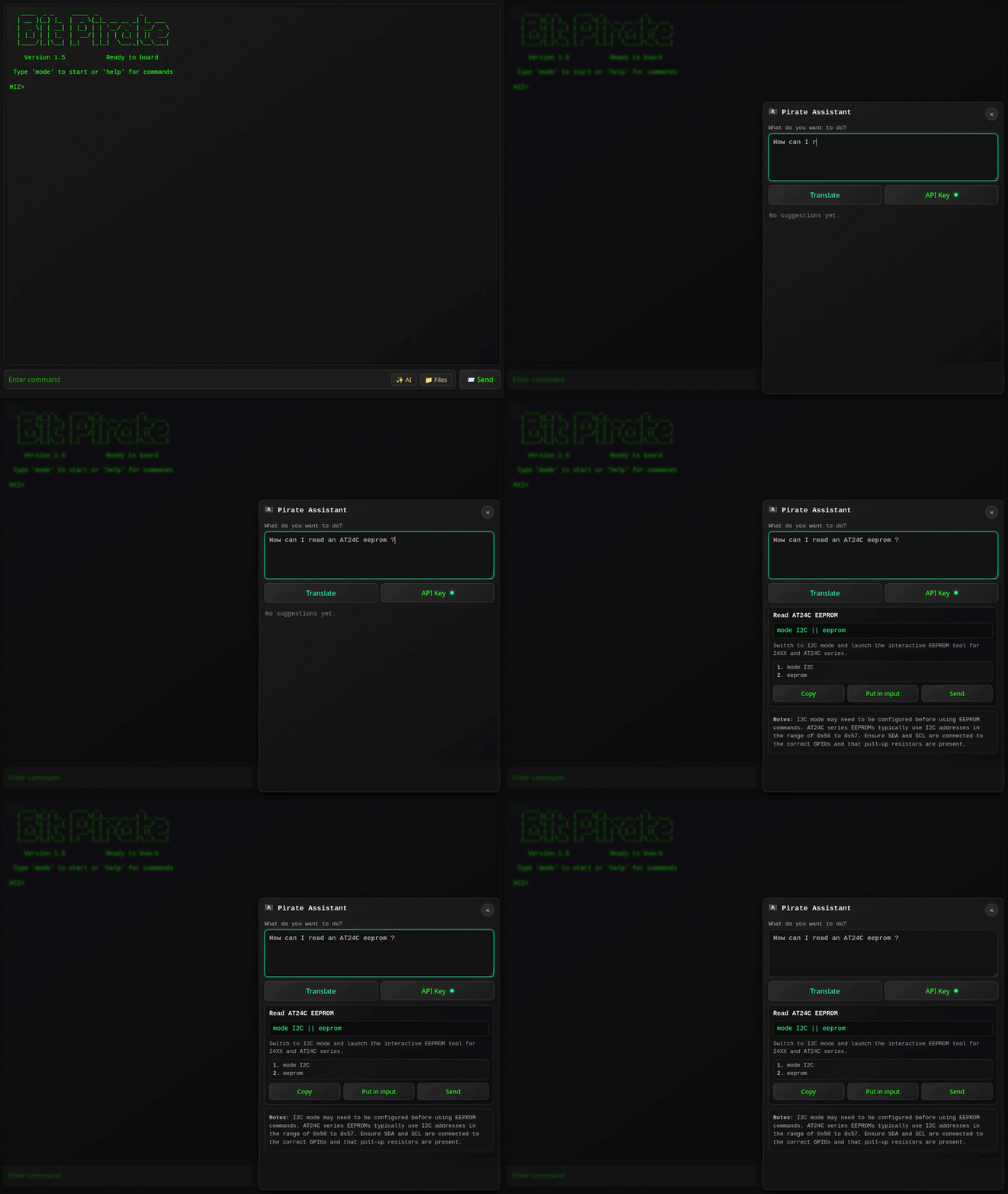
Pirate assistant to help you with the firmware.
-
USB-Uart dongle, SPI programmer, logic analyzer and more.

-
 Flash the firmware
- Use the ESP32 Bit Pirate Web Flasher to burn the firmware directly from a web browser.
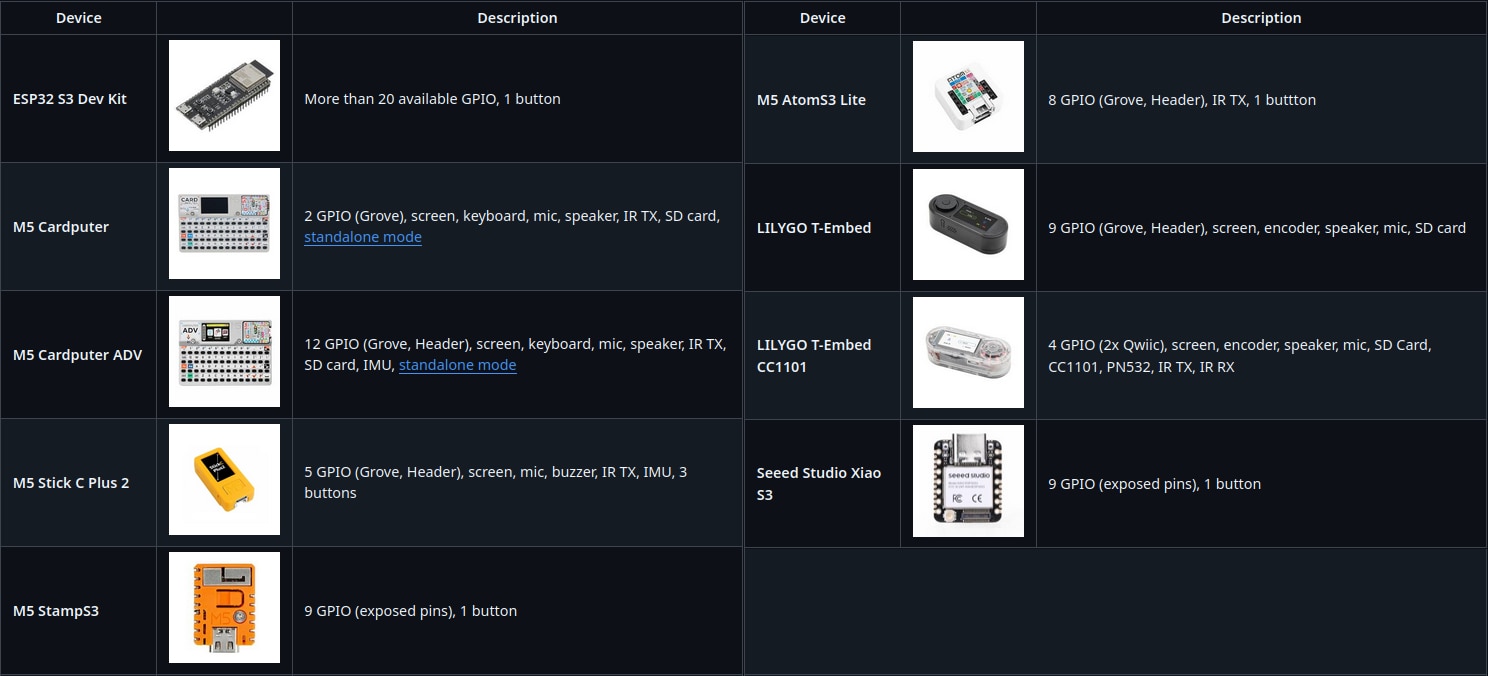
- You can also burn it on M5Burner, in the StickS3, AtomS3, M5StampS3 or Cardputer category.
-
 Connect via Serial or Web
- Serial: any terminal app (see Connect via Serial)
- Web: configure Wi-Fi and access the CLI via browser (see Wi-Fi Connection)
-
Use commands like:
mode
help
scan
sniff
...

 Visit the Wiki for detailed documentation on every mode and command.
Includes:
- Terminal mode - About serial and web terminal.
- Mode overviews - Browse supported modes.
- Serial setup - Serial access via USB.
The wiki is the best place to learn how everything works.
 ️ Automate interactions with the ESP32 Bit Pirate using Python scripts over serial.
Examples and ready-to-use scripts are available in the repository: ESP32 Bit Pirate Scripts.
Including: Logging data in a file, eeprom and flash dump, interracting with GPIOs, LED animation...
Expand the capabilities of the ESP32 Bit Pirate with additional hardware modules. The Expander adds support for the WiFi 5 GhZ or other radio protocols.

A docking station for the ESP32 S3 DevKit designed to work with original Bus Pirate adapters.
It allows you to plug and use the original Bus Pirate ecosystem of adapters and accessories.

