RoadTest: Seeking an Electronics Product Reviewer for the Nordic Power Profiler 2
Author: fyaocn
Creation date:
Evaluation Type: Test Equipment
Did you receive all parts the manufacturer stated would be included in the package?: True
What other parts do you consider comparable to this product?: Multimeter or oscillator are not comparable.
What were the biggest problems encountered?: No. Everything is Ok.
Detailed Review:
Thanks for being selected as roadtester for Seeking an Electronics Product Reviewer for the Nordic Power Profiler 2 - element14 Communit.


| Category | Equipment Details | Purpose |
|---|---|---|
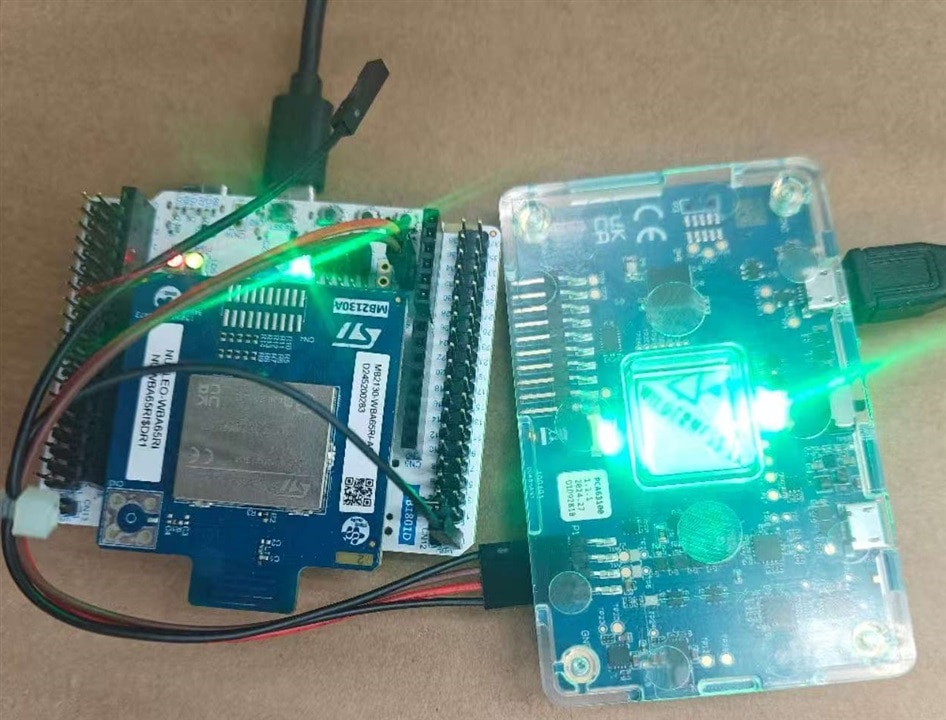
| PPK2 System | PPK2 PCB, 2x 5V micro USB cables, bundled jumper cables, 10-pin logic port cable | Current measurement, power supply to STM32WBA65 |
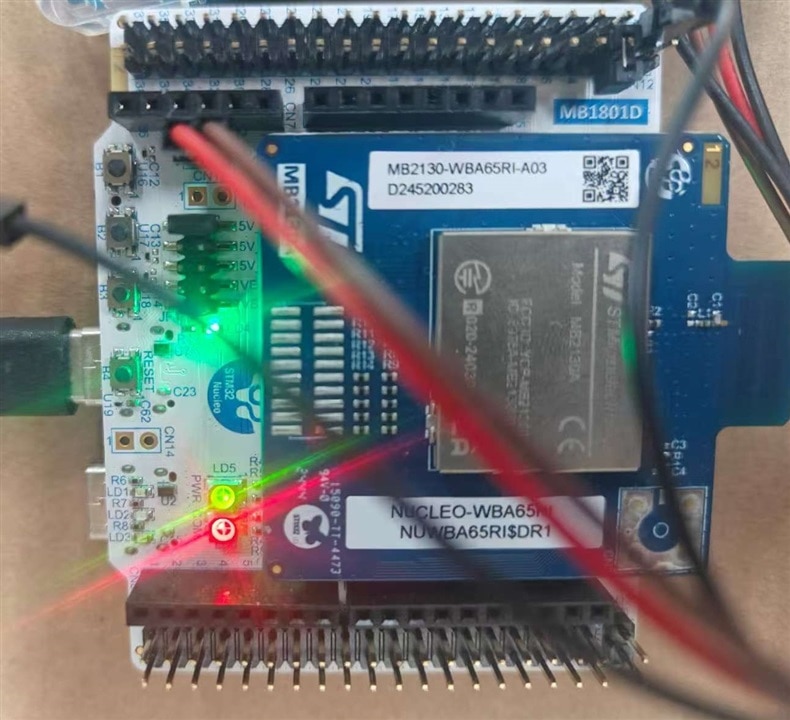
| DUT (Device Under Test) | STM32WBA65 Nucleo Board (NUCLEO-WBA65CG) | Low-power Bluetooth LE SoC for power profiling; |
| Supporting Hardware | External power supply (0.8V–5V), | Provide VCC for PPK2’s ampere meter mode; |
| Software | nRF Connect for Desktop (Power Profiler app), STM32CubeIDE | Control PPK2, record/analyze data; flash bluetooth low-power test apps |

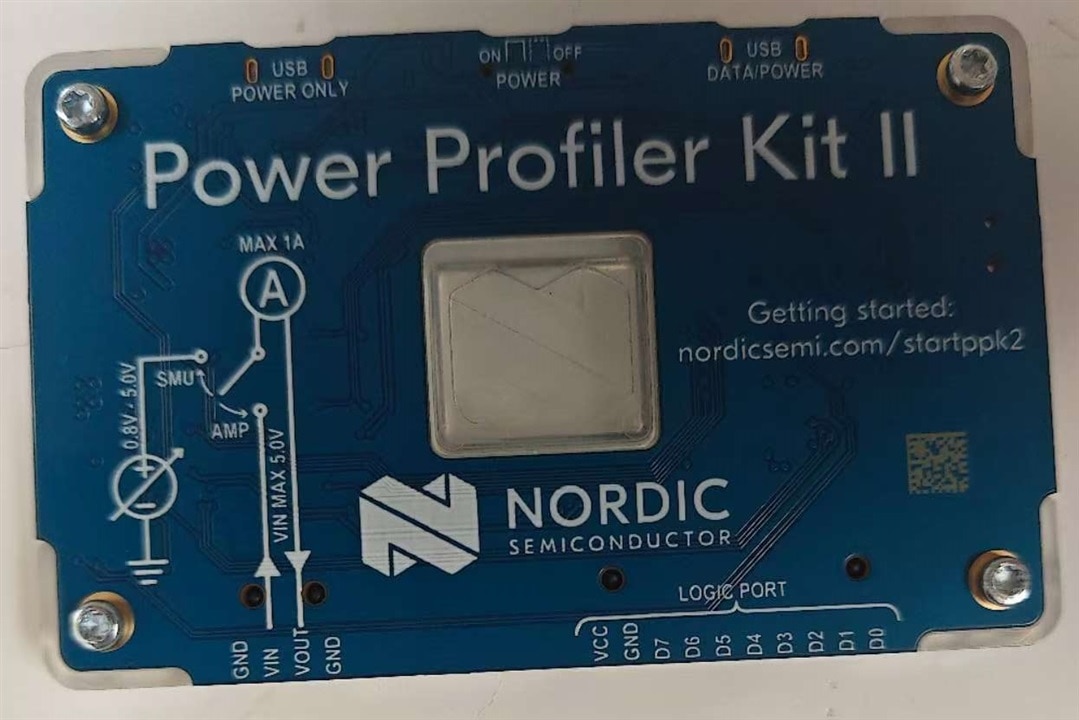
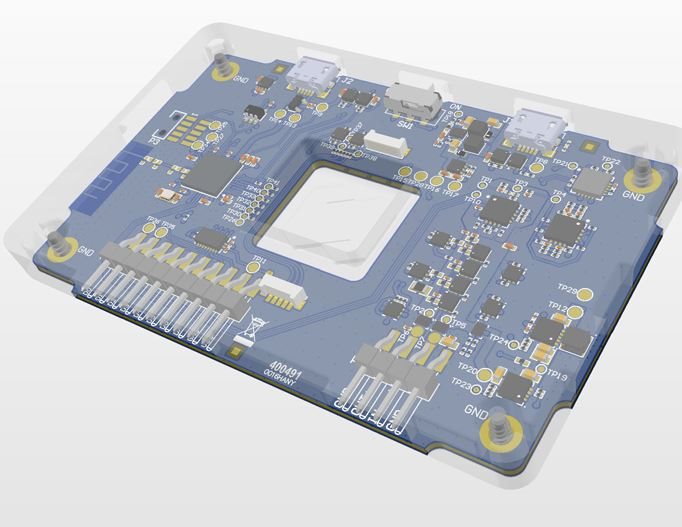
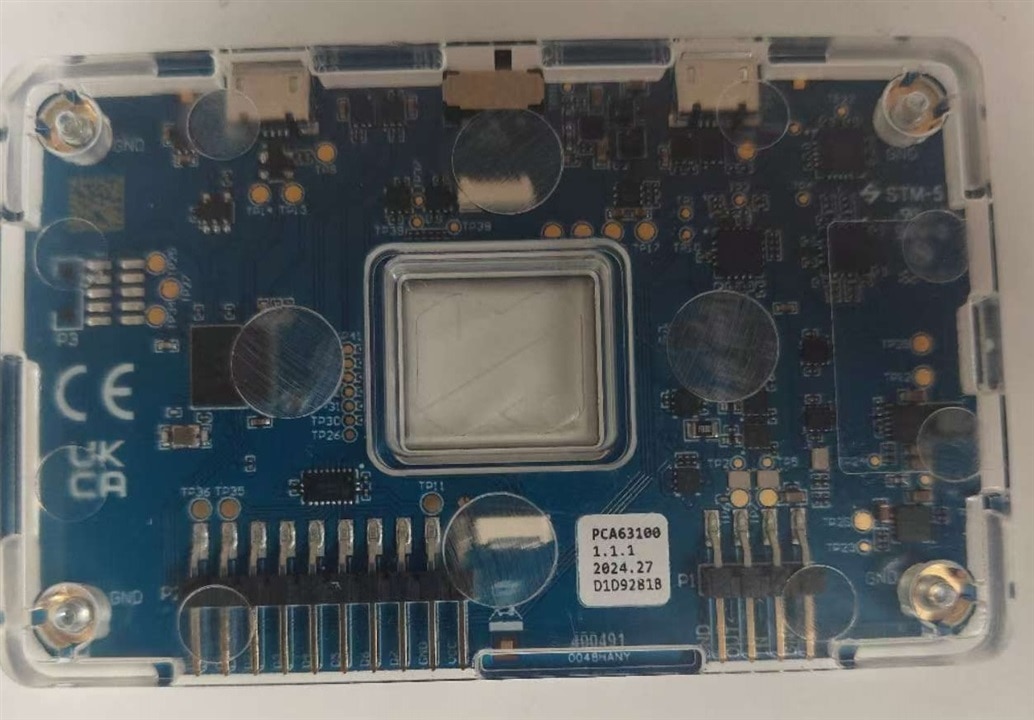
The design of PPK2 is neat and clever
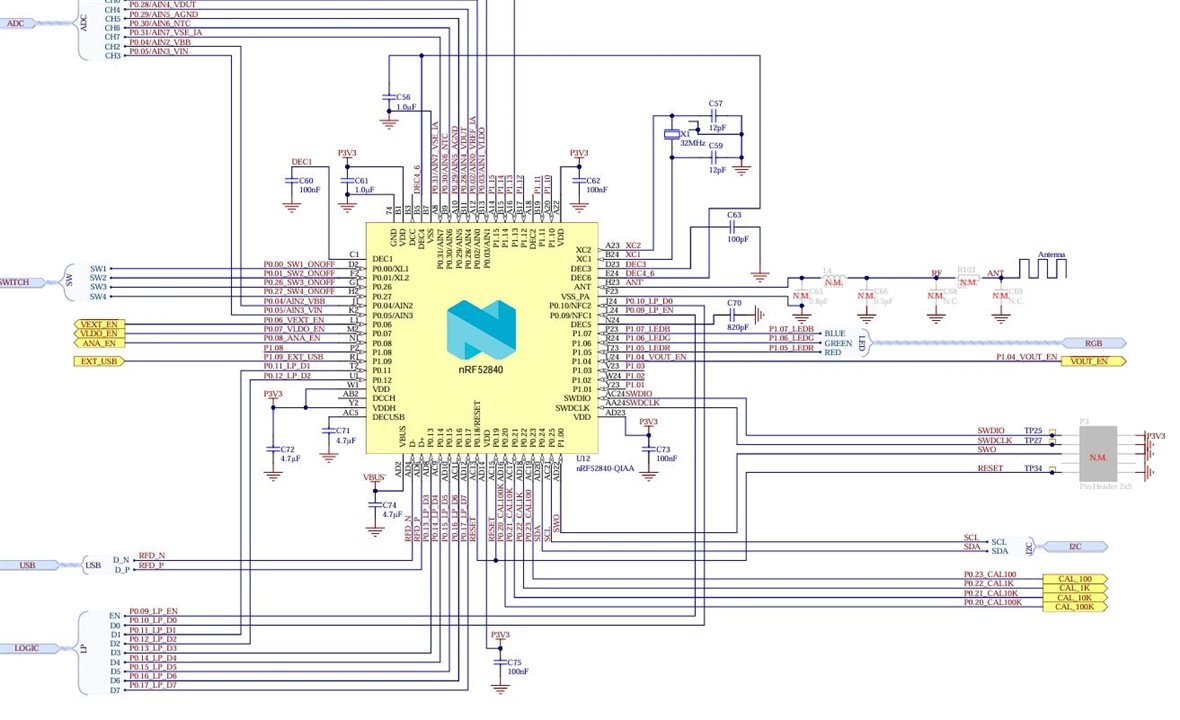
nrf52840 is used as core engine
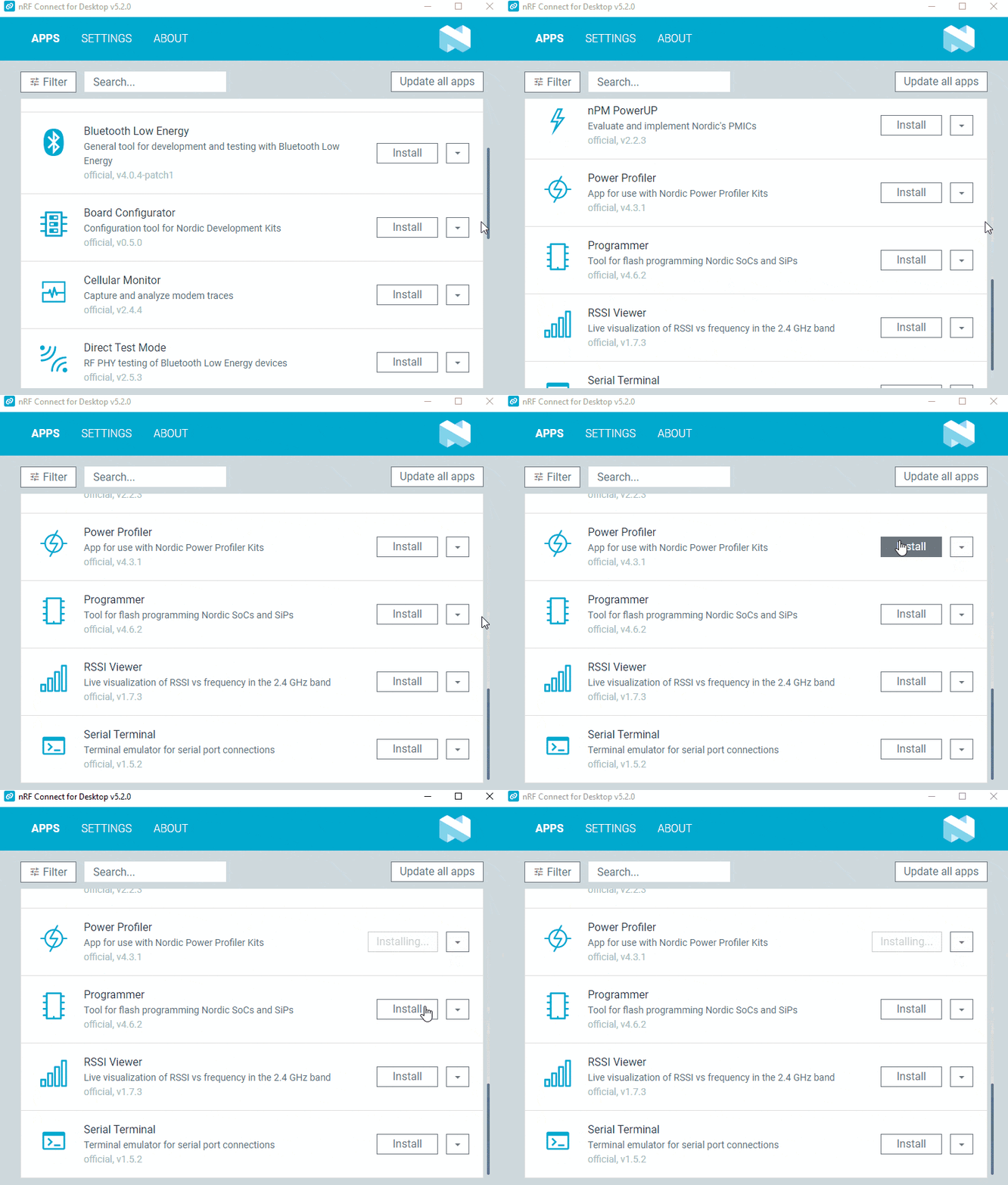
nRF connect for desktop shall be installed first and find power profiler at the bottom and press install to install the APP

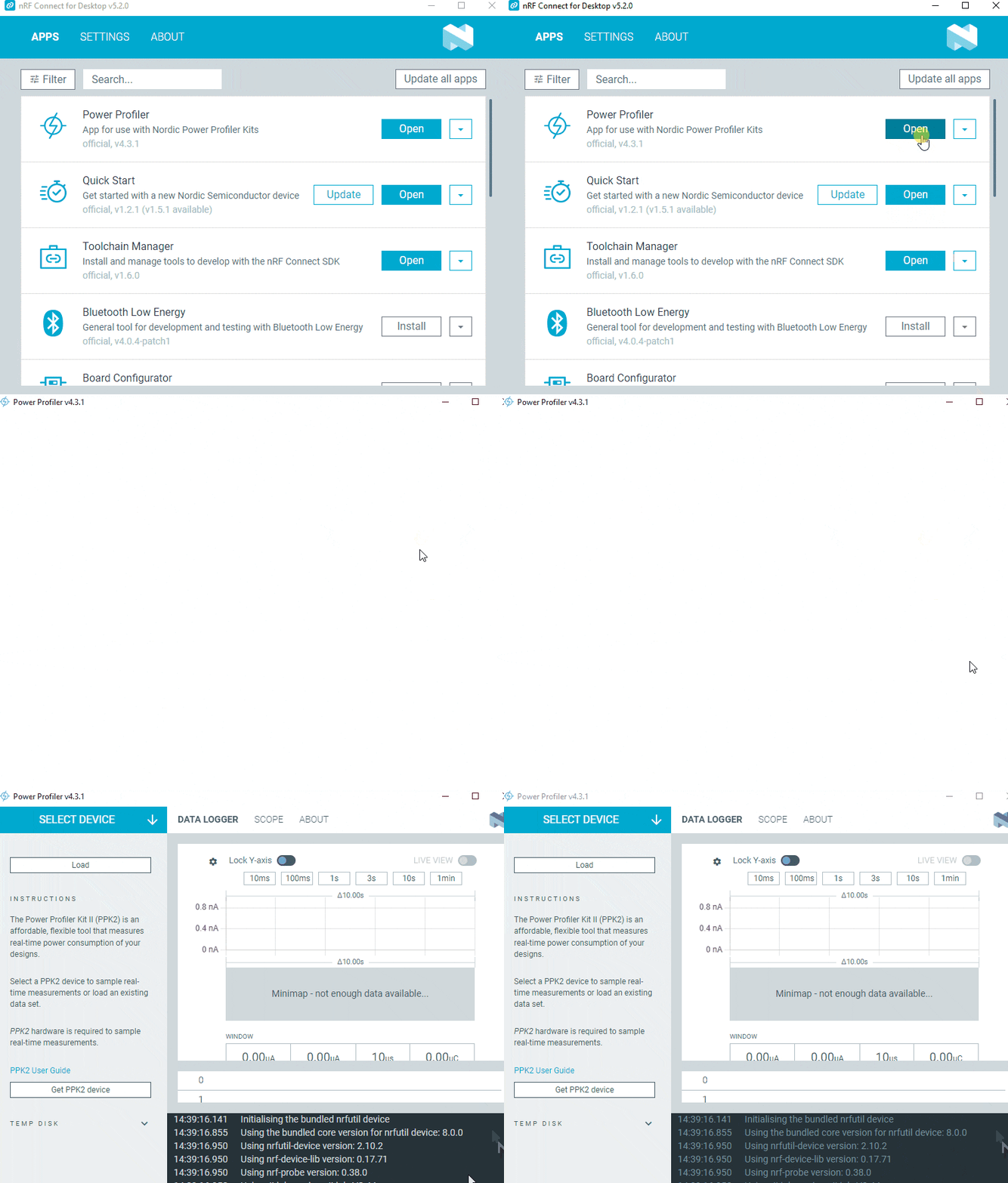
then press open, the power profiler application is open and ready to work

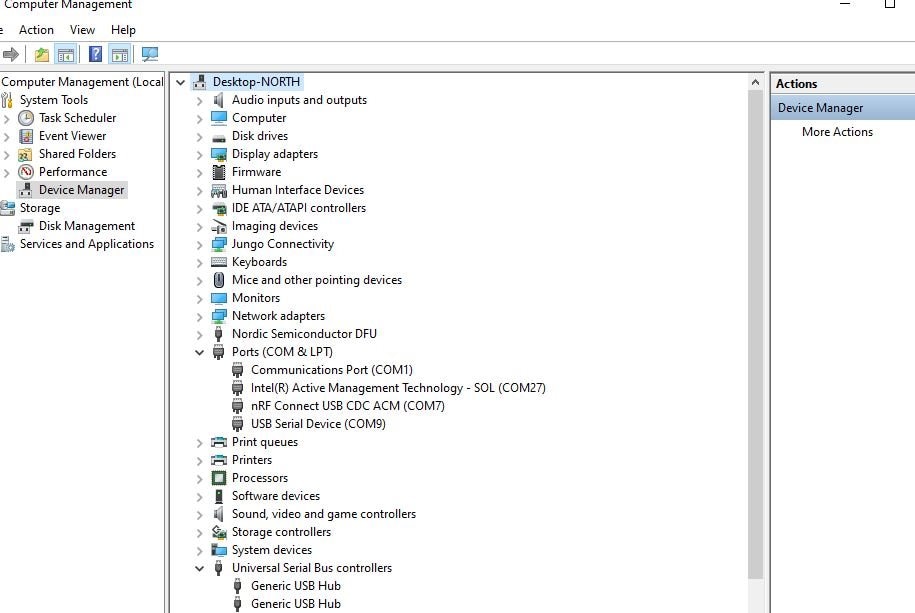
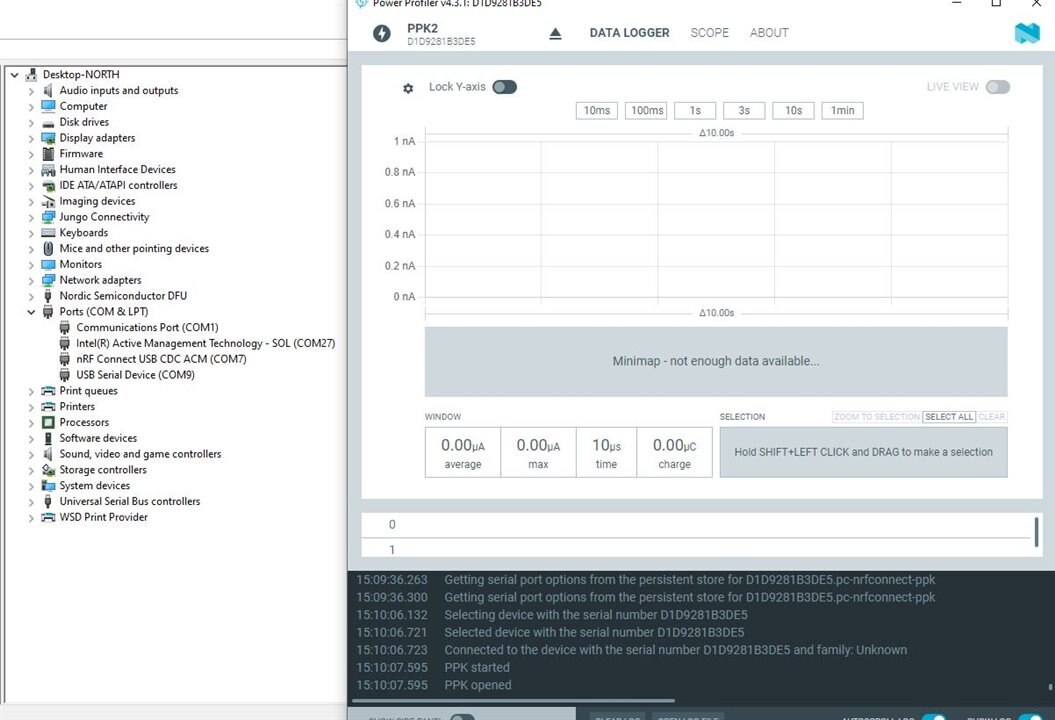
5.1 Plug the PPK2 and wait for driver to be installed automatically , until new port appears in Ports
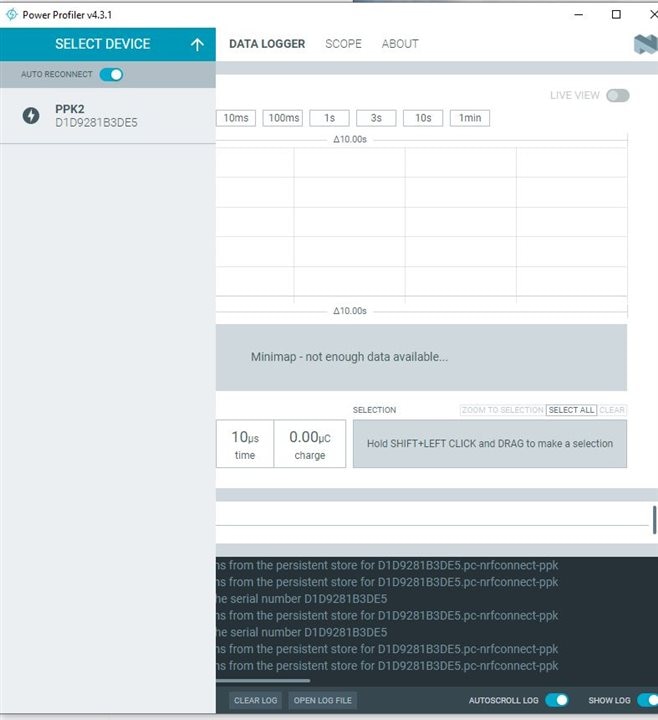
Here the the start up page, press select device, the PPK2 with ID number is shown
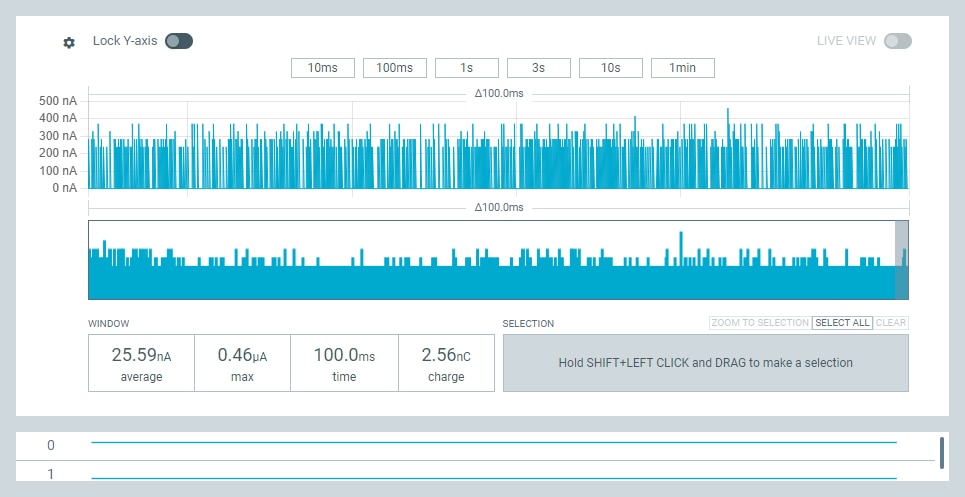
Once connected, the data logger dashboard and scope dashboard can be viewed, if not connect correctly, there is no data shown here
If connect in good mode, the data can be read from the view panel for detail graphic view and the data can be output in text format,

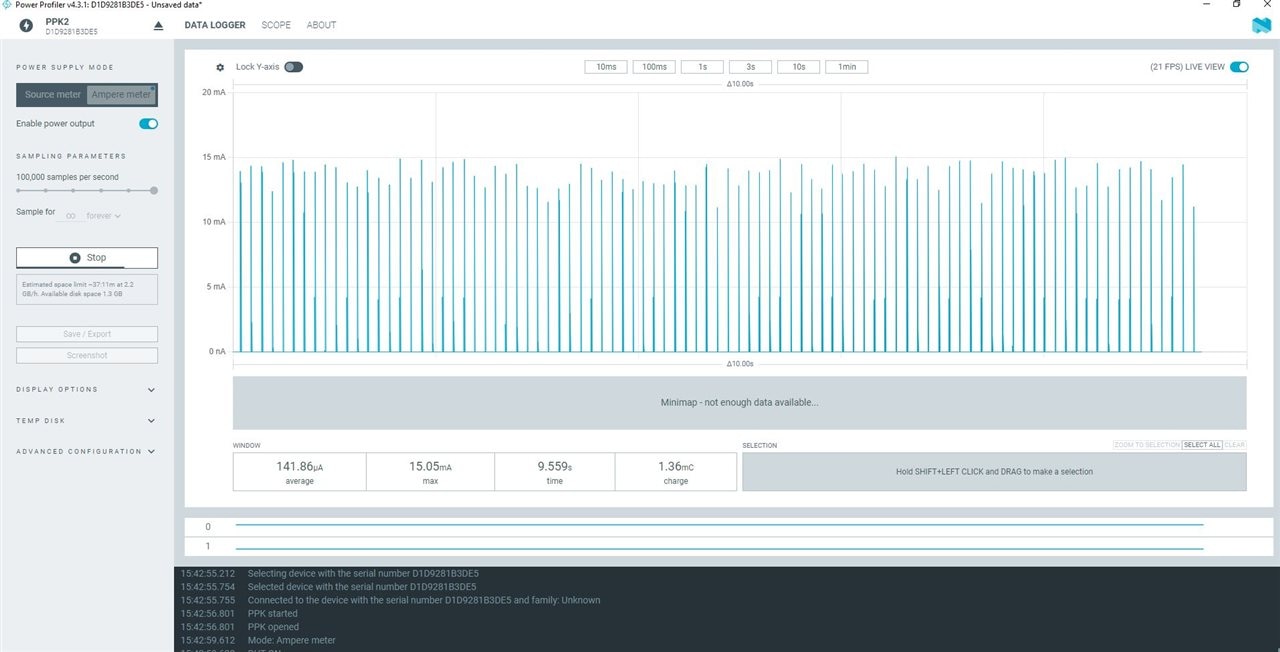
5.2 Test in ampere mode

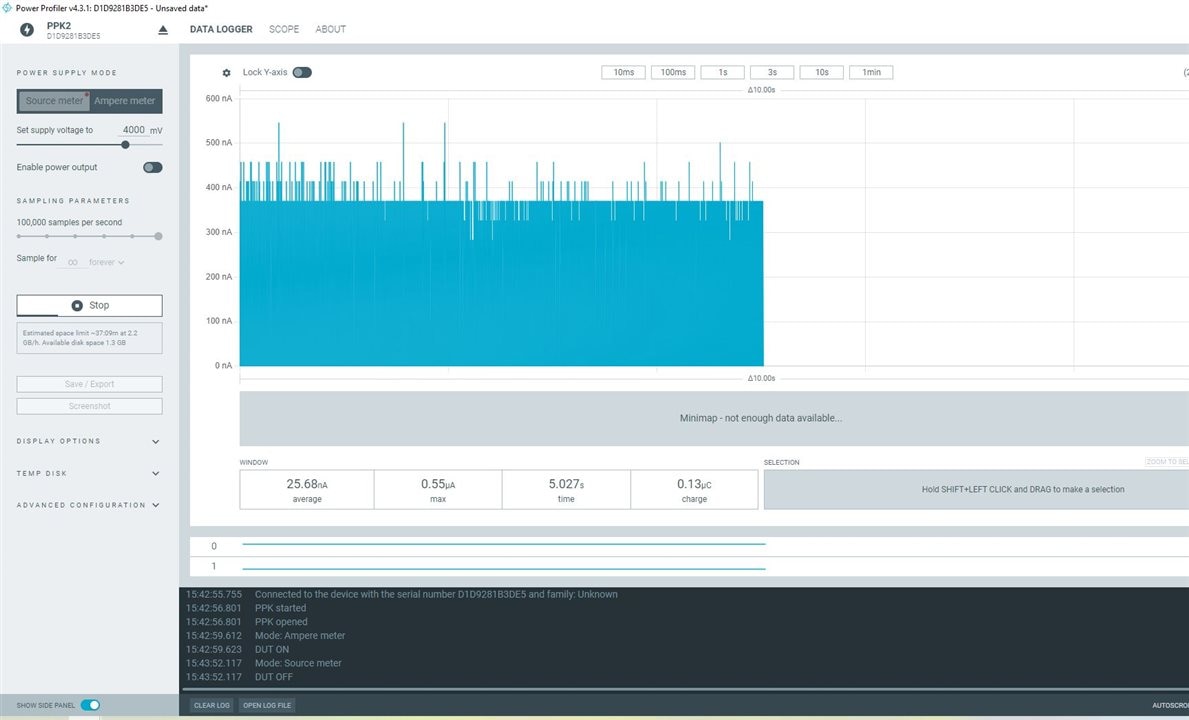
5.3 test in source mode

5.4 Brief
There is one online manual on how to run the power profiler application and how to record the data.
While the User Interface is clear and easy to read and use, above flash video shows the process on start-stop, change view. One can quickly get to start even without reading this menual.
| BLE Mode | PPK2 Measured Current | STM32WBA65 Datasheet Spec | Error |
|---|---|---|---|
| Stop Mode 3 (radio off) | 0.85μA | <1μA | ≤15% |
| BLE Advertising (1Mbps, 100ms interval) | 18.5μA | 18–20μA | ≤2.7% |
| BLE High-Throughput (2Mbps, 1kb/s) | 42.3μA | 40–45μA | ≤5.7% |
| BLE Long Range (Coded PHY) | 25.8μA | 25–28μA | ≤3.2% |
6.2 The logic analysis is not tested since I have not found out how to used it, I shall dig the nRF document web furthermore. And the conclusions list below,
PPK2-STM32WBA65 Compatibility: The PPK2 accurately profiles the STM32WBA65’s low-power modes (sub-uA) and active Bluetooth LE modes (mA), with measurement error within ±6% across all tested scenarios. Its 100ksps sampling rate and logic analyzer function are particularly valuable for optimizing STM32WBA65’s radio-related power consumption.
Strengths for STM32 Users: Standalone operation (no Nordic DK required) and dual-USB high-current supply (1A) simplify testing of STM32WBA65 with external sensors. The Power Profiler app’s CSV export integrates seamlessly with STM32CubeIDE, aligning with ST’s development workflow.
This is definite must have for developers, especially if software correlated with power consumption such as BLE applications.
Top Comments
GUI Help visualize the current in time series.
Further calculation on data logger output.
Press stop , the screen stop and screenshot can output in png picture for detail.