


In my last blog, I explained the working of both the Hats connected with pi using the Pico Hat Hacker. There is only one BME temperature/Humidity sensor is connected with this kind of connection.
My idea was to have more sensors at different places of the 1m3 space to monitor the environment effectively. In fact the research shows that the Plant growing chamber currently on IIS in space
has more than 180 different types of sensors to monitor the environment effectively also with IR camera to have control even during the nights. It is not required from the astronauts to take care of \
the chamber every day, more or less it is fully controlled from the ground station.

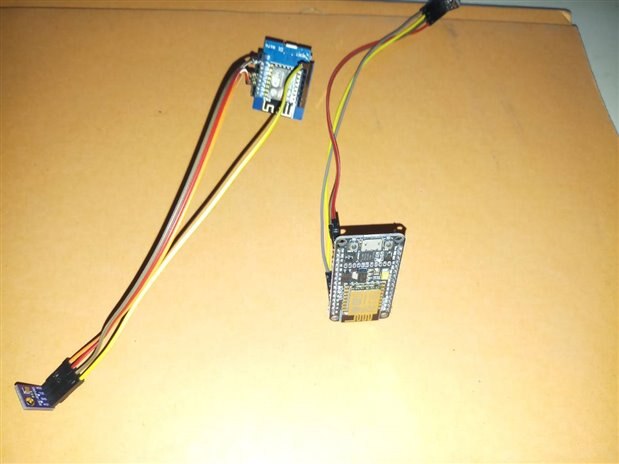
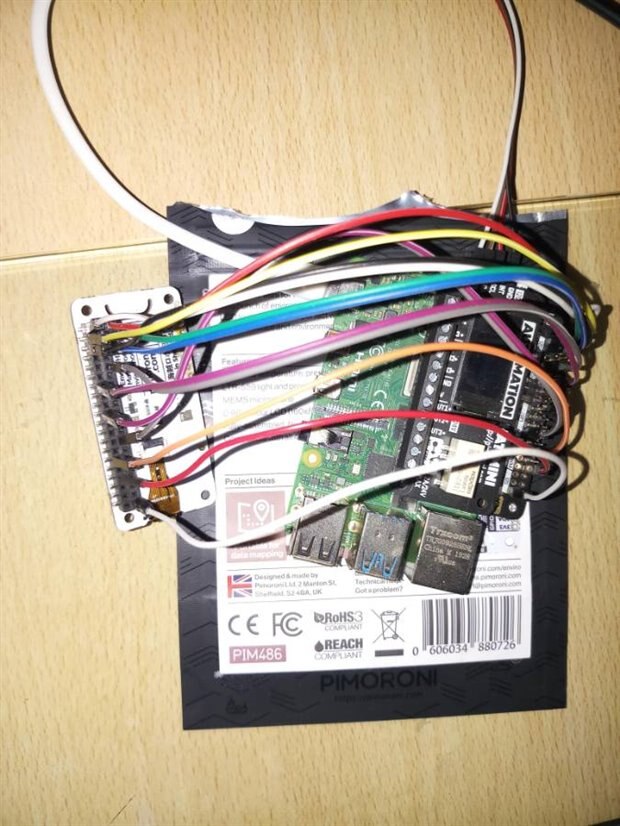
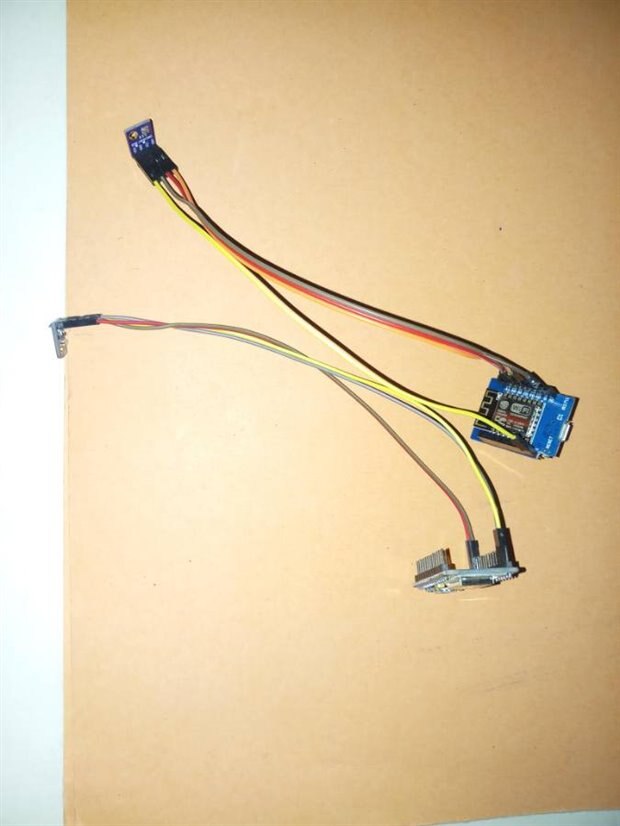
For MQTT with Python, there is Paho.MQTT python package which will be able to receive the sensor data in different ways.
The library has explained callback functions that take care of publishing/subscribing of the sensor values.
In my case, I use the loop functions to publish/subscribe for some time to get the sensor values.
I would collect the sensor values and make the adjustment of light and temperature in a controlled manner.!!
What do you think about my idea?
pip install paho-mqtt
The following code will run inside the main loop to get the remote temperature/humidity data over MQTT.
def get_remote_temp():
    client = mqtt.Client()
    client.username_pw_set(mqtt_user, mqtt_pass)
    client.on_connect = on_connect
    client.on_message = on_message
    client.on_disconnect = on_disconnect
    client.loop_start()
    client.connect(ser_add, 1883)
    sleep(3)
    client.loop_stop()
There are the following loopback functions
def on_connect(client, userdata, flags, rc):
    print('connected with code' + str(rc))
    client.subscribe((mqtt_topic,0))
    client.subscribe((mqtt_topic1,0))


def on_message(client, userdata, msg):
    payload = msg.payload
    print(msg.topic)
    print( payload)
    #print (processed)
    #print(float(str(msg.payload)))


def on_disconnect(self, client, userdata, rc):
    self.disconnected.set_result(rc)
Top Comments