


1 Unbox Uno Q
Here is Uno Q,this is hybrid system with bridge between Linux and C++ coding.
front side

rear side

Power on with Arduino Logo flash during startup

2 Plug and rung with Arduino lab
Install arduino App lab , run and wait board to be detected.
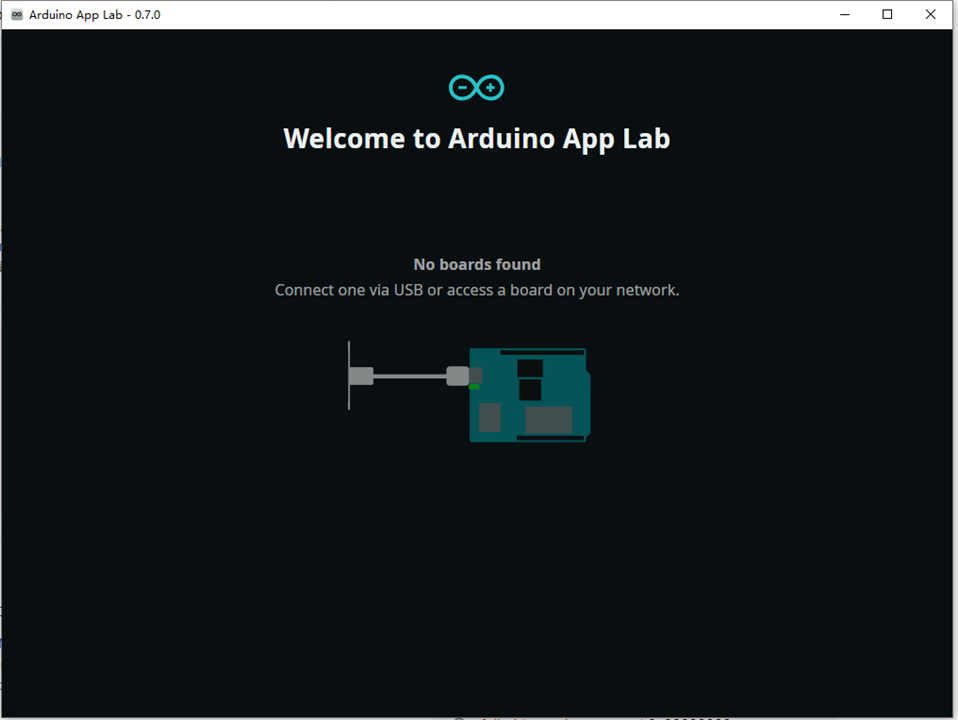
refesh until it is detected,
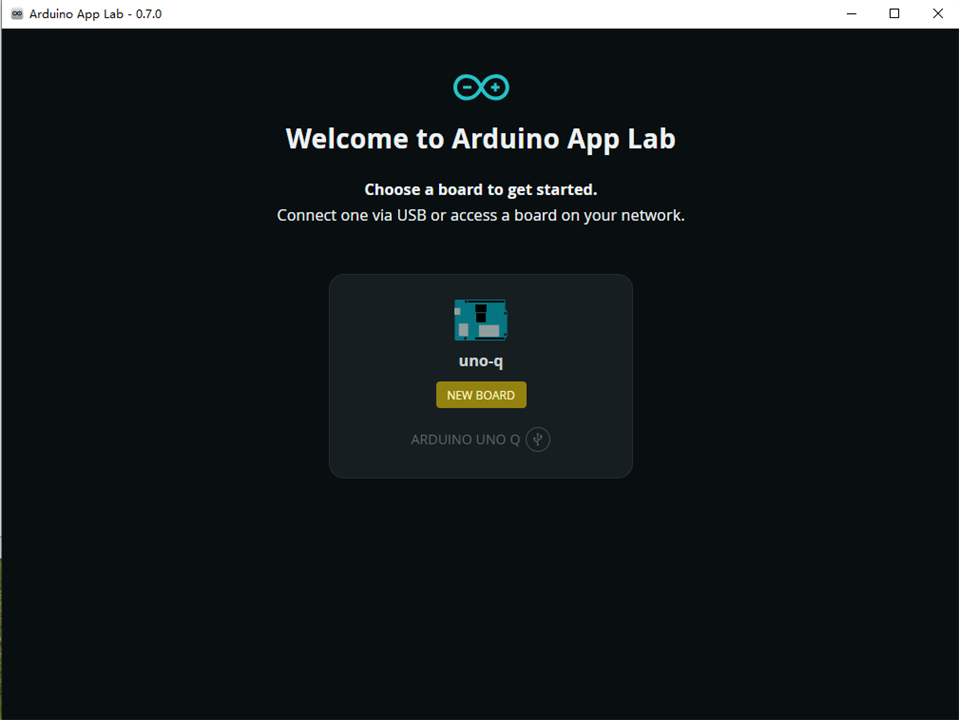
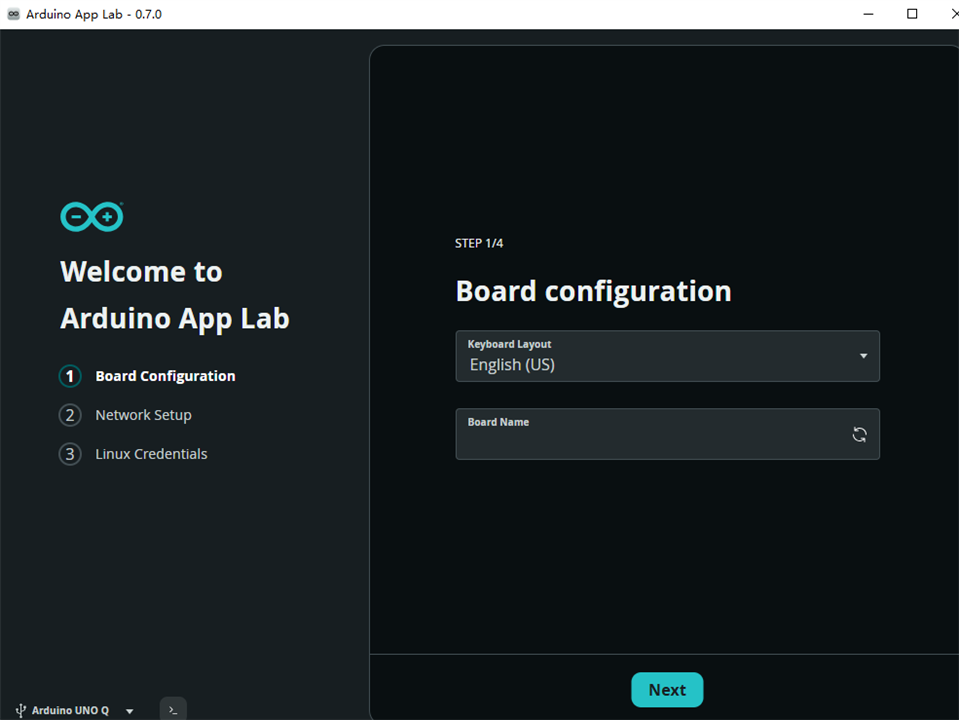
first time configuration,
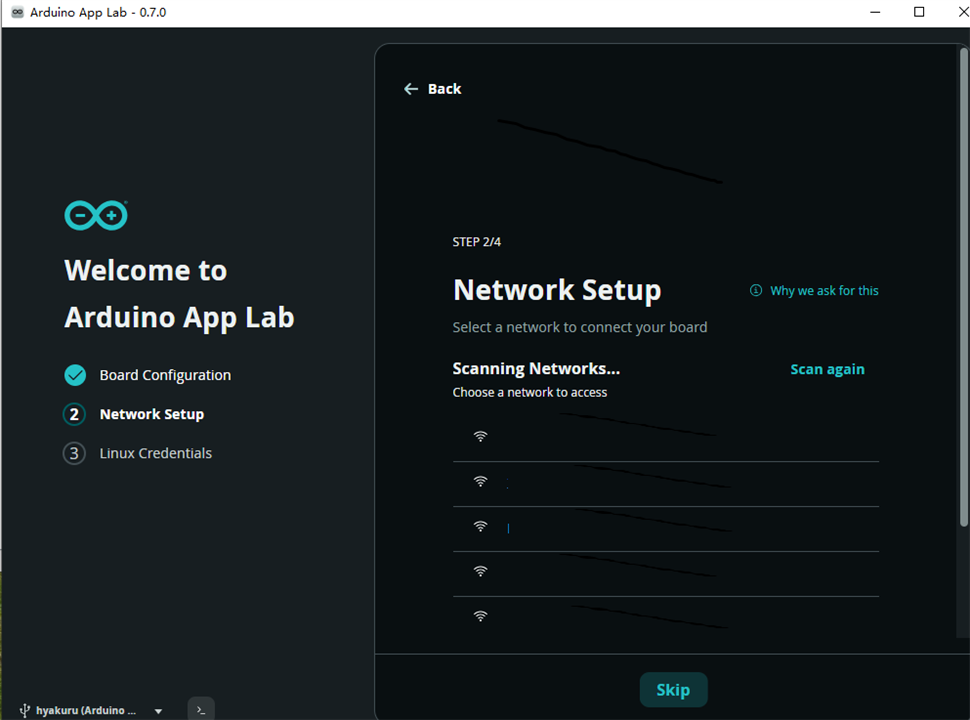
THen wireless configuration
setting password
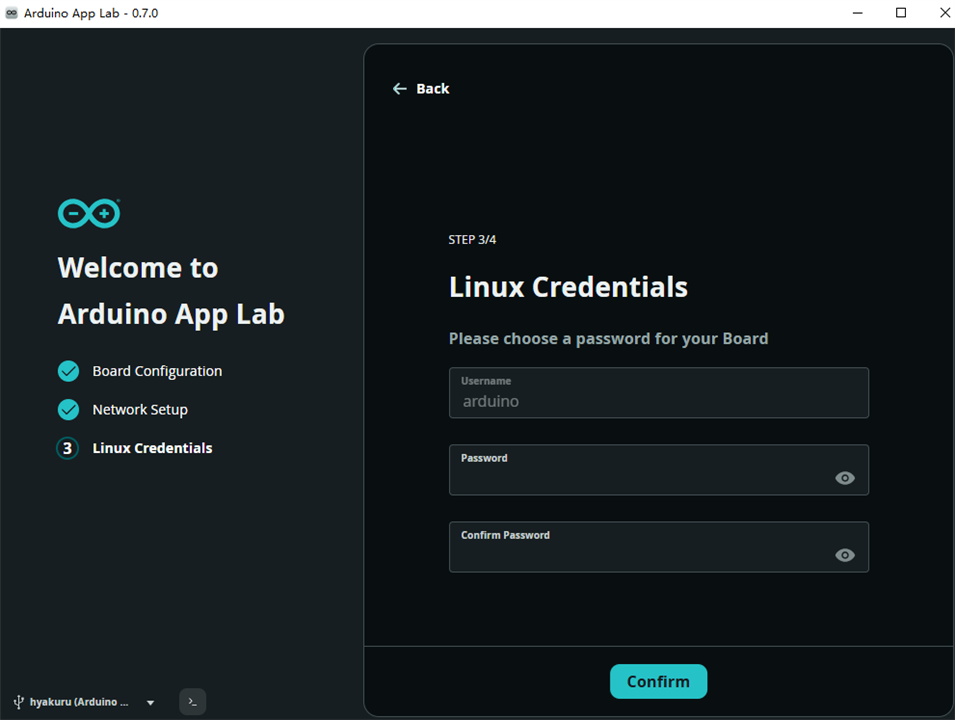
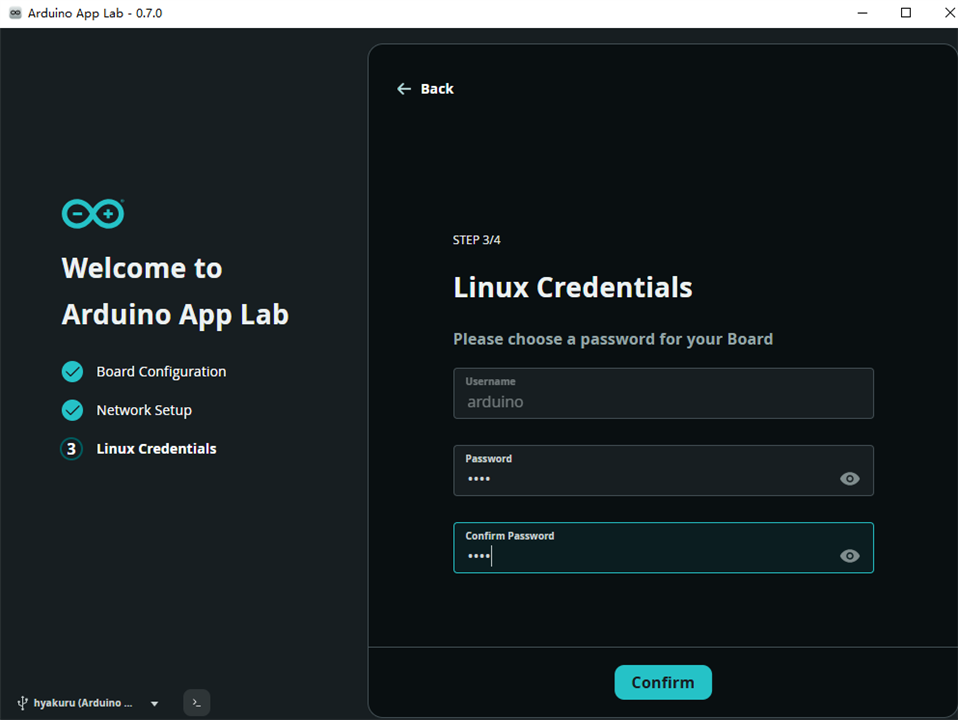
type two times,
then going to load update from sources
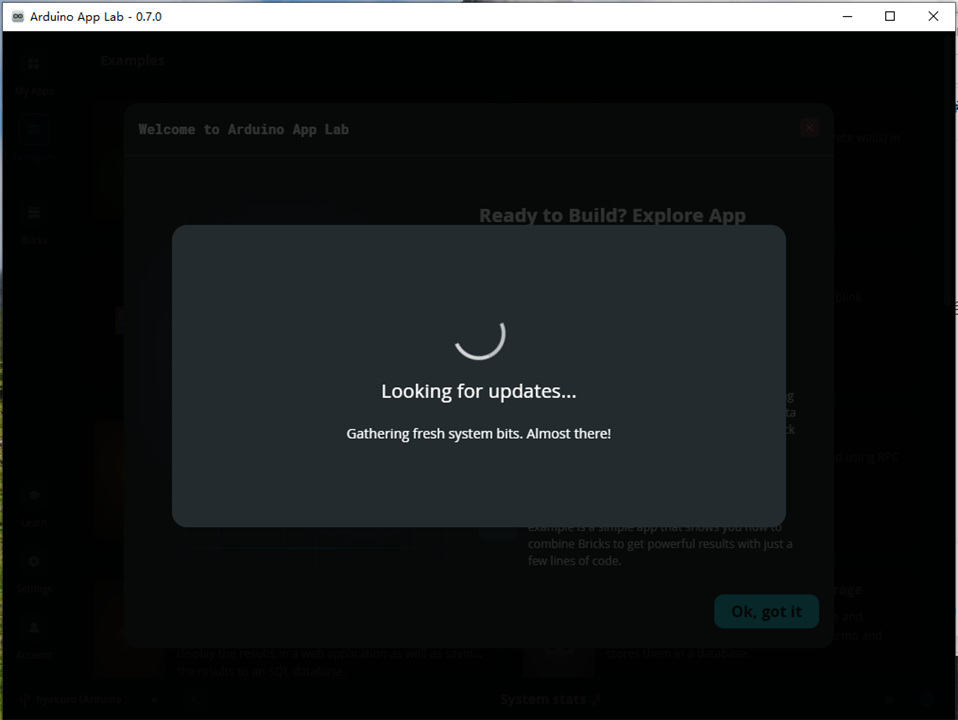
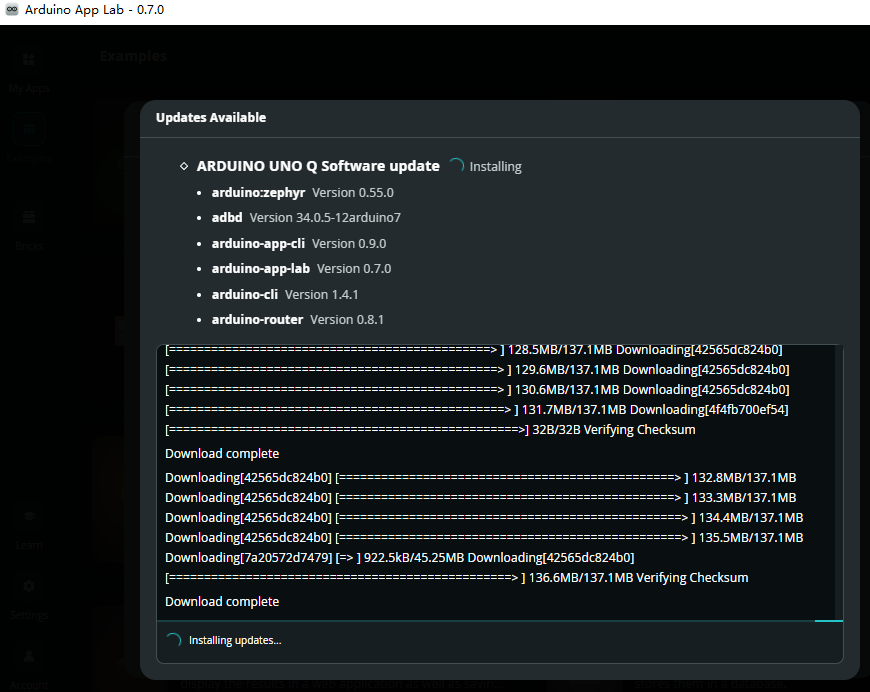
here is how it updated
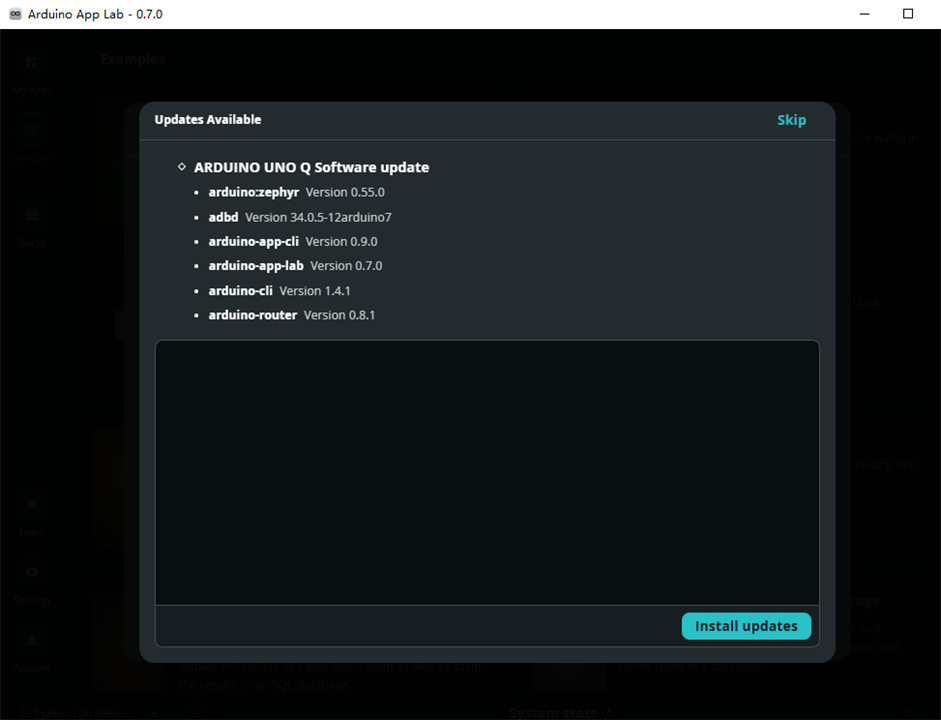
update while downloading
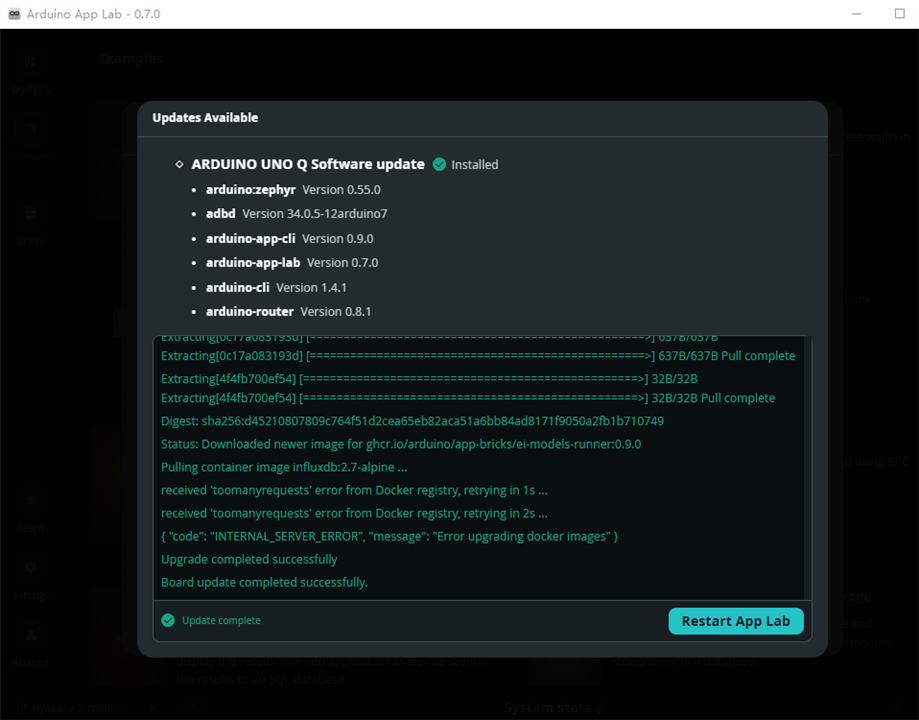
finally, it completed
3 First run
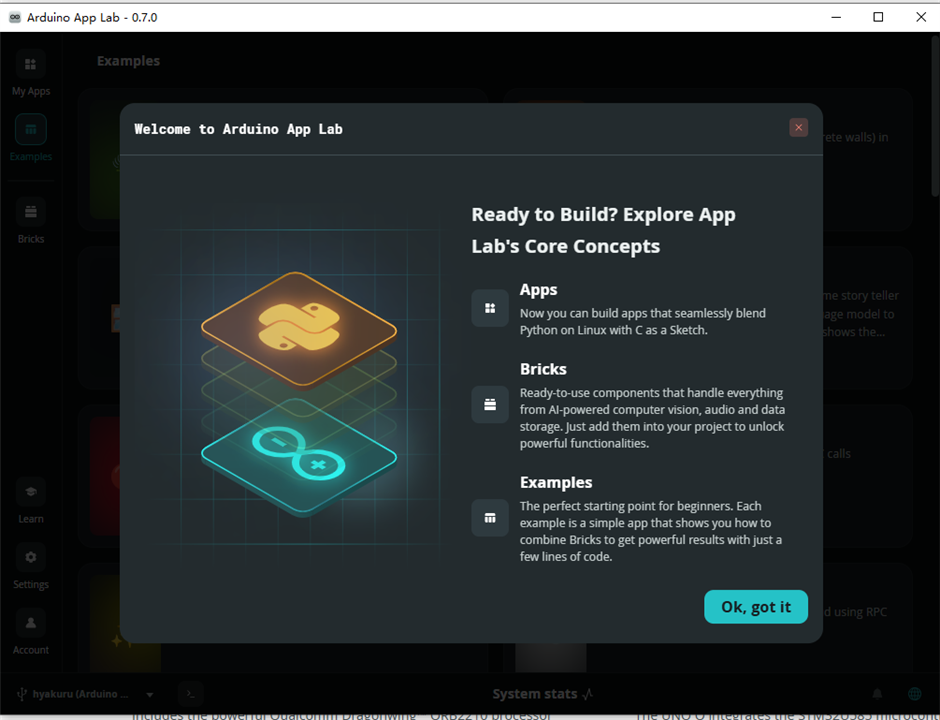
First time run
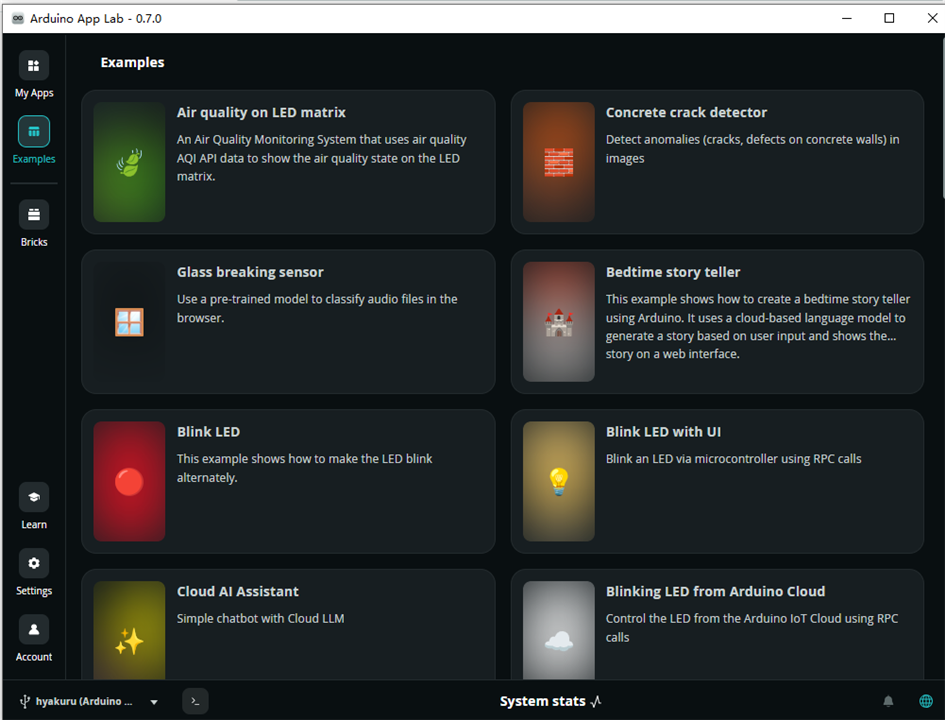
Example can be found for reference
and setting page for Uno Q information
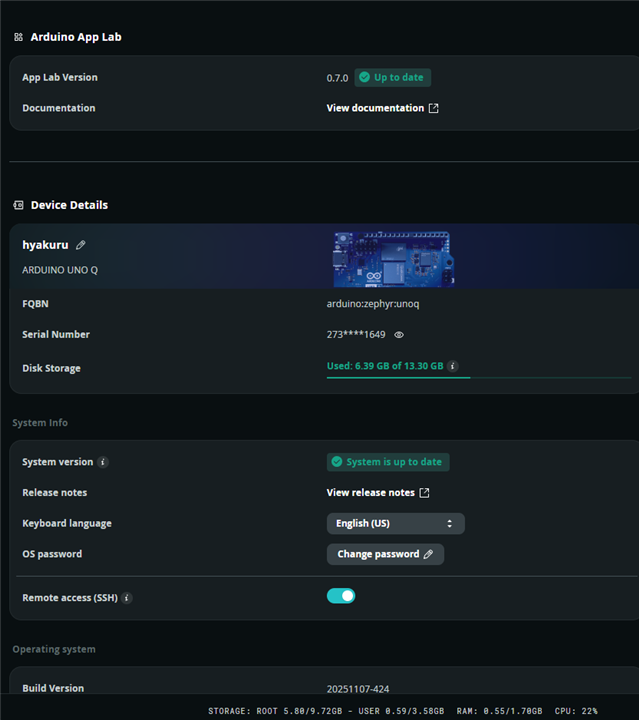
Then , the Uno Q is up-to-date and ready to go for this project
