Lab 5 is titled Connecting SDK to Hardware. This is the first time I have had to use the dev. board since starting the Software labs. The objectives are to learn how to:
- Setup the dev. board for operation
- Program a bitstream into the PL
- Configure the ARM PS over JTAGusing the TCL
- Run an application
- Debug an application
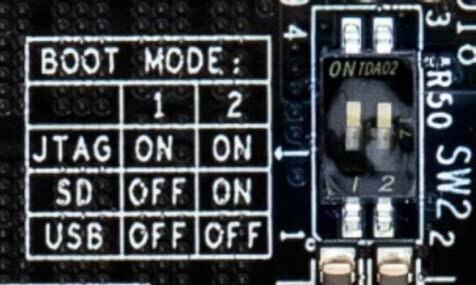
I had to connect the JTAG/UART pod to the board and set BOOT jumpers on the board to boot from JTAG.
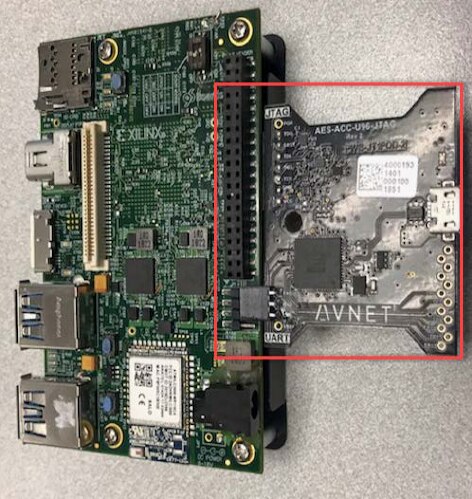
The image below is for the Ultra96-V1 board. The Ultra96-V2 does not have the USB boot option.
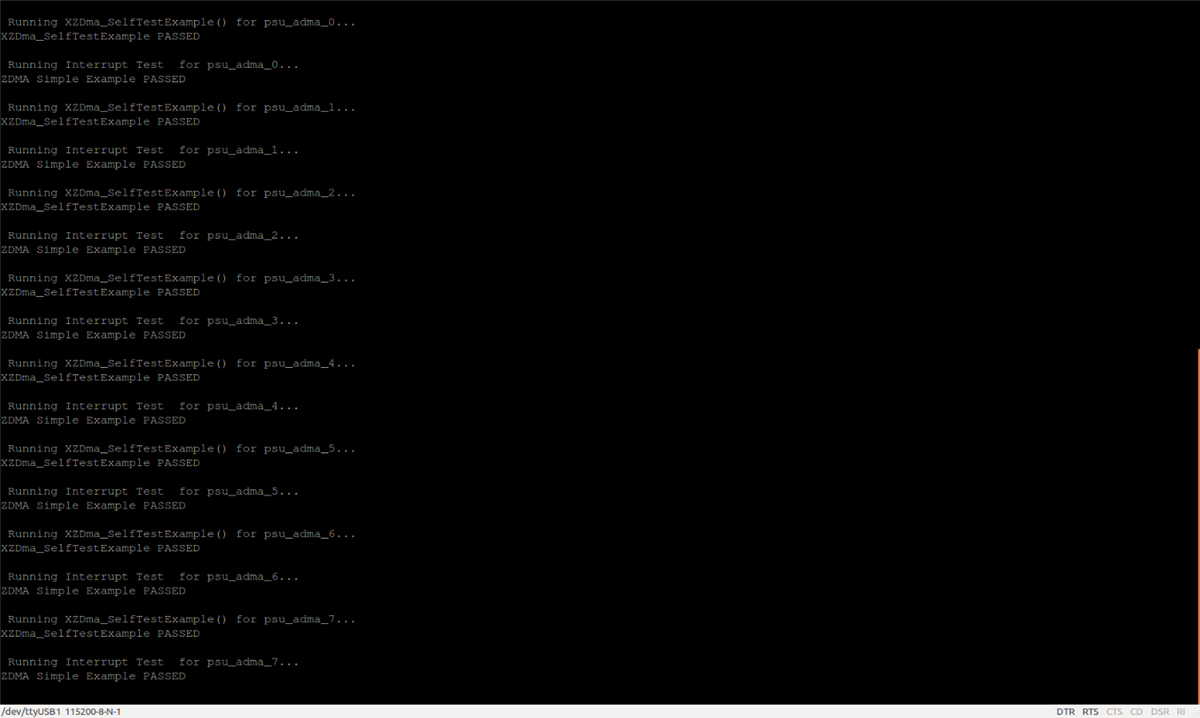
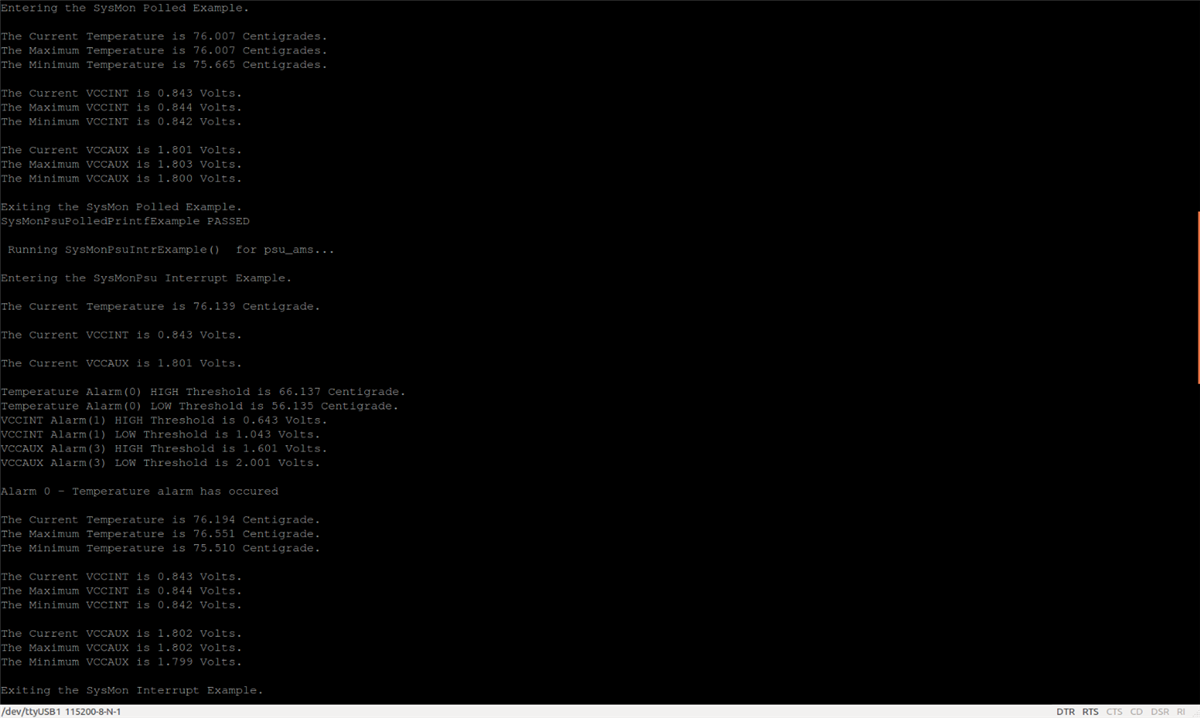
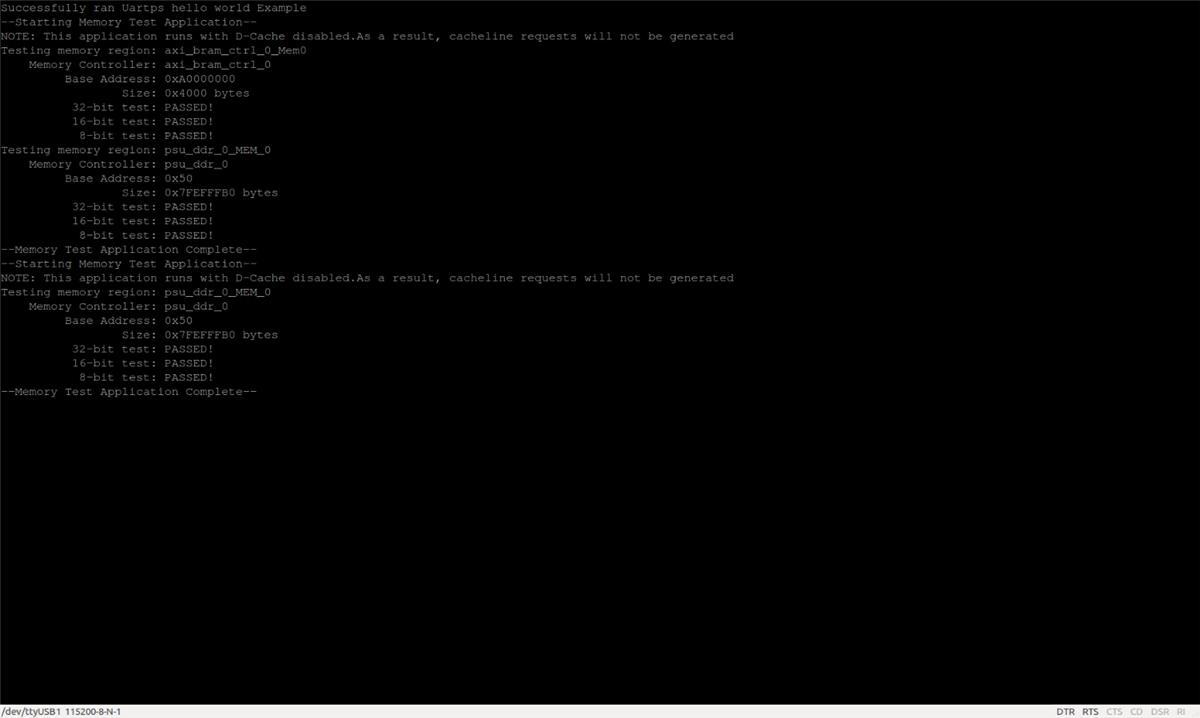
The terminal output of the board was used for application outputs, so I finally go to use the Ubuntu Serial Terminal installed in a previous lab. See below.
I successfully tested applications:
- Hello World
- Test_Memory
- Test_Memory_1MB
The Debug Configuration used to Debug Software running in the Zync MPSoC is shown below. It was fairly straight forward except when I tried to restart after stepping through some code. I got an error but luckily the work around was highlighted in the Lab write up.
If you get an error, then reload by clicking the pulldown next to the debug icon and select System Debugger using Debug_Test_Peripherals.elf on Local.
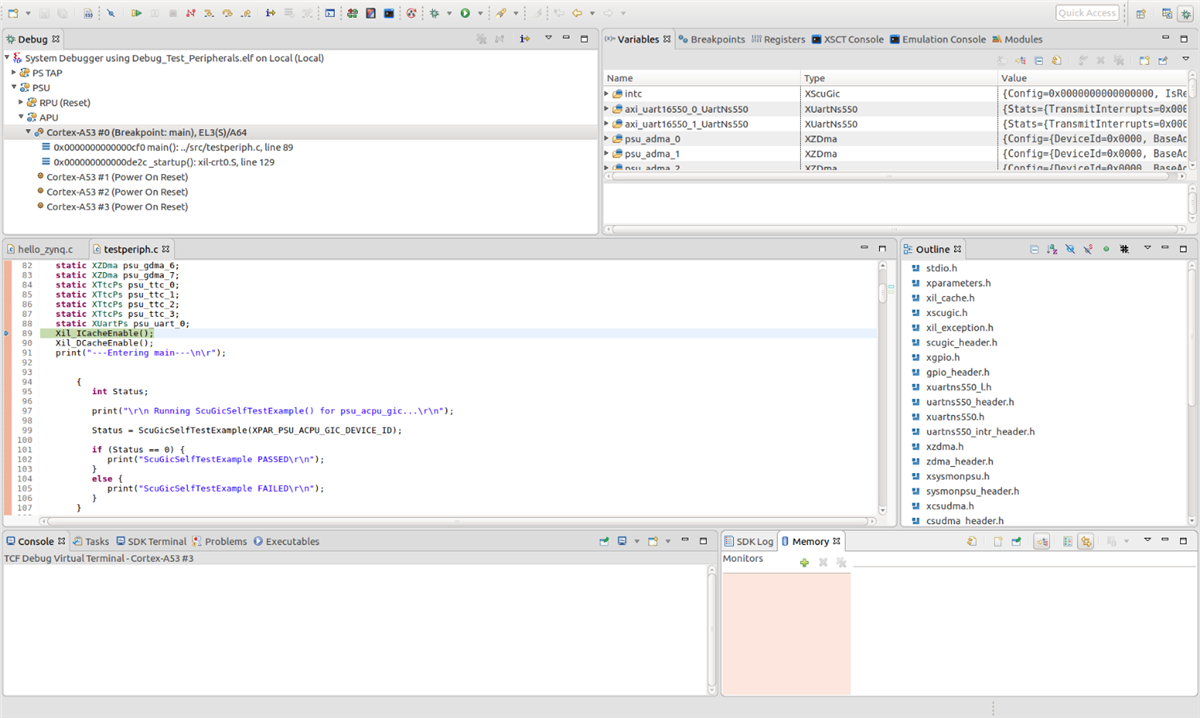
I setup breakpoints and could monitor variables, registers and etc in the Debug Configuration.