With the FSBL and PMU firmware done in Lab 06, Lab 07 involved learning how to create a boot image and boot one of my applications from non-volatile memory. A complete boot-up typically of the Zynq requires four things:
1. FSBL
2. PMU Firmware
3. Bitstream
4. Application
The lab showed me how to combine those four things pieces to create the boot image for the microSD Card. At the end of the lab I was bale to:
• How to create a boot image
• Boot from SD Card
I used the Test_Peripheral application from a previous lab as the source application used to create the boot image used for the lab.


Two files are created by the Create Boot Image: .bin and .bif. These were copied to an SD Card that had nothing else on it. The application was small enough for me to use a 4Gb SD Card. I have another SD card that boots the factory Petalinux image.
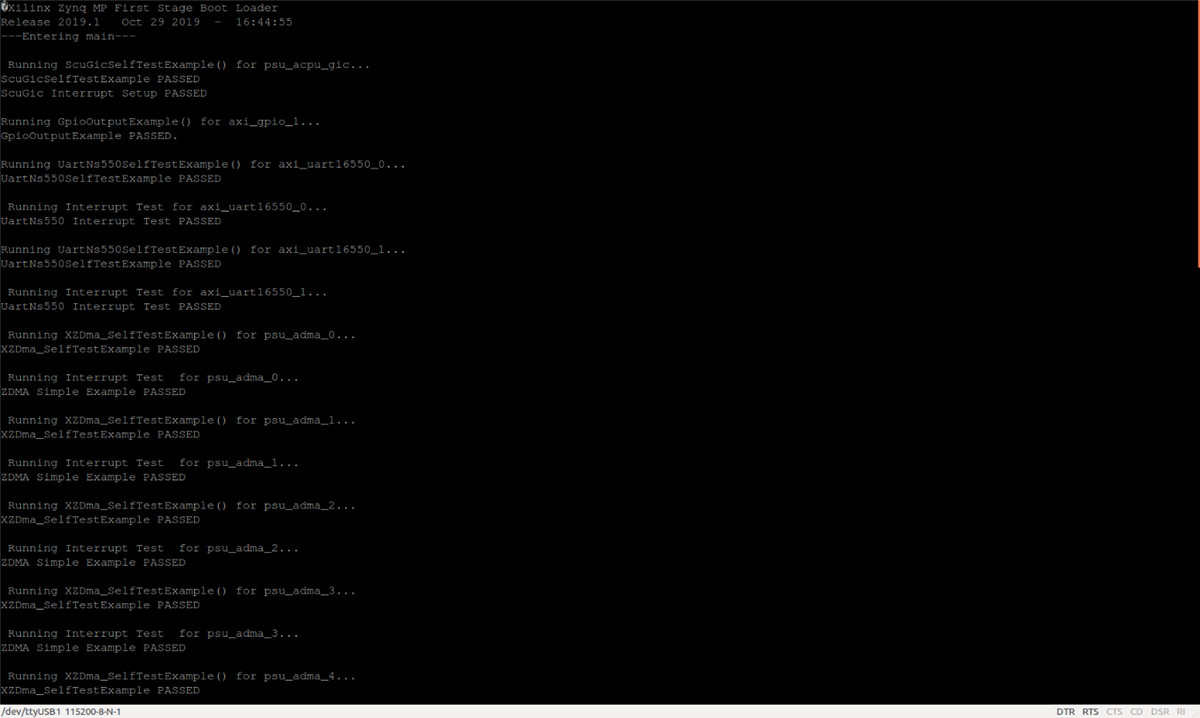
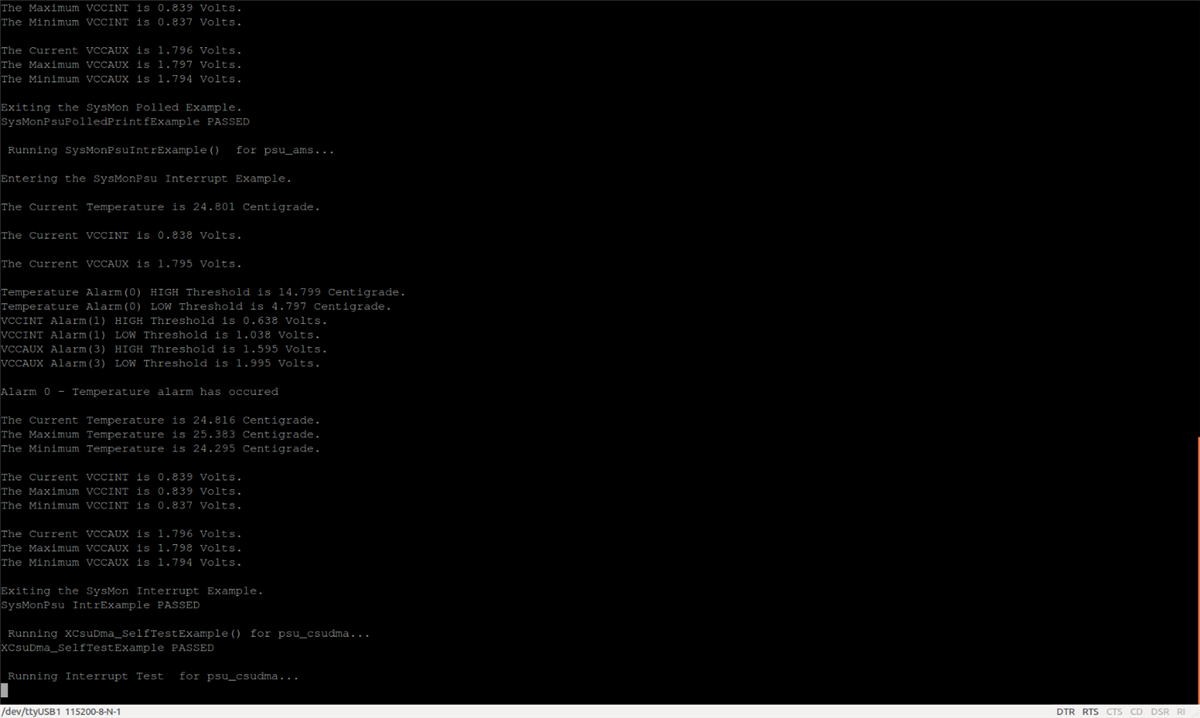
I set SW4 to Boot Mod: SD, then cycled power and the messages below were outputted in the terminal window (see below), verifying that the board booted from the sd card.