element14 Community
element14 Community
    Register Log In
  • Site
  • Search
  • Log In Register
  • Community Hub
    Community Hub
    • What's New on element14
    • Feedback and Support
    • Benefits of Membership
    • Personal Blogs
    • Members Area
    • Achievement Levels
  • Learn
    Learn
    • Ask an Expert
    • eBooks
    • element14 presents
    • Learning Center
    • Tech Spotlight
    • STEM Academy
    • Webinars, Training and Events
    • Learning Groups
  • Technologies
    Technologies
    • 3D Printing
    • FPGA
    • Industrial Automation
    • Internet of Things
    • Power & Energy
    • Sensors
    • Technology Groups
  • Challenges & Projects
    Challenges & Projects
    • Design Challenges
    • element14 presents Projects
    • Project14
    • Arduino Projects
    • Raspberry Pi Projects
    • Project Groups
  • Products
    Products
    • Arduino
    • Avnet & Tria Boards Community
    • Dev Tools
    • Manufacturers
    • Multicomp Pro
    • Product Groups
    • Raspberry Pi
    • RoadTests & Reviews
  • About Us
  • Store
    Store
    • Visit Your Store
    • Choose another store...
      • Europe
      •  Austria (German)
      •  Belgium (Dutch, French)
      •  Bulgaria (Bulgarian)
      •  Czech Republic (Czech)
      •  Denmark (Danish)
      •  Estonia (Estonian)
      •  Finland (Finnish)
      •  France (French)
      •  Germany (German)
      •  Hungary (Hungarian)
      •  Ireland
      •  Israel
      •  Italy (Italian)
      •  Latvia (Latvian)
      •  
      •  Lithuania (Lithuanian)
      •  Netherlands (Dutch)
      •  Norway (Norwegian)
      •  Poland (Polish)
      •  Portugal (Portuguese)
      •  Romania (Romanian)
      •  Russia (Russian)
      •  Slovakia (Slovak)
      •  Slovenia (Slovenian)
      •  Spain (Spanish)
      •  Sweden (Swedish)
      •  Switzerland(German, French)
      •  Turkey (Turkish)
      •  United Kingdom
      • Asia Pacific
      •  Australia
      •  China
      •  Hong Kong
      •  India
      • Japan
      •  Korea (Korean)
      •  Malaysia
      •  New Zealand
      •  Philippines
      •  Singapore
      •  Taiwan
      •  Thailand (Thai)
      • Vietnam
      • Americas
      •  Brazil (Portuguese)
      •  Canada
      •  Mexico (Spanish)
      •  United States
      Can't find the country/region you're looking for? Visit our export site or find a local distributor.
  • Translate
  • Profile
  • Settings
Rocking Raspberry Pi
  • Challenges & Projects
  • Design Challenges
  • Rocking Raspberry Pi
  • More
  • Cancel
Rocking Raspberry Pi
Blog Start of My Rocking Raspberry Pi RoadTest
  • Blog
  • Forum
  • Documents
  • Files
  • Mentions
  • Sub-Groups
  • Tags
  • More
  • Cancel
  • New
  • Share
  • More
  • Cancel
Group Actions
  • Group RSS
  • More
  • Cancel
Engagement
  • Author Author: Former Member
  • Date Created: 19 Feb 2014 5:11 PM Date Created
  • Views 692 views
  • Likes 2 likes
  • Comments 0 comments
  • rockingraspberrypi
  • rocking_pi
Related
Recommended

Start of My Rocking Raspberry Pi RoadTest

Former Member
Former Member
19 Feb 2014

Hello Friends,


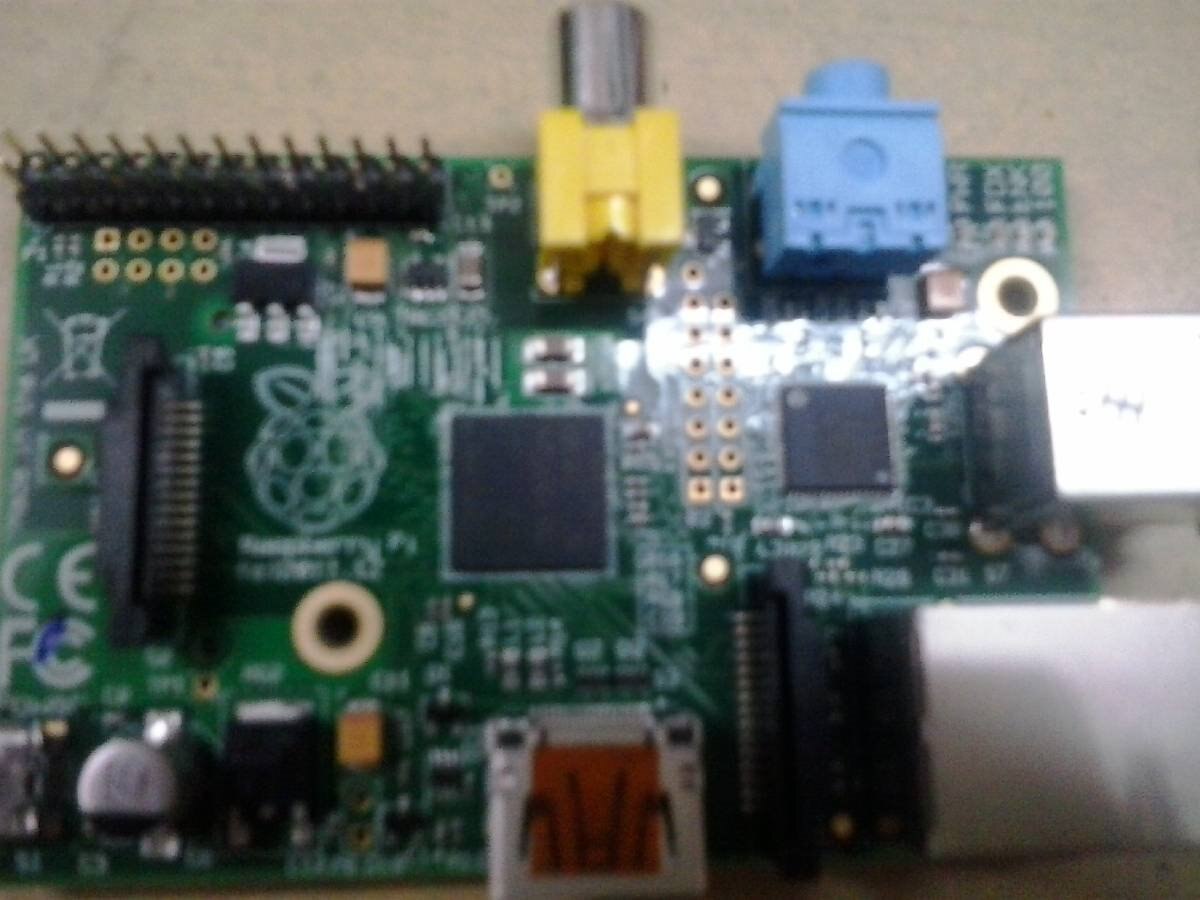
Here is my first blog post for the Rocking Raspberry Pi Challenge.Firstly,I would like to thank Cristian DeFeo and others for selecting me for the finals of Rocking Raspberry Pi RoadTest.Sorry for giving the post late,but I received my kit only today(19-02-2014).So I will be starting by giving a brief information about the whole kit and my idea for this Roadtest.This is Raspberry Pi:
image


But What is it?


It is a credit-card sized computer that plugs into your TV or Monitor.It was basically created with the intention of teaching basic computer science to school students.Now,It is used all over the world for various projects.

The Specifications for Raspberry Pi are:

  • Broadcom BCM2835 (CPU, GPU, DSP, and SDRAM)
  • 700 MHz ARM1176JZF-S core (ARM11 family)
  • Broadcom VideoCore IV
  • Memory: 512 Megabytes (MiB)
  • Video outputs: Composite RCA, HDMI
  • Audio outputs: 3.5 mm jack, HDMI
  • Onboard storage: SD, MMC, SDIO card slot
  • 10/100 Ethernet RJ45 onboard network
  • Storage via SD/ MMC/ SDIO card slot


PiFaceTm Control and Display:


image


PiFace Control and Display is a plug-and-play device which allows us to control Raspberry Pi without a keyboard or a mouse.The buttons in PiFace Control and Display are configurable according to needs of the user.It is ideal for use with Raspberry Pi for applications like Internet Radio and can be used with apps like XBMC.


Wi-Pi:


image

Wi-Pi is a wireless USB module which can be used for accessing Raspberry Pi wirelessly.Wi-Pi uses the 802.11n Wireless Technology,and

can support data rates of upto 150 Mbps.


My idea for the project-


I will be using the Raspberry Pi with XBMC installed to play high quality audio as well as video.Running audio files will involve using XBMC.But displaying music lyrics will involve use of PiFace Control and Display.I will also try to make it such that the karaoke machine can be controlled through a smarphone(preferrably through an app).This is my brief idea about the project.


I will write a post about installation of software, device and OS soon.


This is all for now,


With Regards,

Sourav Singh


  • Sign in to reply
element14 Community

element14 is the first online community specifically for engineers. Connect with your peers and get expert answers to your questions.

  • Members
  • Learn
  • Technologies
  • Challenges & Projects
  • Products
  • Store
  • About Us
  • Feedback & Support
  • FAQs
  • Terms of Use
  • Privacy Policy
  • Legal and Copyright Notices
  • Sitemap
  • Cookies

An Avnet Company © 2025 Premier Farnell Limited. All Rights Reserved.

Premier Farnell Ltd, registered in England and Wales (no 00876412), registered office: Farnell House, Forge Lane, Leeds LS12 2NE.

ICP 备案号 10220084.

Follow element14

  • X
  • Facebook
  • linkedin
  • YouTube