


Week 3 Blog
This week has seen more Python coding to produce menus and test out the capabilities of the PiFaceCAD. but it is not elegant enough to share just yet. I need to cobble together the Service Element from the Sysinfo program and the Internet Radio program so that i can get the Pi to start up the generator as a service on start up so that users don't need a console or TTY connection to use it.
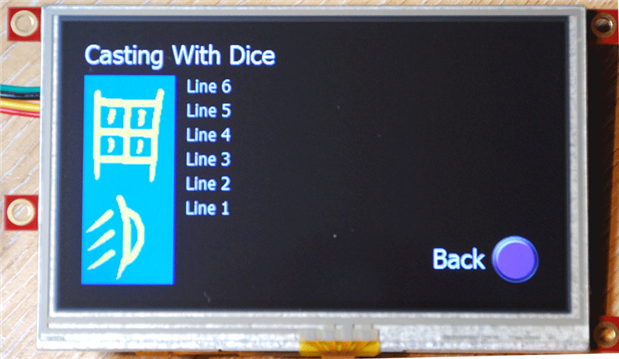
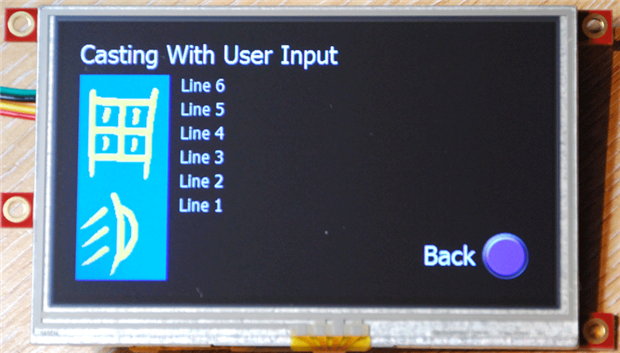
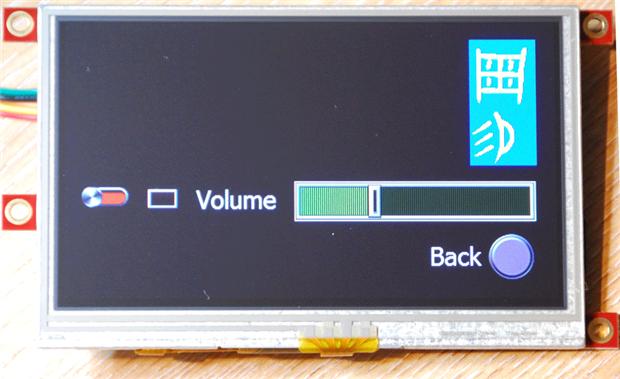
I do have some pictures to share, though, as I have been looking at the possibility of using one of the intelligent touch screen displays from 4D Systems in Oz http://www.4dsystems.com.au. I will still produce a PiFaceCAD version,even if I do keep this interface as an option. The big issue with the 4D display is the parameter passing between the display module and the Pi, so the PiFaceCAD version is likely to be less of a challenge. Here are some screenshots of the basic pages from a uLCD-43PT which has a 480x272 display with resistive touch screen and a Picaso processor (the uLCD-43DT with the Diablo processor is recommended for new designs).
Startup Screen Casting Options
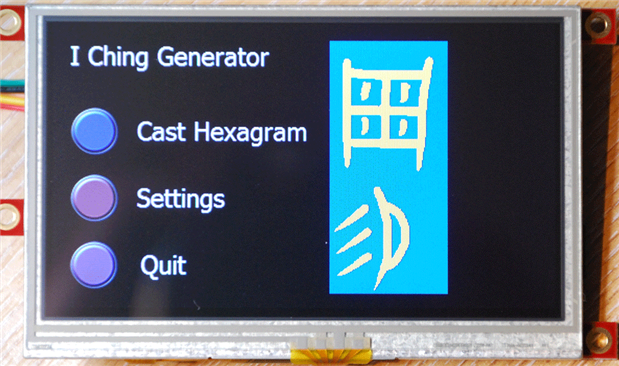
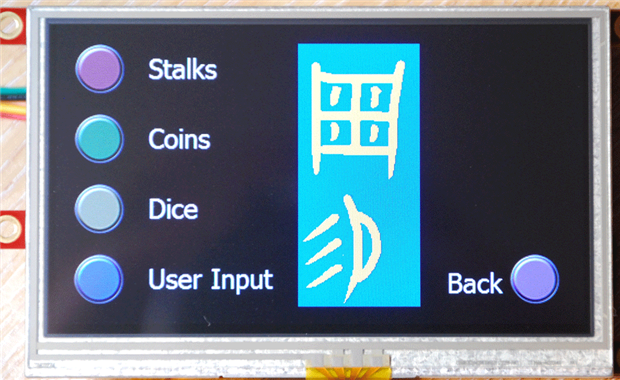
Casting Option 1 Casting Option 2
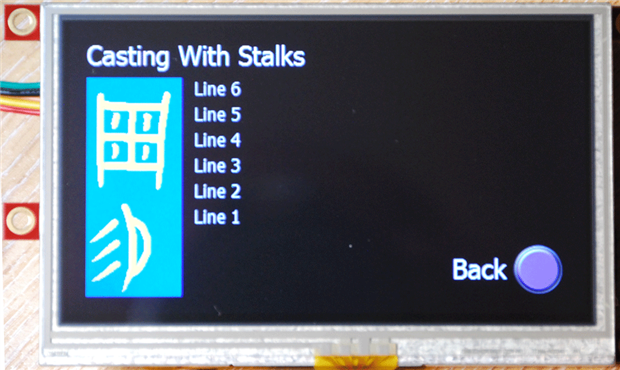
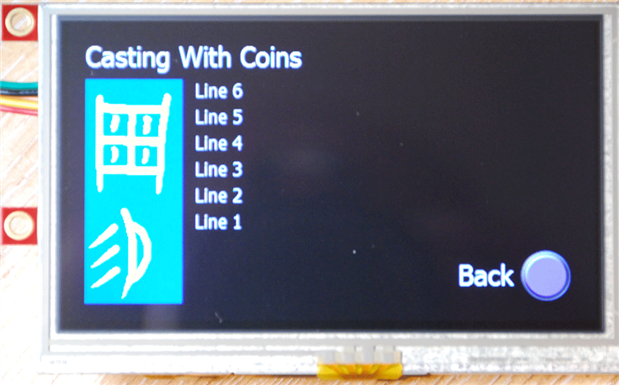
Casting Option 3 Casting Option 4
Settings Page
Kit Supply Update
Dave Hamblin of Element 14 contacted me regarding the bits that were not delivered. It seems that apart from the Pi A+, which i did not need, i might be getting the remaining bits.at some stage. I was intending to use the Wolfson Audio card to do the voice output for the interpretation. Also the I Ching is supposed to be a random creation based on the state of the universe at the time it is cast so the RTC Shim and GPS/Accelerometer bits would give the user options of what inputs to to select as seeds for the random number generator.
I will be off work next week with fewer other interruptions to get in the way, so expect more progress by this time next week.