


The HDMI Monitor
As I mentioned in some post before, the initial idea to use a separate tablet as display unit has been expanded and simplified, using an LCD display integrated with the device. With the advantage to use the external smartphone or tablet as the access point for tethering only.
The two images below shows the prototype display. It was already available so it is sufficient to make tests but it is 4:3.

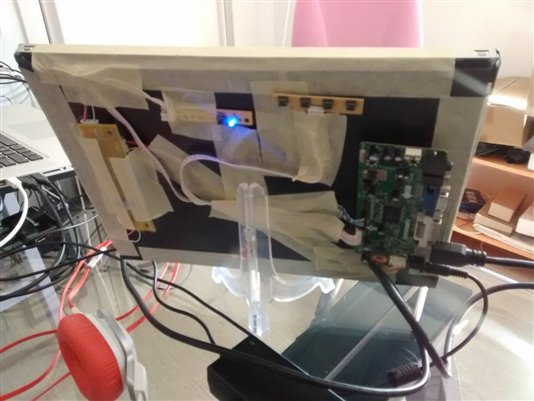
The used monitor is a non-standard HDMI; I mean that it supports the HDMI input but as a matter of fact it is a 4:3 proportion screen so you can see the image is stretched.
The screen resolution fine-tuning
If the monitor is not the standard HDMI, frequency etc, there is a complete wiki page explaining how to properly set the file /boot/config.txt accordingly with the monitor characteristics.
Following the clear explained settings it is possible to calibrate the GPU settings at boot to manage the display accordingly with the screen size, resolution, aspect ratio and scan frequency. It is not possible to write down a tutorial due the wide number of options and the fact that in most cases these settings strictly depends on a certain screen characteristics. In fact it is not a too risky operation to make tests if the boot is set to not start immediately the graphical environment. If something goes wrong it is always possible to step back with the settings without problems. Just following this empirical method I have set the display changing the following parameters (the order they appear in the config.txt file does not matter):
# Custom resolution settings
hdmi_group=2
# Set to 1024x768 60Hz
hdmi_mode=16
# Set the screen to composite PAL (maybe meaningless for the HDMI output)
sdtv_mode=2
# Screen aspect ratio  (maybe meaningless for the HDMI output)
sdtv_aspect=2
The following image shows the correct proportions on the screen after reboot.
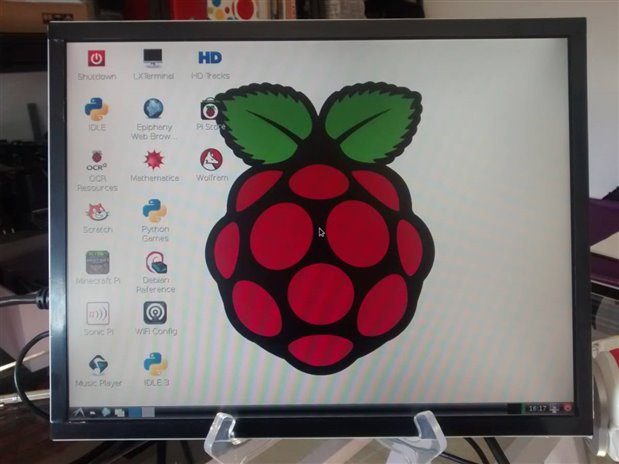
Now the proportions are correct but the screen resolution was too low as far as I know for this LCD. Keeping the same aspect ration and the same refresh rate the screen settings has been changed again to
#  Custom resolution settings
hdmi_group=2
# 1280x950 60 Hz
htmi_mode=32
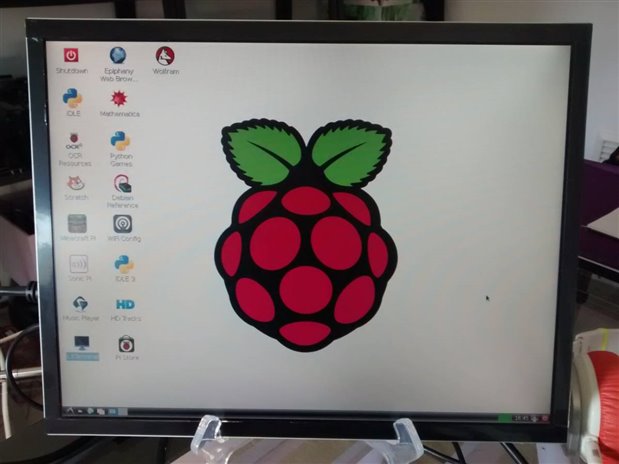
As shown in the next image now aspect ration and resolution are correct (note the different size and disposition of the icons on the desktop in these last two images). All the settings tables are included in the mentioned wiki page that is attached to this post in PDF format for any use.
| RPiconfig - eLinux.org.pdf |
