


One more announcement - I have successfully booted my Raspberry Pi 2 and checked its performance. What can I say?
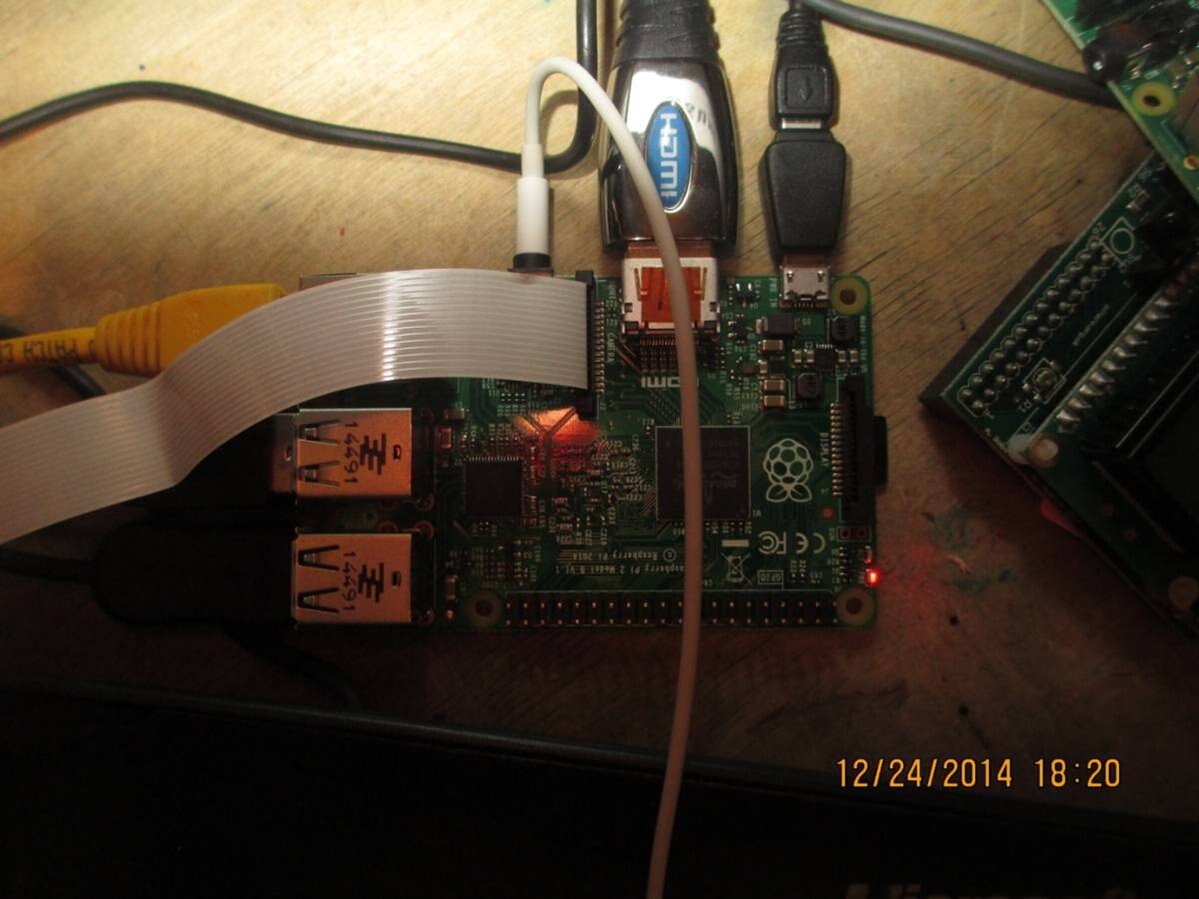
- It can easily perform as a desktop PC for developing this project, for example. Still nothing like 50 browser tabs without lag, but it's pretty much awesome - certainly better than RPi 1 =) I feel like I could make the entire project using it.
- With supplied MicroSD card, you don't get raspi-config fully working (no proper memory division dialog or camera function) until you do apt-get update&&upgrade. But then, it's much faster than it used to be, so that little detail doesn't matter =)
- Minecraft already on the card =) As well as Wolfram and some other things. See...
I'm building something that'd be a convenient&fast personal helper, not something that'd lag all the time. Do I need Wolfram? I doubt yet. Minecraft? Nah, I feel more like adding something more useful first.
IMHO the default environment is pretty bloated, and I think you should spend time installing things, not deleting them. Not only that speeds up the debugging for me, but also helps me be sure that I can customize the hell out of it.
As you can understand, clean install it is... How does one cleanly install Raspbian?
There's a netinstaller. Basically, you write it on the card, boot from it and watch it install the base system automagically. After that, you're left with a system that hardly takes space on an SD card (might want to see how much it took the last time I used it), is fast, non-bloated and shows a nice text console that enables you to install anything you want.
So - you want a clean system? Just use this tool. One thing - I haven't yet tested it with Raspberry Pi 2. Will do soon and make a quick tutorial.
Another thing I'll do is upgrade from 'stable' to 'testing'. I do that every time, and it's helping a lot. See, it basically installs newer versions of packages that are less tested but are more advanced and that's often a killer feature of this release.
Pros? You get newer versions of packages. That means bugfixes, features for you to use and often speed advancements. For example, two years before upgrading to 'testing' has solved USB connectivity problems I was having a lot - seems that patches were still on their way to 'stable'.
Cons? People hardly ever do this, it seems, so there might be less support, but then - it was never an issue for me. Also, you should always backup your card every time before you do 'apt-get dist-upgrade' or 'upgrade'. If power gets switched off due to e.g. faulty cable, it can get broken easily.
For example, 'chromium' version I have with 'stable' now doesn't even support HTML5. No YouTube for me, huh? At least 'epiphany' lets me listen to YT music videos while I do something... Pretty neat, I have to say! (it crashes when I switch from one video to another though)
Update it is, right? Well, let's see! Now, I'll show you how to update from 'stable' to 'testing'.
- Backup your SD card (I didn't LOL) - you better do it with dd from another Linux PC(link), for Windows there's Win32DiskImager.
- Boot your Pi from it. Launch the terminal and type:
sudo nano /etc/apt/sources.list
There's a single uncommented line - our only repository. That simple. Right at the end of repository URL, there's 'wheezy'. Replace that with 'jessie' and close the file saving changes.
- Then, type
sudo apt-get update
There'll be a bunch of lines that mention 'jessie' now, some of them start with 'Get' and indicate that your package index has been updated and system is ready to receive new packages.
- Then, it's the actual upgrade. I think you'd better close all open applications except Terminal, just in case. They're ALL going to get updated =)
sudo apt-get dist-upgrade
It calculates an upgrade for a while, then... 698 packages to upgrade, 369 new to install. The most surprising part is "After this operation, 14.0 MB of additional disk space wil be used." Come on, how come it's that small? For fun, I'll save df output to check it:
df > df_before.txt
Okay, let's press "yes"... And set a stopwatch! For me, that's a simple "; date" added to the 'dist-upgrade' command - as soon as it finishes, it'll print the time to terminal which I can later check.
Seems that it has to get a lot of packages. LEDs on Ethernet blinking like crazy =)
After it has downloaded all of them, it will begin unpacking and installing. It'll ask questions. Answers are:
- You can disable SSH root login if you care that much about security
- You definitely should allow it to restart services while upgrading
- Replace all the config files by 'package maintainer version' unless it was you who modified them. One thing I don't know about yet is that dphys-swapfile configuration file... Okay, you can replace it too =)
...time passed from when I started the installation. I managed to get some sleep =) When I woke up, install was stuck at "Should I rewrite that conffile, master?" dialog. Oh, so my time measurements most certainly will not mean anything =D
diff df_before df_after
< /dev/root > /dev/root | 6520152 2886768 3279132 47% / 6520152 4668636 1497264 76% / |
See, that's not exactly 14.0MB. And it's after I deleted Chromium and Epiphany. Shame on you, apt-get, you filthy liar.
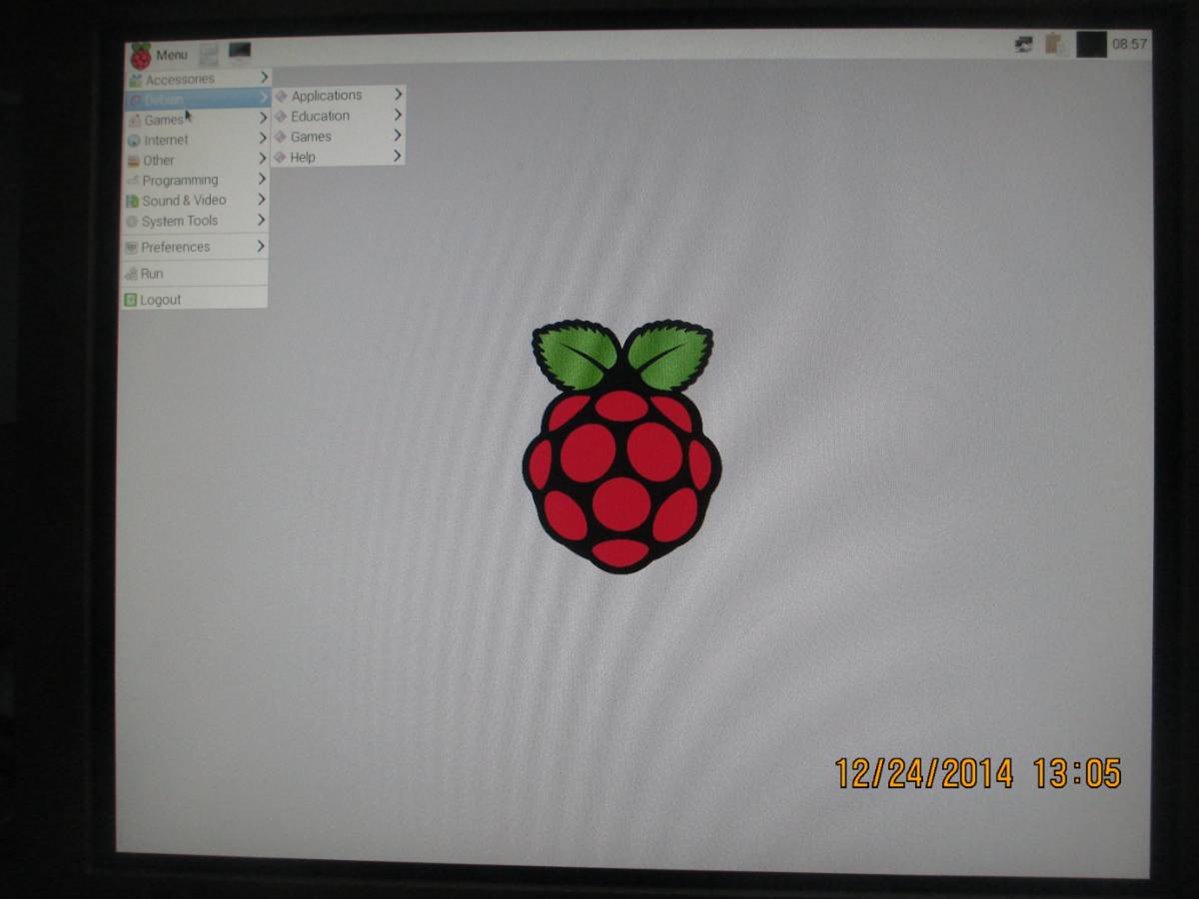
What will fundamentally change?
- You'll get systemd. From my experience, it's actually awesome. I use it a lot and it hardly ever lets me down, and autorun scripts have never been that easy to write, and boot times have increased due to parallel starting of processes (Now you finally can put your 4 cores to work while booting!)
- As for now, you'll get some bugs connected to how systemd works with previous init scripts, if I understood the situation correcty. I managed to fix them, but it felt more like magic and I don't know what I did, aside from disabling some initscripts I felt were not needed.
- You'll get newer versions of packages of course - that means improvements and bugfixes. For example, my Microsoft keyboard now works properly with the RPi (before that I had some weird key mappings, such as @ replaced by " and vice-versa.)
- You'll get broken Epiphany and Chromium, at least at this moment =D I just switched to Iceweasel after some hours of reading gdb backtraces, and removed both offenders from the system. Sorry, folks, I didn't bother reporting the bug in Epiphany. My bad, I am realy busy now and this reporting stuff is quite new for me =(
About Chromium - its version in Raspbian repos is frozen at 22.something, when recent versions are 44 and so on. My opinion? Forget about Chromium. Here's a link that has some explanation.
Personally, I found Iceweasel quite good and already managed to code some things for my project using it to google things, while watching YouTube videos =) BTW, HTML5 is there and properly working, yaaay!
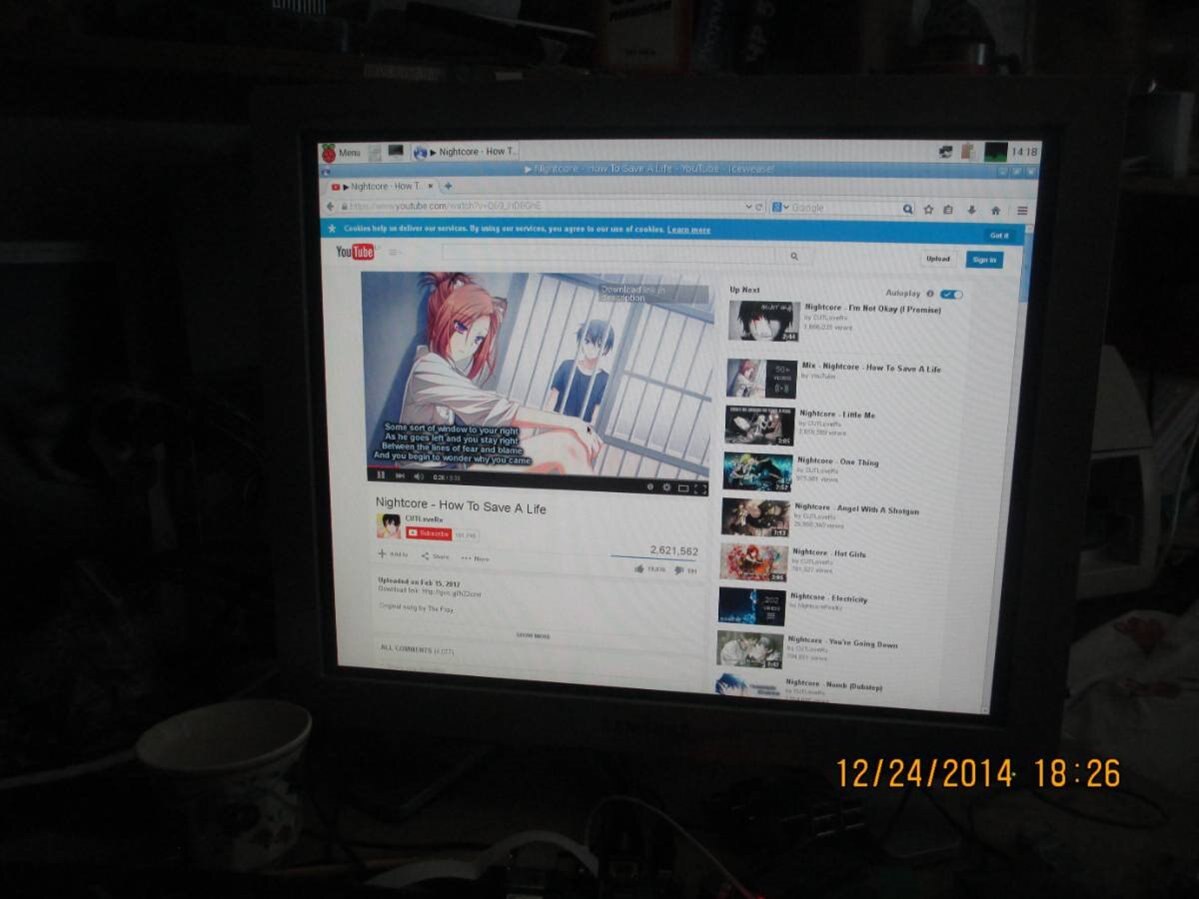
So - the system works for me and is clearly newer than the 'stable' release. All the features I wanted are there and working. But - you should use this method at your own risk.
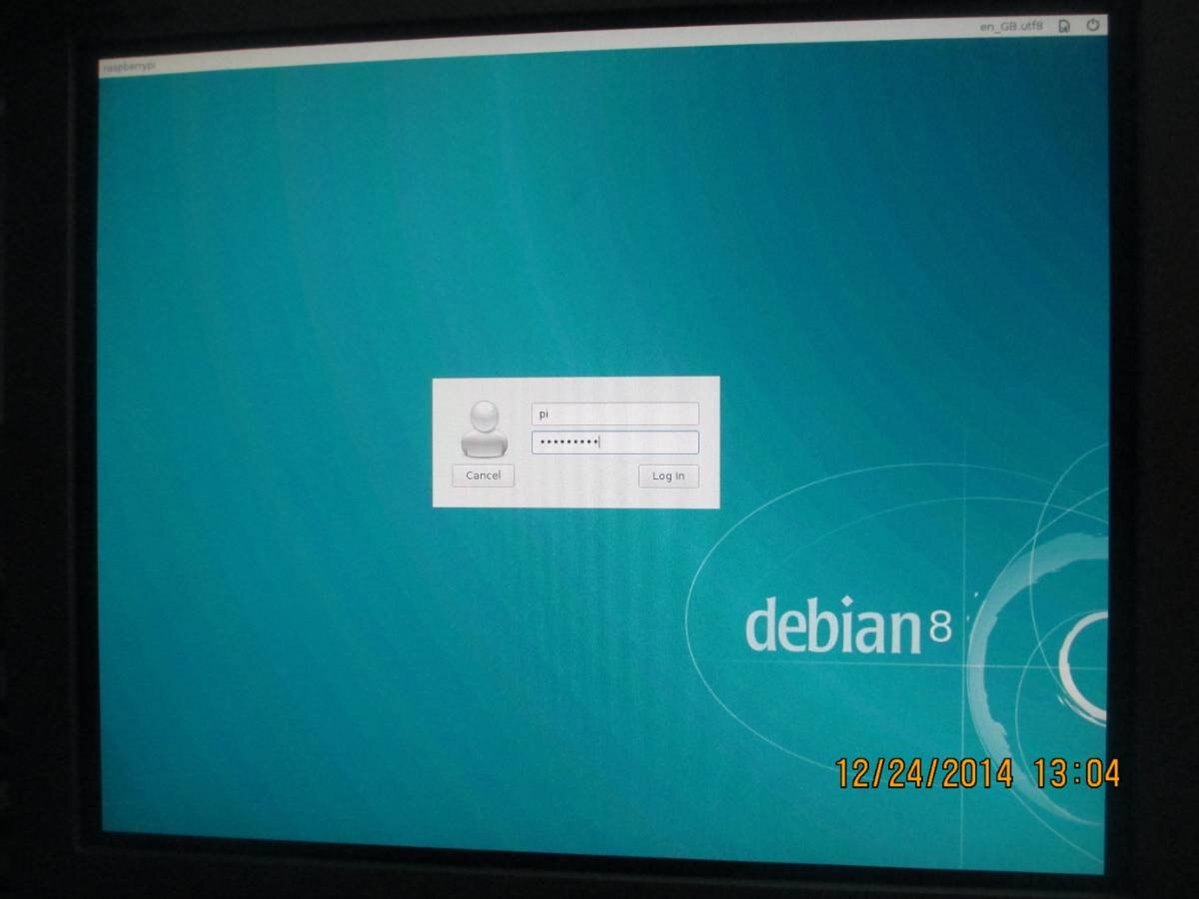
Shucks. I forgot about my project description again. Sorry =( Will do that ASAP. I will need to learn SketchUp before that, though - to give you all an idea about how it all will look like!
But I did integrate PiFace Control and Display device screen into my Wearable Control System. The corresponding WCS repository branch is here, it's quite a dirty job as for now (heck, I basically threw out a lot of helper functions I made before for future expansion) and only shows that it's working, but I'll certainly integrate it properly =) Keys on the PiFaceCAD are not integrated yet, too. Just quick hardware test. Here, watch this video!
It's the essence of my WCS framework. You can see keypad-controlled prototype menu system with submenus, all callback-driven. See that "Third function selected" in the end? It's a function I activated by using this menu, and it could be anything you'd want it to be, for example, SMS sending function =) There's a lot to be done to make it work, such as enabling it to work with some form of RPC (you don't want to 'import' every program that uses screen and keypad in the control module executable).
That's all to it. I'll keep you updated. This post was written from my Raspberry Pi 2 =) ...Okay, not quite. Javascript performance still sucks, even with 4 cores. Also, it keeps throwing those undervoltage notifications and I feel like things will not work properly until I replace the power supply. So I used i5-based Windows laptop just to finish publishing the article - I do want to sleep now, and waiting for letters to actually appear after I have typed them is not the best way of publishing an article. See you all!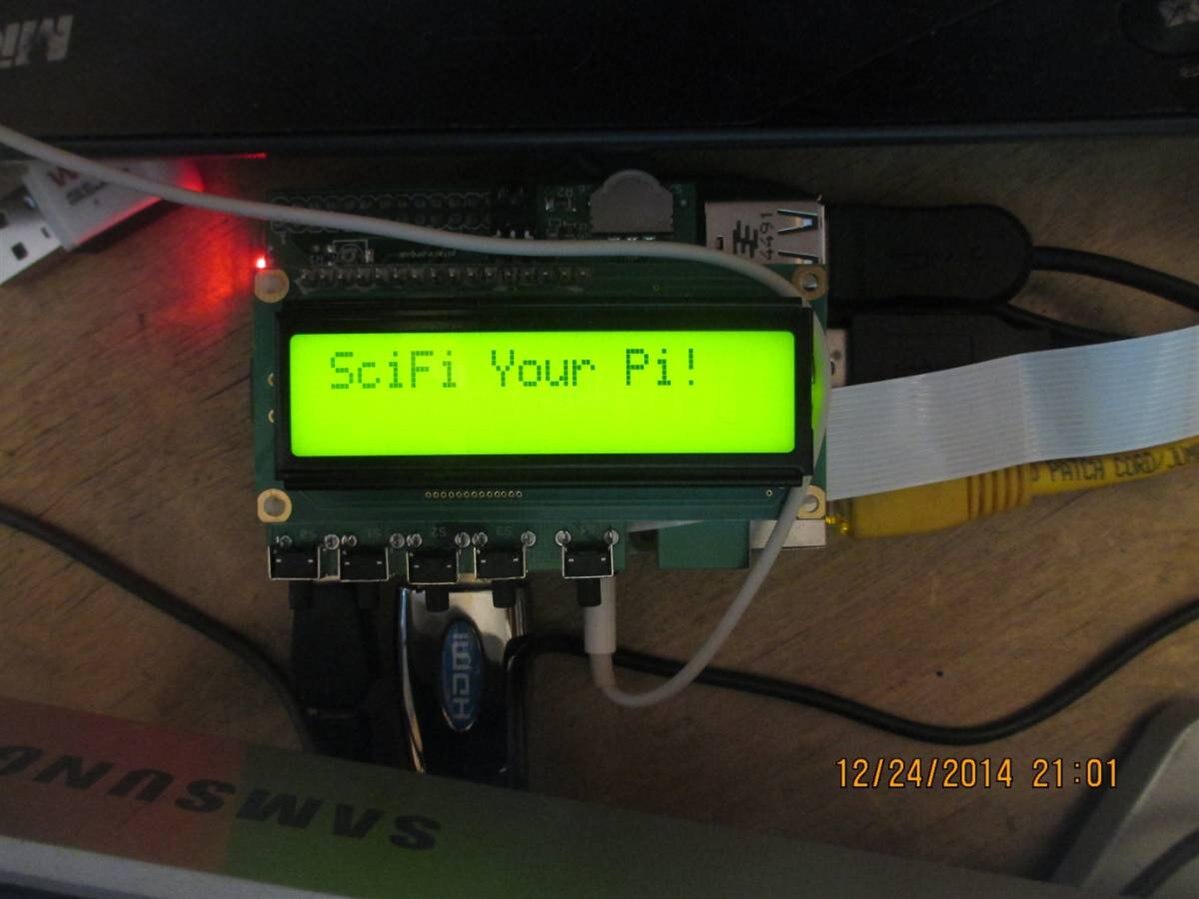
UPD: Just realised I had my Pi slightly underclocked. I think I'll retract that statement for a while =)
Oh, and it does crash when you shine a camera flash at it! I was wearing headphones when I decided to check if it does, triggered the flash and was deafened by a sudden buzz in headphones (was listening to music, probably PWM had continued with the same frequency as it had at the moment of crash). 0/10 wouldn't flash again.

