


Hello guys,
This week we gonna send the data received by the Edison to a local along with a Video feed.
For now I'm sending out the ECG data, and the video feed to a local cloud, our pc.
All the source files can be found in our Github repository.
Here I'm sending ECG data captured to Edison, from there (along with a video feed) to the FTP server, a php script fetches the data and plots the ECG graph and a visual too.
We are using Wamp, our windows PC becomes the local cloud.
What we've done
Created a ftp Server in Windows PC
Install mjpg-streamer on edison "opkg install mjpg-streamer"
I'm using Logitech C270 which was fortunately supported by Edison.
" mjpg_streamer -i "input_uvc.so -n -f 30 -r 800x600" -o "output_http.so -p 8080 -w ./www" "
for streaming video on http://192.168.1.xx:8080/?action=stream
run upload.py
Start Wamp sever and Browse to localserver/T%20Shirt/
| {gallery} To the Cloud |
|---|
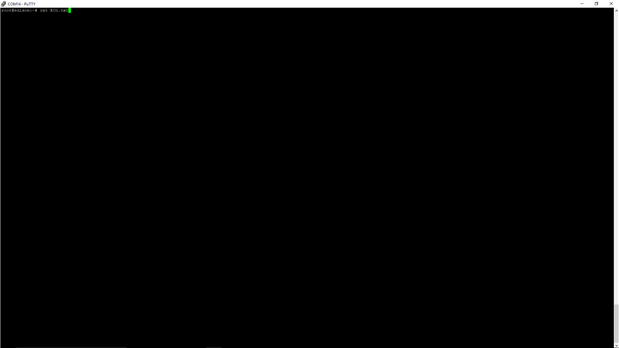
Check if ECG data is stored. |
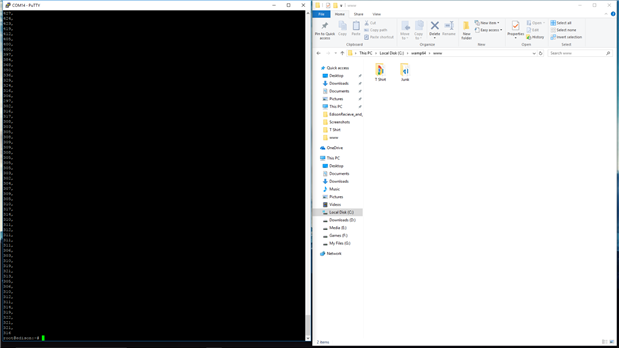
Yeah we got the data into the edison |
FTP server before receiving the data |
|
and to the cloud, the php script plots the ECG graph and the video feed |



Next weeks update will be the mobile App and must be the closing blog.
Cheers 
Top Comments