


TL;DR: The kits arrived… months ago… and this was my first opportunity to explore the components! Let’s see what we’ve got to work with! [Spoiler: It's awesome!]

This is the entry where I will finally present the contents of the Raspberry Pi kit provided for this project. It won’t be an ‘Unboxing’ per se as these components have been teasing me at the edge of my desk for almost the whole summer while everything else has pushed them further and further back. Today is their due review!
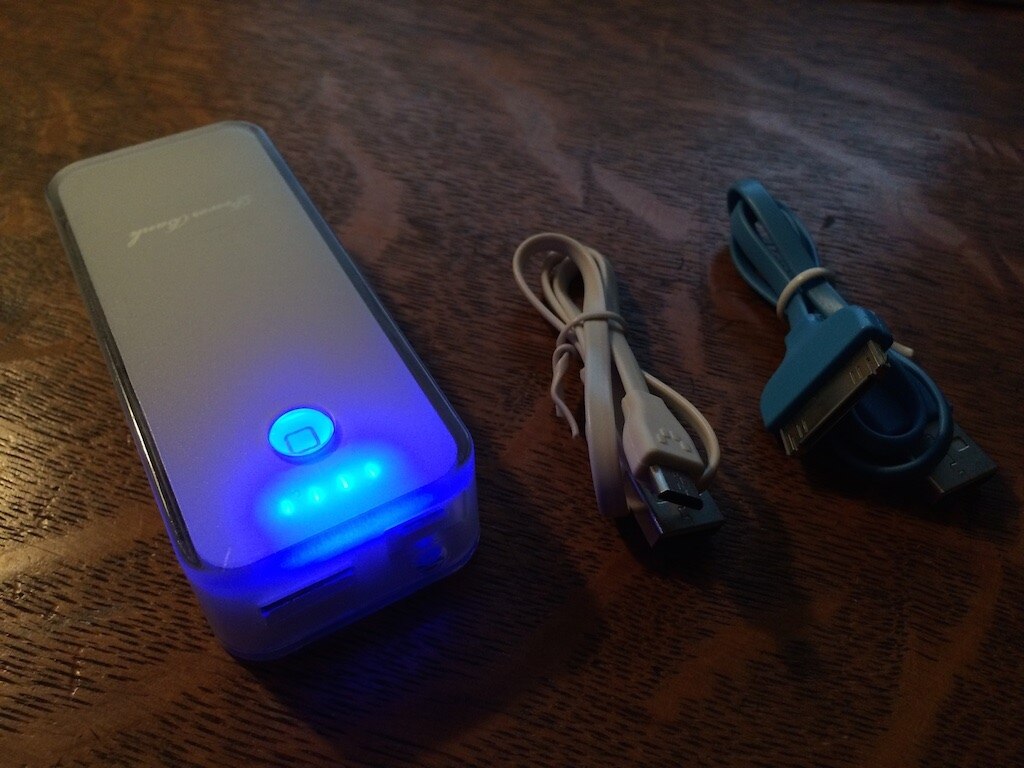
While perhaps not the most exciting component, this is the first thing I was able to work with as it’s use was rather obvious. The Power Bank 4400 mAH has already proven itself to be a lifesaver this summer while I was out backpacking and running long days at trade shows in Chicago. This charger works great with iPhone and other digital cameras. It charges with Micro-USB and outputs to USB B. This pack came with a micro-USB cable for charging and a nifty, blue dock connector cable for nostalgia. It has a pretty blue LED charge indicator and when you hold down the power toggle, it activates an emergency, white LED lamp, which comes in handy. Definitely add one of these to your EDC, if you don’t have one already. [http://www.adafruit.com/products/1565?&main_page=product_info&products_id=1565]
Next up is the Raspberry Pi 2 Model B Project Kit. This kit appears to have everything one could need to get hooked on a Raspberry Pi habit.
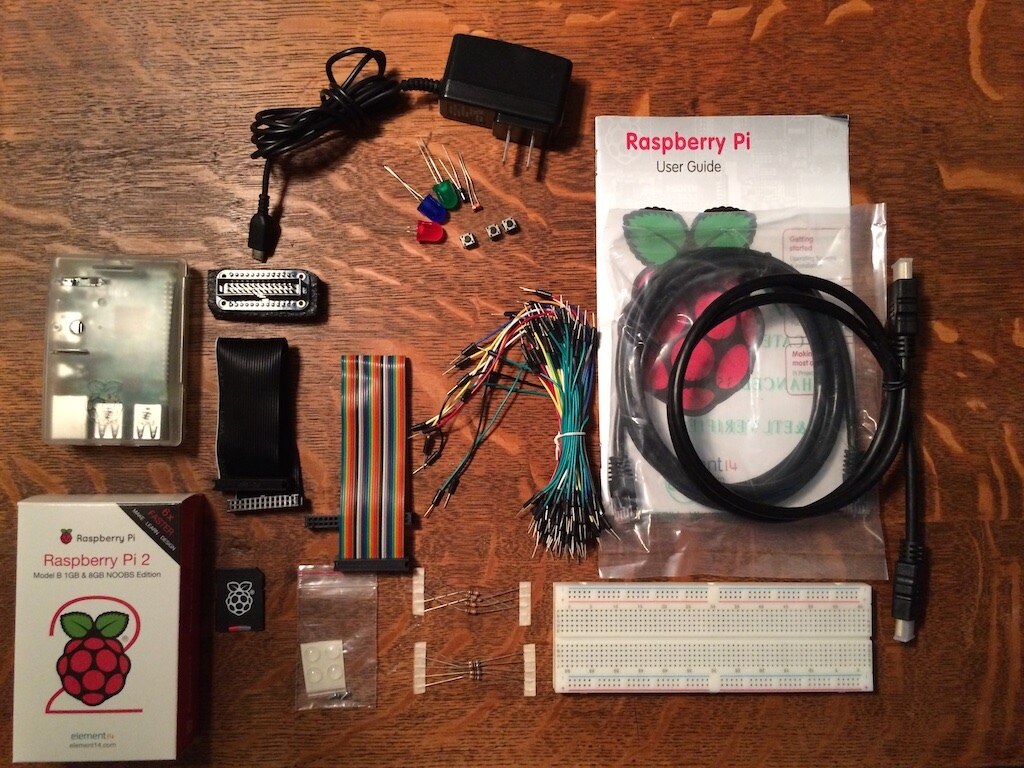
Clockwise from bottom left and in a spiral
— Of course, it comes with the Raspberry Pi 2, which will get it’s own section.
— The board fits inside this spiffy, translucent project case.
— There’s a Micro-USB 5V/2.2A power adapter, fortunately, I got the U.S. plug.
— A few electronics components: 3x LEDs, 1µF Capacitor, a photocell, and 3x pushbuttons.
— The Raspberry Pi User Guide, which is awesome - more ahead.
— An ethernet cable, which is one solution…
— An HDMI cable, which is the other — find out the problem below!
— A quality breadboard that I have been using for my homework assignments.
— 5 of each, 10KΩ and 560Ω Resistors in tape.
— A little baggie of rubberized feet for the project casing
— The Raspberry Pi NOOBS Operating SystemS starting kit on an SD card.
— A 40 to 26-pin IDC Ribbon Cable in Resistance Color Scheme.
— An additional IDC cable in black, which was wrapped around the breadboard adapter (above it)
— Yet sadly, no sign of the “Raspberry Pi Skill Badge” shown on the box. T.T
Check out the kit available from MCM electronics: http://www.mcmelectronics.com/product/83-16551RK
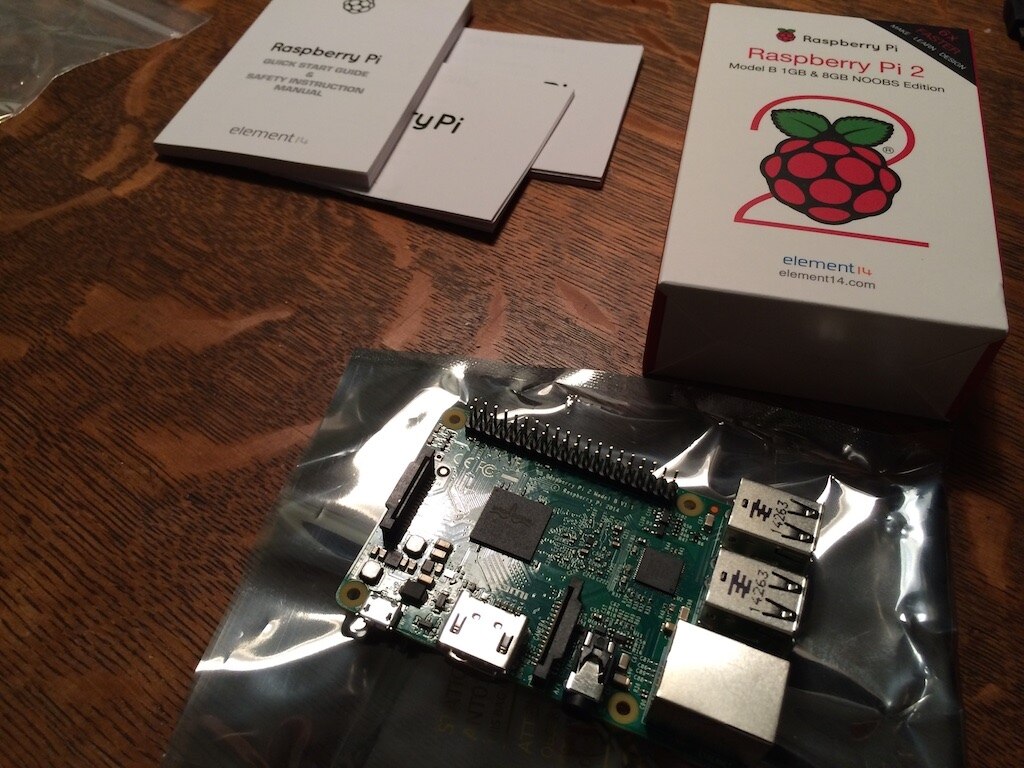
The Raspberry Pi 2 – Model B is pretty gnarly. As you can sorta discern from the photo above, the unit has an HDMI port, a micro-USB charging connector, a flat-ribbon type connection for a camera and display, 40-pin male connector, 4x USB ports, an Ethernet port, and headphones jack. I’ve yet to actually get it connected to anything — it’s a sad story.
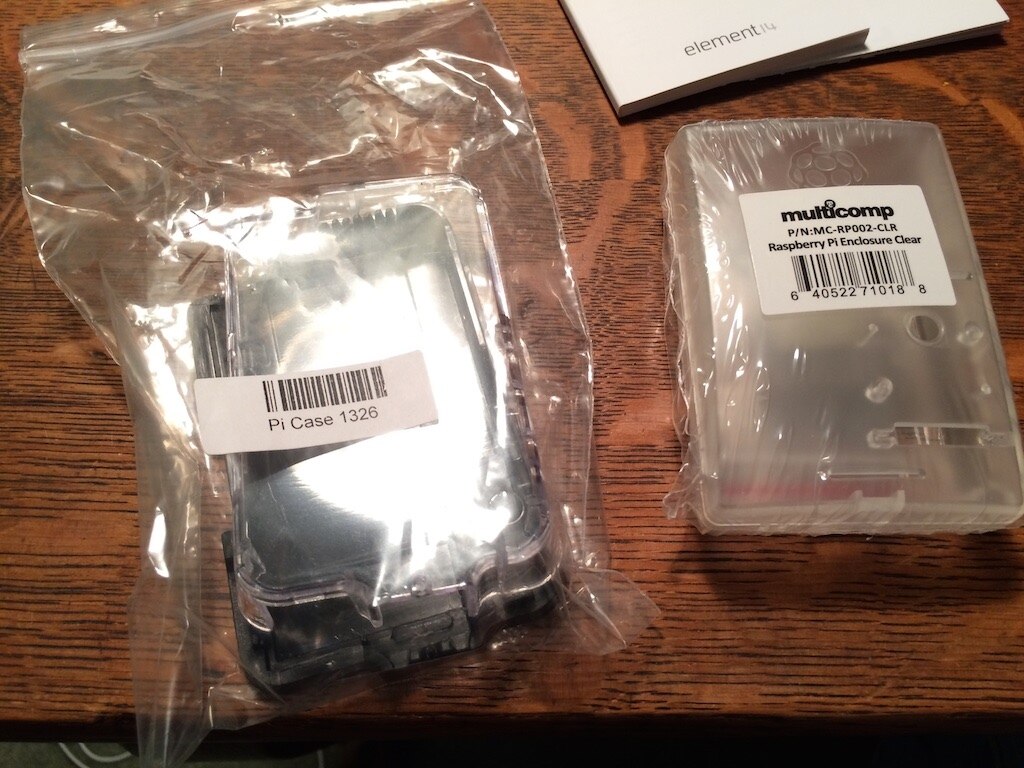
The kit came with the translucent case on the right of the photo and the package from element14 also included the case on the left.
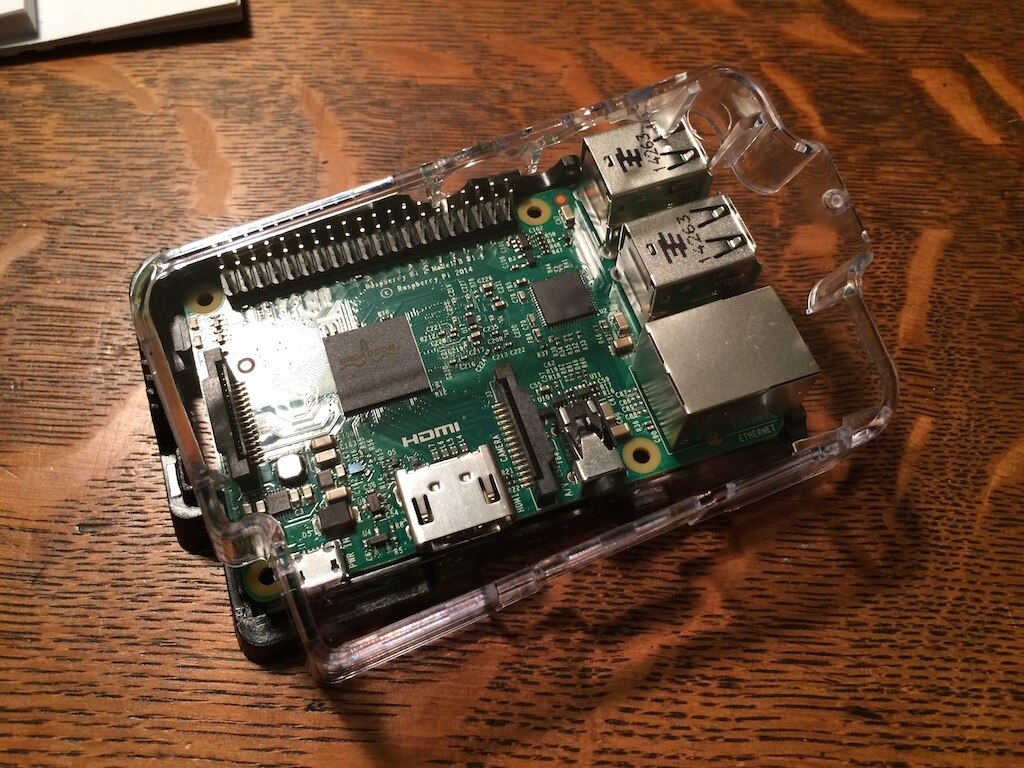
My guess it that this case is for the Raspberry Pi 1 or Model A (also presuming those exist), since this unit cannot find a home inside.
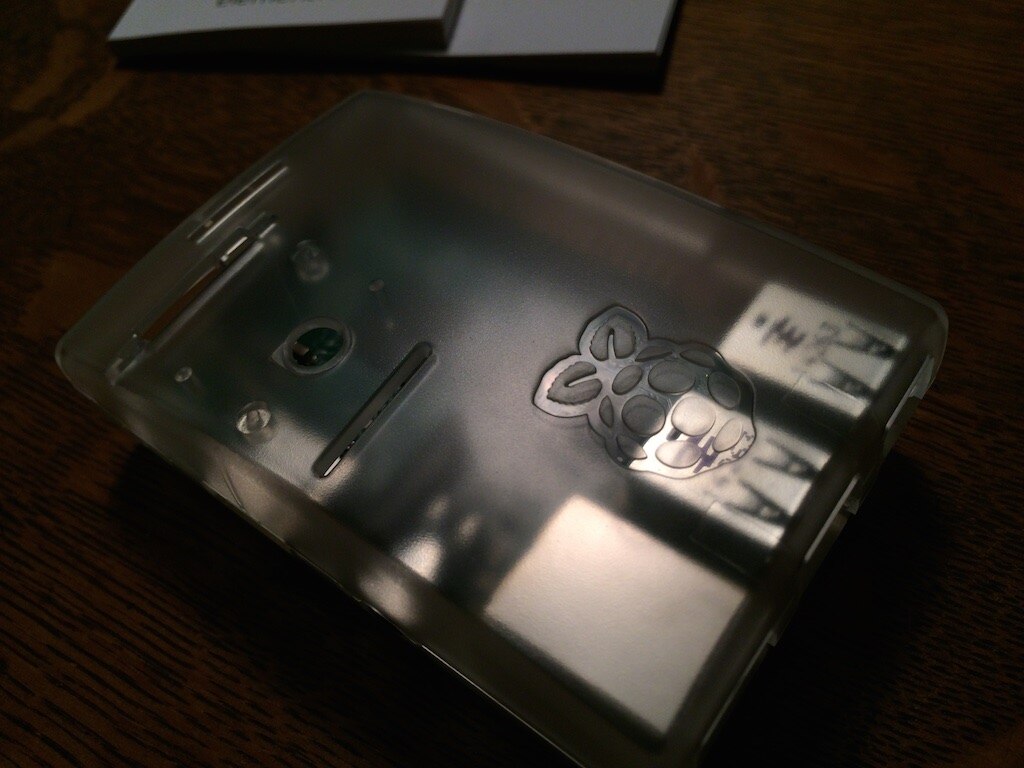
However the case on the right fits like a glove!
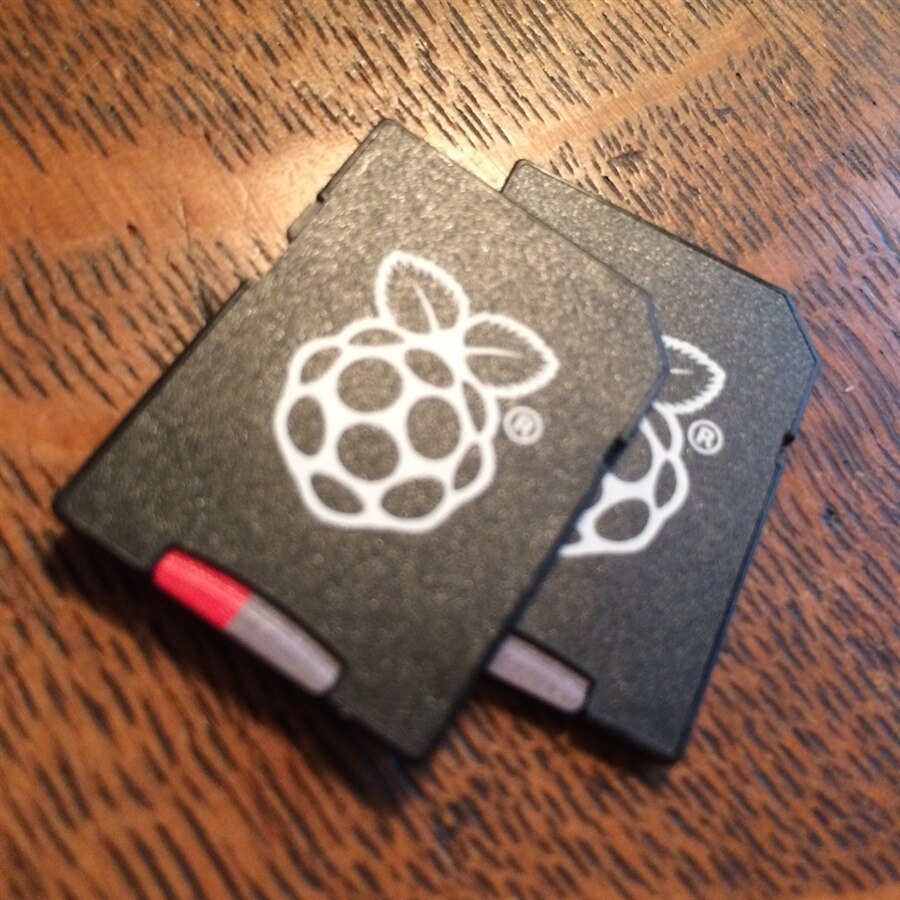
One of the coolest things are these NOOBS SD cards. Not only are the adaptors adorable, but the user guide outlines exactly what to do to run the initial boot of the Raspberry Pi. Each card came pre-installed with a selection of operating systems, including Raspbian, Risc OS, Arch, RaspBMC, OpenELEC, and Pidora. I was wholly unfamiliar with any of these and chose to continue with Raspbian as the User Guide prompted.

The SD card comes out of the Raspberry Pi branded adaptor and clicks right into the micro SD card slot on the belly of the board.
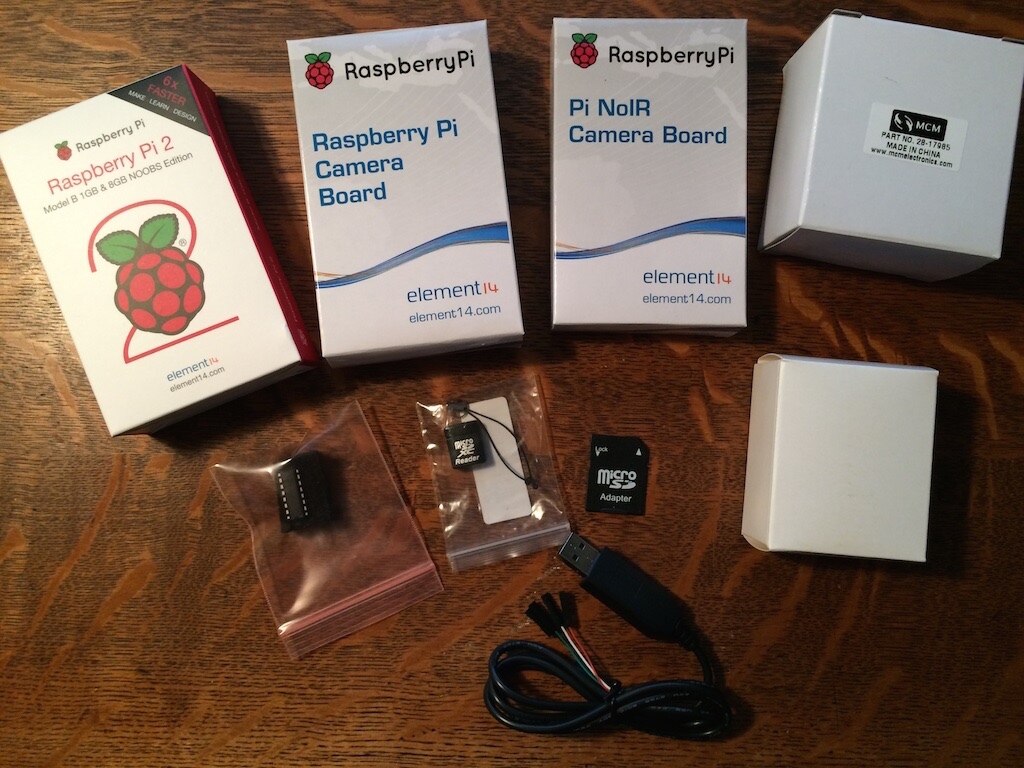
There were a few other pieces of equipment involved in the Teacher’s Pet Road Test too:
— A second Raspberry Pi 2 board
— A Raspberry Pi Camera Board
— A Pi NoIR Camera Board
— A couple mystery boxes!
— A USB-B to 4, female-pin breakout cable (Kind’ve always wondered about that.)
— Another 4GB MicroSD w/ Adapter
— A MicroSD card USB reader
— And a 1512JPK IC Chip
Not pictured:
— Another 10’ Ethernet cable
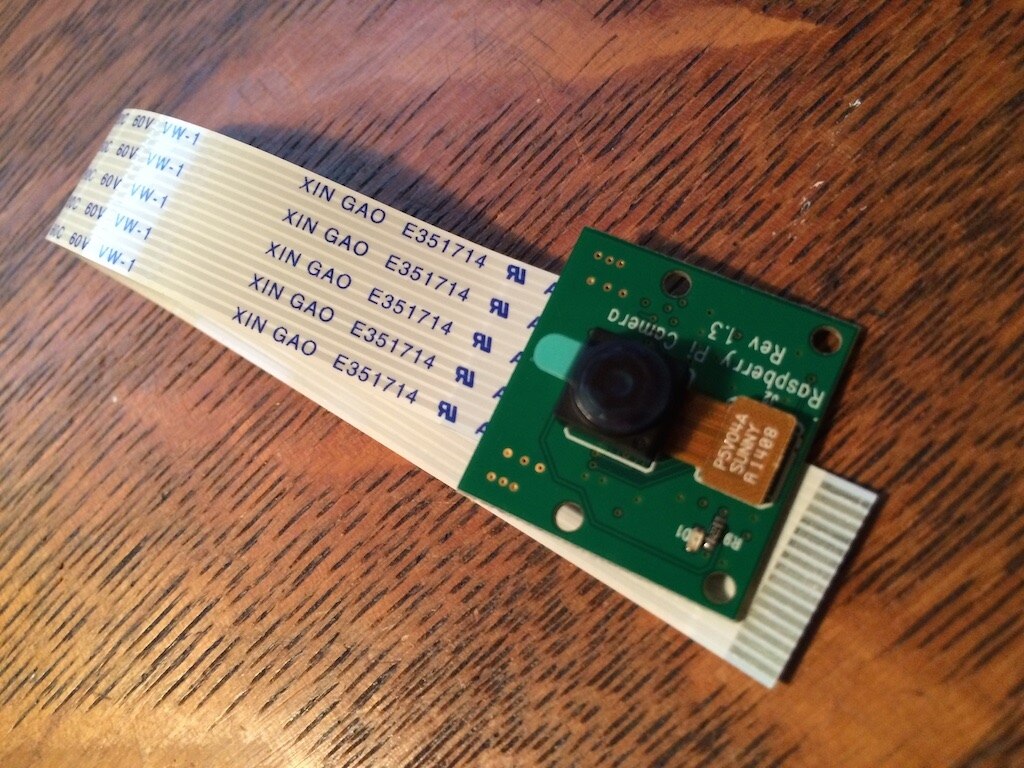
The Raspberry Pi Camera Board has this delicately thin cable which locks into the board at the connection between the HDMI port and Headphone jack.
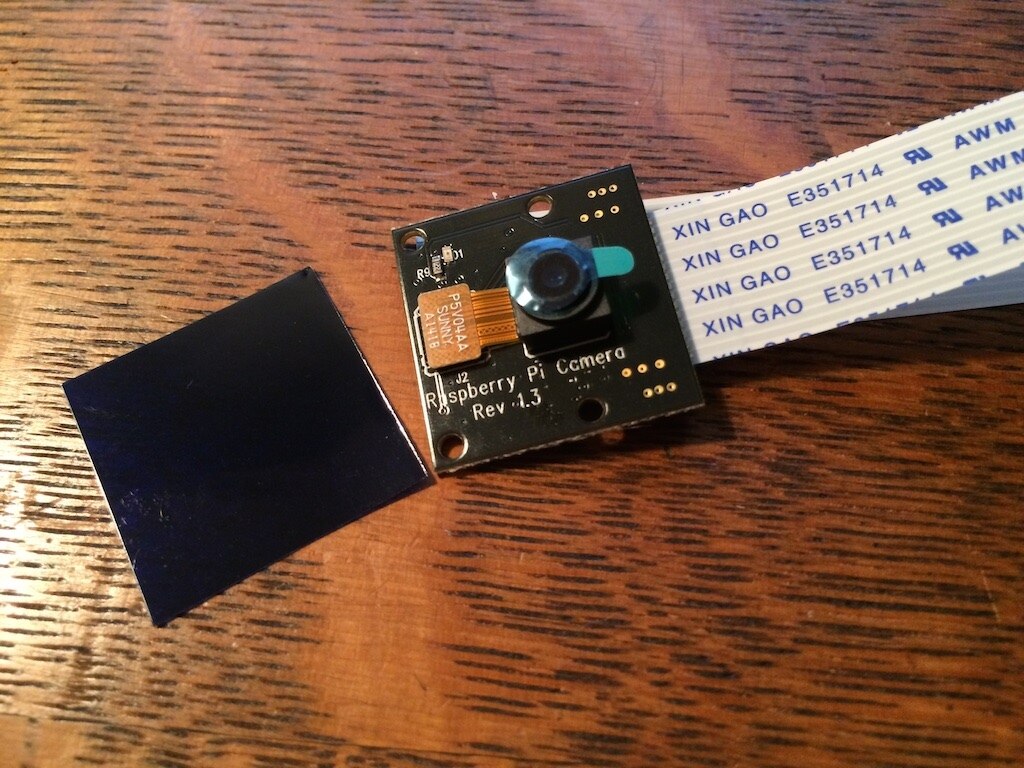
The Pi NoIR Camera Board has an interesting name. I think it is an Infrared camera with the ’No’ to make it sound like ‘film noir.’ It doesn’t seem very practical to me to have a camera that filters out infrared, which we can’t see anyways (Though I have heard of UV-filtering lenses to protect the electronics). This unit also came with the black square on the left, which might be a filter or a protective covering. I’m not certain which it is.

This board has the same connector as the other camera, which leads me to believe that only one camera can be used with a single Raspberry Pi board at a time.
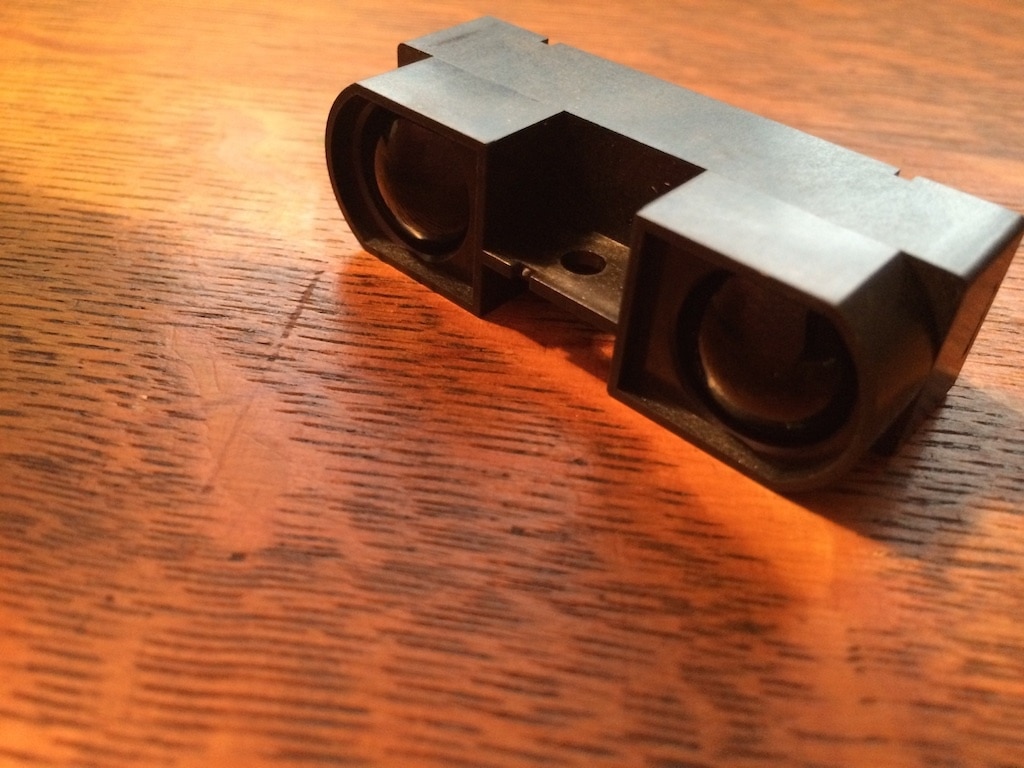
The First mystery box was a Distance Sensor by Sharp modeled after Wall-e’s face. This seems like a pretty cool component! It’s too bad I won’t be able to work with it just yet, as it has a connection on the back that I don’t recognize and I do not believe I have a cable that will connect it to the Raspberry Pi.
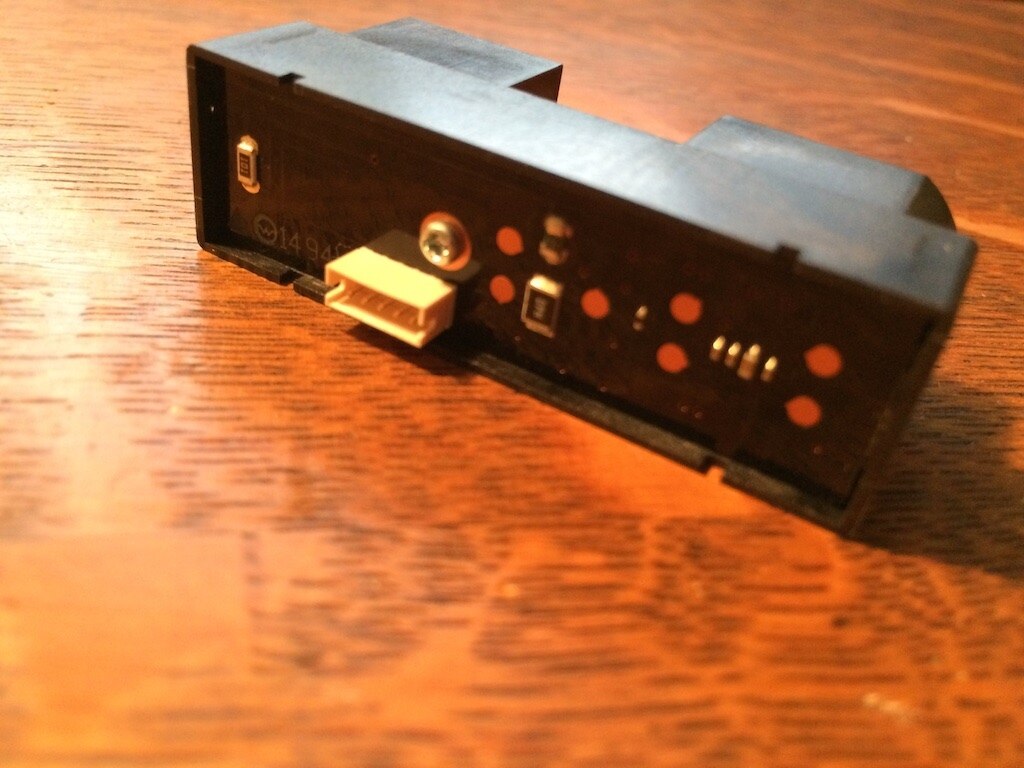
The second mystery box contained an additional micro-USB power adapter.
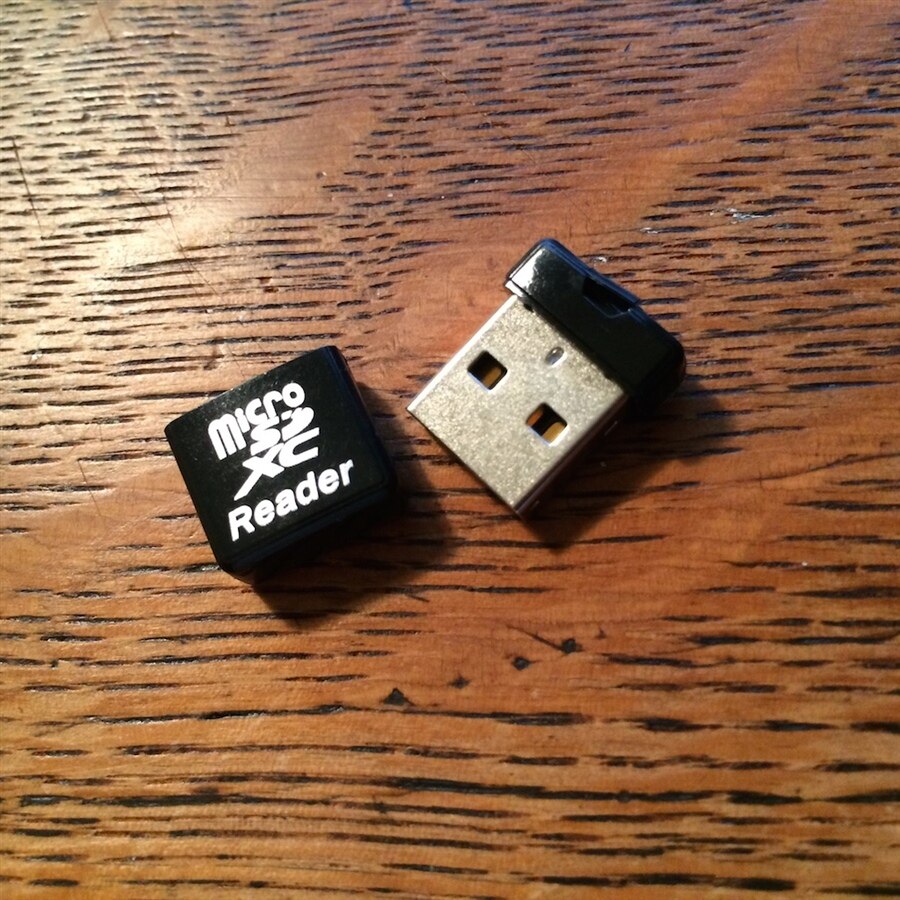
Almost immediately, the handy key-ring strap for the USB adapter broke off it’s lashing.
Thank you element14, adafruit, and Mathworks for the supplies! Thank you for reading and for providing any resources, tool-tips, or comments below!
Previously:
Blog Entry 1: Hello! Teacher's Pet Students' Robotics Challenge: Attendance Automator — Blog Entry 1: Hello!
Blog Entry 2: Design Constraints Teacher's Pet Students' Robotics Challenge: Attendance Automator — Blog Entry 2: Design Constraints
Blog Entry 3: Background Teacher’s Pet Students’ Robotics Challenge: Attendance Automator — Blog Entry 3: Background
Tags: “teachers_pet” “attendance_automator” “raspbery_pi” “adafruit” "mathworks"