


Hi all !
First, I wanna thank to elf14 presents - The Ultimate Raspberry Pi Bundle Giveaway for the prizes. I've been receiving them and one of them is the Raspberry PI 400 Personal Computer kit.
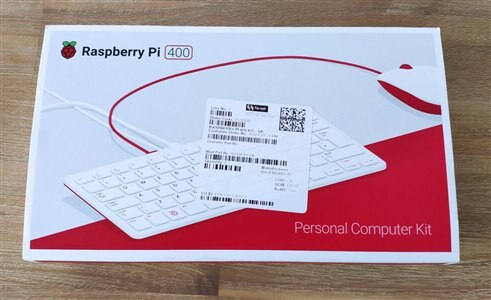
Since this is a all-in-one computer (except for the monitor), and I was keen to try one, I've set myself a challenge - using it exclusively for one month.
During this time, I will create a blog post every week (or every day) with my struggles and success while using it.
Why ?
Well, I want to show that it can be a great computer for everyday use - and if I can do it - and I don't only browse the Web and write text documents - probably more people can use it . And the problems that I will have, they could probably have them and I hope to share some solution for it.
What do I do ?
I'm a computer science engineer and my work consists (among other things) some development, network administration and systems administration and the occasional help desk . I use Linux since 1996, but on a very serious and professional level since 2003. My home computer is Linux (Gentoo Linux - been loving it since 2004) and work laptop is Gentoo/Fedora Core 33/windows 10.
EDIT: Since I've received the 1st prize for the Design Challenge 1 Meter of PI, I'm using a MacBook AIR M1 (Apple Silicon) and while there's no Linux for it, I'm stuck with Mac OS Big Sur .
I've used Red Hat 7/8/9 , Fedora (since it's very beginning) and CentOS on a Server Level - well, not anymore, unfortunately. Now, because the job demands it, Windows 10 (but just for the last year - I still struggle with it ).
I use the Arduino IDE, VS Code for Python and some Web development, SSH a lot, VPN to work, Netflix, Disney+, Kodi, Firefox, etc... Let's see how this will play out.
Possible problems
I occasionally work from home and I need to connect to my work VPN. It's L2TP and I haven't been able to make it work on my Gentoo (or any Linux for that matter). When was a previous version of Cisco, it did work with VPNC, but since they change it, can't make it work. This is the only issue I might have that will be a bummer and will probably use it in the Mac if I don't be able to make it work on Raspbian.
At work, we are in a private network and we don't control it. The VPN server is above my network and it's beyond my control. That's why I've been struggling with it.
Let's get started.
Unboxing
Let's take out this beautiful (retro style, but with modern look) computer for a spin.
Removing the top cover, revels a white box and inside a computer in a keyboard. Or is it a keyboard with a computer in it ?


Removing the Raspberry PI 400, below there are 2 boxes and a SD Card. These are the USB-C power supply and the Official Raspberry PI Mouse. It is beautiful.


On the bottom of the box, The Official Raspberry PI Beginner's Guide and a Micro HDMI - HDMI cable.

The full contents of the Box

The SD Card was already inserted into the Raspberry PI 400 and was loaded with the Raspberry Pi OS with desktop and recommended software. I did reinstall a new SD Card (32GB) with the Raspberry PI OS Desktop.
Because I'm from Portugal, the keyboard and the power supply are UK's, but no worries.
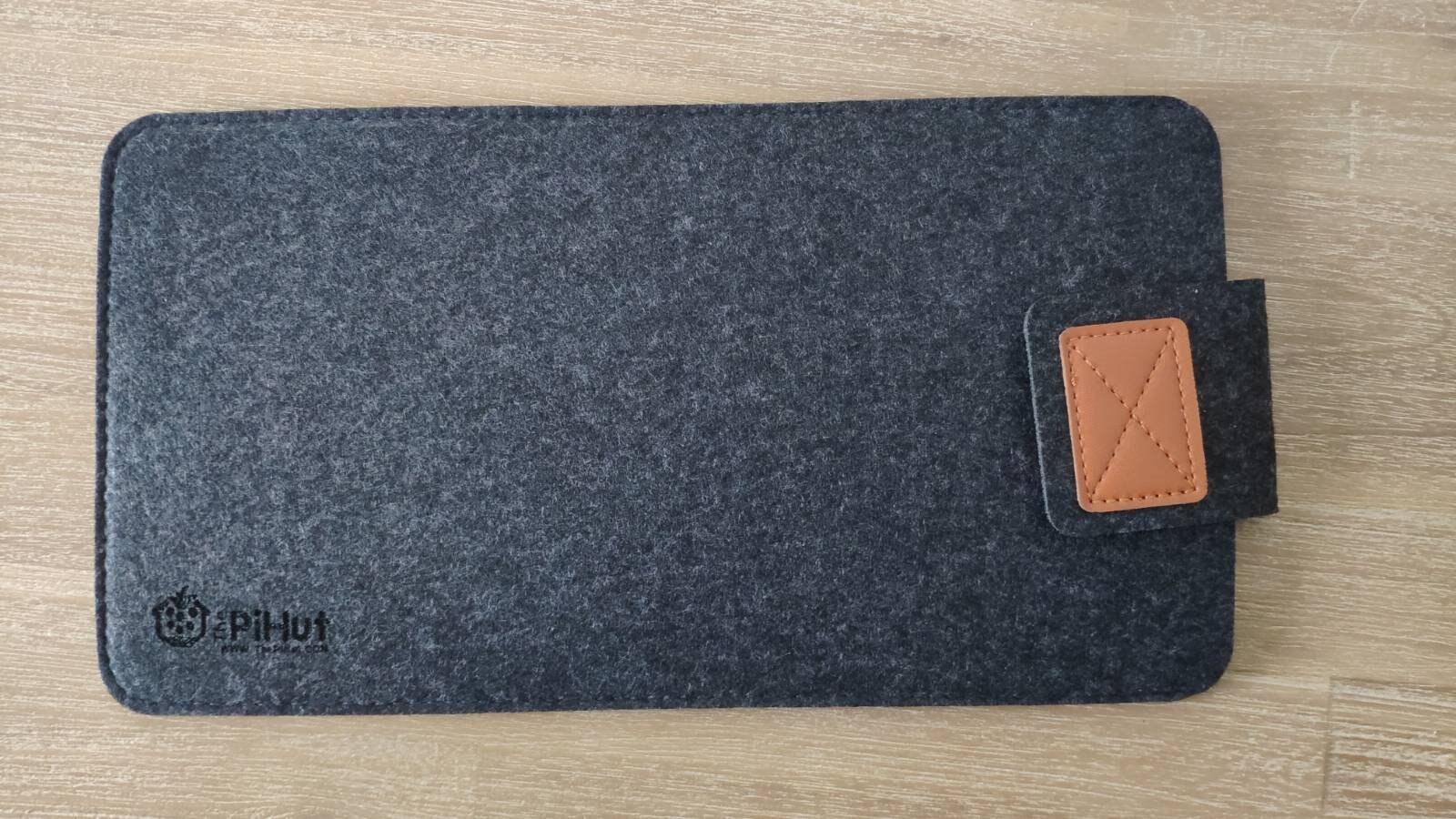
Because I thing this is such a beauty, I've purchased a sleeve to project it:

Back of the Raspberry PI 400 showing all the ports available.

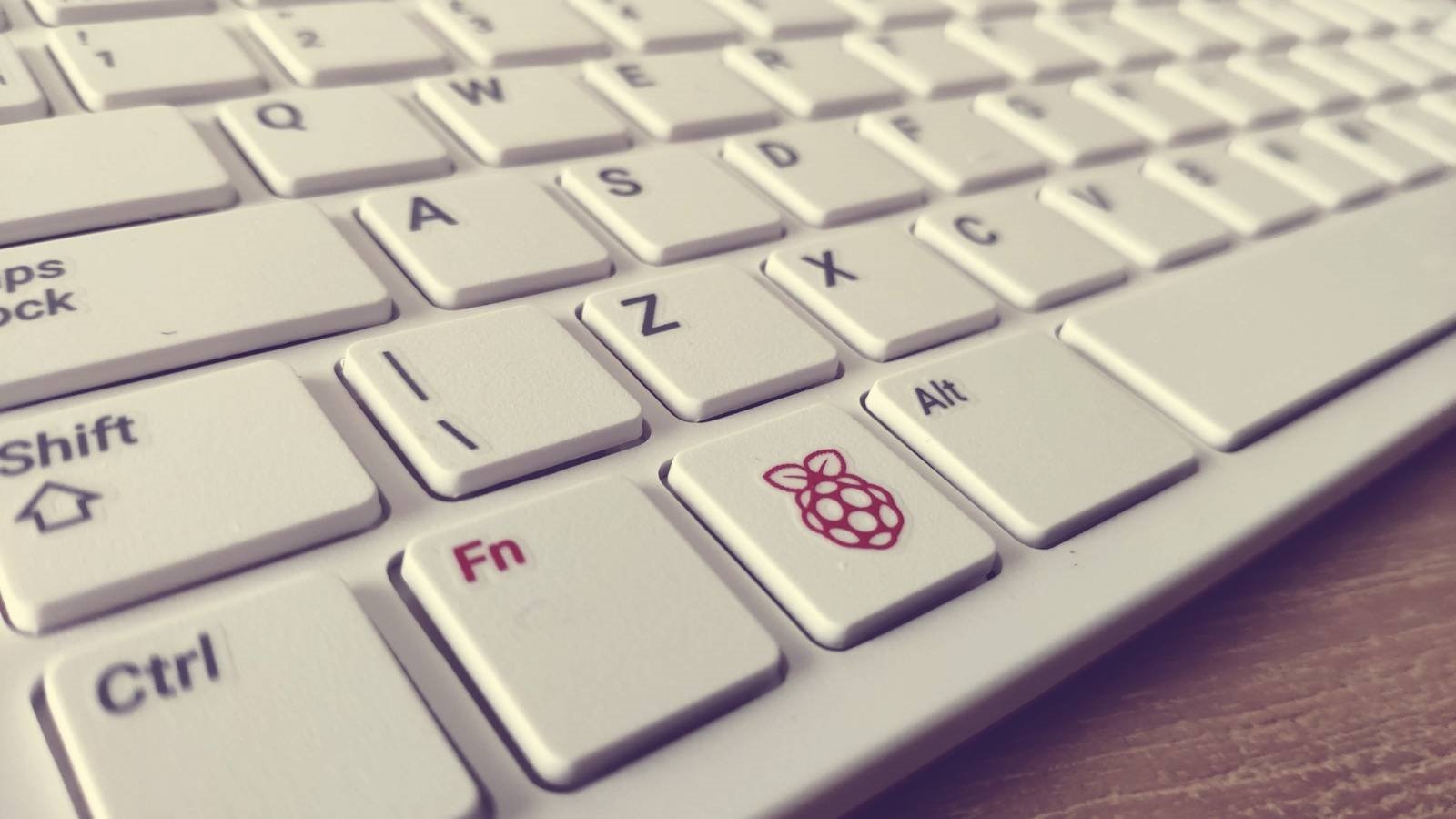

Let's start the 31daysofraspberrypi400
Top Comments