


The Renesas Synergy AE-Cloud1 can use 2 IDEs, e2 studio and IAR for Renesas Synergy. https://www.renesas.com/sg/en/products/synergy/software.html
accordingly to the page above , both are free
This is about the latter
i decide to install IAR partly because thinking that it is newer (https://renesasrulz.com/synergy/b/weblog/posts/switching-from-e2-studio-to-iar-embedded-workbench-for-renesas-synergy )
Post installation we need the Renesas SSC https://www.renesas.com/sg/en/products/synergy/software/tools/renesas-ssc.html

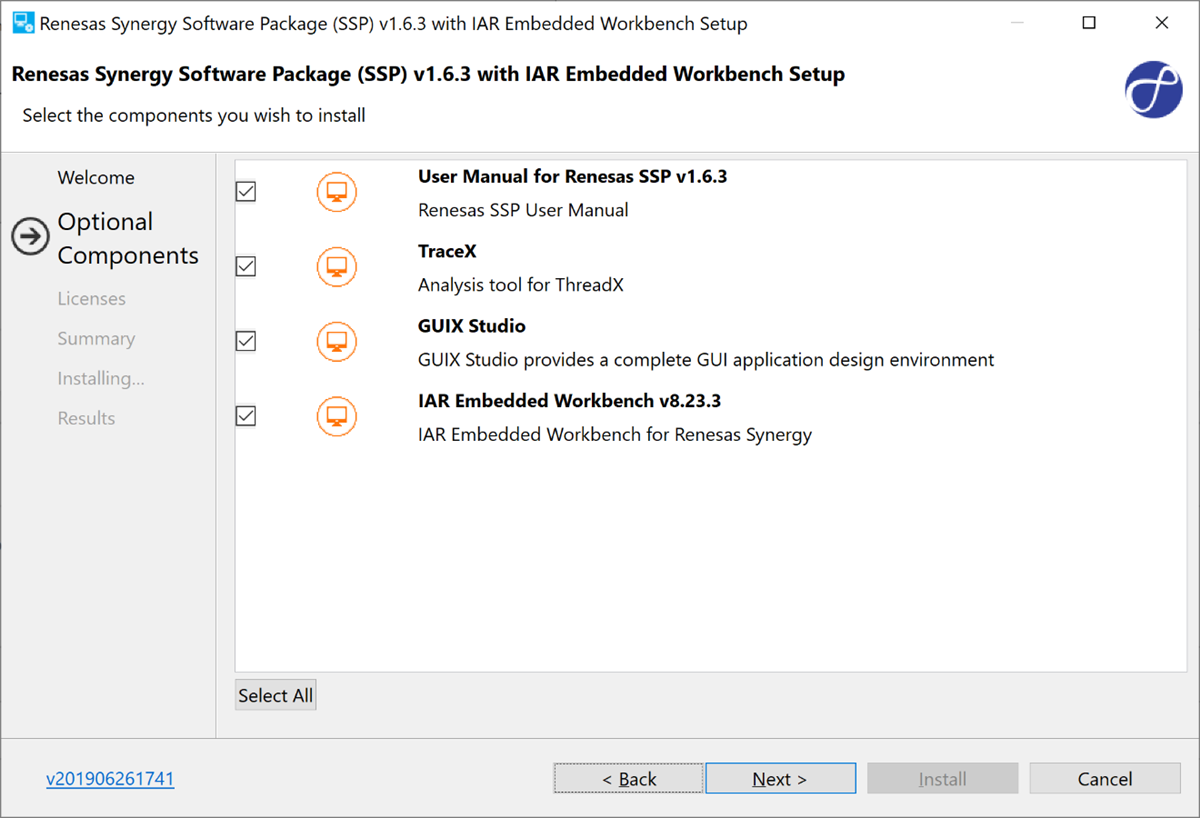
It comes with Renesas Synergy software package (SSP) v1.6.3
I have chosen to install TraceX, without knowing what it is 

i also install GUIX Studio
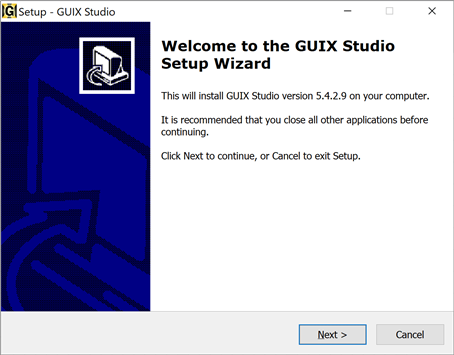
I am amazed to reach this page and it confuse me as to whether the IAR for Renesas Synergy is indeed free or not

For license activation, after some fact finding on the maze of Renesas documentation, find that we can request it via https://register.iar.com/specialedition/RenesasSynergy
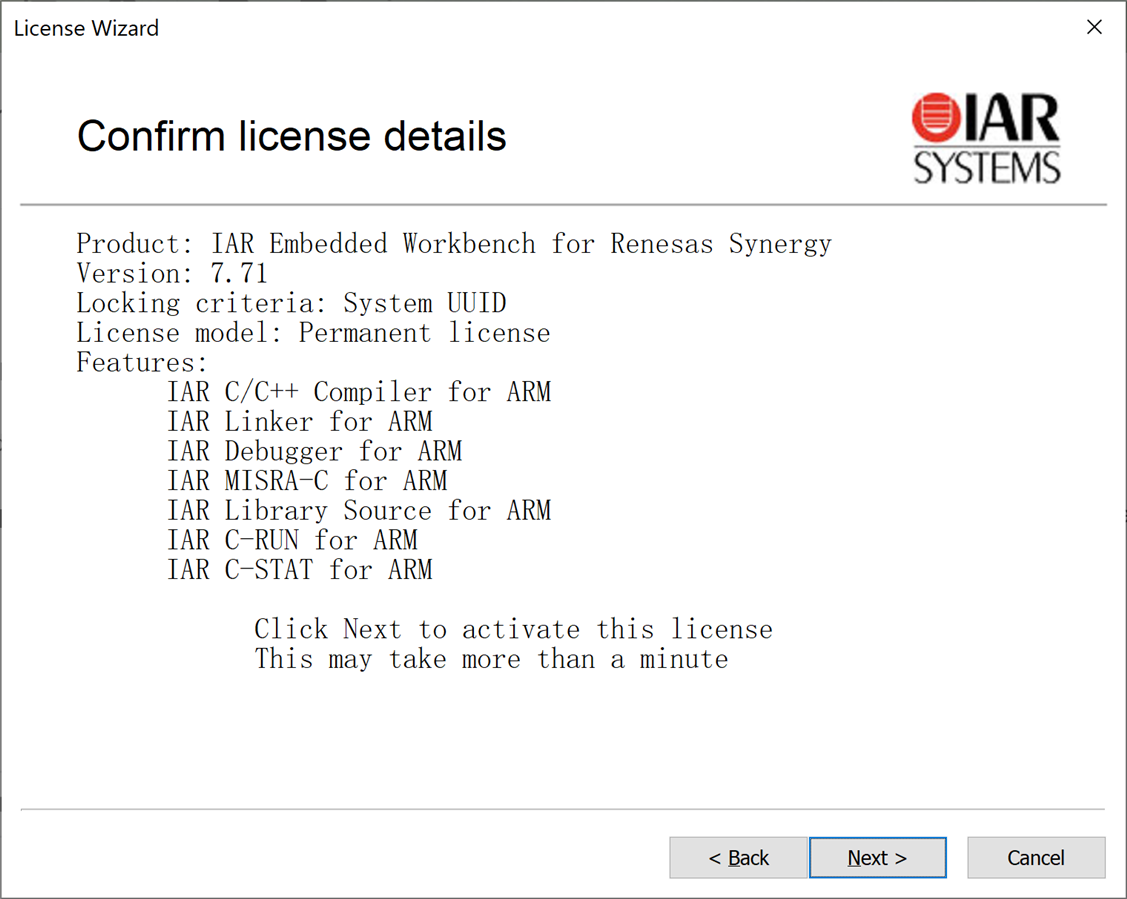
During activation with the requested license, i get to this screen and Bingo i get the permanent full license.
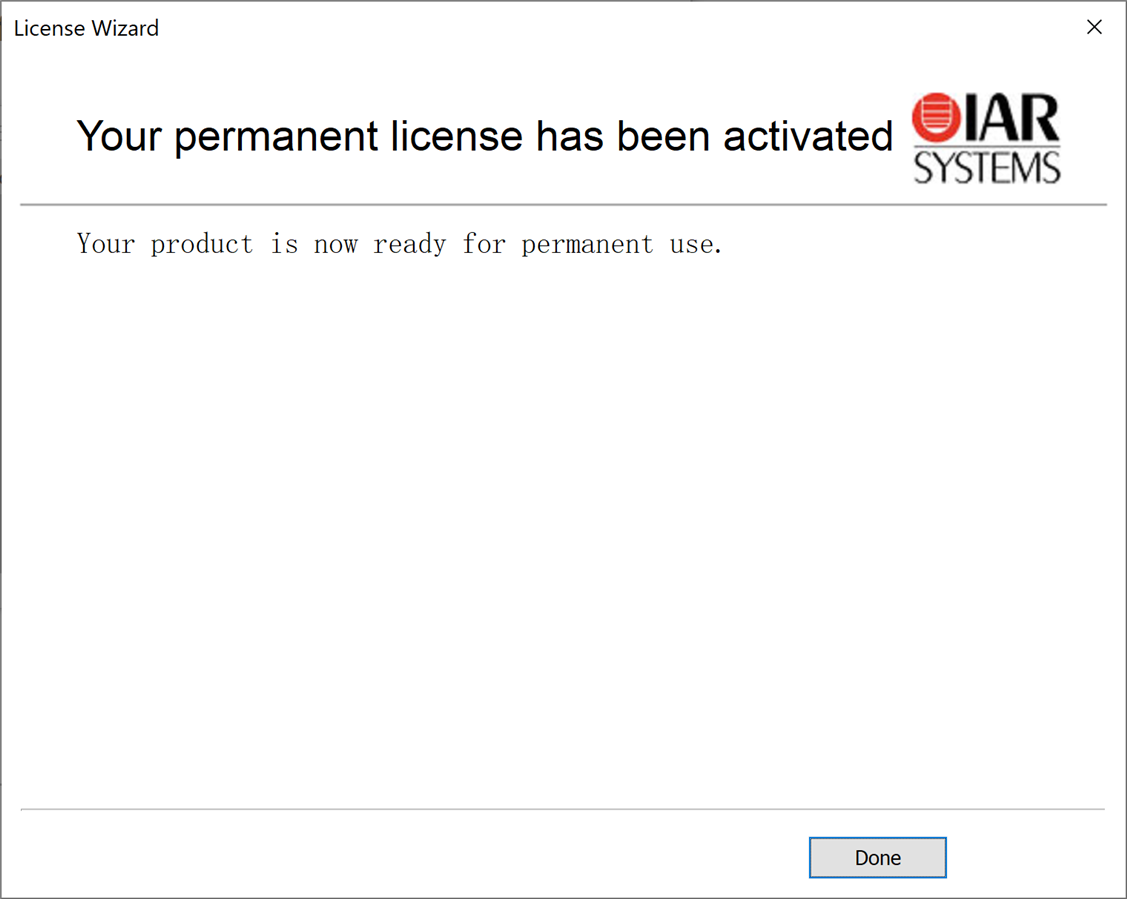
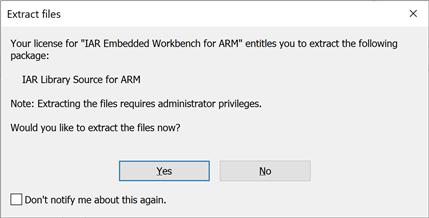
This is the last dialog box during installation
Installing SSC
Follow https://www.renesas.com/sg/en/products/synergy/software/tools/renesas-ssc.html to download SSC and install.
SSC enables graphical configuration and development of applications with the Synergy Project Generator and Project Editor for IAR Embedded Workbench for Renesas Synergy
 .
.

Getting Started with IDE
>> Got to Renesas Synergy AE-Cloud1 for IoT and IIoT #3
Synergy Software Package (SSP)
file:/C:/Renesas/Synergy/ssc_v7.3.0_ssp_v1.6.3/SSP_Documentation/ssp-user-manual-html-v1.15-sspv1.6.3/html/index.html gives a detailed view about what SSP is