


Some time ago I got the Uno Q from element14 as a gift. Now, I want to share my experience working with the board and reflashing the Debian OS if you want to update or start from scratch.
Getting started with Uno-Q
Without further explanation first thing to start with after receiving the device is power up the board with USB cable and notice the LED sequence. The board will start booting and the LEDs will print the Arduino Logo. After some time, the LED for the QRB processor will be ON. That means your board is ready and you can login/create user on Debian OS running on the Uno Q.
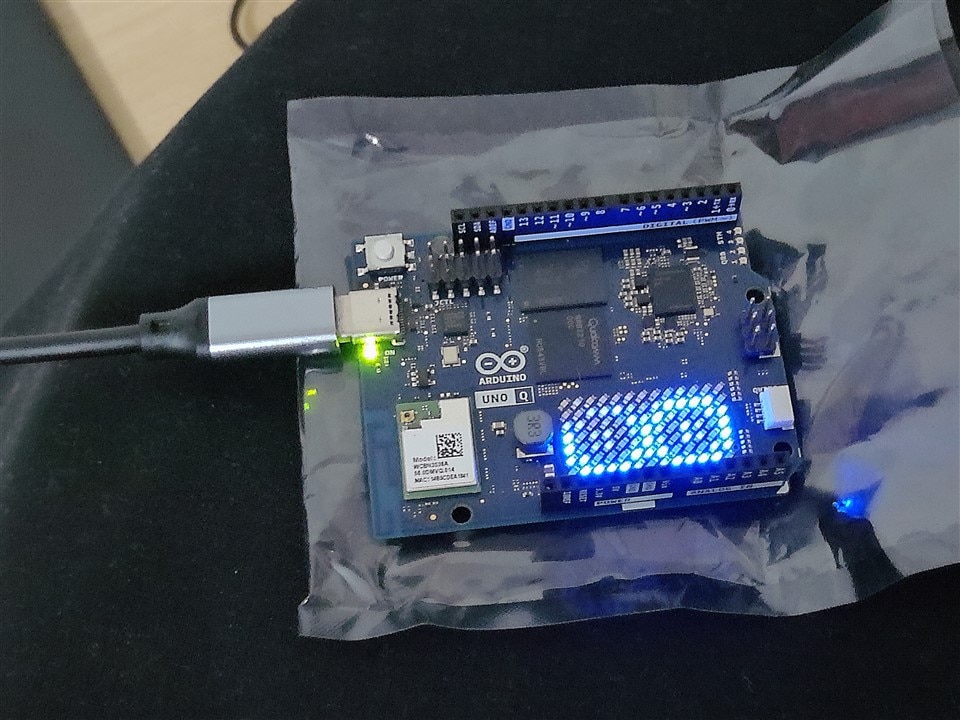
You can now use the Arduino Applab to create user and log in. After the user is created you can also ssh into the device to get terminal. In the login process you will be asked to provide a username and password. You should also give a meaningful name to your device. This name you can use during ssh process.
For example, if you give your board a name dolorita, you can use
$ arduinodolorita.local
to login to your board.
How to flash the Debian OS to the board?
Sometimes you may want to reflash the Debian OS the Uno Q. This could be for variety of reasons but to start fresh this is always an option. Only thing is that it will delete all the data and files that you already have on your device. For flashing the Debian OS there are two ways. With Applab or using the Arduino Flasher CLI. For the sake of this guide, I am talking only about using Arduino Flasher CLI.
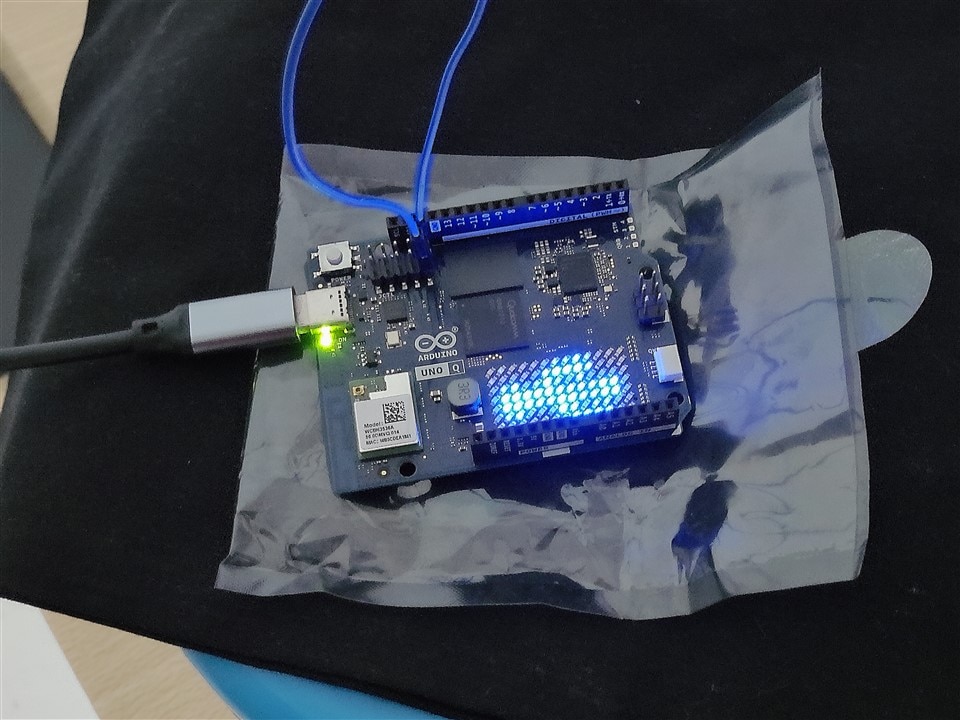
For Uno-Q to be in flash mode you need to short the last two pins as shown in bellow image to enter into bootloader mode. Do this after removing the power supply and restart the device.
You will notice the logo that is printing different symbol to inform you that the device is in bootloader mode.
Arduino Flasher CLI
Arduino Flasher CLI is used for flashing new Arduino image to the processor. You can download the Flasher CLI from Arduino website and use the command line to flash the image to the board. There is option to list all the available images that you can use. Also, there is option to first download the image and then flash it.
You can also specify the version using --version <version> command to flash specific image version to the board.
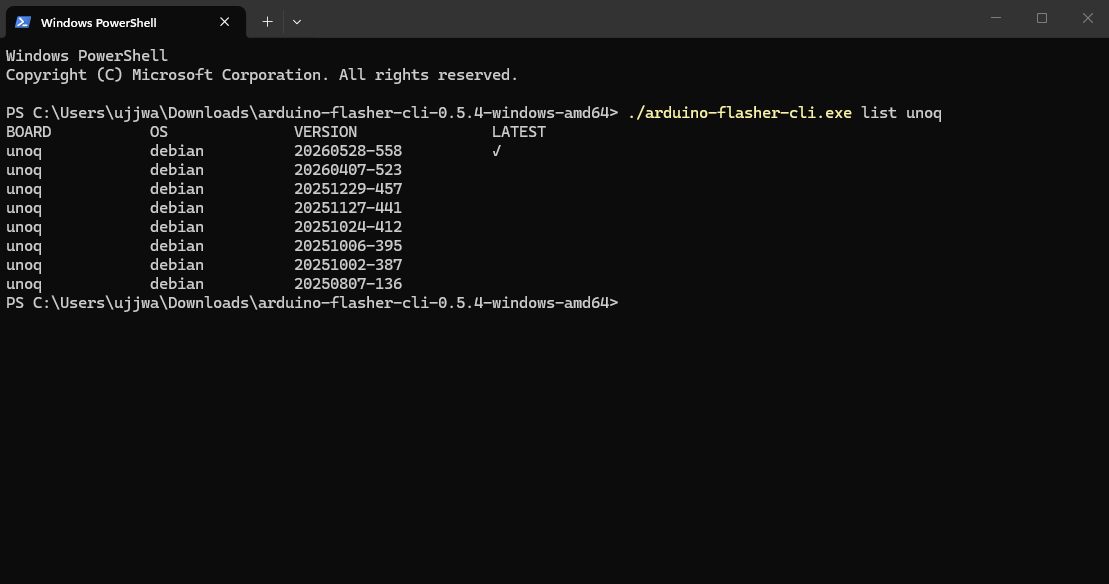
Here are the commands that can be used to flash the Uno Q with Debian OS. You can decide which command you want to use based on your case.
The flashing and installing takes some time (~10 mins) and you will get an information that the flash process in complete and you can start again from the beginning.
 ./arduino-flasher-cli.exe list unoq

./arduino-flasher-cli.exe flash unoq

./arduino-flasher-cli.exe download unoq

./arduino-flasher-cli.exe flash unoq ./myimag.tar.zst
