


Having some issues having to put components onto a PCB shape that was created in Fusion 360, when I place components into the PCB shape a full red indicator shows up,
the first time I imported my DXF file into CS some of the lines were made from smaller dots for example a line would be made as separate dots in CS, I fixed this by using a fillet tool
on fusion 360, now I cannot understand why my PCB act as shown below when I've made other shapes fine.
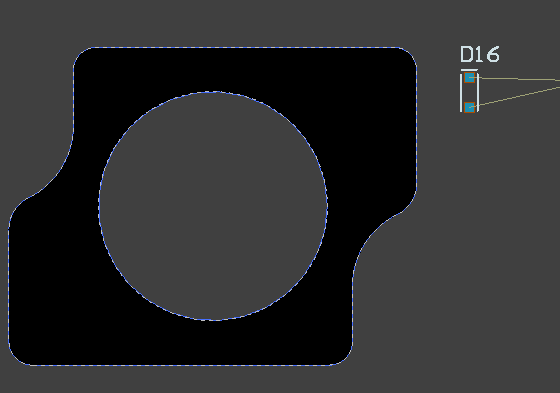
when a component is added into the PCB shape this will occur 
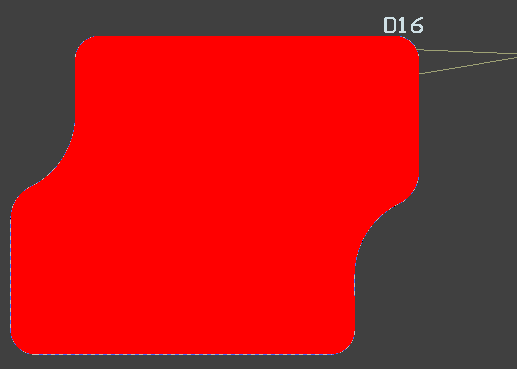
Another issue I found with CS is that when you access certain option windows the window itself is to big when using a laptop that has a smaller display so you cannot click buttons or top exit functionalities