


I am running into a problem with Circuit studio and Generating outputs. I have changed the layer names in the layer color tabs

Not for the dimensions that I added the (2) after Dimensions and changed the color to Yellow.
Now when I go to generate outputs from the home tab of the PCB
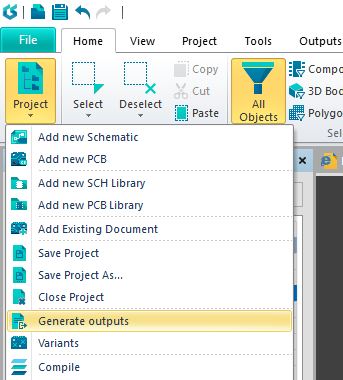
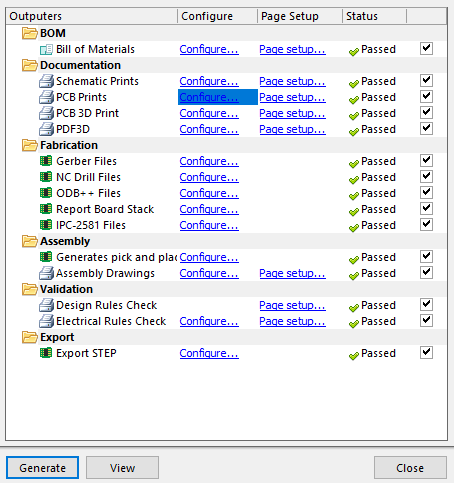
Which opens the Generate outputs window
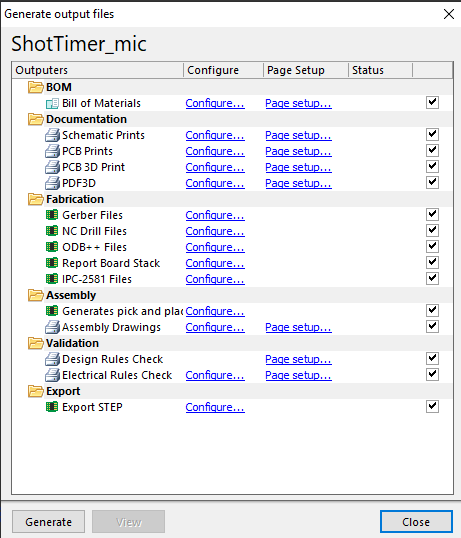
I click on Configure for PCB prints
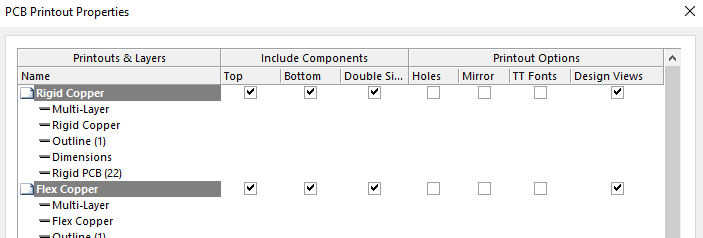
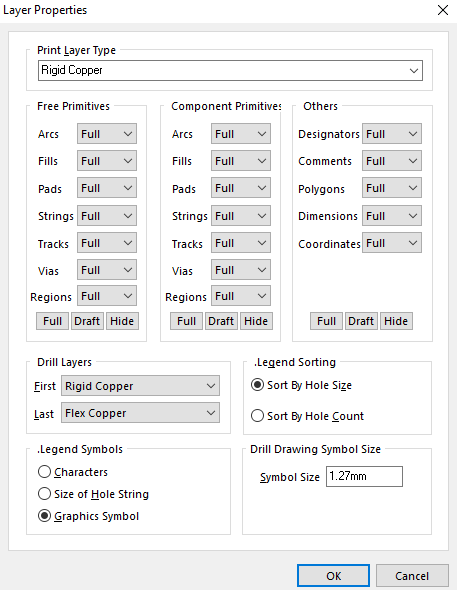
Here I have made some custom outputs. As you can see the Dimensions insert is missing the (2) after it. If I right click on it and click on properties it looks like this
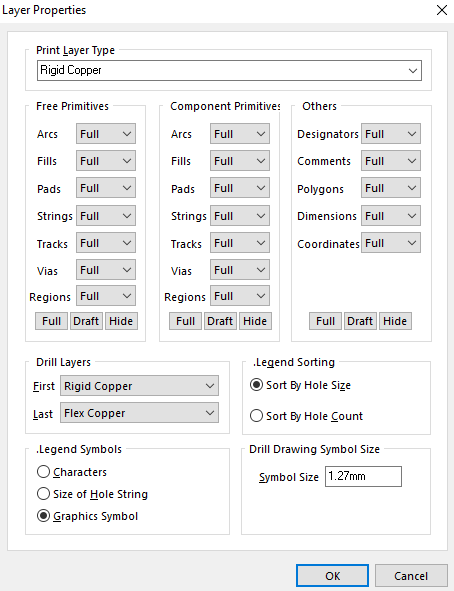
Notice it says Rigid Copper for the print layer type. I change this to Dimensions (2) by clicking on it from the drop down
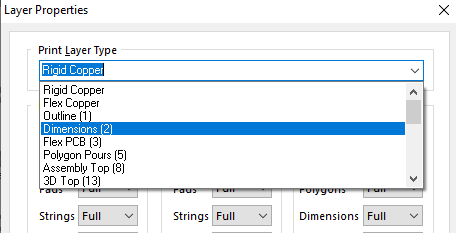
Which changes the output properties to
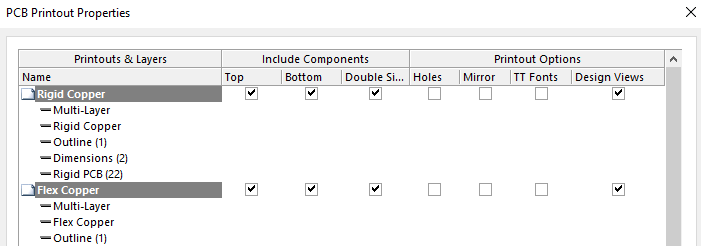
Now I press OK at the bottom and then press generate outputs. All the outputs generate and I get green check marks like this
If I open the PDF the Dimensions are not on the PCB printout and when i open the config it looks like this again
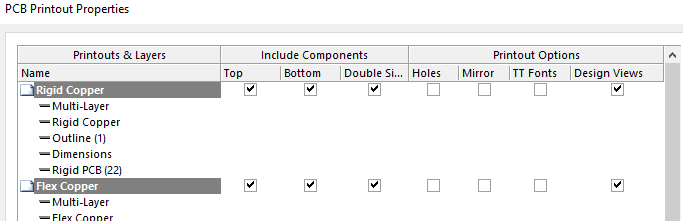
and when you look at the properties for the Dimensions it has reverted back to Rigid Copper again
Why is this happening?
