


Hello all,
This is the second post that will contain the kit description and main information about the Unihiker M10.
The kit: the Unihiker M10 kit comes in a very well-made protective plastic box, featuring an interesting locking system:
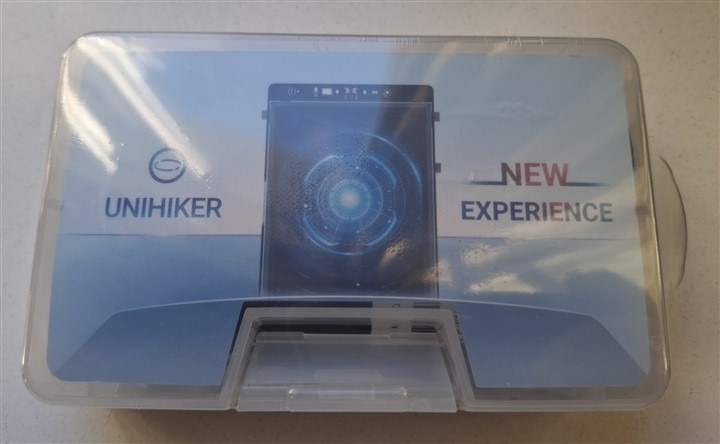
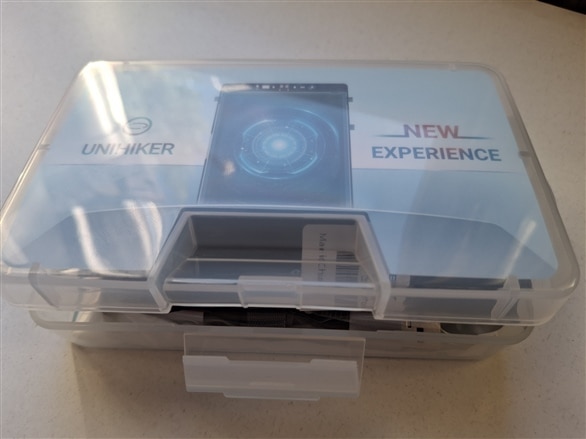
The content of the kit:
- high quality USB-C cable x1;
- double sided PH2.0-3P white 20cm silicone wire x4;
- double sided PH2.0-4P white 20cm silicone wire x2;
- user manual;
- UNIHIKER M10 Single Board Conputer x1;
- Cards with brief instructions and presentations on the lid and the bottom of the box x2;
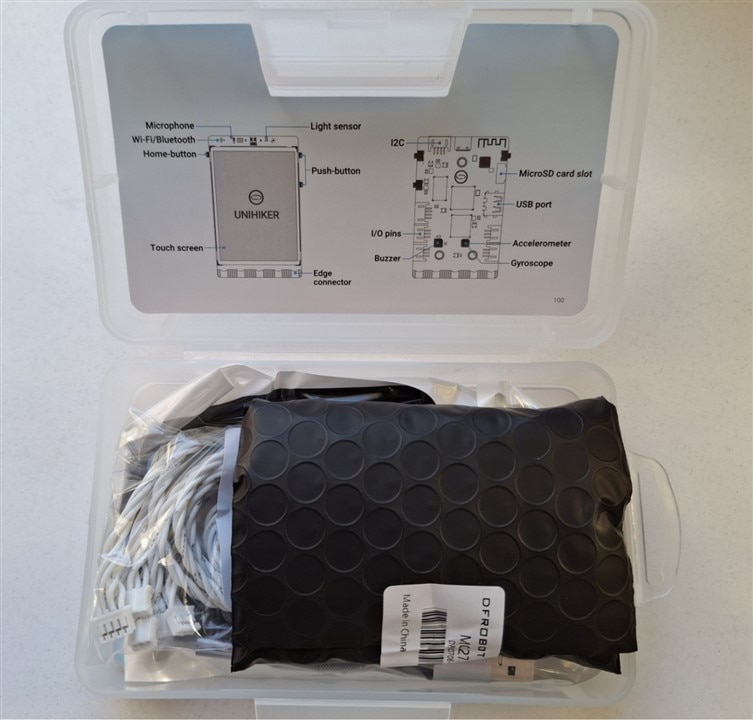
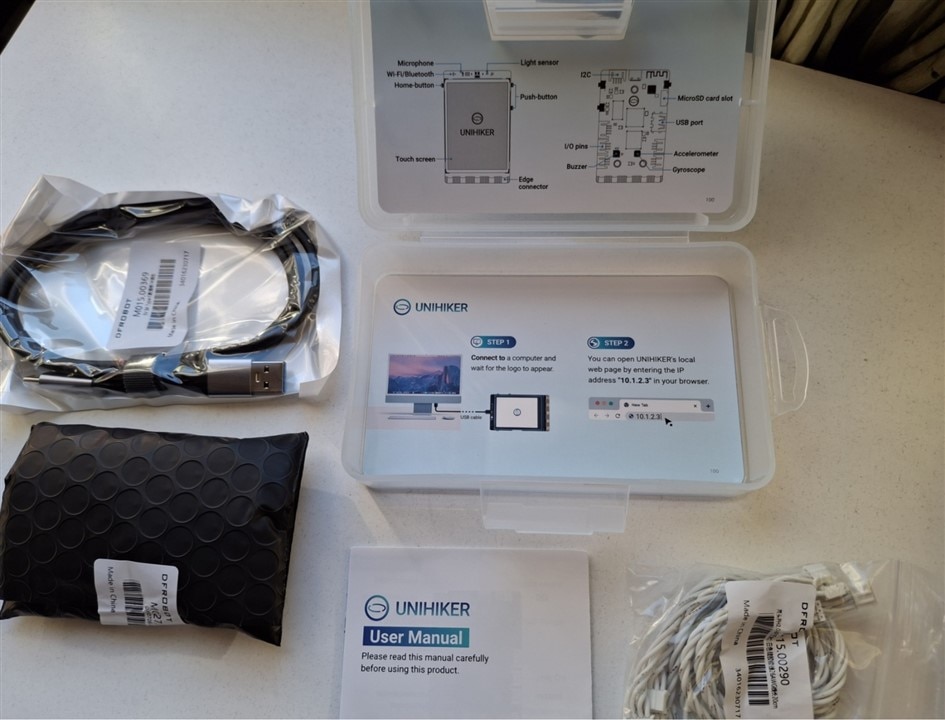
Obs: the Unihiker M10 SBC is very well packaged and protected against impacts, as well as against electrostatic shocks, using a special black-colored bag.
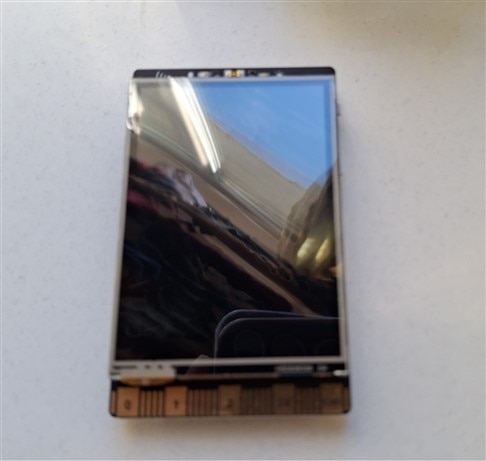
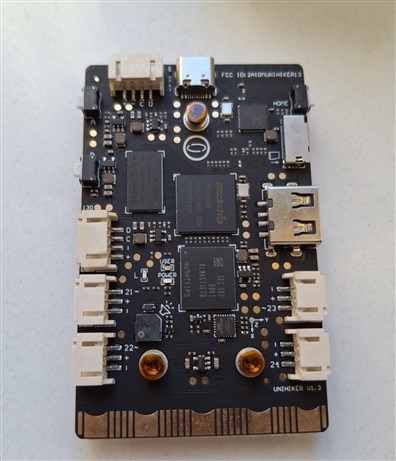
The UNIHIKER M10 Single Board Computer brings you brand new programming experience and usage in credit-card shape; thanks to edge connector in Micro:bit style, a lot of accessoryes can be connected to the board.
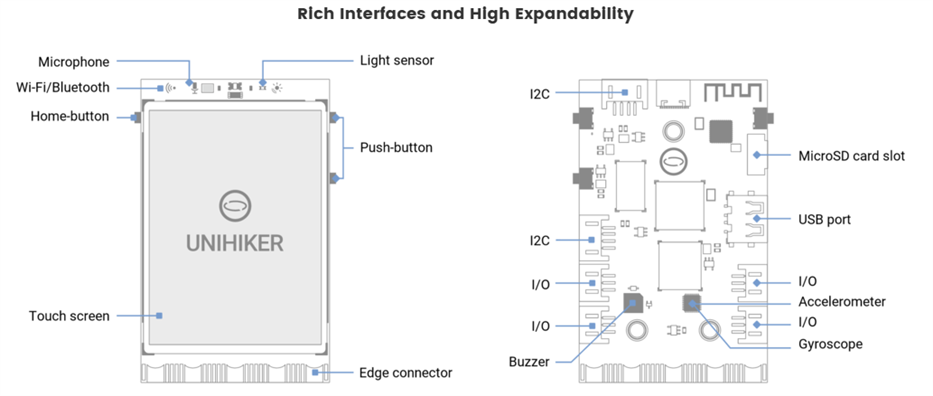
It features a 2.8-inch 240x320 touchscreen, Wi-Fi and Bluetooth 4.0 (based ob RTL8723DS) and it is equipped with:
- buttons,
- light sensor;
- accelerometer sensor;
- gyroscope sensor;
- microphone,
- MicroSD card slot;
- LEDs;
- Buzzer.
Specification:
- CPU: RK3308 Quad-Core ARM Cortex-A35 64-bit, up to 1,2GHz;
- RAM: 512 MB;
- Flash: 16GB;
- OS: Debian 10;
- MCU: GD32VF103;
- Port: USB-Type-C, USB-A, Gravity 3 & 4 pin ports, Micro:bit Edge connector style;
- Power: 5V 2A from USB Type-C
- Size: 51.6mm x 83mm x 13mm
Unihiker M10 come with Debian OS installed and ready to be used. This SBC can be programmed in Python, using the following choises:
- Jupyter Notebook (built-in) --> Python; this option allows developers to program the SBC from a browser, using a smartphone or a tablet.
- Mind+ --> Python & Graphical Python; this option is designed for teenagers that support AI and IoT functions; no code is needed;
- VSCode --> Python; an elegant, free and open-source code editor developed by Microsoft that support Python and other programming languages;
- Python IDLE --> Python; official IDE for python;
- Thonny - Python; an IDE specifically developed for Python beginners with a frendly user interface and robust code editing;
- SSH tools --> Python; used for remote connection to Unihiker M10.
Obs: UNIHIKER can be programmed from a computer or wirelessly, from an iPad, even a phone; It also supports Hotspot.
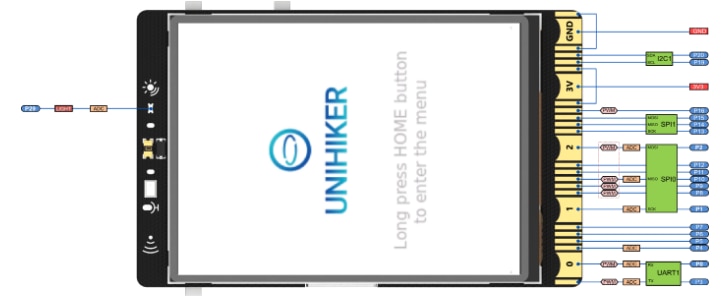
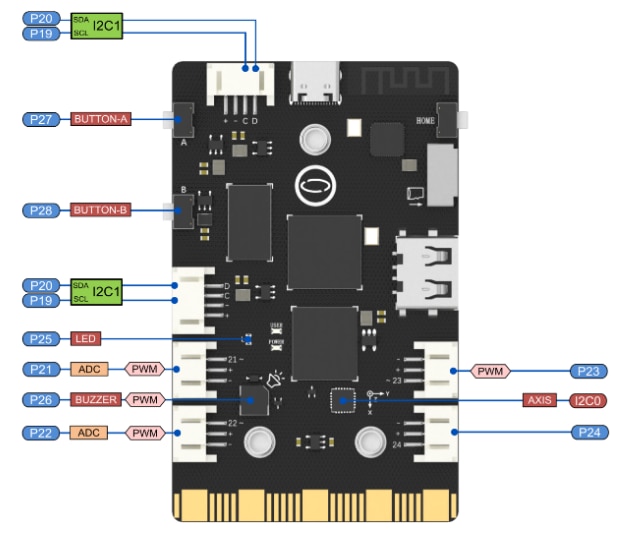
To interact with external world (sensors, actuators, etc), the Unihiker M10 offers:
- two dedicated I2C connectors;
- four connectors with access to several pins from MCU, as: PWM, ACD, I/O pins and power supply;
- one Edge connector Micro:bit style with 19 independent I/O (Support 1 ×I2C, 1×UART, 2×SPI, 6×12-bit ADC, 5×10-bit PWM).
Video with onboard demo:
Obs: information user are from here:
- programming: Getting Started - UNIHIKER Documentation
- general: UNIHIKER M10 - IoT Python Single Board Computer with Touchscreen - DFRobot
- board overview: 5.Board Overview - UNIHIKER Documentation
I will continue in next post with connection the kit to PC and/or tablet and smartphone.
See you next.