


The HALCoGen device configuration utility of TI doesn't run well on a screen where the font size or Scale has been altered.
The text will not line up with other display elements, such as lines, boxes.
The windows 11 compatibility wizard has a solutions:
- Right click on the application shortcut, and select Troubleshoot Compatibility
- Select Troubleshoot Program
- Select: the program opens but doesn't display correctly
- Select: program doesn't display properly when large scale font settings are selected
- Test
- Apply
The result is that HALCoGen will start unscaled. Fonts will be small (unscaled) on large resolution screens, but the content is clean and undisturbed:
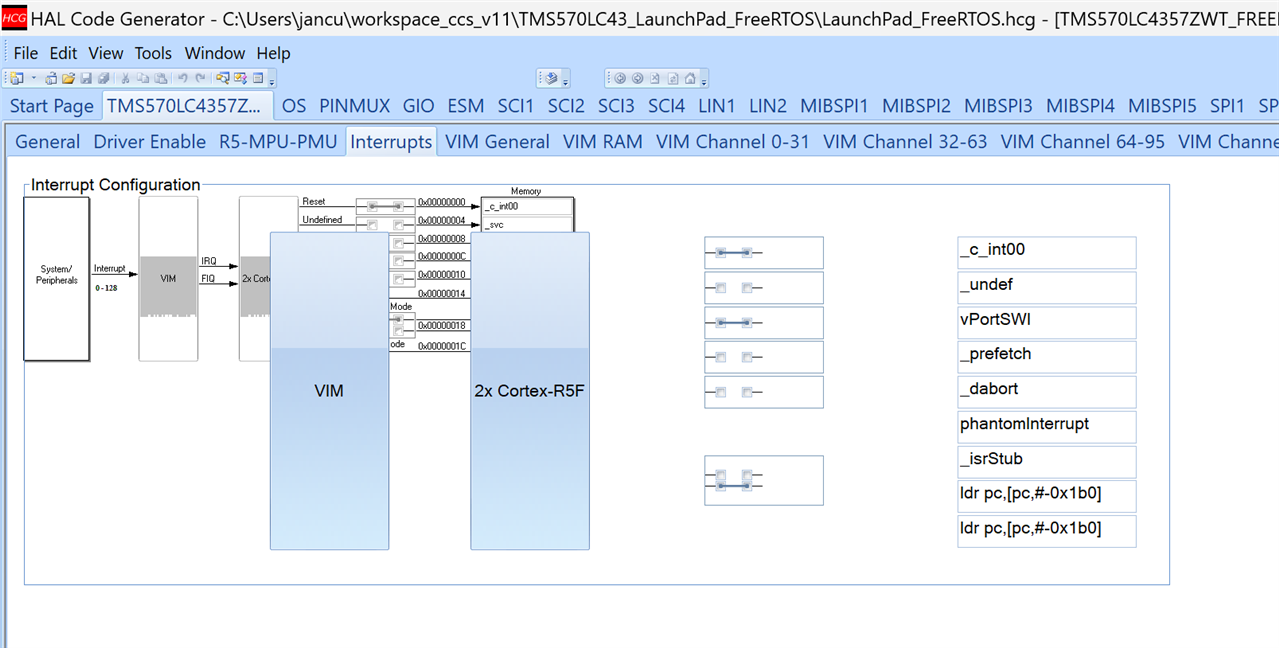
There is no ideal world. TI announced earlier that they will not fix HALCoGen for scaled screens, and they advice to always use a 100% screen. But that influences all programs.
My solution is to allow scaling for all compatible programs, and make HALCoGen behave by using the compatibility settings.