


Continuing from Path II Programmable Blog 5 - Starting with Zynq UltraScale+ MPSoC Software with Xilinx SDK with software lectures/labs 5,6,7 & 8:
SW Chapter 5 video: Connecting Hardware & Debugging
- An overview of the hardware on the Ultra96v2.
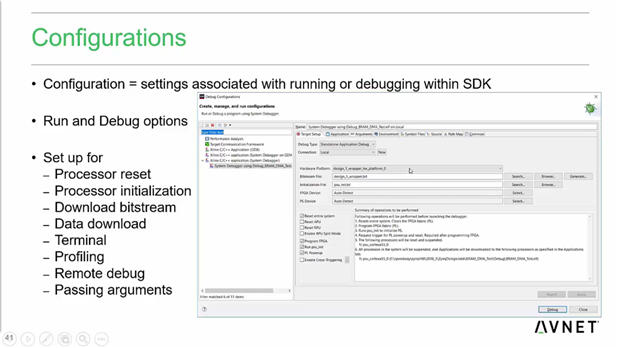
- Xilinx Configurations - a bunch of settings associated with a run or debug 'profile'. It controls how the system is reset, programmed, setup and offers a bunch of other settings.
- Xilinx System Debugger is an improved version of the older GDB debugger.
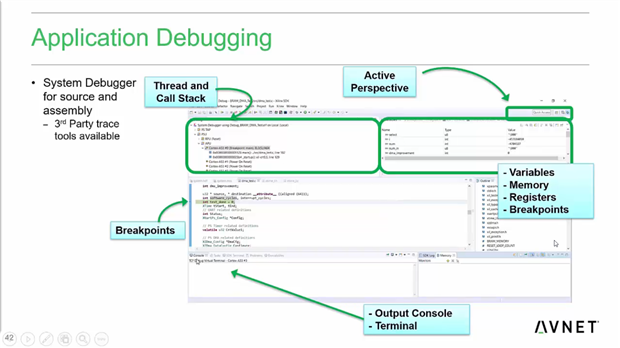
- The 'debug' perspective in Eclipse shows the user the variables, stack, breakpoints, a terminal etc.

SW Lab 5 - Connecting SDK to Hardware
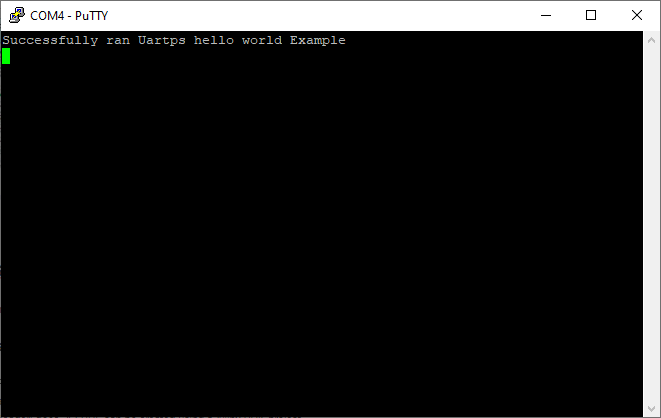
- Connected the hardware, opened up a serial terminal & programmed the FPGA.
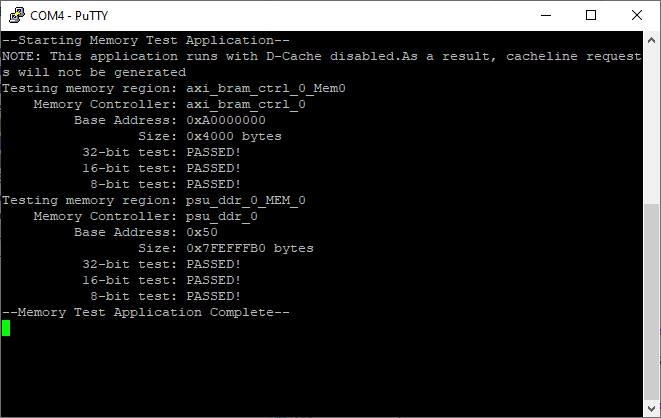
- Ran the UART PS & Memory Test
- Debugged the Peripheral Test
SW Chapter 6 video: First Stage Bootloader
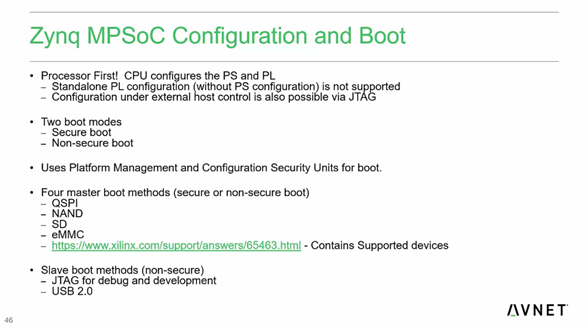
- How Zynq MPSoC boots. The PS is the master - it boots first & programs the PL.
- Zynq MPSoC offers a 'secure' and 'non-secure' boot mode.
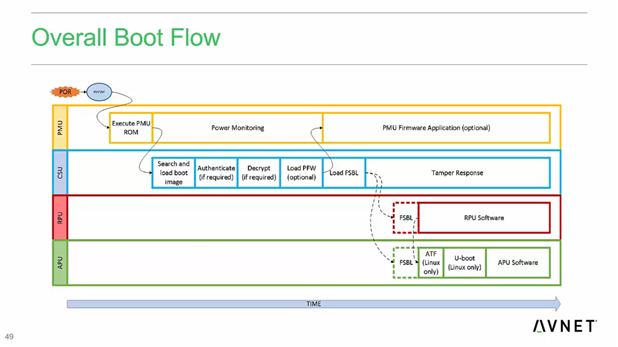
- What the FSBL (first stage bootloader) does. A FSBL can be created using a Xilinx SDK project.
- What the 2nd stage bootloader does (eg U-Boot).


SW Lab 6 - First Stage Boot Loader (FSBL)
- Created a FSBL project.
- Created a project for the Platform Management Unit (PMU).

SW Chapter 7 video: SD Card & Boot-up
- How to create a SD card boot image using Xilinx SDK. Xilinx includes a plugin that takes the FSBL, PL bitstream & application & packages all of them together in one .bin.
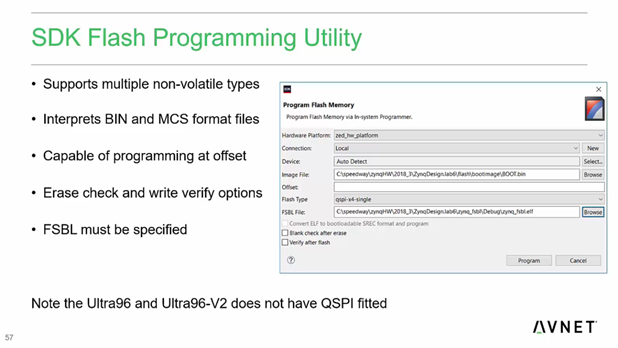
- How to program Flash memory from Xilinx SDK. Select the flash type, point it to BOOT.bin & the FSBL, and it handles everything else!

SW Lab 7 - Boot from SD Card
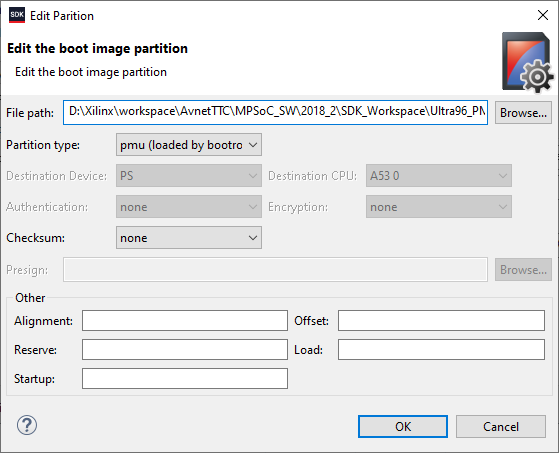
- Went over the process of creating a boot image - simply right click on your application project and select 'Create Boot Image'. The PMU .elf had to be added manually, and then BootGen generated the .bin file which was copied over to the SD card.
SW Chapter 8 video: SDK Project Management
- How to share SDK projects with other people or teams - simply copying the workspace directory will not work!
- Xilinx SDK includes export & import tools.
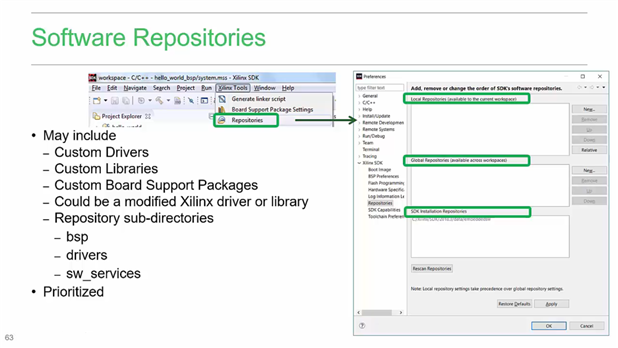
- SDK also includes support for repositories for storing custom drivers, BSPs etc.

SW Lab 8 - SDK Project Management
- Created an archive of the SDK Project - exported launch configurations, breakpoints & then imported them back into the workspace.