


Captured on Film!
The Timer (2.5) component also has a capture input.
It's options are identical to the timer's trigger options:
- None
- Rising Edge
- Falling Edge
- Either Edge
- Software Controlled
With the Capture Counter checkbox unchecked, the Capture pin is similar to a Lap time button of a stopwatch but works for a down counter rather than an up counter.
The Capture causes the value of the timer to be captured for use for another process.
The Capture doesn't cause the timer to stop counting down so you can capture many moments during a single countdown cycle until the TC (Terminal Count) is reached in single shot mode.
When the Capture Counter checkbox is checked, the capture pin acts a bit like a Swedish power switch and will only capture the countdown value after the specified number of capture events.
For example, when the Capture counter is set to 2, only every second valid capture event is captures the value of the countdown timer. This is equivalent to the double clicks required on some Swedish power switches to toggle the state the switch.
Likewise when set to 3, only every third capture event captures the value of the countdown timer.
I know that you can use Capture in combination with One Shot Run Mode and Triggers to measure the duration of a digital pulse signal.
In the next article I'll demonstrate it.
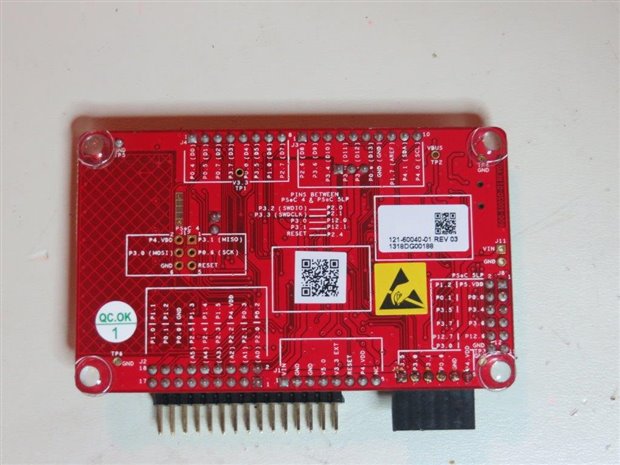
BTW - The photo above has nothing to do with the timer component except to show the backside of the Pioneer Kit and its very useful annotations.
I wonder if you captured that furphy?
