


Fed up with forgotten chores, missed messages and scattered shopping lists, Lorraine set out to build a smarter family planner using Raspberry Pi. Combining a touchscreen dashboard, wireless Zigbee buttons and camera-based recognition, the system assigns tasks, shares messages and presents personalised information to the right family member as they arrive home.
Follow along as she integrates the hardware, develops the web application, overcomes a few recognition and mounting challenges, and explores how physical computing can make everyday family life a little more organised.
Time to Get the Family in Order
Busy households often rely on a mixture of shared calendars, messaging apps, shopping lists and verbal reminders. The challenge is rarely a lack of tools, but getting everybody to actually see the information at the right moment. Lorraine's Underwood Planner tackles that problem with a thoughtful blend of physical computing, local services and AI-powered face recognition, creating a household dashboard that feels far more interactive than a typical family calendar.
Built around a Raspberry Pi 5, a touchscreen display, an AI-enabled camera and a wireless Zigbee scene controller, the system acts as a central family hub. It brings together chores, messages and shopping lists while attempting to make notifications more personal by recognising who is standing in front of it.
A Planner That Knows Who's Looking
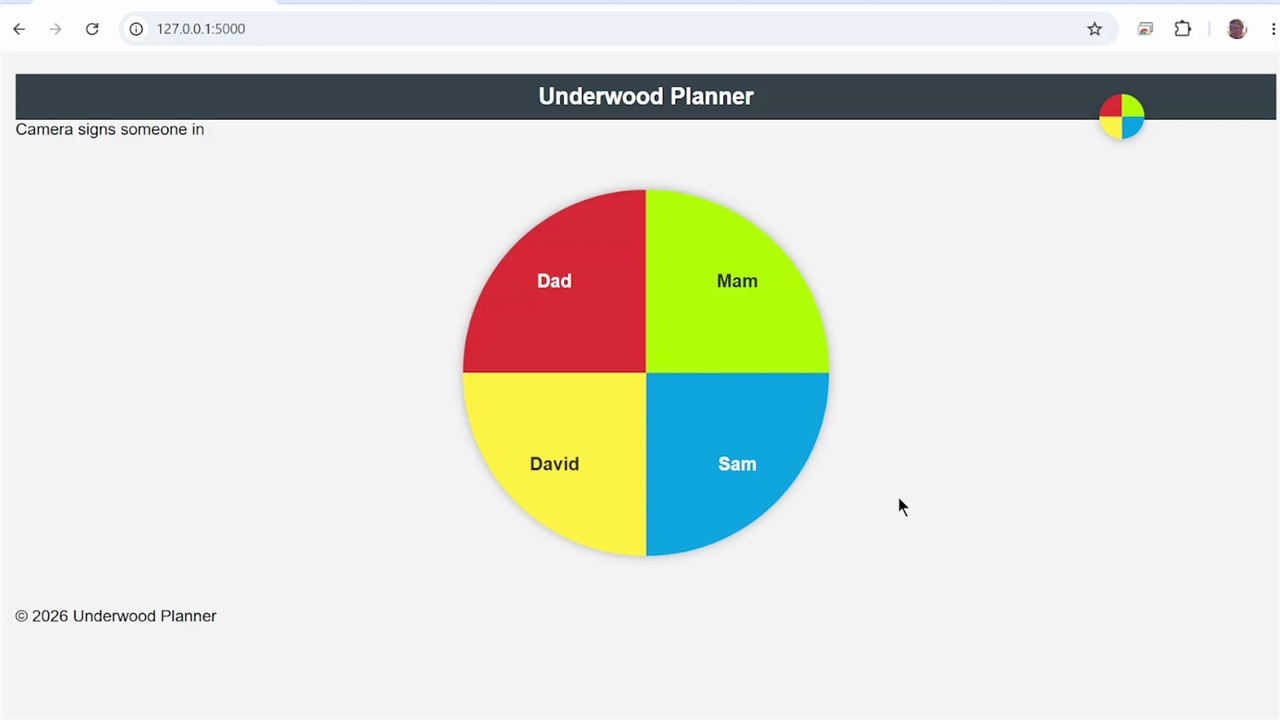
The heart of the project is the idea that information should be presented only to the person who needs it. Rather than displaying every family member's appointments and reminders on a communal screen, the planner uses a vision system to identify who has arrived and automatically display their own information.
"It's really important that only the correct people see their information."
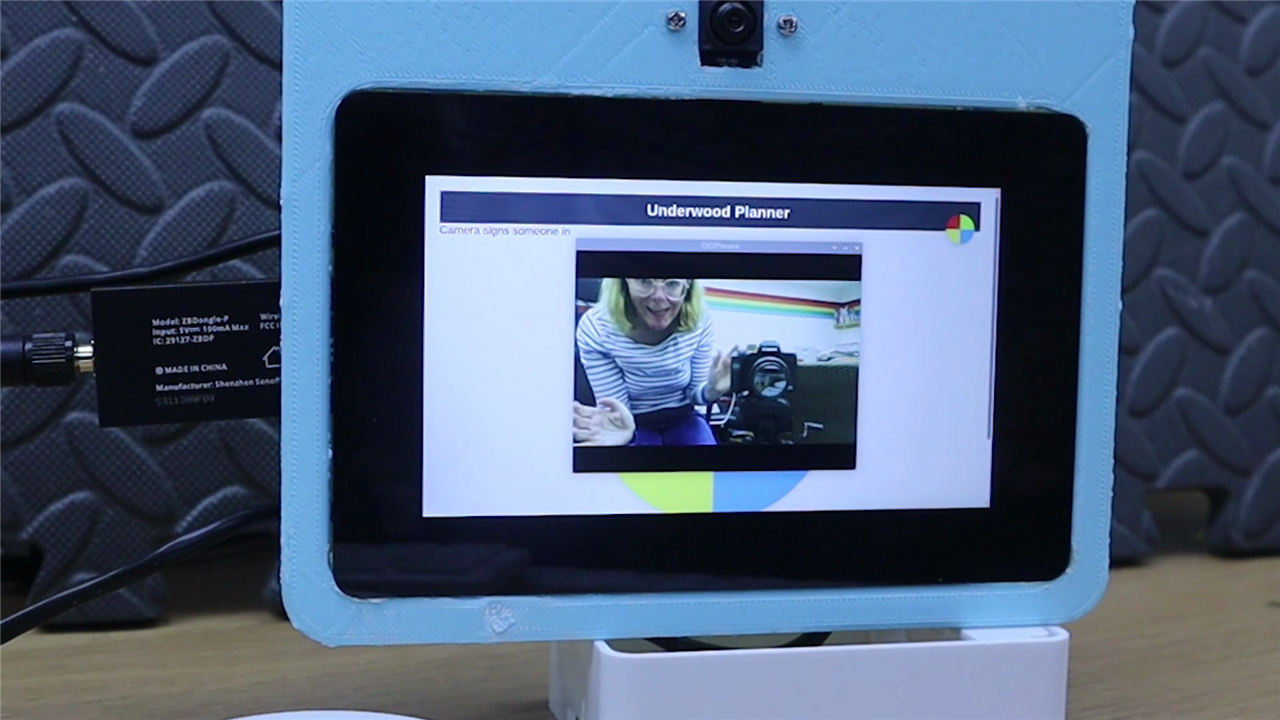
To achieve that, Lorraine paired a Raspberry Pi AI Camera with a touchscreen interface. The camera is based on Sony's IMX500 intelligent vision sensor, which performs AI inference directly on the camera module rather than burdening the host processor. This makes it particularly well suited to edge-AI projects where image recognition needs to happen continuously while the Raspberry Pi remains available for running other services. The camera combines a 12.3-megapixel sensor with onboard neural-network acceleration, making face detection and classification practical without requiring an additional AI accelerator board.
During testing Lorraine discovered some of the realities of deploying facial recognition in a family environment. The camera occasionally confused children and parents, and lighting proved to be just as important as the recognition software itself. Once the camera was mounted more securely and images were retaken, recognition performance improved significantly.
Rather than treating these observations as setbacks, the project highlights them as useful design considerations for anyone implementing person recognition in a domestic setting. Stable camera placement, consistent framing and multiple training images are likely to improve reliability.
Physical Buttons for Real-World Tasks
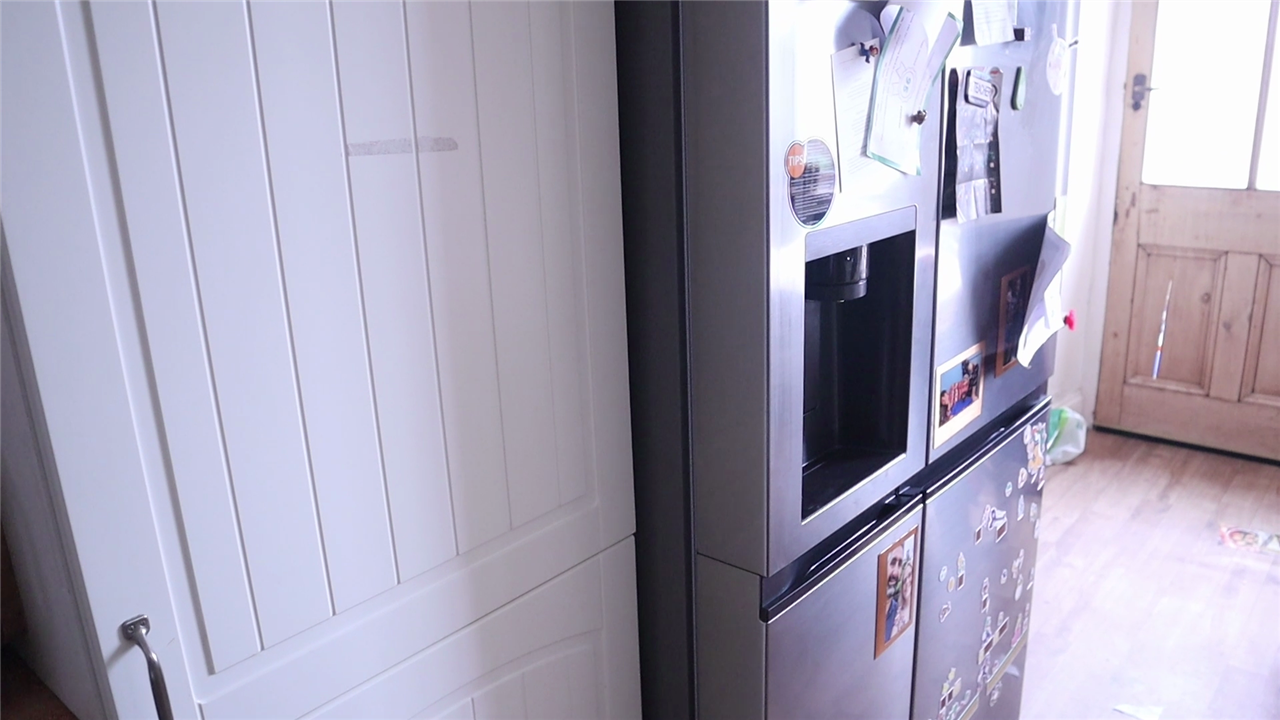
One of the most enjoyable aspects of the build is its use of a four-button wireless Zigbee controller mounted on the family fridge. Instead of requiring users to navigate menus, chore reminders can be assigned with a single press.
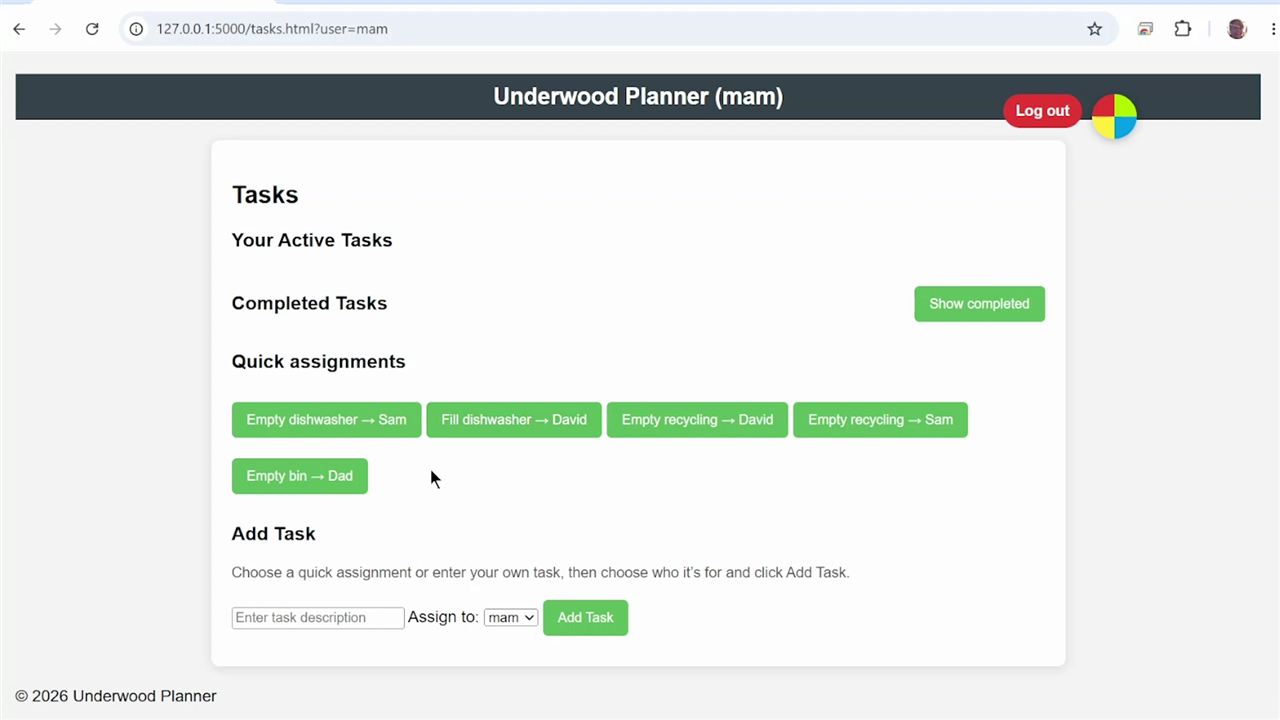
The original concept centred on common household jobs such as emptying the dishwasher and taking out recycling. When someone notices a chore needs attention, they simply press the corresponding button. The planner then assigns the task to the appropriate family member.
What makes the controller particularly flexible is that each button supports multiple actions. Lorraine discovered that single-click, double-click, triple-click and long-press events could all be detected.
"You kind of have like up to 12 buttons really rather than just four."
This dramatically expands the possibilities for future versions, allowing a relatively simple controller to support a much larger collection of actions without adding extra hardware.
Communication between the controller and the Raspberry Pi is handled using Zigbee networking through a USB coordinator dongle. After initial pairing and configuration, Lorraine verified that the buttons remained reliable across floors of the house, with the Raspberry Pi located in the basement and the controller mounted upstairs on the kitchen fridge.
The Software Behind the Planner
While the hardware draws immediate attention, much of the project's value comes from the custom web application running locally on the Raspberry Pi.
The interface combines several household functions into a single dashboard:
- Shared shopping lists with item tracking.
- Household messaging between family members.
- Task assignment and chore notifications.
- Automatic user selection through face recognition.
- Local data storage running on the Raspberry Pi.
The shopping list implementation goes beyond a basic checklist by recording who added each item and when it was added. Lorraine also discussed future plans for a print function, making it easier to generate a physical list before heading to the shops.
Meanwhile, the messaging system enables quick communication between household members without relying on external services. Messages can be sent to individuals or broadcast to everyone in the family, creating a lightweight communication layer entirely within the planner.
A particularly elegant design choice is the use of a JSON configuration file to map specific button events to particular actions. This allows the physical controls and software interface to remain loosely coupled, making future customisation straightforward.
Working with the Raspberry Pi Hardware
The build makes effective use of Raspberry Pi's latest hardware ecosystem.
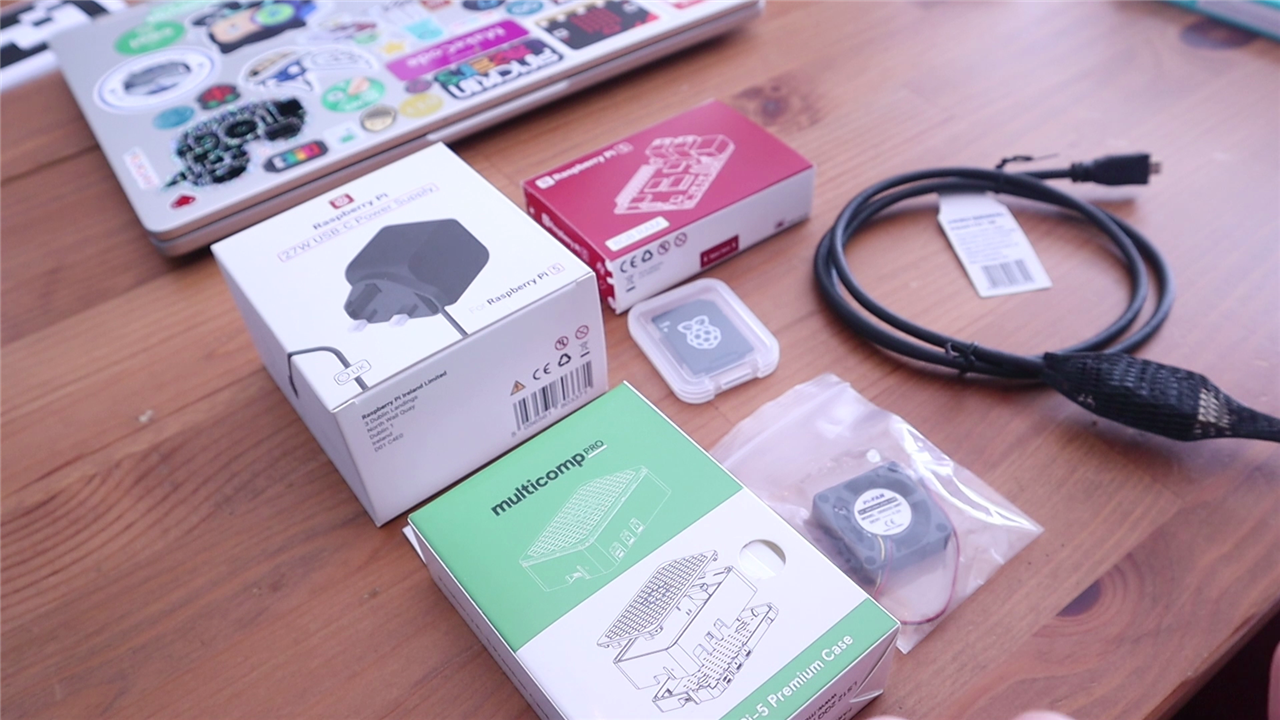
The Raspberry Pi 5 provides enough processing headroom to run the local web application, Zigbee services, touchscreen interface and camera software simultaneously. Lorraine also made use of active cooling, recognising that computer vision workloads can place greater demand on the system than many traditional maker projects.
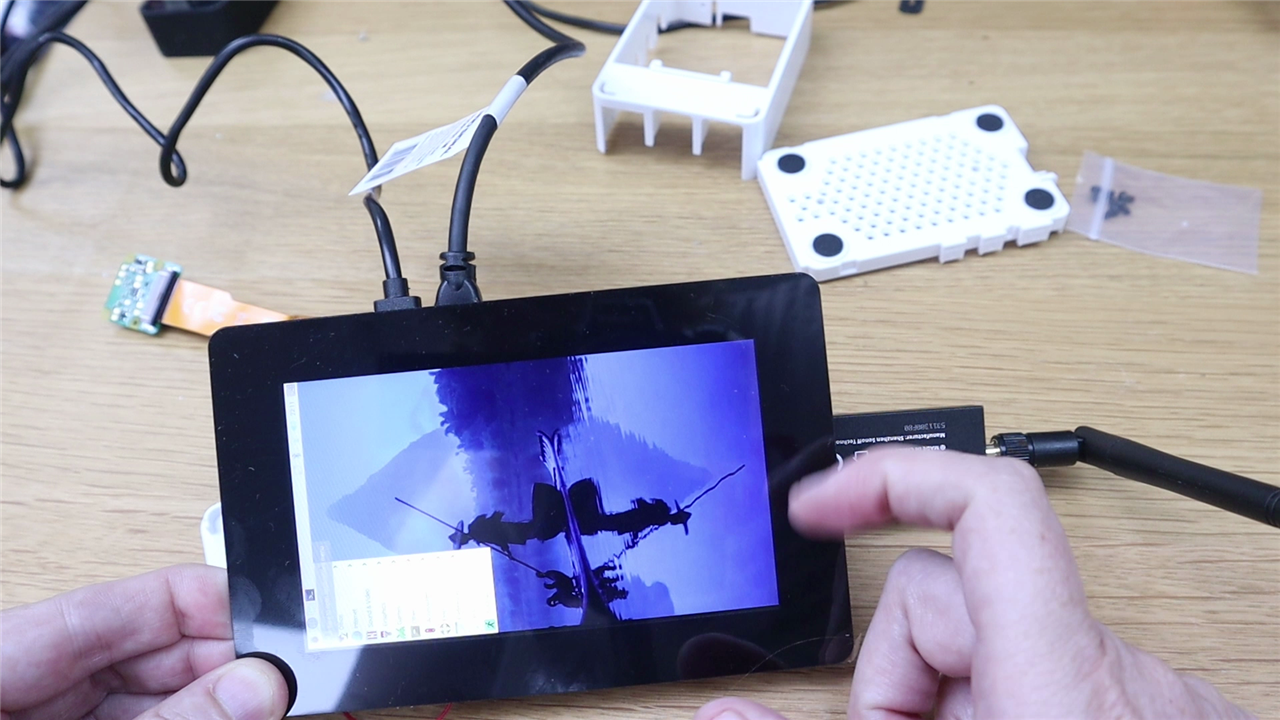
The 5-inch Touch Display 2 serves as the planner's primary interface. Connected through the Raspberry Pi's DSI display connection, it supports five-point capacitive multitouch and provides a 720 × 1280 resolution panel, making it suitable for kiosk-style installations and information dashboards. 【3-54beba】【4-509005】【5-1f5816】
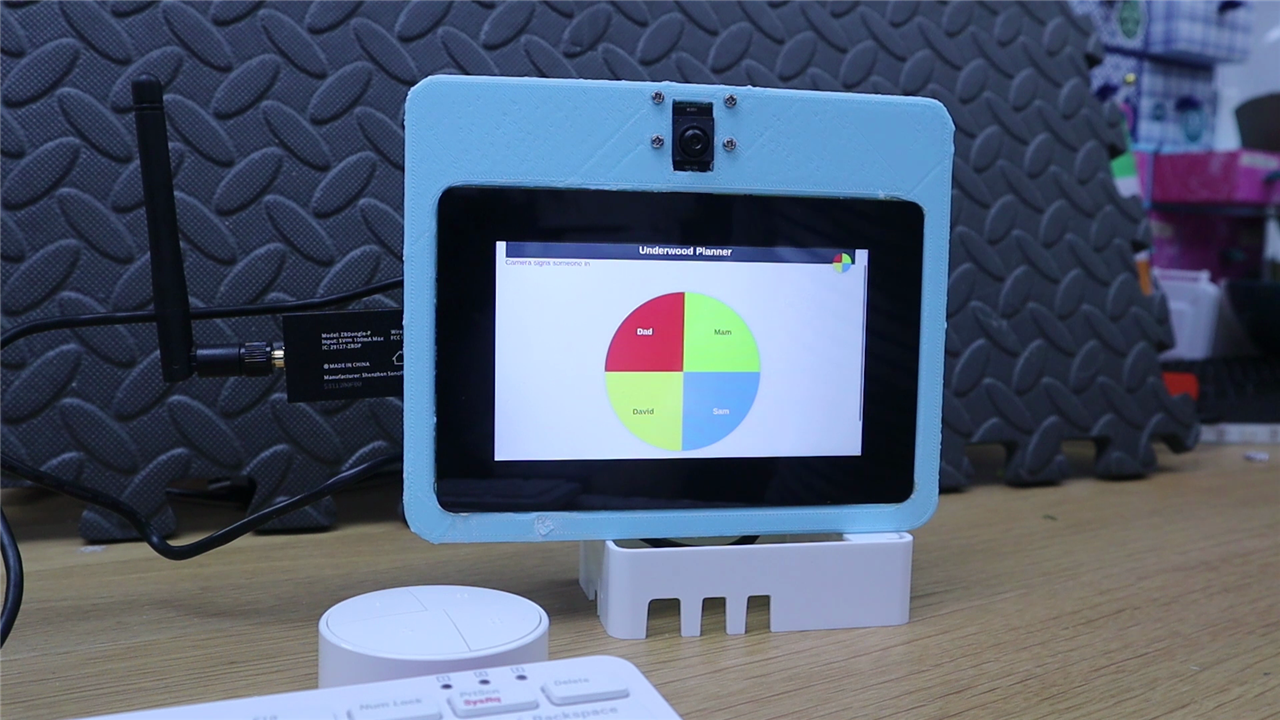
One practical lesson from the build involved integration. Although the Raspberry Pi case initially appeared to solve enclosure requirements, cable routing and accessory placement quickly complicated matters. Rather than forcing everything into the supplied enclosure, Lorraine opted to develop a custom 3D-printed mounting solution that incorporates the display, camera and Raspberry Pi into a single assembly.
Unexpected Lessons Along the Way and Future Improvements
Some of the most interesting moments come from the project's unscripted discoveries.
Ribbon cables once again proved capable of testing even experienced Raspberry Pi users. Camera placement needed rethinking. Lighting influenced AI performance more than expected.
And perhaps most predictably, the first real-world security vulnerability emerged almost immediately when the system was demonstrated to family members.
"Straight away he did what I should have predicted all along... he spammed his brother."
That experience prompted Lorraine to consider additional permissions and accountability features. Future iterations could identify who pressed a button, restrict access to certain controls, or even incorporate biometric confirmation before submitting requests. Although the planner is already functional, Lorraine identified several areas for further development:
- Improved Google Calendar integration while maintaining privacy.
- Additional facial recognition training images for greater accuracy.
- A print function for shopping lists.
- Better user accountability for button-triggered actions.
- Potential biometric or identity-aware controls on task assignments.
- Refined enclosure and mounting hardware.
The Google Calendar integration is particularly noteworthy. Rather than exposing family calendars publicly, Lorraine deliberately avoided compromising privacy, even when that made implementation more challenging.
Final Thoughts
The Underwood Planner is an inventive example of how physical computing can solve an everyday problem without relying solely on cloud services or smartphone notifications. By combining Zigbee controls, a Raspberry Pi 5, a touchscreen interface and AI-powered face recognition, Lorraine created a system that feels personal, playful and genuinely useful.
What starts as a household chore organiser quickly becomes a broader exploration of identity-aware interfaces, local automation and practical AI. Just as importantly, the project demonstrates the value of iterative design, where observations from real users actively shape the next revision.
For makers interested in smart-home interfaces, local AI applications or family-focused automation, the Underwood Planner offers plenty of inspiration and more than a few ideas worth borrowing, if you want to create something similar yourself, let us know!
Supporting Links and Files
- If and when the supporting files become available they will be linked here, at the time of writing they're not presently available.
Supporting Parts
| Product Name | Manufacturer | Quantity | Buy Kit |
|---|---|---|---|
| RASPBERRY-PI RPI AI CAMERA, INTELLIGENT VISION SENSOR | Raspberry Pi | 1 | Buy Now |
| MULTICOMP PRO RASPBERRY PI 5 STARTER KIT, 8GB, UK PLUG | MULTICOMP PRO | 1 | Buy Now |
| RASPBERRY-PI TFT LCD DISPLAY, 5", RASPBERRY PI BOARD | Raspberry Pi | 1 | Buy Now |
Additional Parts
| Product Name | Manufacturer | Quantity |
|---|---|---|
| SONOFF Universal Zigbee 3.0 USB Dongle Plus Gateway with Antenna for Home Assistant, | Sonoff | 1 |
| SONOFF Fusion Zigbee Smart Scene Button | Sonoff | 1 |
-

spinden
-
Cancel
-
Vote Up
0
Vote Down
-
-
Sign in to reply
-
More
-
Cancel
Comment-

spinden
-
Cancel
-
Vote Up
0
Vote Down
-
-
Sign in to reply
-
More
-
Cancel
Children