

DJ Harrigan sets out to build a cyberdeck that’s less about chasing sci‑fi perfection and more about making something genuinely fun, usable, and a bit strange. Using a Raspberry Pi 4 as the core, he works through the real challenges of squeezing power, audio, buttons, a touchscreen, and a battery into a portable case, running into quirks along the way like Raspberry Pi audio wiring oddities and the realities of power draw. Instead of copying a laptop, he leans into big clicky buttons, a chunky volume knob, exposed connections, and a custom case that looks and feels purpose‑built. The end result is “just a Raspberry Pi in a cool case,” but one that’s far more satisfying to use—and a solid starting point for future hacks, experiments, and whatever those buttons end up doing next.
DJ Harrigan’s Cyberdeck as a Portable Computing Manifesto
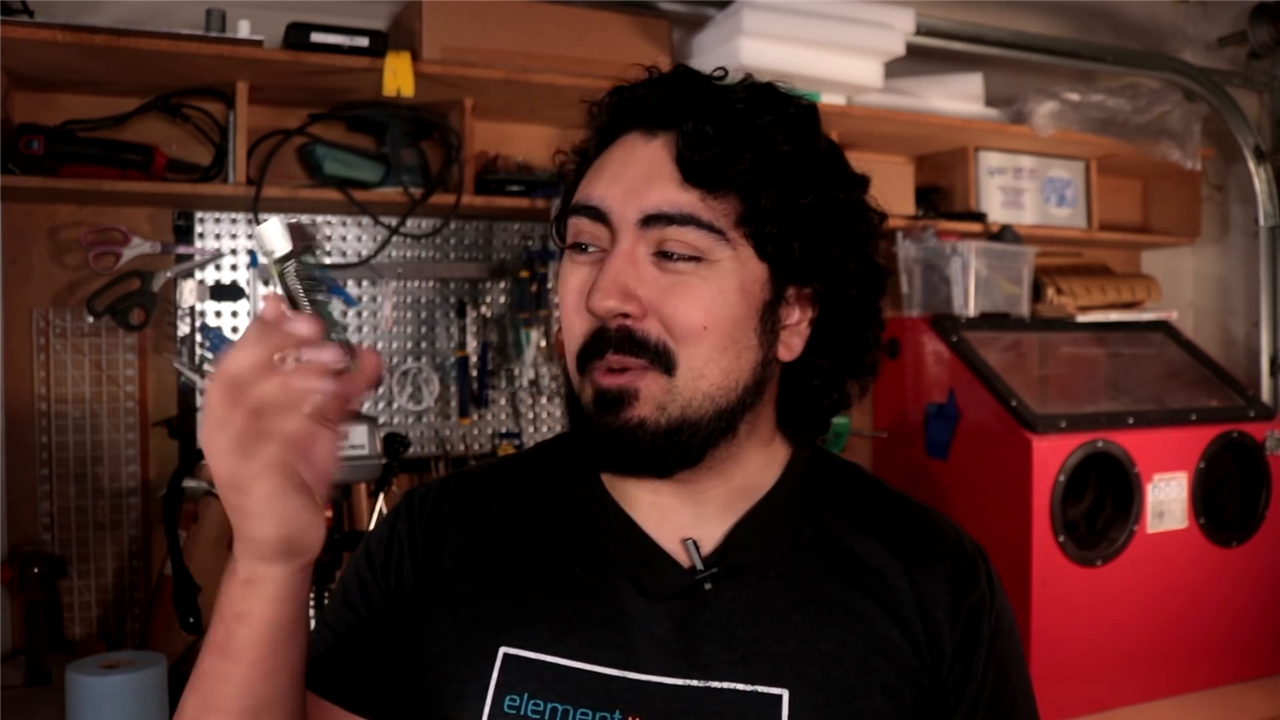
Long before laptops became sleek slabs of aluminium and glass, science fiction imagined computers as strange, personal artefacts, purpose‑built tools that reflected their user as much as their function. One of the most enduring of these ideas is the cyberdeck, a term popularised in the cyberpunk fiction of William Gibson. In those stories, a cyberdeck was not just a computer; it was an interface to another world, rugged, idiosyncratic, and deeply personal.
They're also cool.
Defining the Cyberdeck
Cyberdecks, by their very nature, are loosely defined objects, so the project is guided by three self‑imposed rules:
- It must be functional
- It must be unique or weird
- And it must look cool
That framing becomes important later, no integrated keyboard, exposed power rails, oversized buttons. This is not a laptop replacement. It is a deliberate rejection of the laptop metaphor.
To keep the build grounded, Harrigan breaks the system down into four classic electronic subsystems: control, input, output, and power. This structure not only clarifies the design process but makes the project far more approachable for anyone looking to recreate or adapt it.
Control and Processing: Why the Raspberry Pi 4 Makes Sense
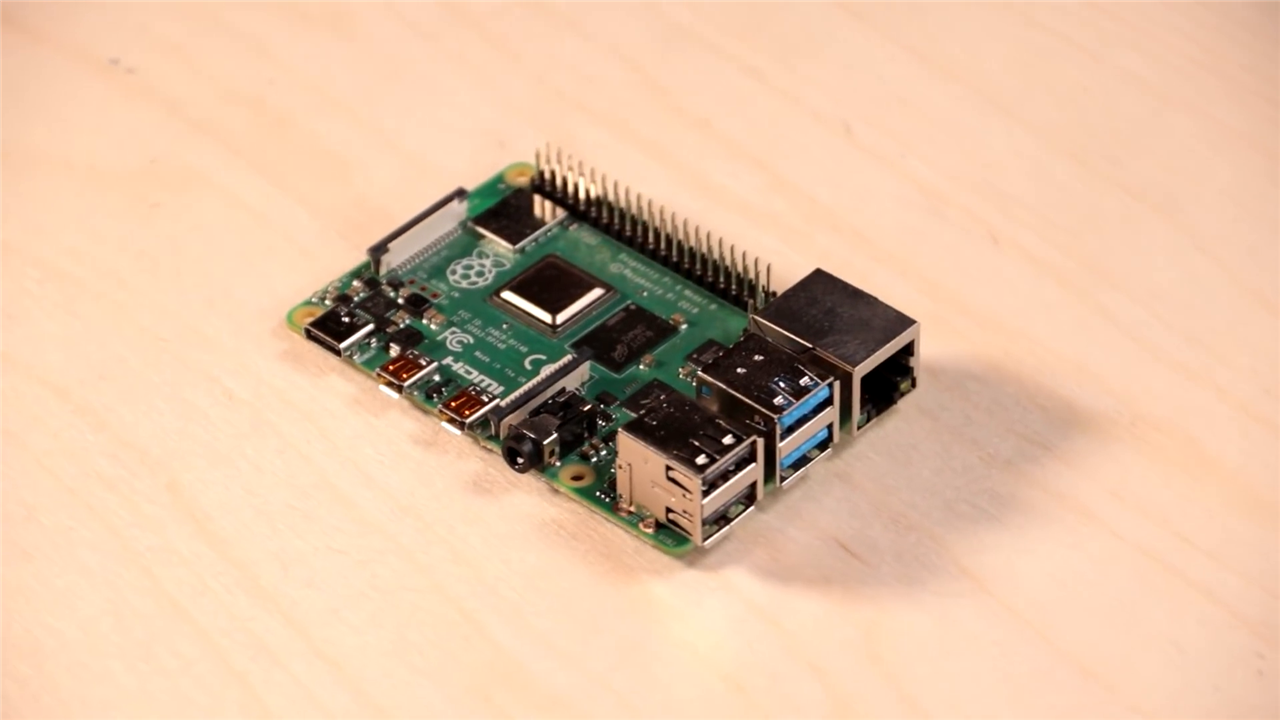
At the heart of the cyberdeck is the Raspberry Pi 4 Model B, chosen not for novelty but for practicality. Harrigan describes wanting something he could genuinely use as a portable development machine, and the Pi 4 is well suited to that role.
Technically, the Raspberry Pi 4 represents a significant step up from earlier models. With a quad‑core 64‑bit Cortex‑A72 CPU running at 1.5 GHz, up to 4 GB or 8 GB of LPDDR4 RAM, USB 3.0, true Gigabit Ethernet, and dual‑display support up to 4K, it comfortably supports desktop Linux workflows while remaining compact and power‑efficient. Most of this is overkill for what we want, you can get away with a Raspberry Pi Zero which may be better suited, but this was available at the time.
Equally important is its I/O flexibility. The 40‑pin GPIO header, CSI camera interface, DSI display connector, and analogue audio output allow the cyberdeck to integrate tightly without resorting to bulky adapters or internal HDMI cabling, something Harrigan is keen to avoid in a portable enclosure.
Display and Visual Output
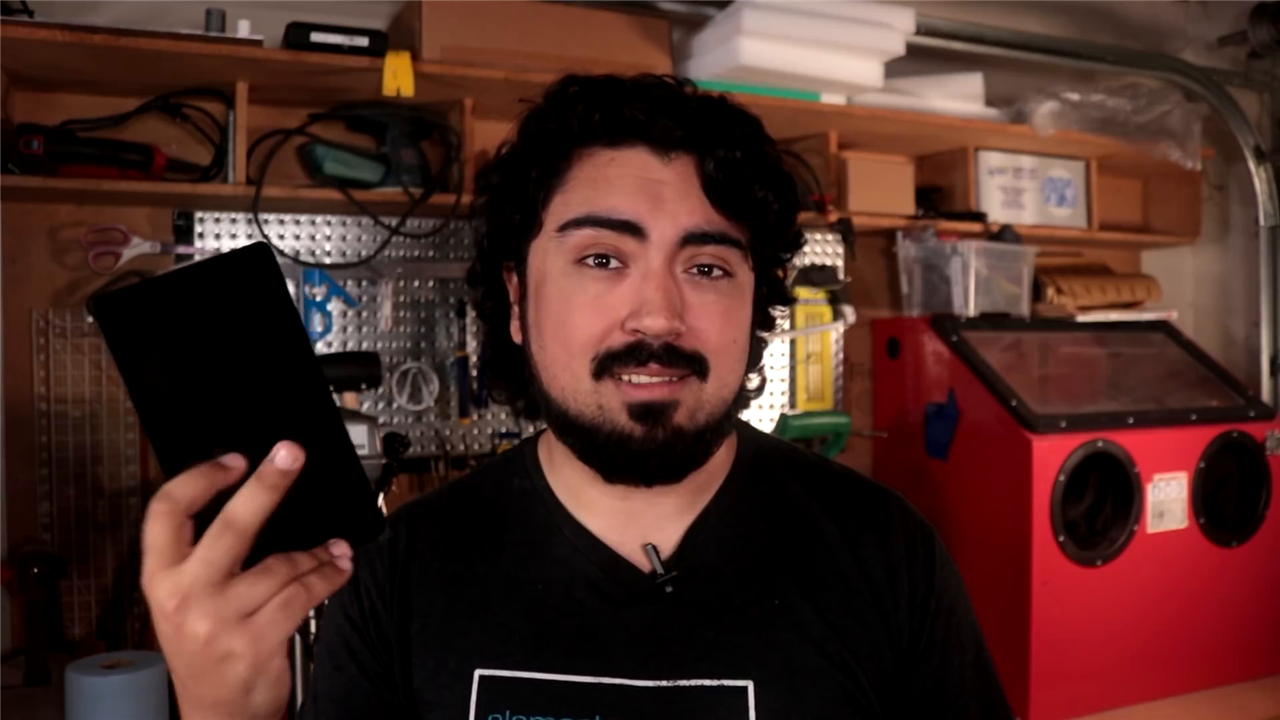
For the primary interface, Harrigan selects the Official Raspberry Pi 7‑inch Touchscreen Display. The choice is pragmatic rather than flashy. The display connects directly via the Pi’s DSI port, requiring only a ribbon cable and GPIO power, which dramatically simplifies internal wiring.
With a resolution of 800 × 480 pixels, 10‑finger capacitive touch, and solid mounting points on the rear, the display is well suited to embedded projects where reliability and integration matter more than raw pixel density. Harrigan highlights its efficiency and rigidity, noting that the screen itself becomes a structural element of the enclosure—a subtle but important mechanical advantage.
The touchscreen also reinforces the decision to omit a built‑in keyboard. Instead of replicating a laptop layout, the cyberdeck leans into touch interaction and external peripherals when needed.
Vision and Future Learning: Integrating the Raspberry Pi Camera
Mounted discreetly on the rear of the enclosure is a Raspberry Pi Camera Module, included not as a gimmick but as a learning tool. Harrigan explicitly frames this as an investment in future exploration, particularly in computer vision.
The Raspberry Pi camera ecosystem benefits from a high‑bandwidth CSI interface, allowing direct sensor data transfer without USB overhead. Even earlier camera modules support HD video and multi‑megapixel stills, while newer variants extend this significantly. In a cyberdeck context, the camera transforms the device from a passive computer into an active sensing platform, capable of image processing, augmented interfaces, or environmental awareness.
Audio Output
Audio is handled by a 10 W, 4 Ω speaker, driven by a SparkFun Mono Audio Amplifier (3 W). While the speaker’s rated power exceeds what the amplifier can deliver, this pairing provides headroom and clarity without stressing the electronics.
The amplifier’s support for analogue volume control via a 10 kΩ audio‑taper potentiometer allows Harrigan to add a satisfyingly large physical knob to the enclosure—another deliberate rejection of purely digital controls. Compact Class‑D amplifiers like this are highly efficient, making them ideal for battery‑powered systems where heat and power loss matter.
One subtle but important technical detail Harrigan highlights is the Raspberry Pi’s TRRS audio jack pinout, where composite video and ground are swapped compared to many standard breakouts. Correctly handling this avoids noise and grounding issues, an easy trap for first‑time builders.
Power Architecture
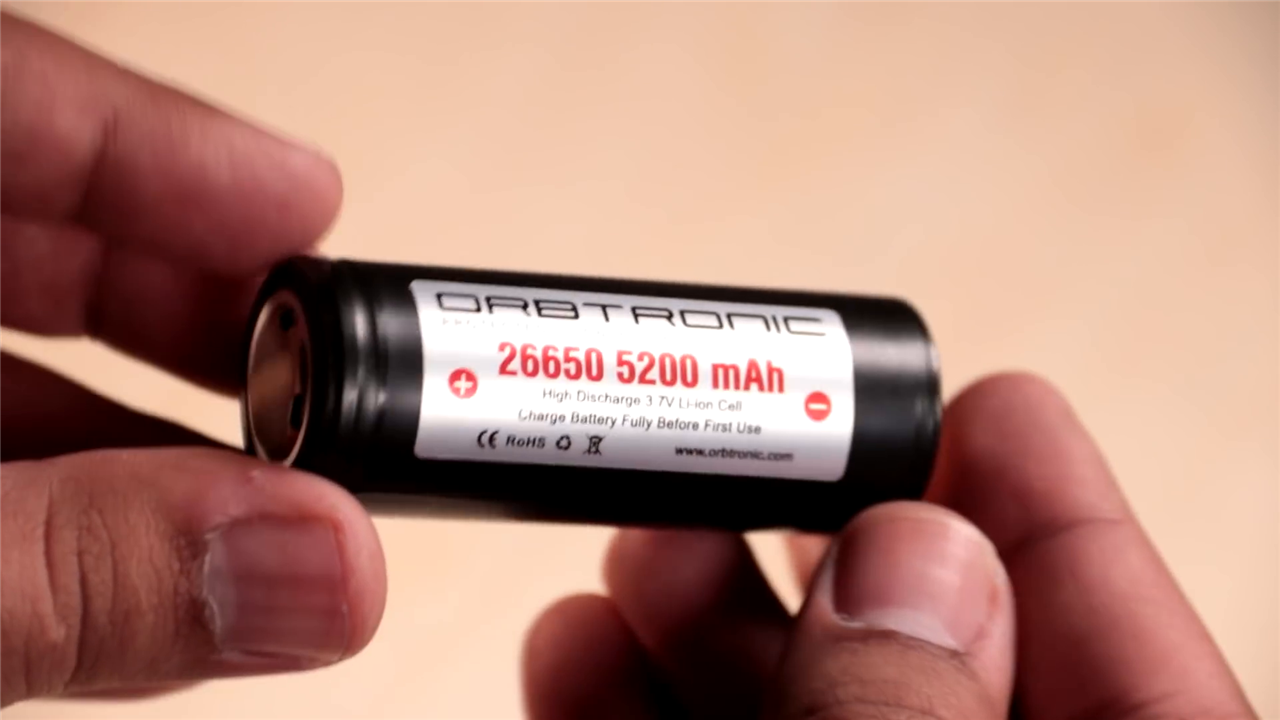
Power is often where portable projects fall apart, and Harrigan treats it accordingly. The cyberdeck is powered by a 26650 lithium‑ion cell rated at approximately 5200 mAh, chosen for its ability to supply high current without significant voltage sag.
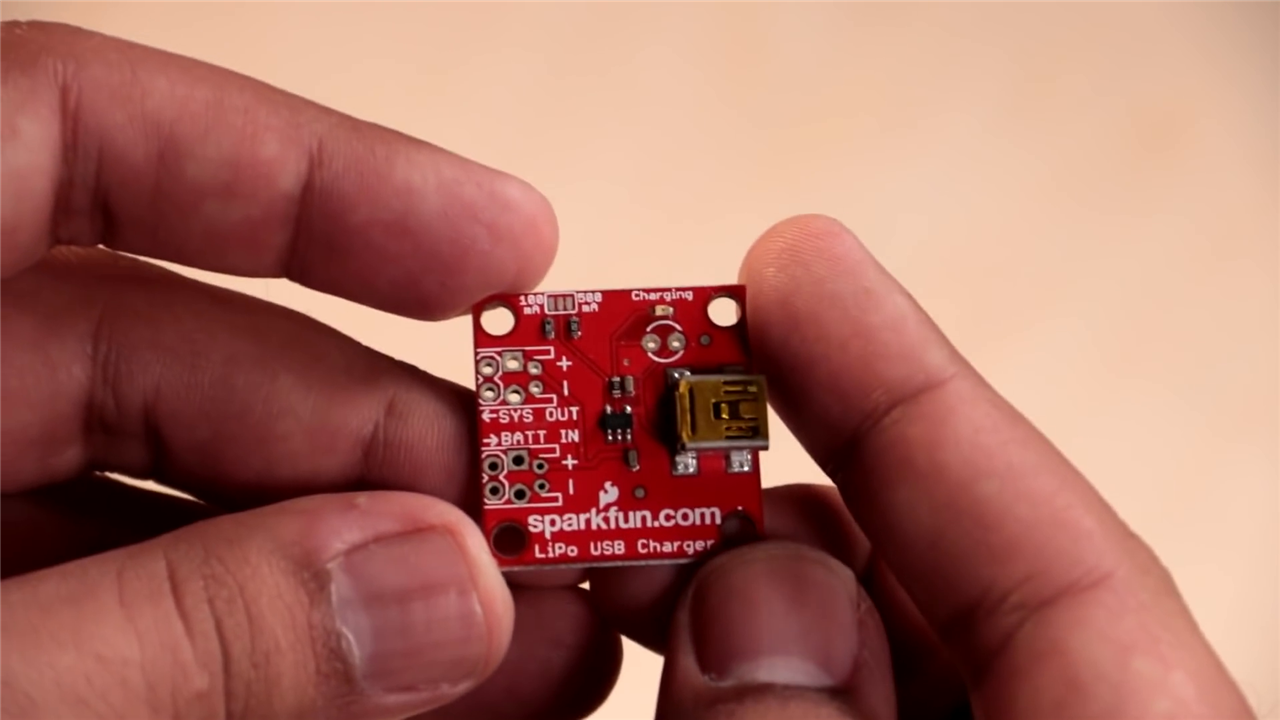
Because lithium‑ion cells operate at a nominal 3.7 V, the system relies on a high‑power 5 V boost converter capable of delivering up to 25 W, enough to handle the Raspberry Pi, display, audio system, and peripherals simultaneously. Charging is handled by a SparkFun LiPo Charger, prioritising safety and simplicity over fast charging.
Harrigan is candid about the trade‑offs: this is not a daily‑driver laptop, and overnight charging is perfectly acceptable. That honesty is refreshing and instructive for anyone designing battery‑powered builds.
Enclosure Design: Where the Cyberdeck Becomes Itself
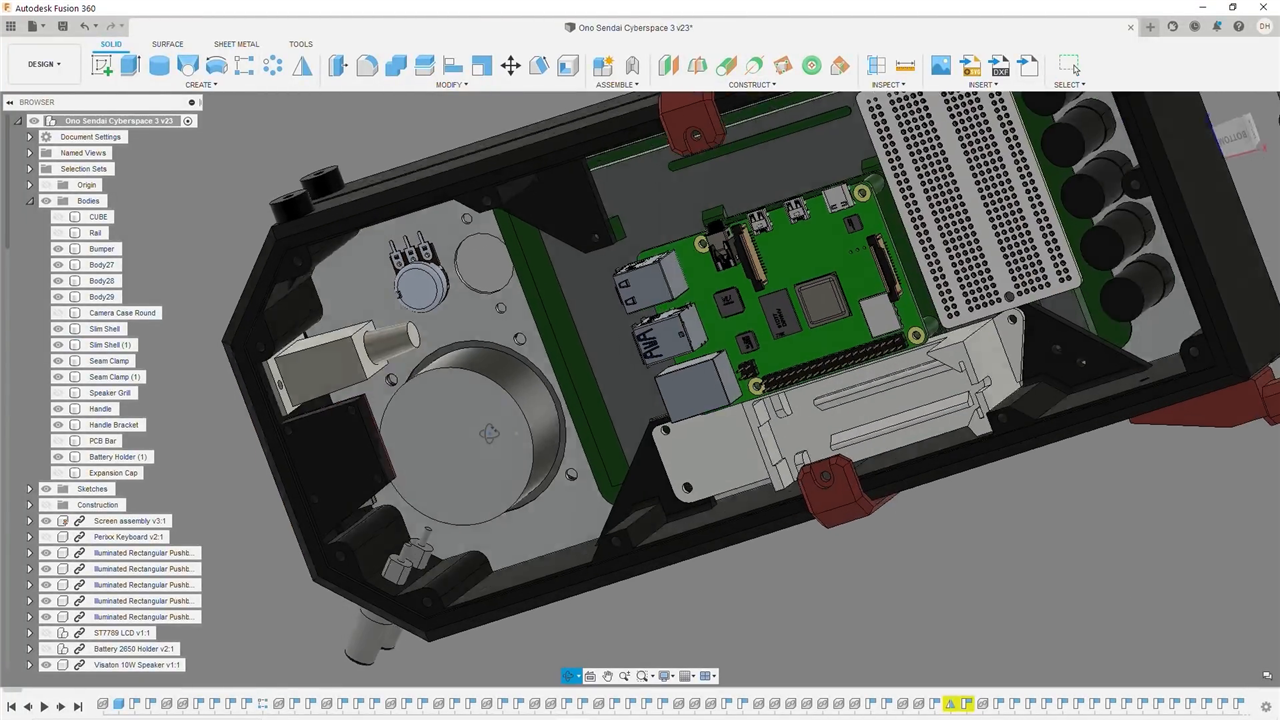
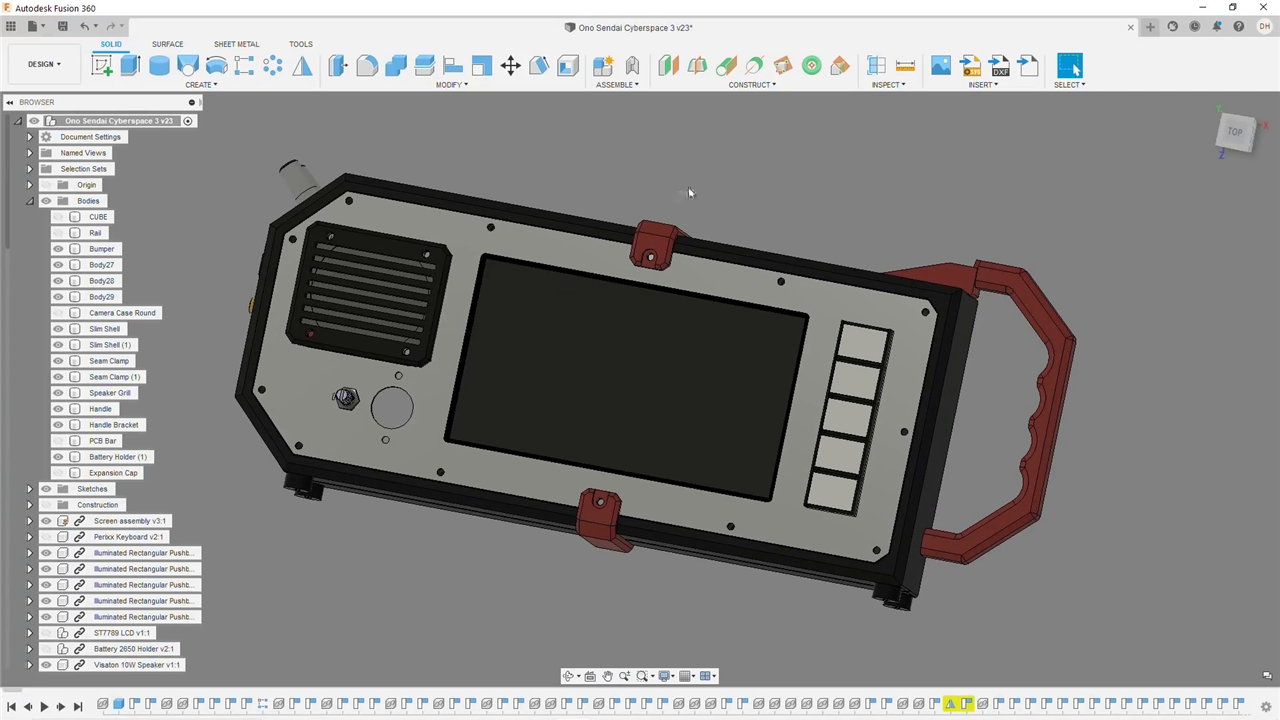
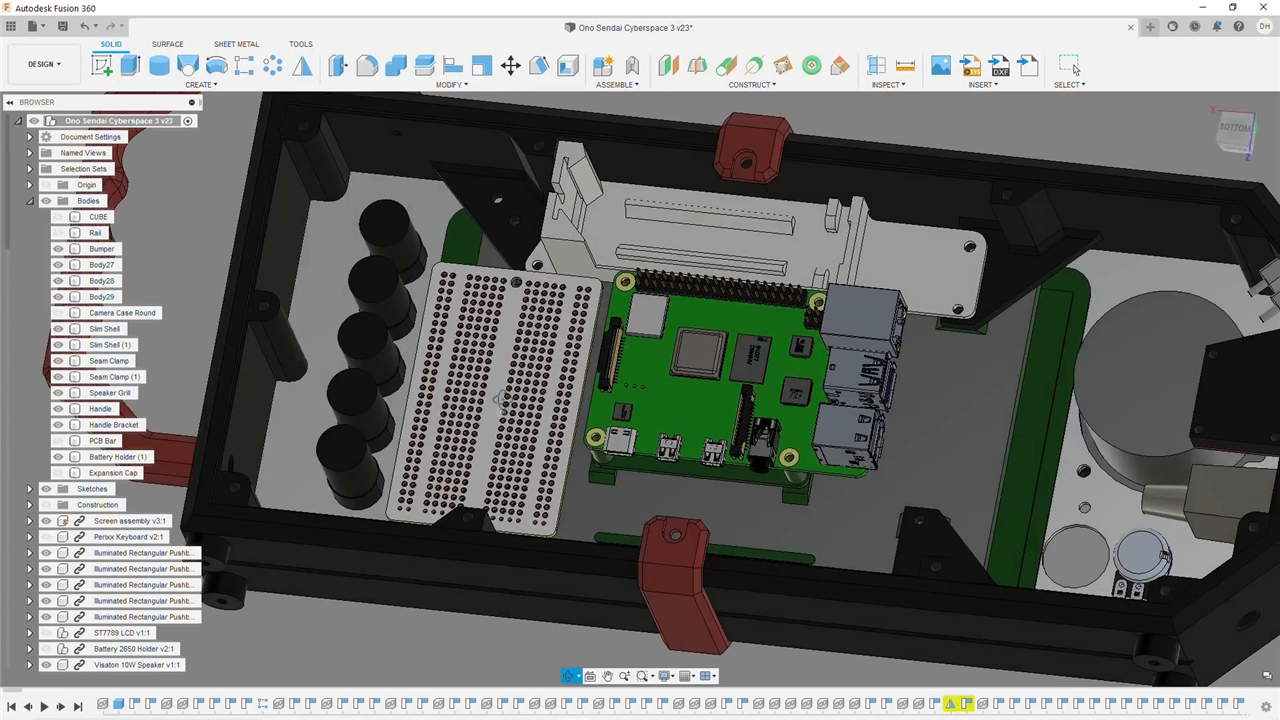
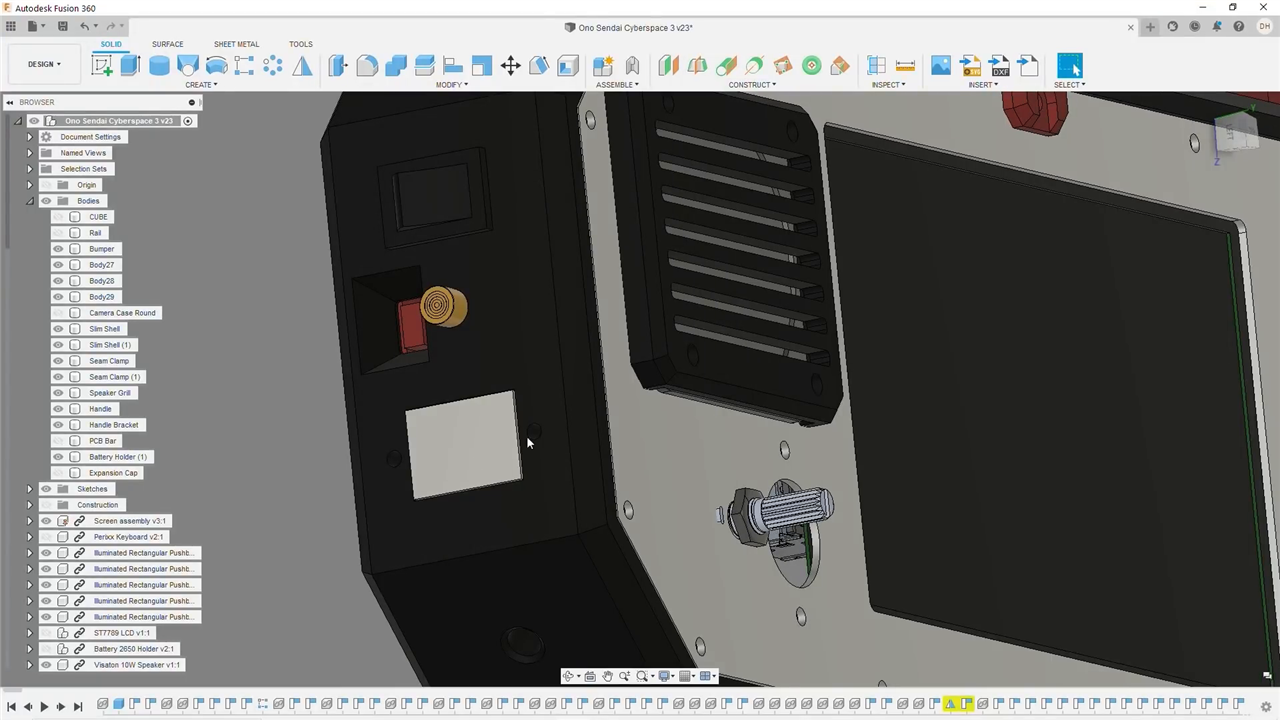
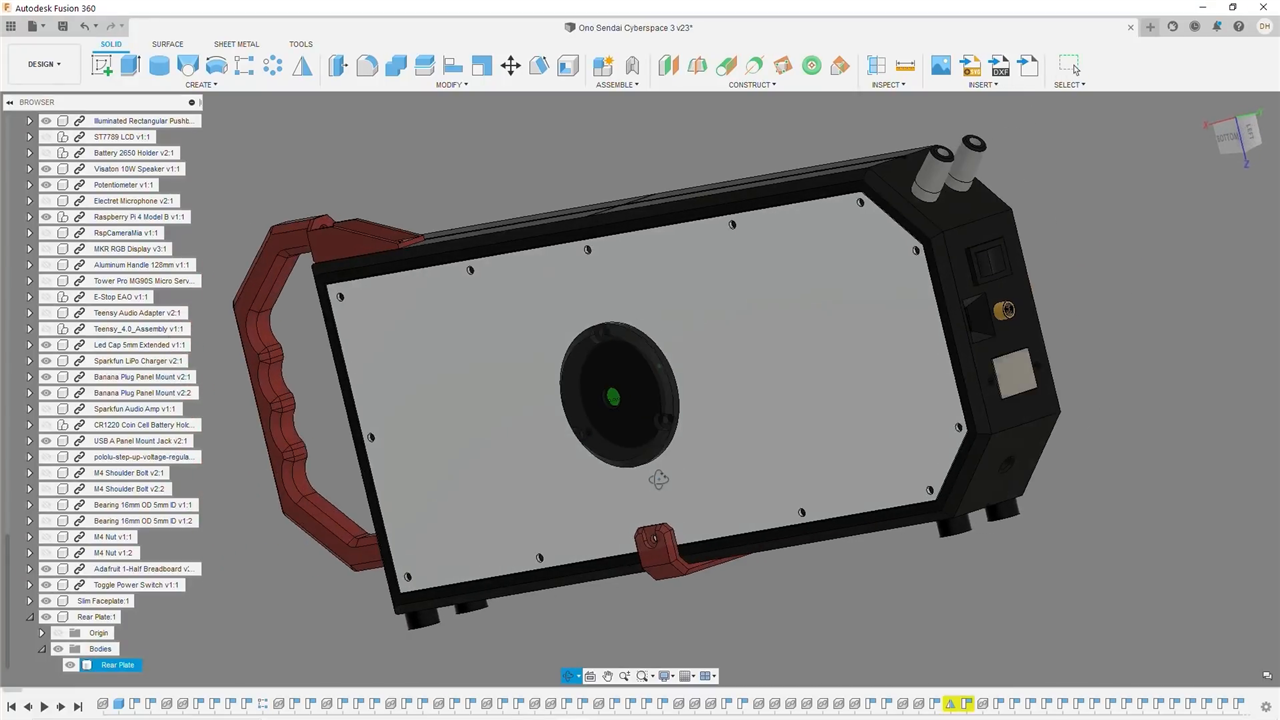
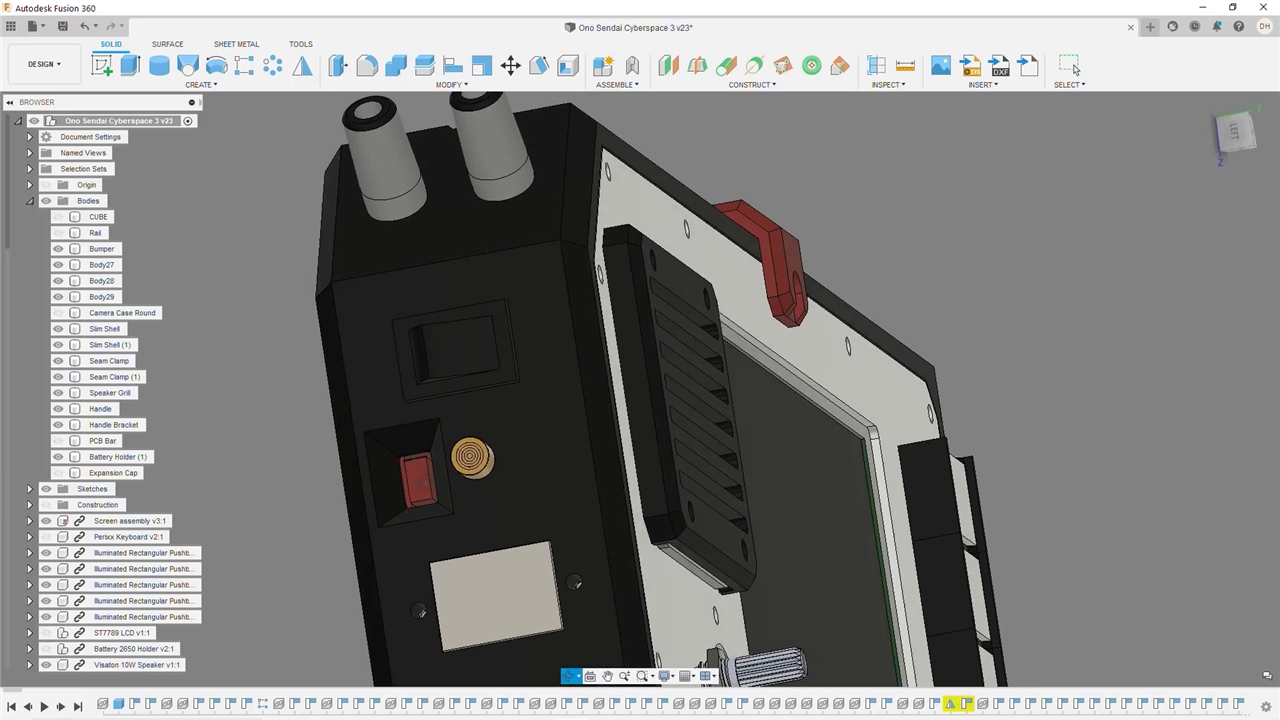
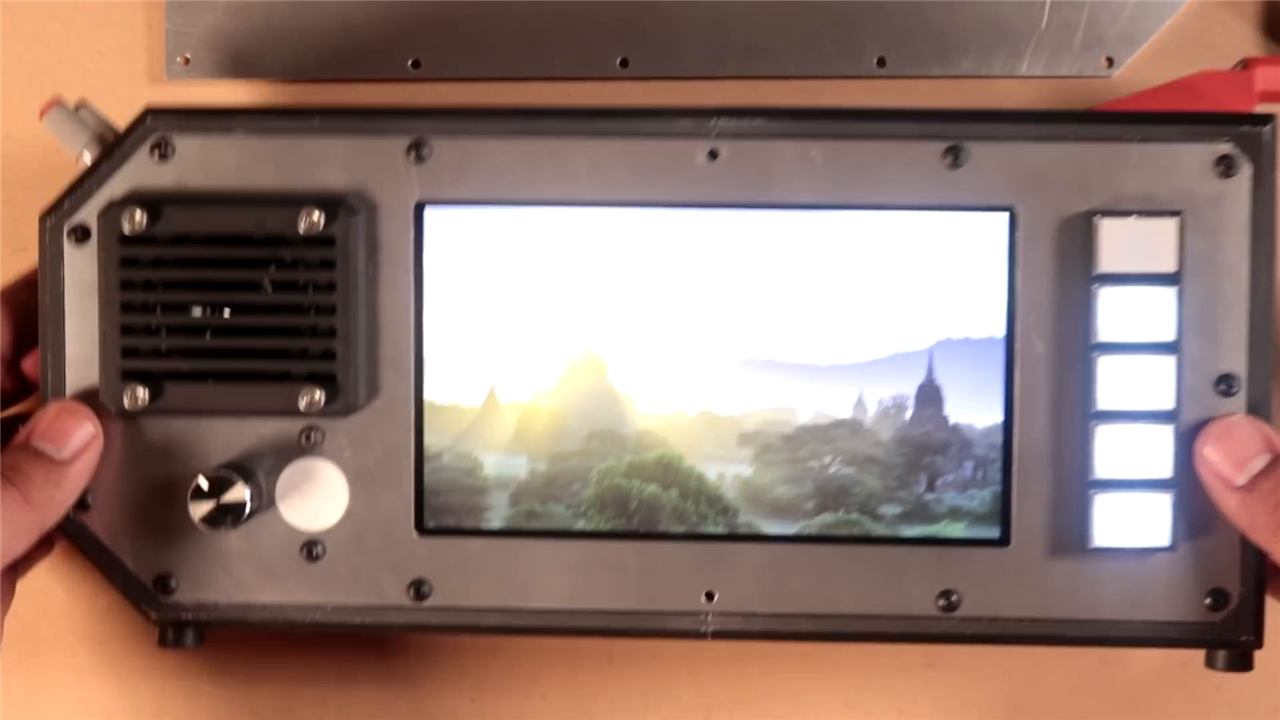
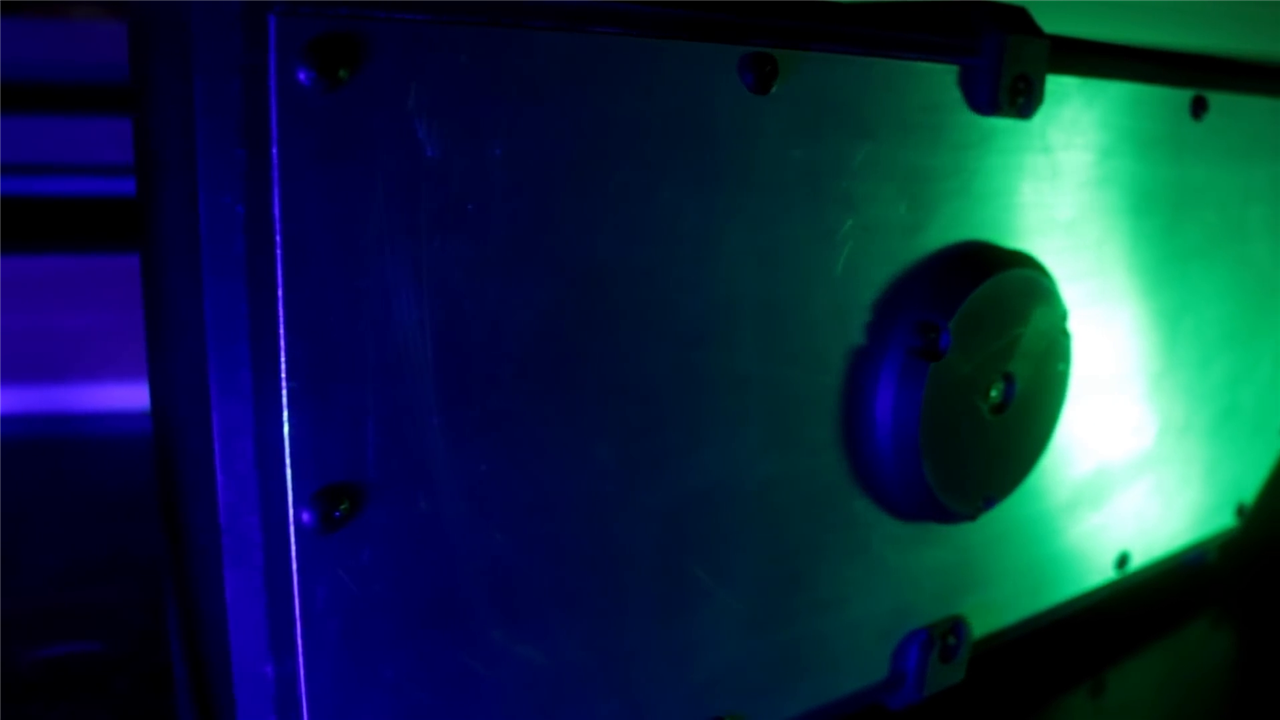
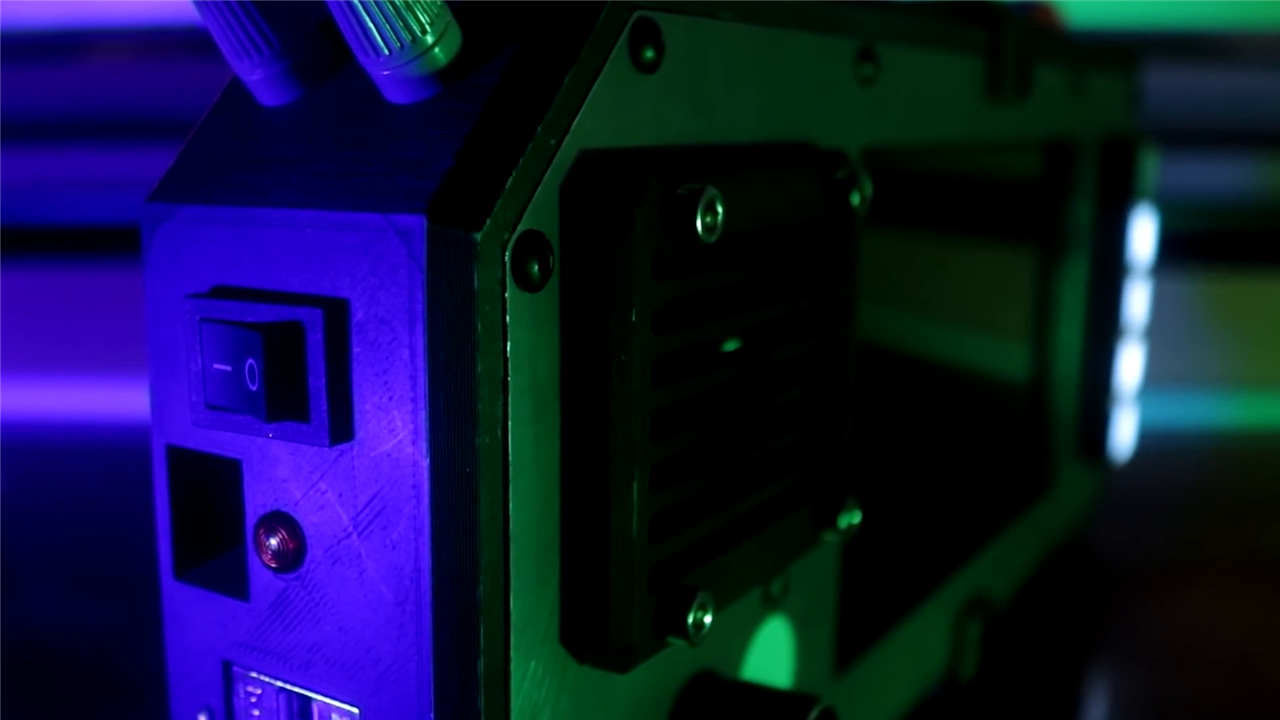
The enclosure is where the project truly earns its name. Designed in Autodesk Fusion 360, the case combines 3D‑printed PLA components with machined aluminium front and rear plates cut from a 1/16‑inch aluminium sheet. The result is a structure that is rigid without being bulky.
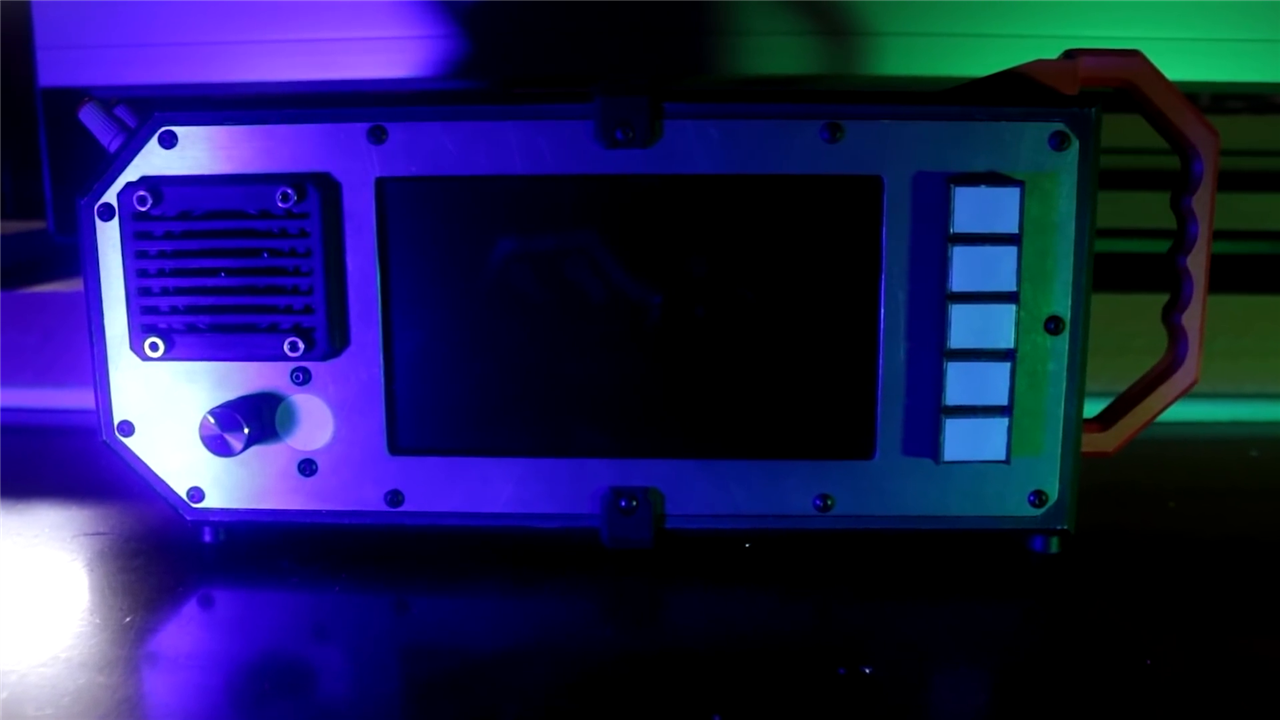
At roughly 330 mm long, 140 mm tall, and 50 mm thick, the cyberdeck avoids the “lunchbox computer” trap while still feeling substantial. The asymmetrical handle, exposed banana‑plug power outputs, and deliberate absence of a keyboard all contribute to an object that feels purpose‑built rather than consumer‑polished.
Importantly, the design is optimised for replication. The main printed parts require no supports and fit within the build volume of common hobbyist printers, making the project accessible rather than aspirational.
Assembly, Testing, and Reflection
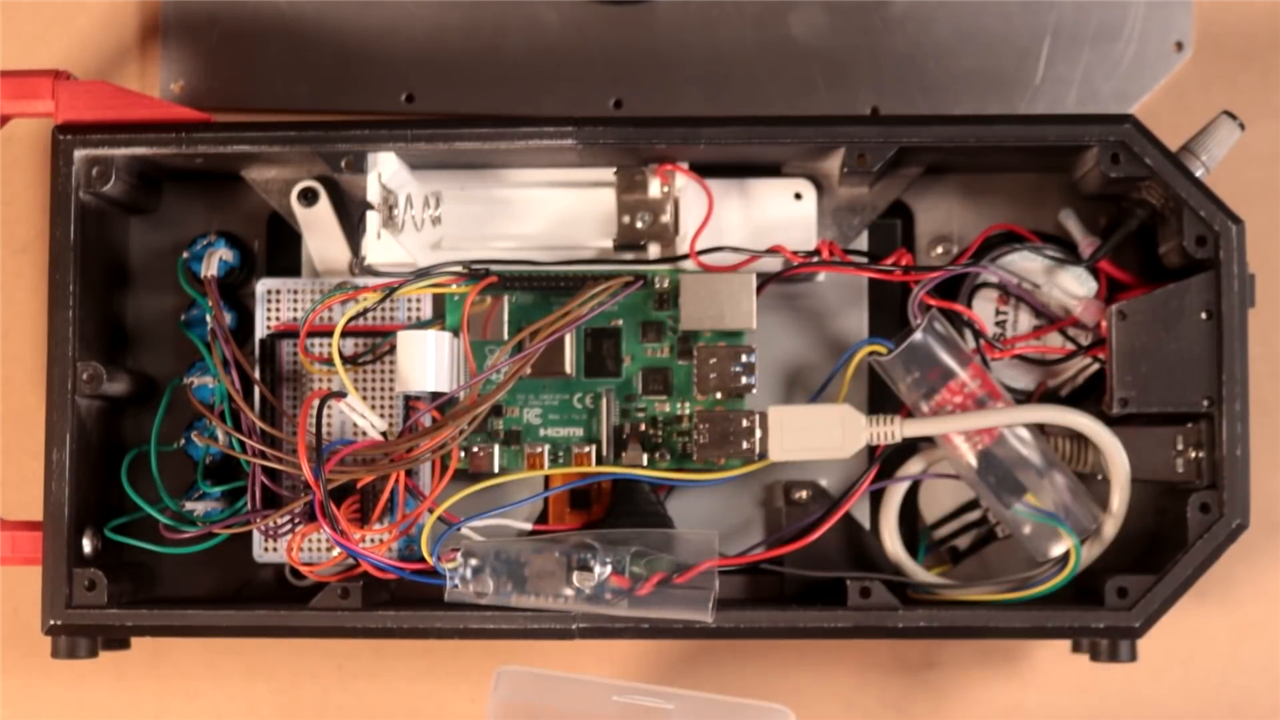
Internally, the wiring is clean and methodical. Power flows from battery to charger, through a physical power switch, into the boost converter, and then out to shared 5 V rails. A Permaproto half board provides reliable distribution and strain relief, an often overlooked detail that dramatically improves long‑term durability.
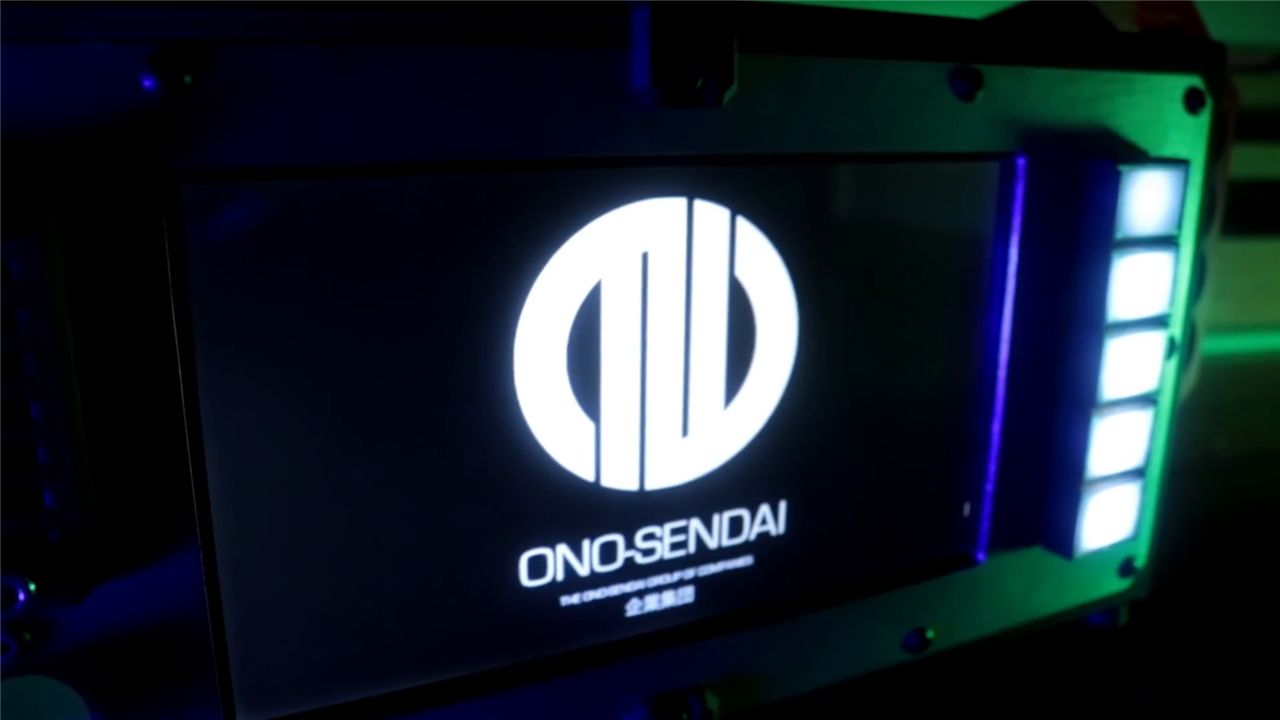
On first power‑up, illuminated buttons confirm power delivery, the Raspberry Pi boots cleanly into Raspberry Pi OS, and the system comes alive without drama. As Harrigan reflects, it is “just a Raspberry Pi in a cool case”, and yet far more satisfying to use than expected.
What ultimately defines this cyberdeck is not what it does today, but what it invites next. The unused buttons, expansion ports, and exposed power rails are not flaws; they are deliberate openings. Harrigan openly asks how it should evolve, and by extension, how others might build their own.
In that sense, this project succeeds on every level it set out to address. It is functional. It is weird. And it looks undeniably cool.
More than that, it reminds us that personal computing does not have to converge toward a single shape. Sometimes, the future looks like a strange box with too many buttons, and that is exactly the point.
Products and Parts Used:
| Product Name | Manufacturer | Quantity | Buy Kit |
|---|---|---|---|
| Raspberry Pi 4 | Raspberry Pi | 1 | Buy Now |
| Raspberry Pi Display | Raspberry Pi | 1 | Buy Now |
| PLA Filament | VERBATIM | 1 | Buy Now |
| microSD Card | Transcend | 1 | Buy Now |
| Raspberry Pi Camera | Raspberry Pi | 1 | Buy Now |
| 10W 4Ohm Speaker | Visaton | 1 | Buy Now |
| 10K Audio Taper Potentiometer | Bourns | 1 | Buy Now |
| 180R Resistor 1/8W | MULTICOMP PRO | 5 | Buy Now |
| Rocker Switch | Carling Technologies | 1 | Buy Now |
| Latching Pushbutton Switch | SCHWEITZER | 5 | Buy Now |
Additional Parts:
| Product Name |
|---|
| 26650 Cell |
| USB female panel jack |
| (10x) M3x10 screw |
| 2'x2' 1/16" aluminum sheet |
| Sparkfun mono amplifier 3W |
| Sparkfun LiPoly Charger |
| (40x) 6-32 x 3/8" |
| Permaproto half board |
| C Cell Battery Contacts |

DIY Raspberry Pi Cyberdeck
Top Comments