


Meshtastic Solar Hat Node
Introduction
Back in July, cstanton posted The world's on fire - embrace solar punk in the Design Challenges Forum about the Meshtastic network and communicating "off grid". I just did a project with a present I got for Christmas Solar Power Hat Fan and I've also been wanting to do something with a mesh network, so I thought that the Make a Connection Competition would be a good opportunity to do a Meshtastic project with a solar tracker node.
I decided that I should have at least 2 nodes, maybe 3. I would start with a Base Station Node that I would leave in my office at home. Then I would have a couple of remote mobile nodes that I could track.
Base Station Node
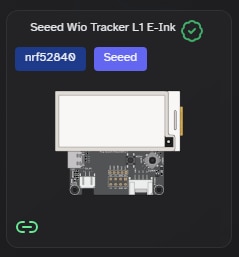
For the Base Station I saw a nice kit from Seeed Studio - Wio Tracker L1 that includes a 2.13" E-ink display and GPS module. I figured that the display would be nice to display messages from the remote nodes.
All the required components other than a case and the joystick and button covers in a nice box.

The included components:
- Device PCB assembly
- LoRa antenna
- GNSS antenna
- E-ink Display
- Flat cable extender for optional display positioning

The working assembly - the flat cable can be folded to allow positioning the display over the PCB for mounting in an enclosure. To start this project I am using it without an enclosure. The GNSS antenna is upside down in this picture.

The board comes preprogrammed so it powers up immediately.
There are no other nodes detected (heard). There is also no battery, so I'm not sure what the ADC is measuring - I'll need to check this later.

You can operate and configure this node using the GUI with the button and joystick, but because I haven't built a case yet - it is much easier using the Meshtastic mobile app. I am using iOS since I don't have an Android device capable of running a recent OS.
Connecting to the device via Bluetooth starts configuration with LoRa settings. I have left the node name as default (last 4 characters of MAC address) - thought it best to start somewhat anonymous. The app indicates that there is a firmware update available - good news is that it can be done via Bluetooth. If the device ever gets bricked, then you need to reflash it using the Meshtastic Flasher over USB.
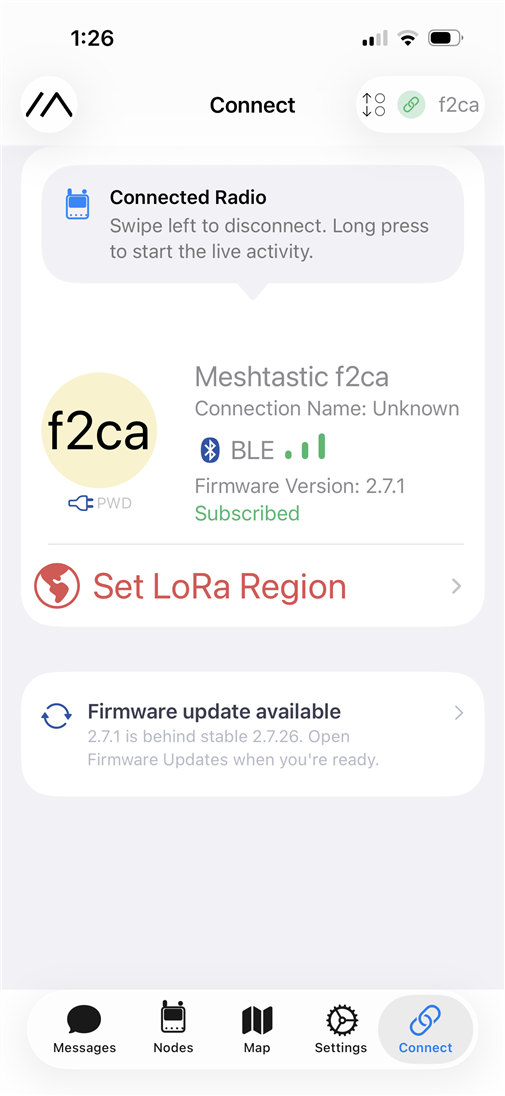
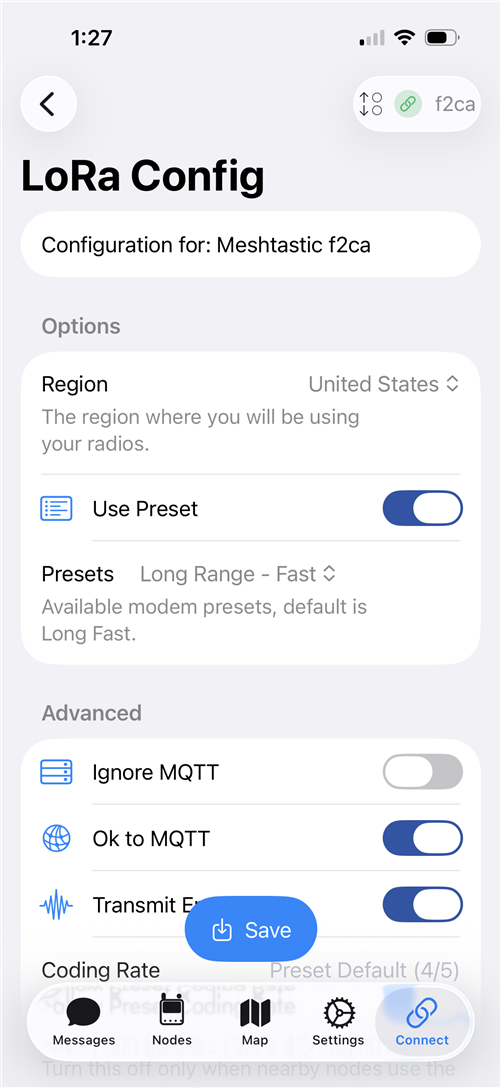
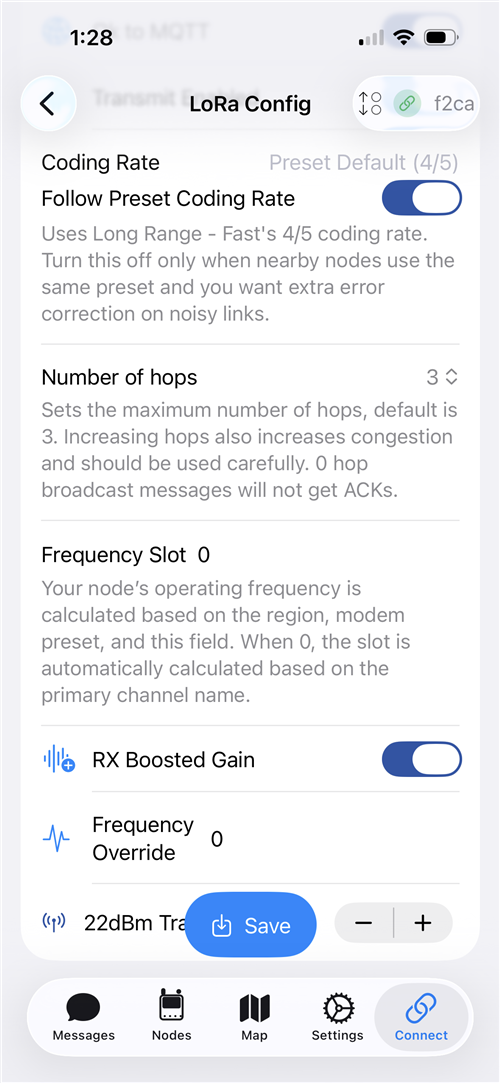
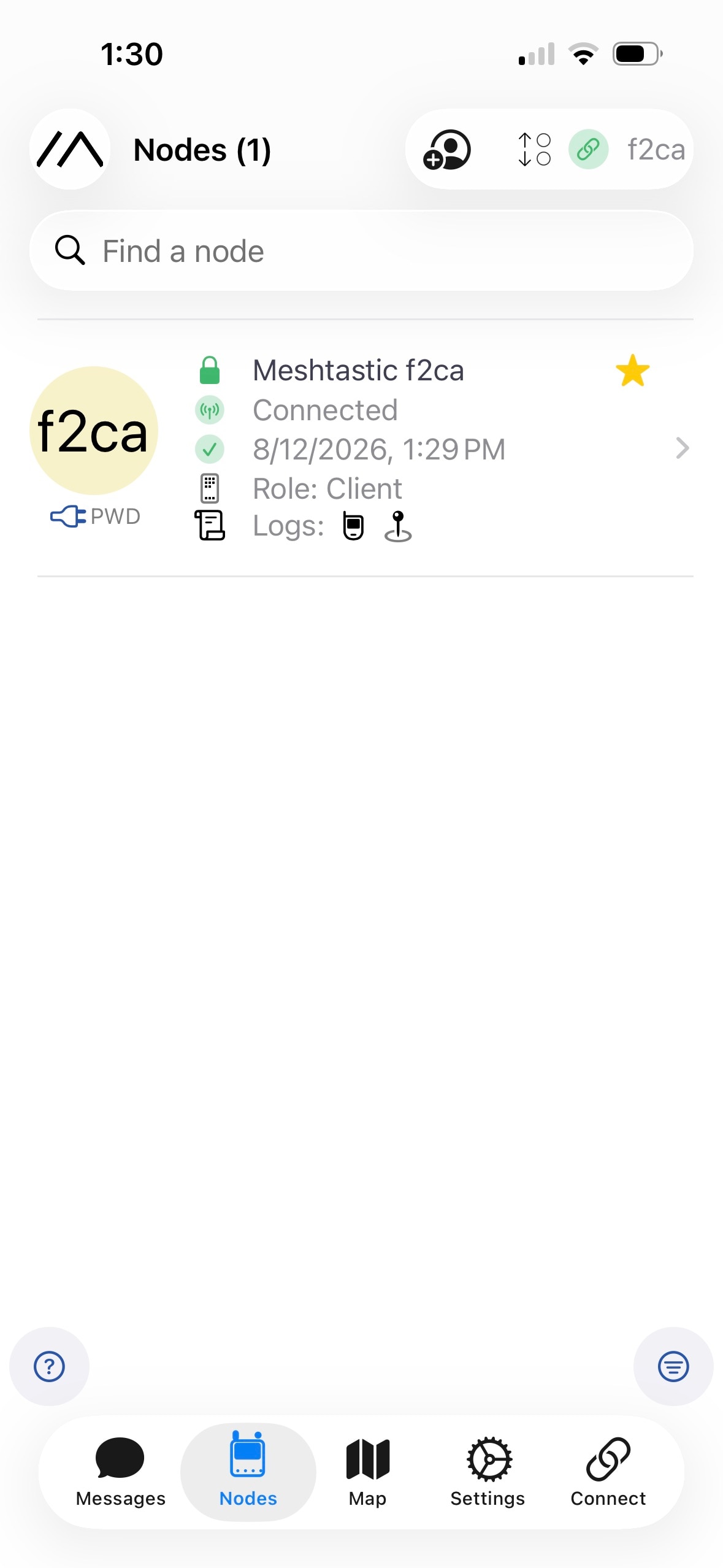
The node shows in the node list:
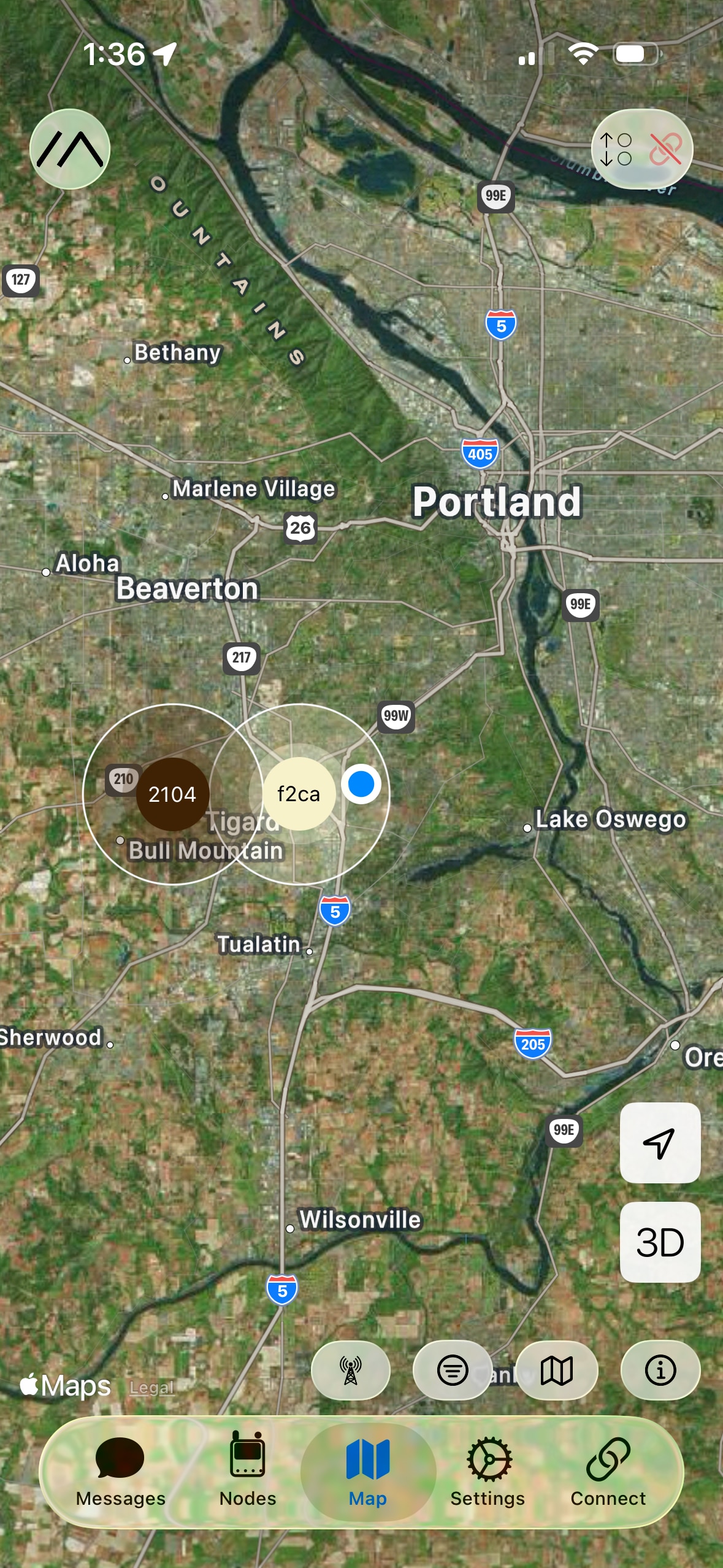
At this point in the process the GNSS doesn't have a good fix, but the node has heard a second node to the west. The blue dot is my current position (iPhone position), but the node (yellow dot) thinks it is somewhere to the west and the unknown node (brown dot) is west of it.
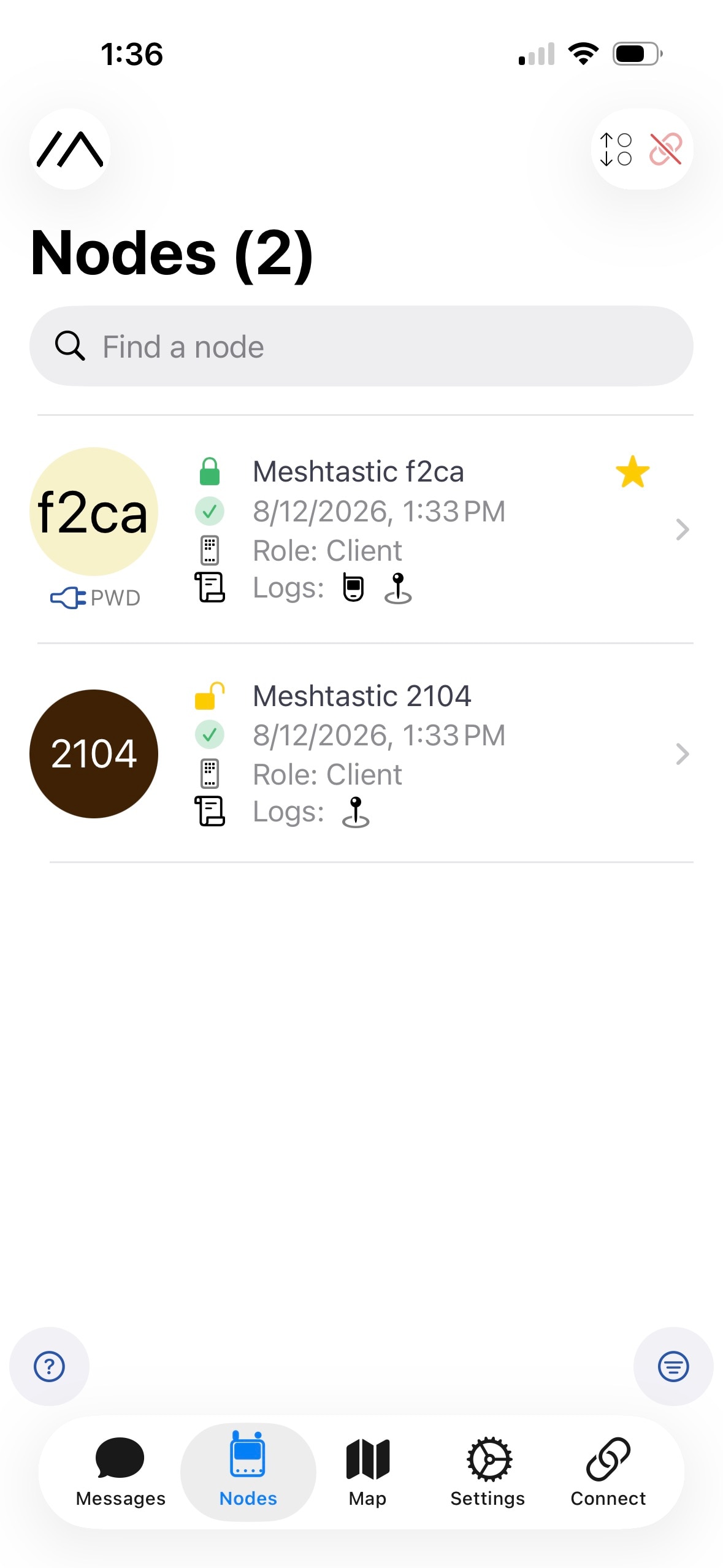
And now both nodes showing in the list.
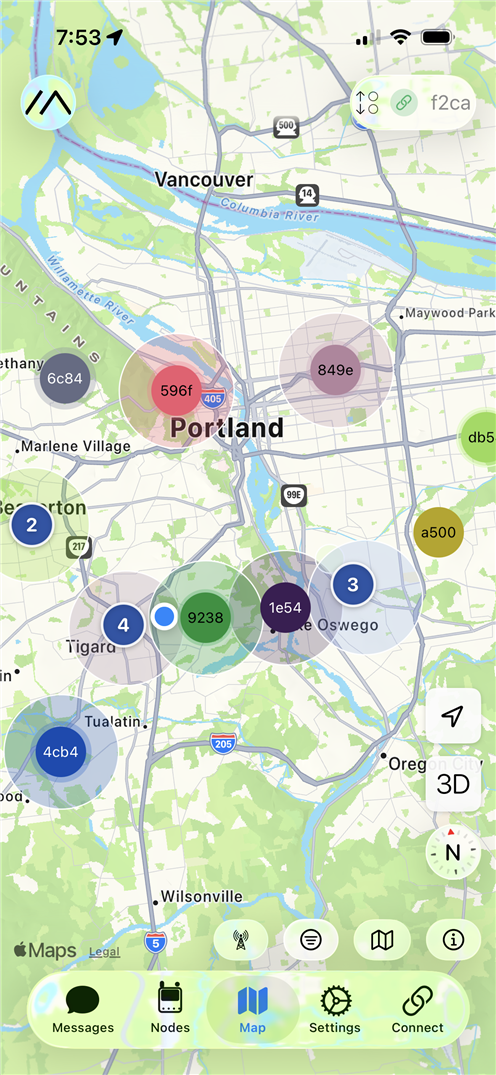
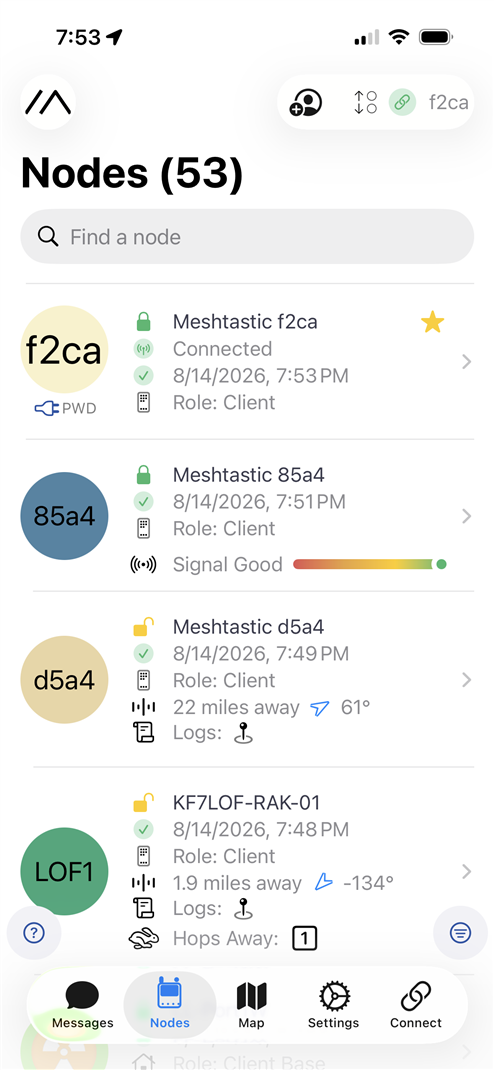
Letting the setup run for a day, the node heard 52 other nodes. Many in my immediate area, but some over 20 miles away.
Meshtastic Flasher
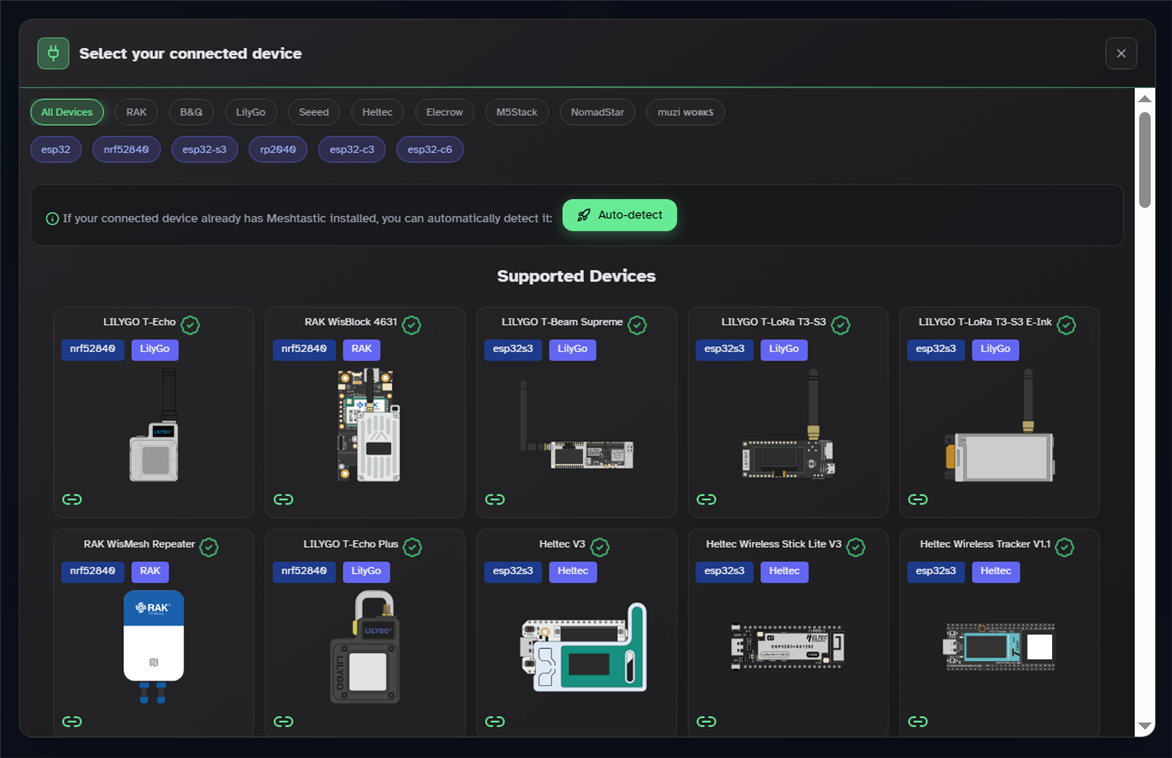
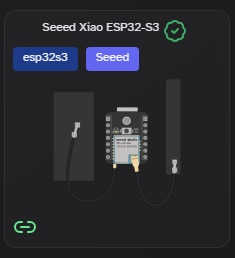
Two of my nodes are nRF52840 based and my extra node is ESP32S3 based. I had an issue connecting to the ESP32S3 node, so I needed to use the Meshtastic Flasher.
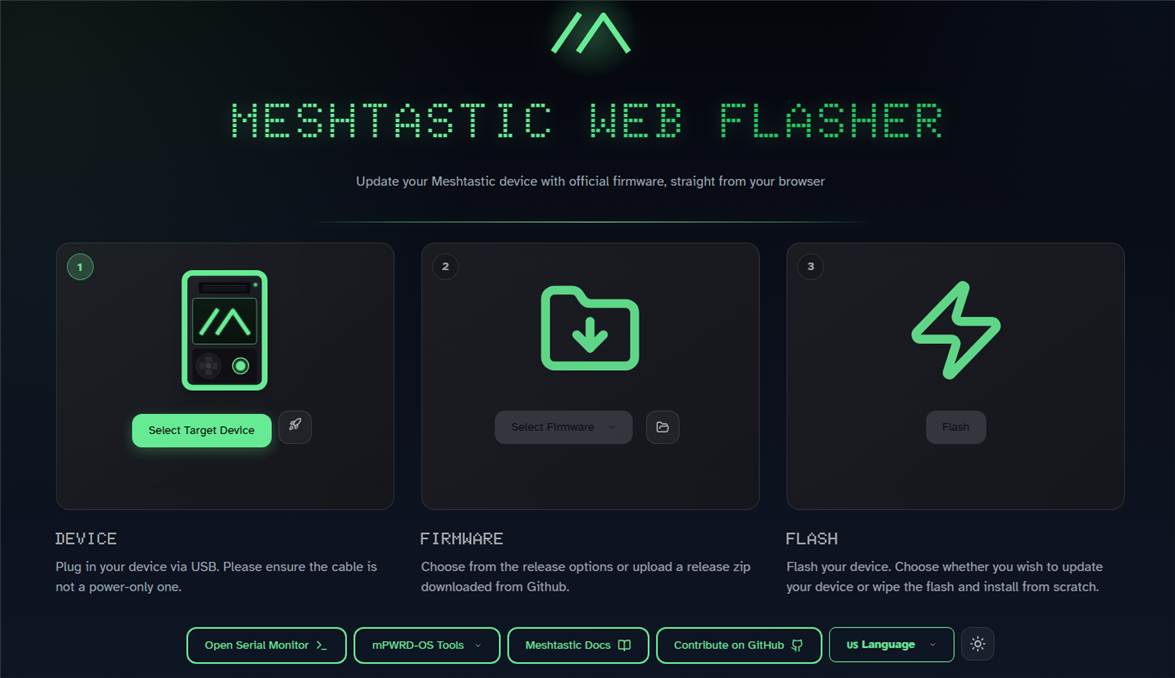
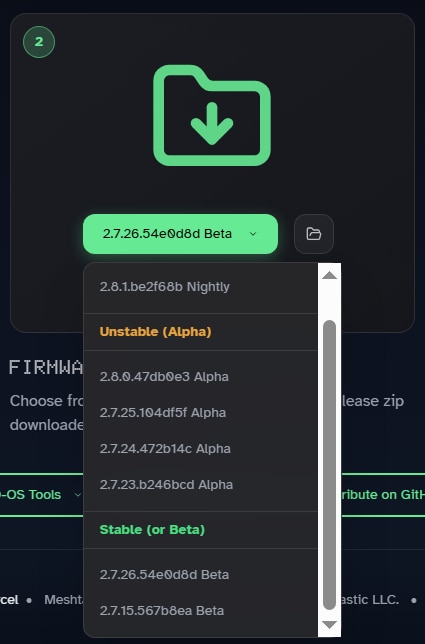
Meshtastic has prebuilt firmware for most of the device configurations that you can buy. The Meshtastic Web Flasher allows you to select the target device and firmware version to be flashed. I stayed with the latest stable version and my 3 device types were available. It turns out that you need to be at firmware version 2.7.x for it to work with the mobile app.
Solar Hat Node (Xiao nRF52840 + Wio-SX1262)
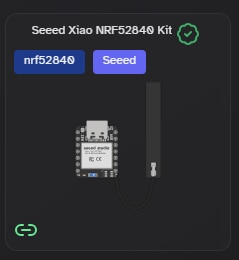
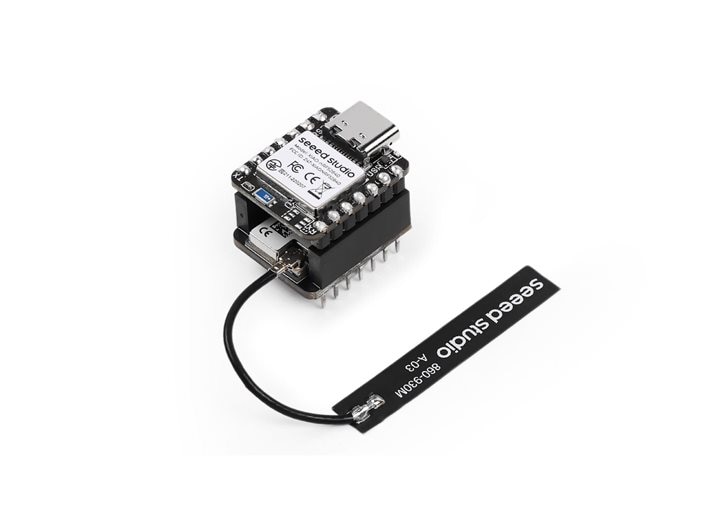
I decided to use the XIAO nRF52840 & Wio-SX1262 Kit for Meshtastic for the solar hat node. This is a piggy-back configuration of a Xiao nRF52840 on a Wio-SX1262 for Xiao. This assembly does not include a GNSS, but my intent is to use my iPhone as the messaging interface and I will use the phone GPS for position.
I needed to attach the node assembly to the hat, so I printed a housing that I could clamp on to the voltage regulator/connector unit that is mounted on the underside of the back brim of the hat.
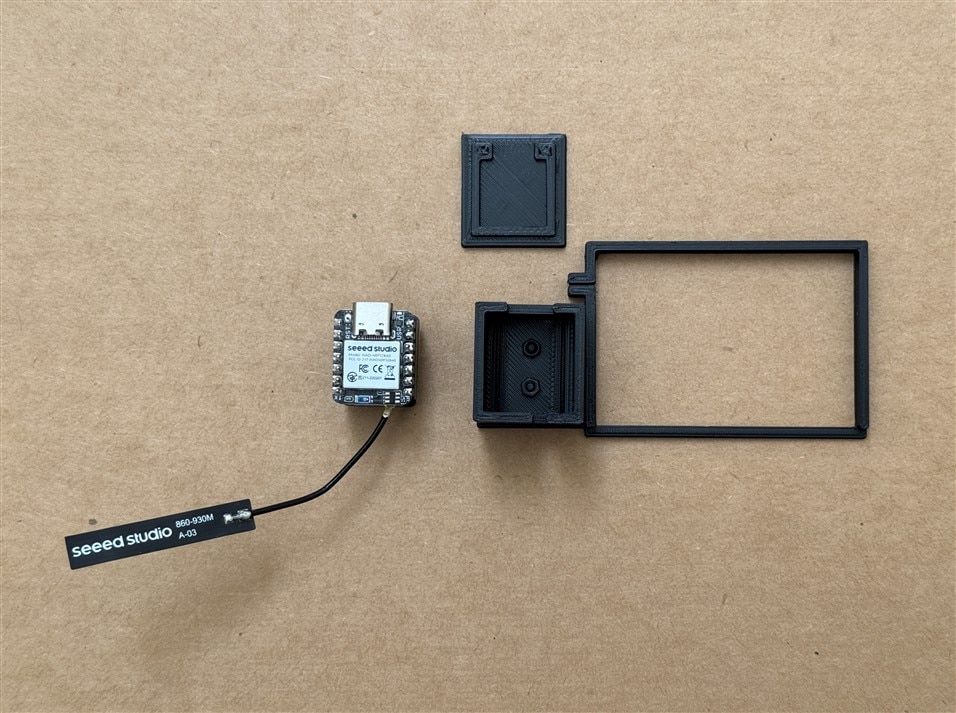
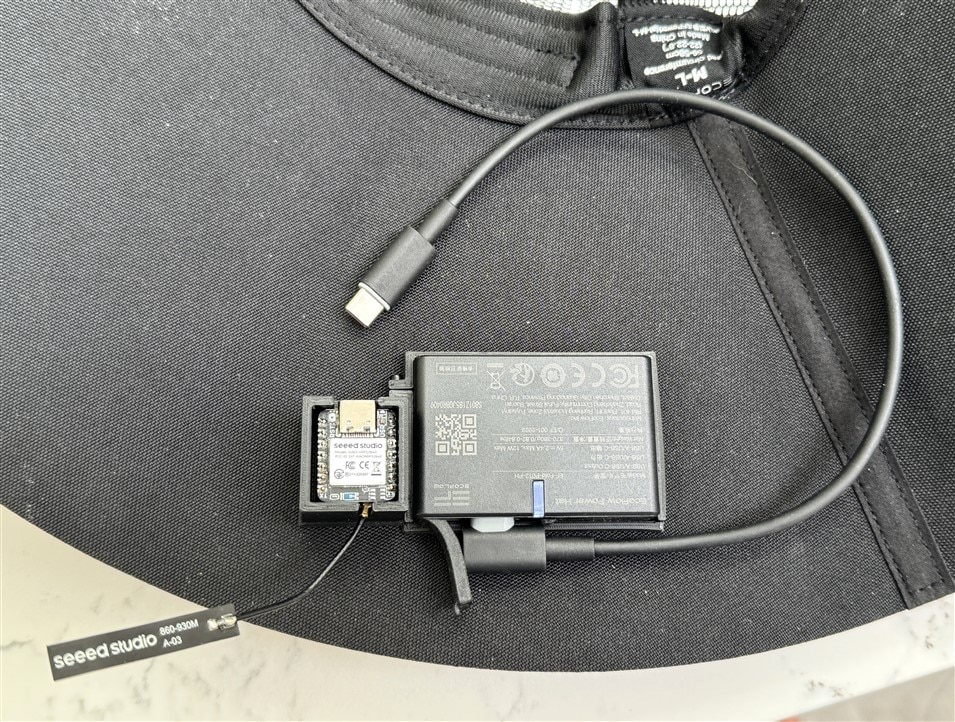
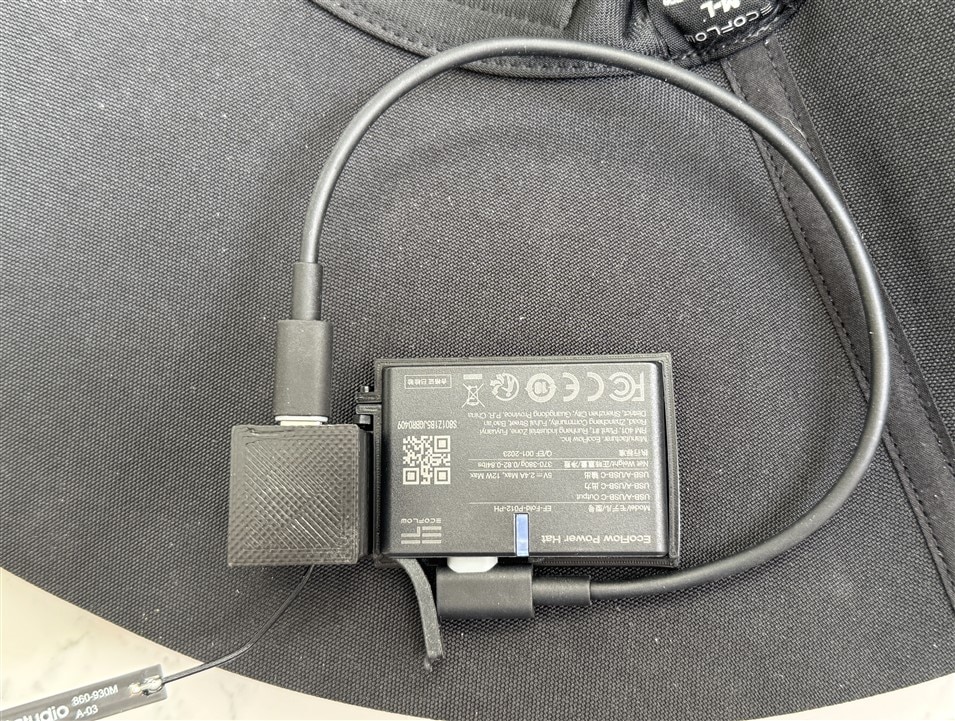
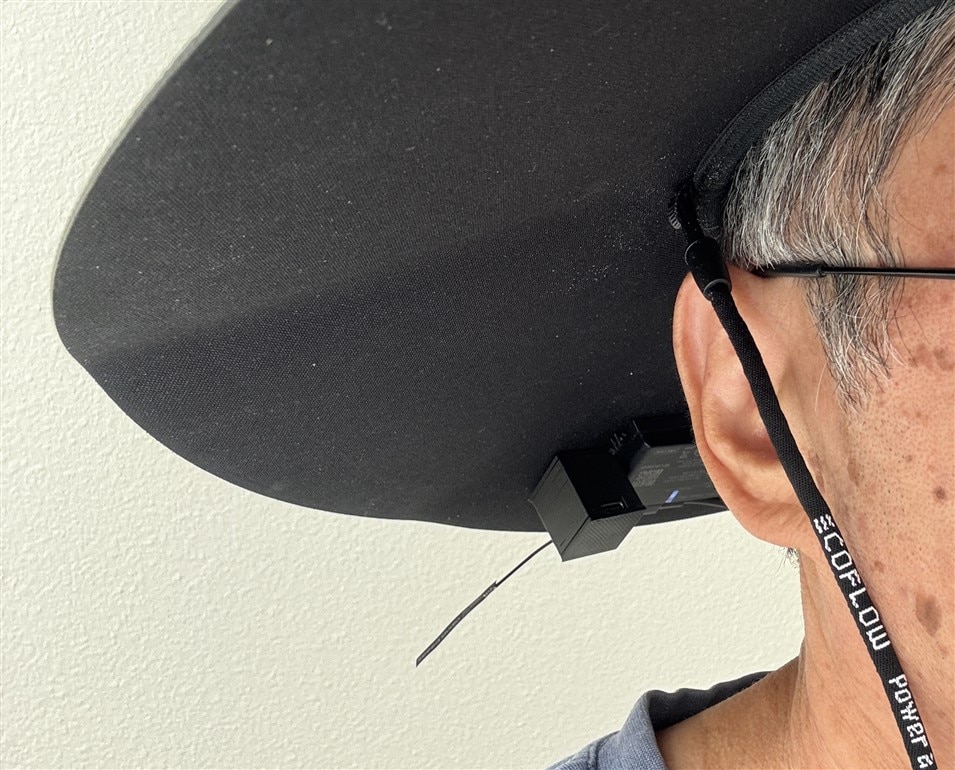
Extra Node (Xiao ESP32S3 + Wio-SX1262)
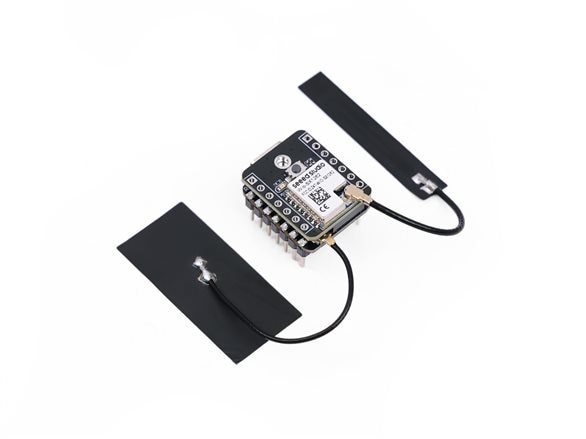
I also wanted to have a 2nd remote node - this one would have a GNSS unit. It turns out that for Xiao the GNSS unit is not plug compatible with either the ESP32S3 or nRF52840 versions of the Xiao. And the standard Xiao Wio-SX1262 is not compatible with the Xiao ESP32S3. I guess with only 14 available header pins, compatibility with everything is hard to do. The Xiao ESP32-S3 Sense has a camera header connector that can be used with a special version of the Wio-SX1262. Even with that, there are pins that have to be removed from the standard header to accommodate the GNSS module. I have tried out the ESP32-S3 configuration without the GNSS, but have decided to leave the GNSS for a later project.
XIAO ESP32S3 & Wio-SX1262 Kit for Meshtastic & LoRa
Meshtastic iOS App
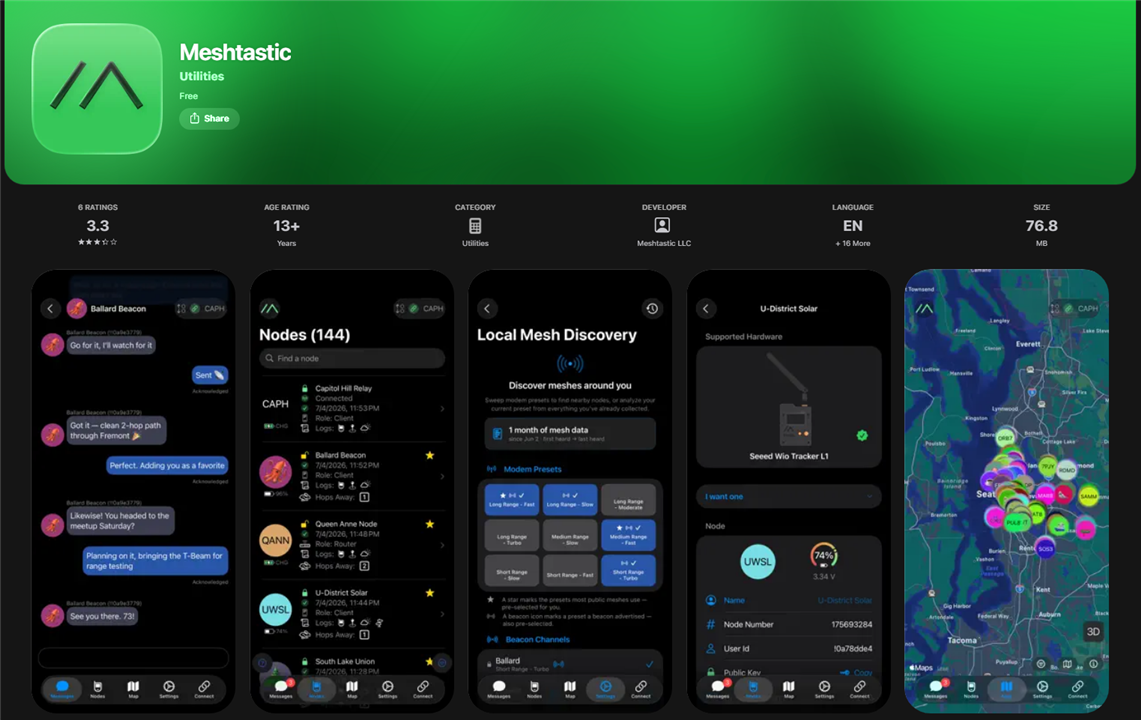
One thing that I discovered is that the iOS version of the Meshtastic app is missing a lot of capabilities relative to being able to configure the device. I could not even set a fixed position (lat/long) for the device. it would be beneficial for the base node. I have heard that the Android app is much better at configuration but can't currently try that. There is a CLI API that should allow me to configure all aspects of the device over USB from a host PC, but that's something I'll need to learn.
Messaging
I would like my messaging to be private for this particular set of nodes, so I am changing the primary channel for these nodes. My understanding is that if I stay with the default region frequency that the default is that my encrypted messages will still be rebroadcast unless other nodes are explicitly set to not rebroadcast encrypted messages. So much to learn...
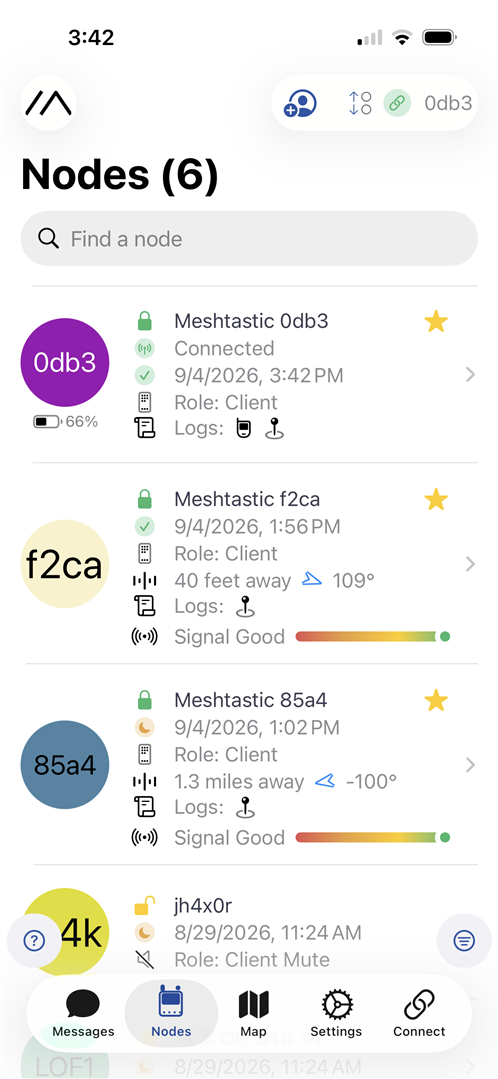
Here are my 3 nodes that I've marked as Favorites (yellow star).
0db3 is the Solar Hat
f2ca is the Base Station
85a4 is the ESP32S3 (it's not really 1.3 miles away - that's what it defaults to if no GPS is available)
I set up a private channel named RLOOP on slot 66
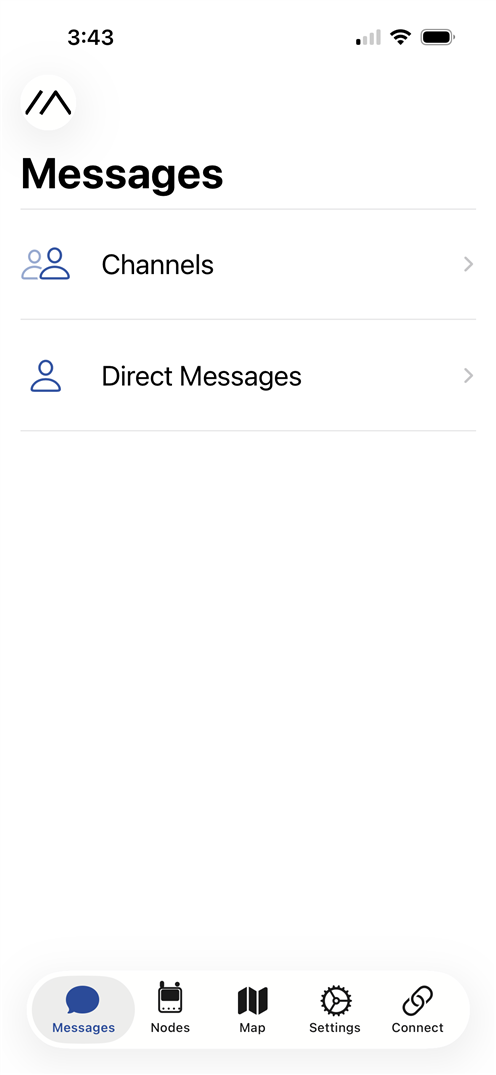
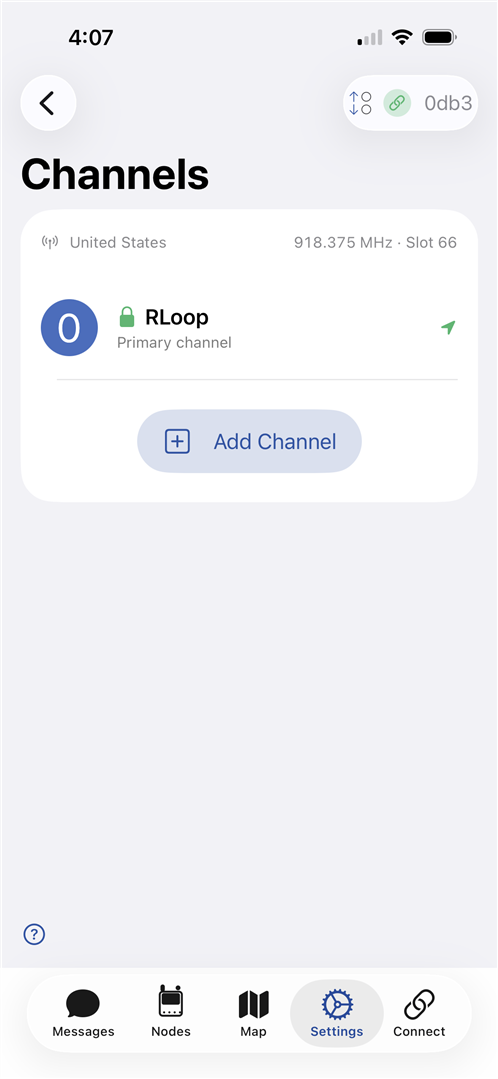
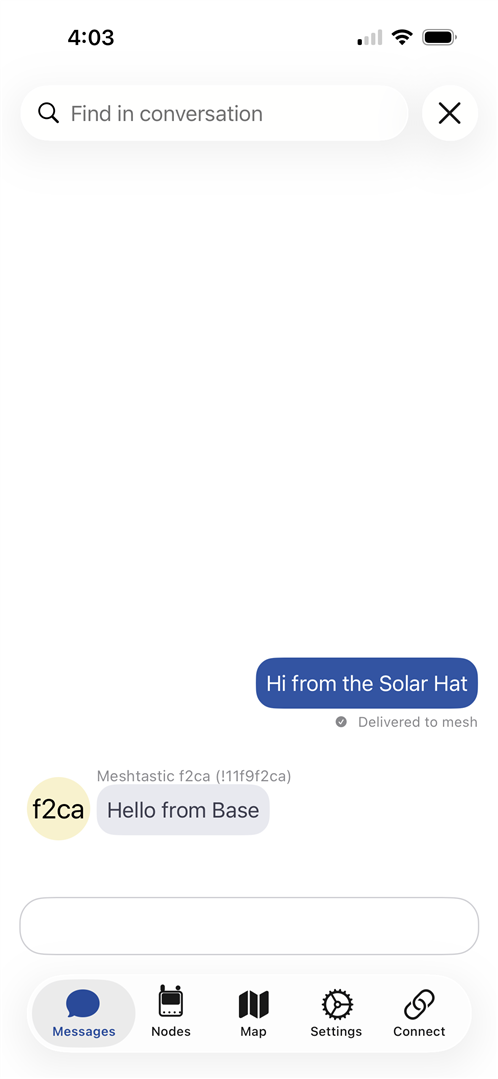
And sent a test message.
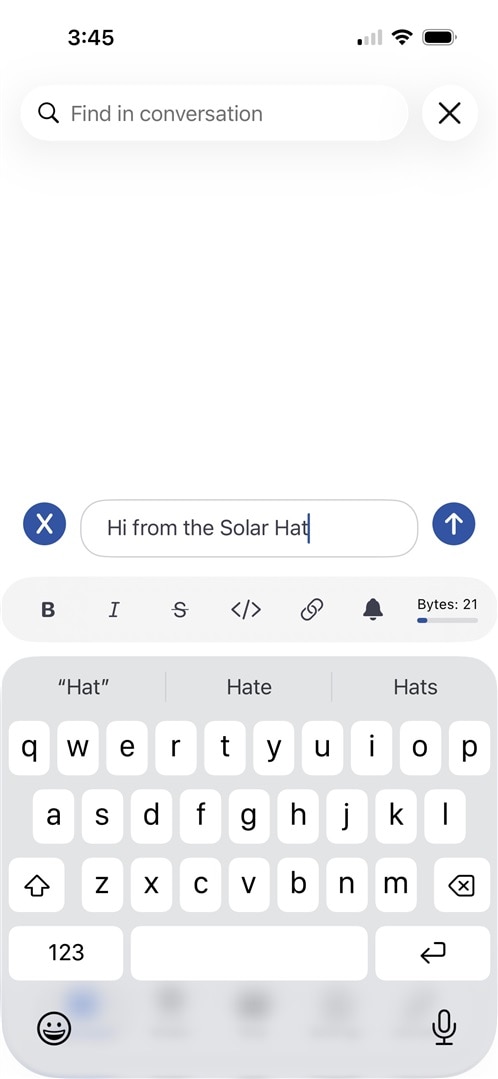
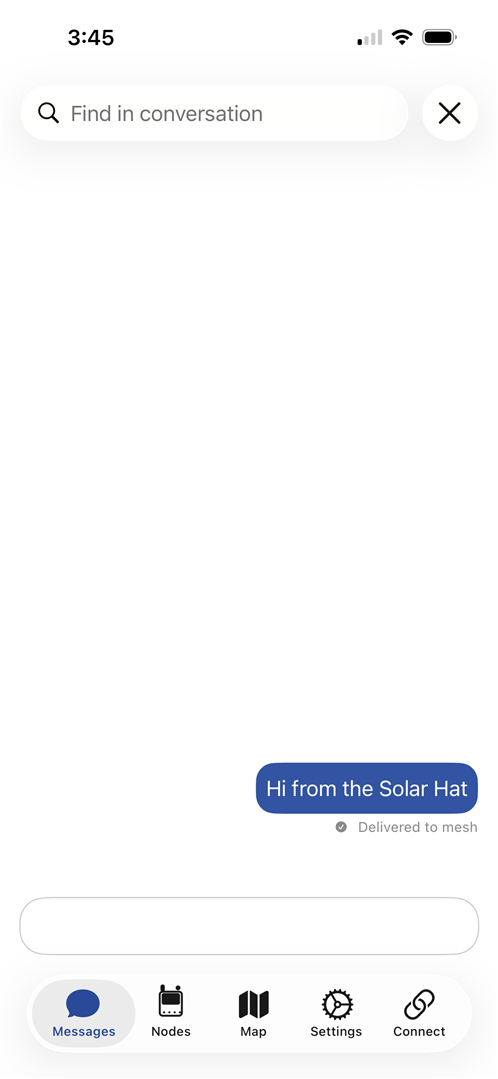
And the response:
A stroll on a cloudy day to test tracking
So, as a final test I wanted to see if the Solar Hat Node could handle route tracking. Summer has taken a break this week and we've had rain and cloudy days - which are great for the wildfires and smoke. One issue with my Solar Hat Node is that it has no battery, so I'm somewhat concerned that the power might drop out on a cloudy day like today - especially when I'm walking under trees.
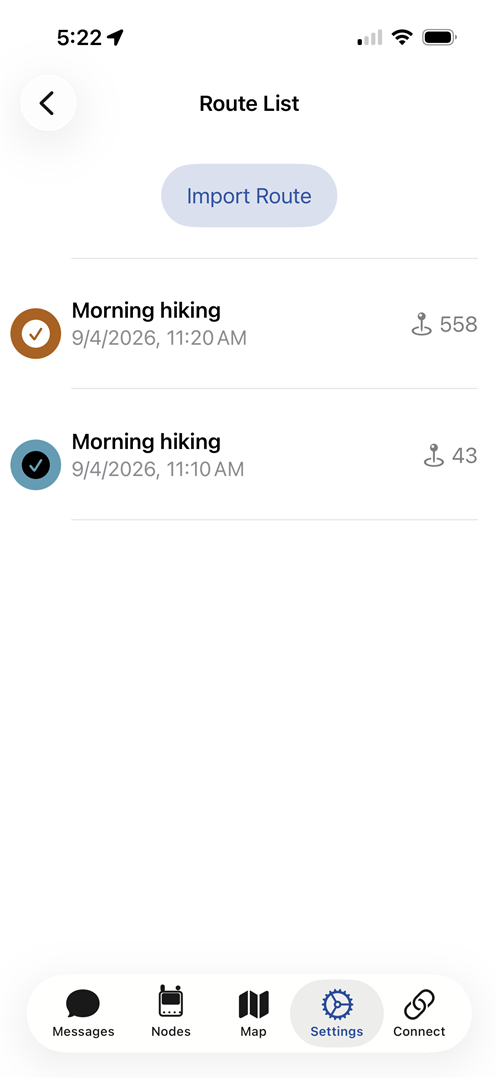
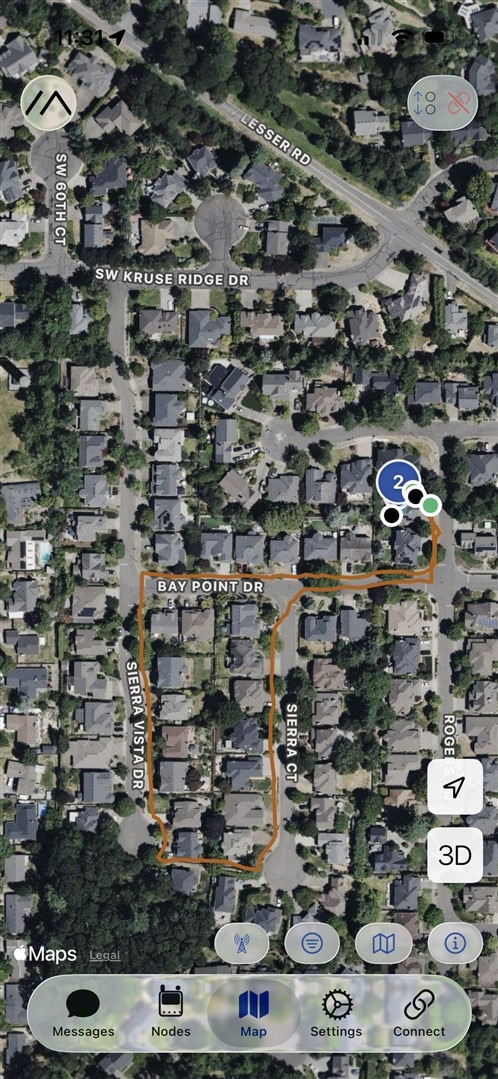
The app has a Route Recorder that will save a route that can be displayed on the map.
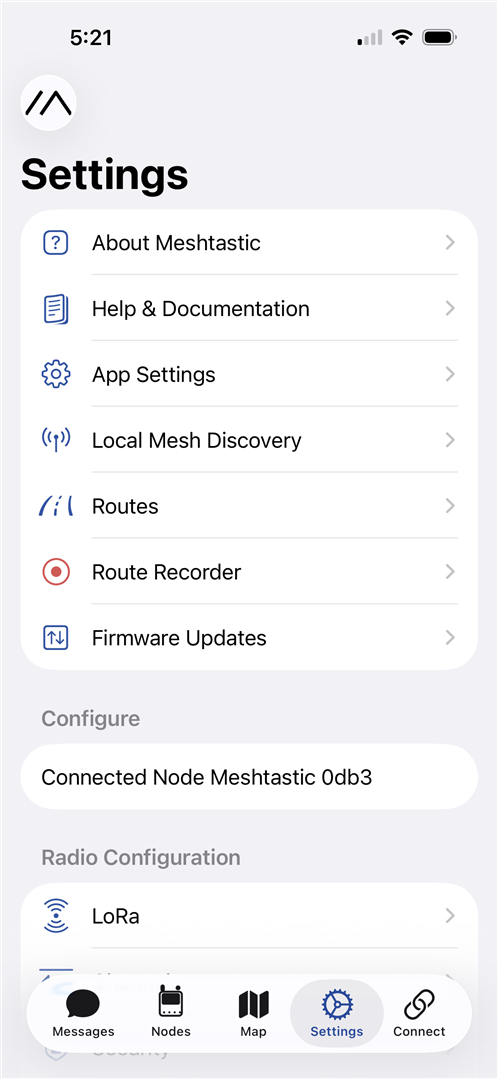
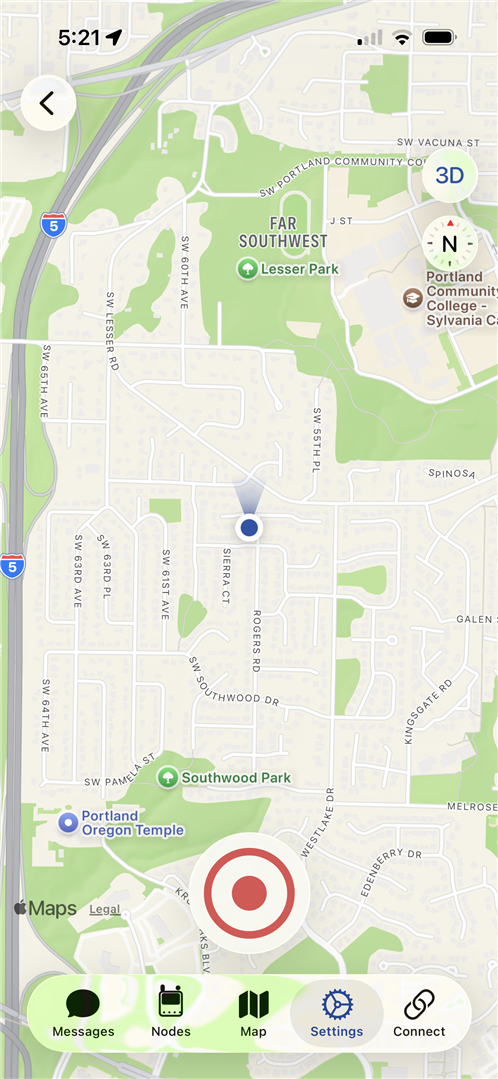
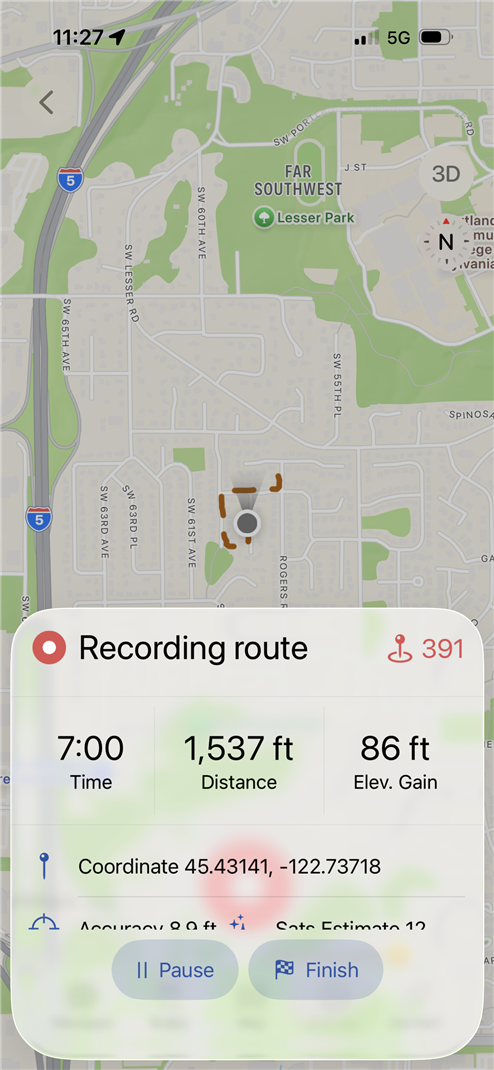
The first route was a quick test to see if it was recording. The second was a short walk around the neighborhood.
-

embeddedguy
-
Cancel
-
Vote Up
0
Vote Down
-
-
Sign in to reply
-
More
-
Cancel
-

beacon_dave
in reply to embeddedguy
-
Cancel
-
Vote Up
0
Vote Down
-
-
Sign in to reply
-
More
-
Cancel
Comment-

beacon_dave
in reply to embeddedguy
-
Cancel
-
Vote Up
0
Vote Down
-
-
Sign in to reply
-
More
-
Cancel
Children