


Introduction:
I’ve loved rockets since I was a little kid. There’s just something about that countdown that’s super cool. But honestly, it’s a pain to keep up with NASA or ISRO on social media, and I kept missing the big launches.
So, I decided to just build my own Rocket Launch Countdown Console for fun. It’s basically a screen that shows me exactly when the next mission is happening anywhere in the world.
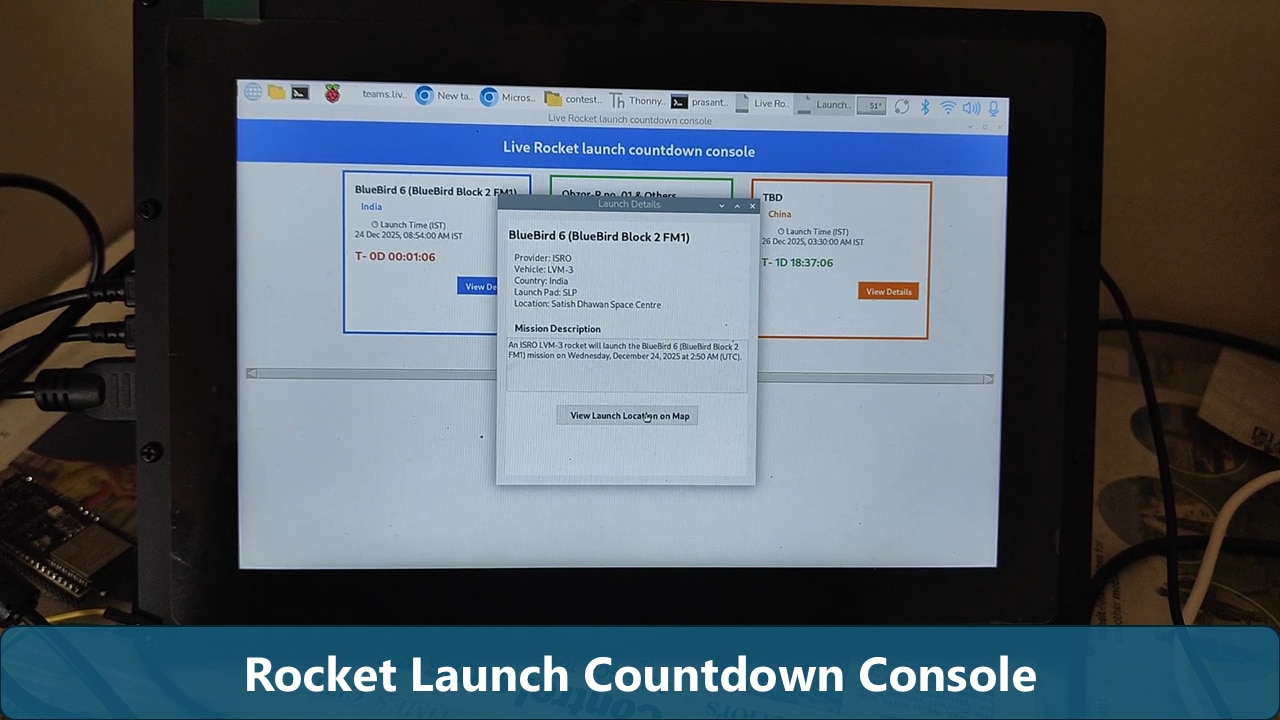
Here is what I put in it:
-
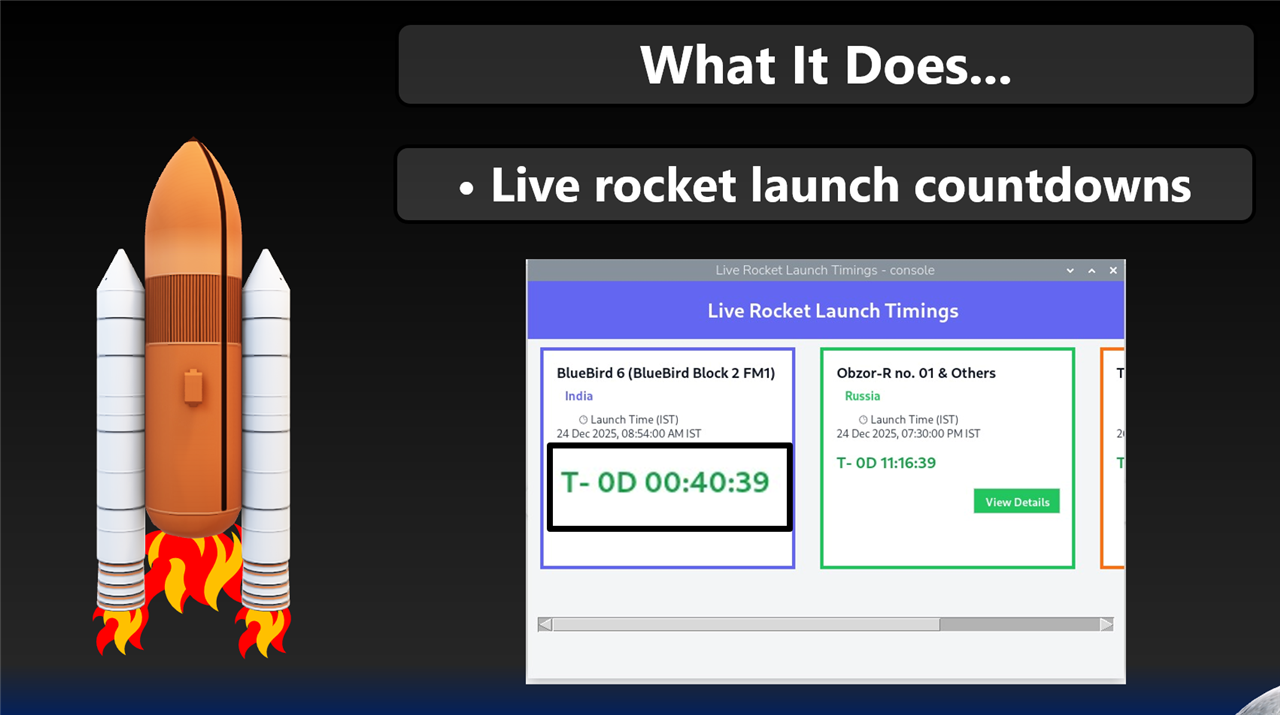
It’s got a live clock that counts down to the next launch.
-
It shows all the nerdy details about what the rocket is actually carrying.
-
I even added a map so I can see where the launch site is.
I built this mostly for the fun of it—and so I’d never have to say "Wait, did I miss a SpaceX launch?" ever again.
Materials Needed:
To build this, you’ll need
- Raspberry pi 5 with Debian Bookworm OS installed
- 10" Waveshare Touch Display/Monitor for Pi
- Python 3.10 installed
- Libraries: Tkinter (for the GUI), requests (to fetch data)
- API Access: I used the Rocketlaunch API to get real-time launch data.
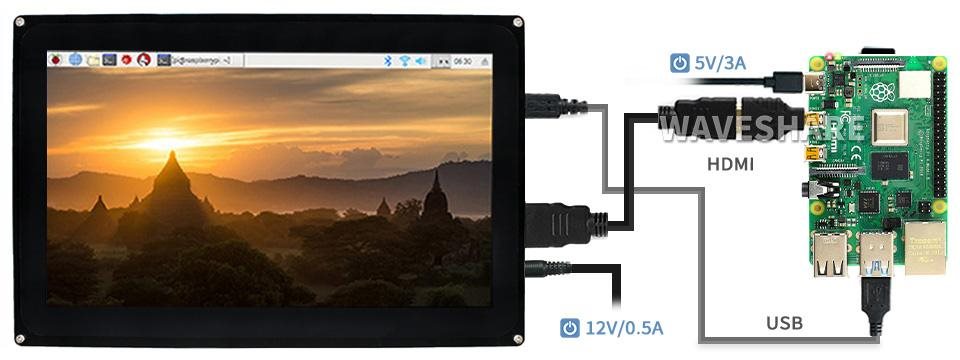
(Connection image was taken as a reference from Waveshare website no copyright infringement was intended)
Step 1: The Concept & Logic
The goal was to create a "Command Center" feel. I wanted three main layers of visualization:
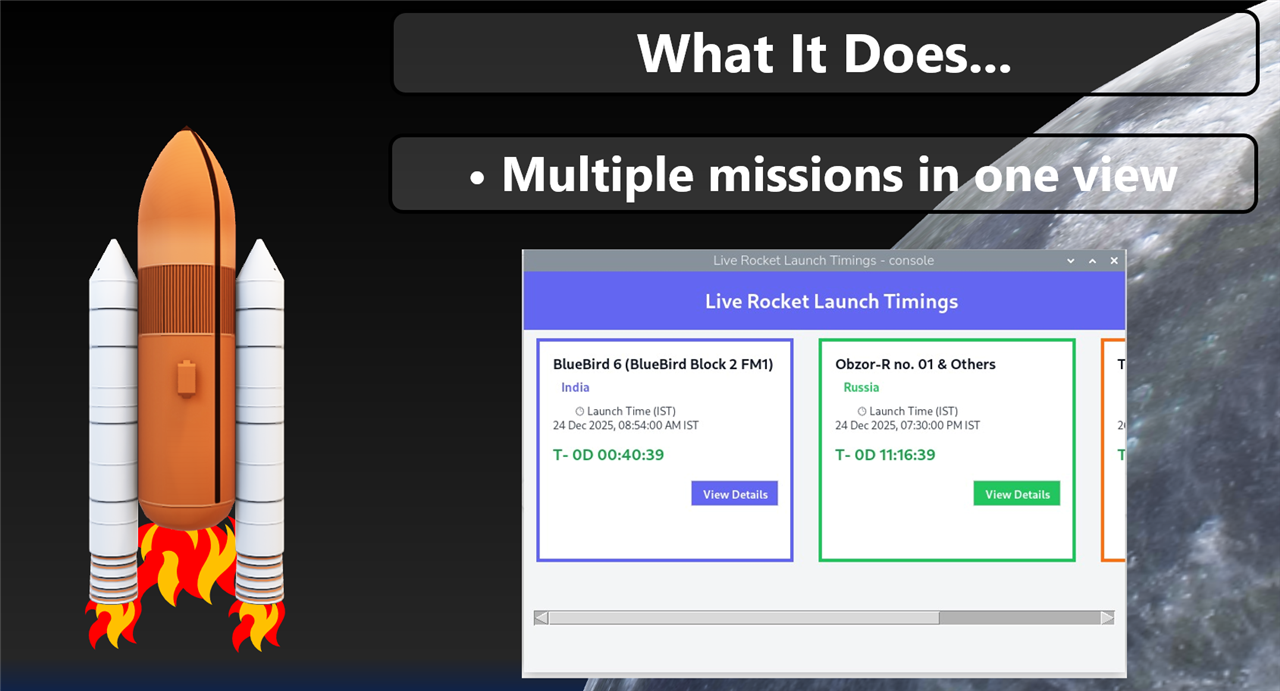
- The Overview: A scrolling view of all upcoming global missions.
- The Details: Deep-dive specs (Provider, Vehicle, Launch Pad).
- The Geography: Integrating Google Maps so you can see exactly where on Earth the rocket is standing.
I spent a lot of time mapping out the UI so that it didn't feel cluttered but still provided all the vital "T-minus" information at a glance.
Step 2: Fetching Live Space Data
The "heart" of this project is the data. Using Python’s requests library, the console pings the space API to get the most recent launch schedule.
Rocketlaunch is a website made for rocket lovers, this displays upcoming rocket launch schedule. It also provides API to integrate launch details in our own application.

One challenge I faced was time zones. Rocket launches are usually listed in UTC, but to make it useful, I had to ensure the console could display the launch in the user's local time (IST in my demo video).
Step 3: Building the GUI (Visualizing the Console)
Step 4: Map Integration & Mission Details
Visualization shouldn't just be numbers; it should be spatial. By clicking "View Details," a secondary window opens.

The coolest feature (in my opinion) is the "View Launch Location on Map" button. This uses the web browser module to take the location from the API and open them directly in a browser.

Step 5: How to Run the Code
- Download the source code below.
- Install the requirements:
pip install requests tk
Run the script using `python main.py` and GUI Application will be launched in the console.
Step 6: December 24 - Bluebird 6 Satellite Launch, ISRO, Satish Dhawan Space Centre
For the demo, I captured the Bluebird-6 rocket launch. It marks a milestone in ISRO's history, as it is the heaviest commercial rocket launched by India. It will be used for cellular communication through satellite, so that even remote areas can benefit from better coverage.
Even school children were brought to see the rocket launch at a safe distance from a stadium. The Rocket was launched successfully without any technical glitches. I am glad I was able to capture the launch on time.
Step 7: The Fun Part - Landing (Simulation Only)
As a little "extra credit" for the visualization, I included a landing animation. In the demo video, you can see the rocket descending onto Mars with a final countdown.
While the console tracks real Earth launches, this animation represents the ultimate goal of these missions: landing on other worlds. (I even added a little UFO cameo at the end just for fun!)
Conclusion
It’s nothing too fancy, but it works for me. It’s pretty awesome seeing all that space stuff right on my screen whenever I want. Now I just need to find a way to get it to make coffee while I watch the launches!

