


this is my first blog to phase 1 of azure sphere challenge
These are the steps to start. After installing the Azure Sphere SDK, start it command prompt, connect the starter kit and type the command
azsphere device show-status
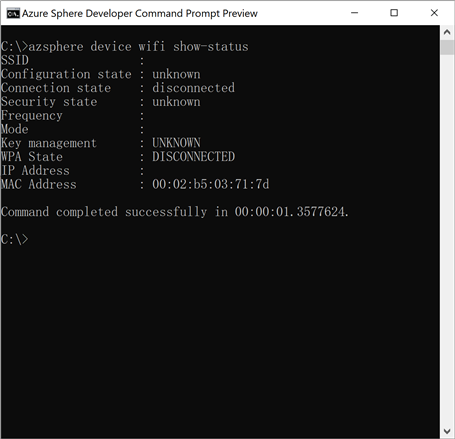
in screenshot above, everything is unknown and disconnected. This is expected. to use it we need to claim the device by typing command azsphere device claim
then we use command azsphere device wifi add --ssid <my ssid> --key <password> . it cannot add hidden SSID. i wonder if it is able to add many SSID
i then open the contest app, fill up my details and send data to server
it takes 30 minutes to see my device gets populated on the heat map by element14
http://avnet.me/azsphere-kit-map

i notice that the heat map is produced with powerbi. cool, i wonder how i can make such a map too