


Where is the parameter adjustment for the Ref Des in the Schematic Symbol Library? When I make a part from scratch, the Ref Des is usually Times New Roman, 10. I pulled in a part from SnapEDA and the Ref Des is Arial, 14. I can edit the text once it is in the schematic; I want to update it at the source in the library, not every time I place a part.
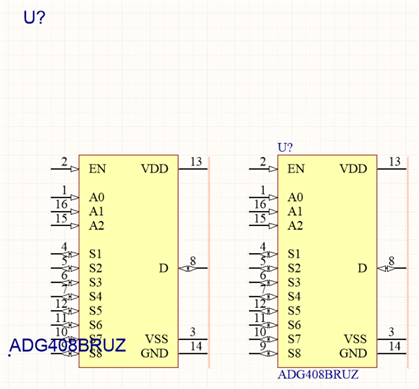
The one on the left needs the font tweaked and "Autoposition" checked to allow me to move the text around.
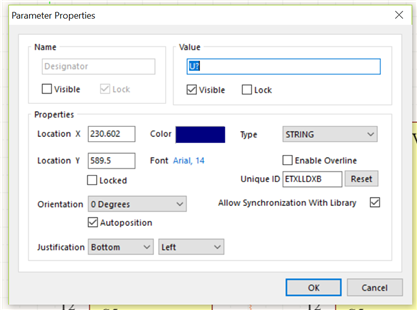
Problem is, I can't access these parameters in the Library area...
The Edit button affects text in the Paramters, but not the Properties such as Default Designator. The editor is squashing my picture...look in the Library Component Properties area to see the picture above.
Ideas?? Thanks!
