Greetings Again,
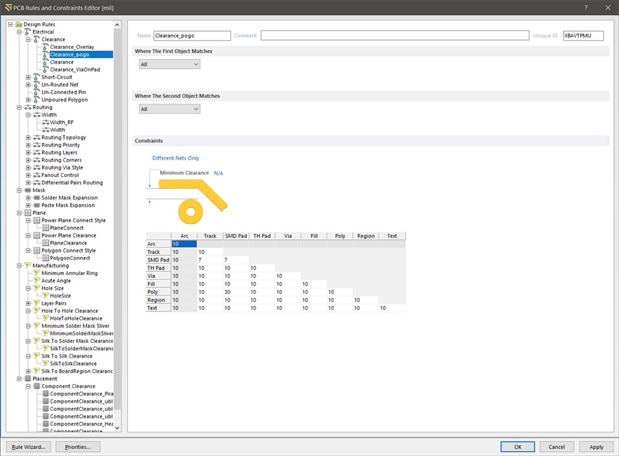
I have a line of pads I use for In Circuit Serial Programming for micro's that are spaced 2.54mm apart for use with a pogo pins/test probes fixture. I added a Polygon Pour Plane (Gnd) to the same layer and would like to increase the pad to poly clearance around the pads to more than my default clearance of 0.2mm to prevent the pogo's from shorting to the plane with an unsteady hand - without having to increase the overall 0.2mm clearance for all the other components on the layer.
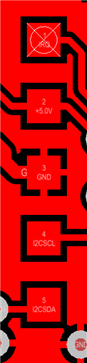
I originally looked at adding a keepout to this layer, but this will not work as a keepout over the pads obviously creates DR violations.
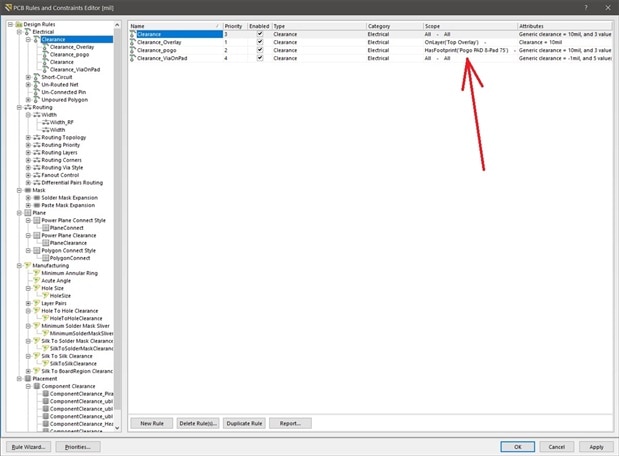
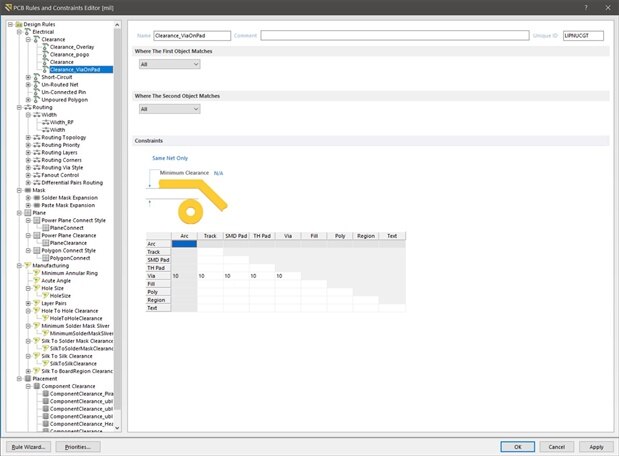
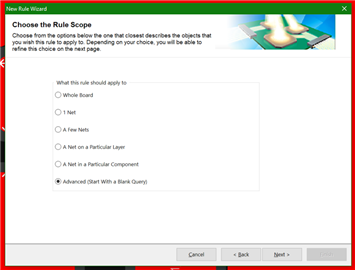
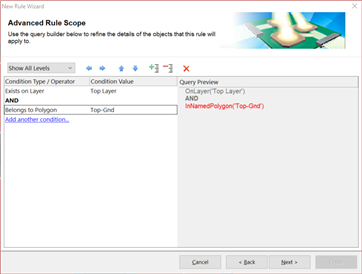
So I turned focus to creating a 2nd Power Plane Clearance Rule. Since all 5 pads are the same size and unique to all other pads in my design, I created a Pad Class to include these pads and increased the Clearance. Unfortunately this did not work as my default Clearance rule of 0.2mm was maintained after repour. I then decided to make a 2nd Clearance Rule, but the "Where The First Object Matches" rule dialog does not include an option to select Pad Class like the Power Plane Clearance does.
I am relatively new to CS, so I must be missing something here. I would have thought the original Power Plane Clearance would have worked - do I have to somehow label my plane as a "Power" plane or similar? Is CS not recognizing it as a Power plane? Might there be a way to create a rule for clearance around certain components?
I understand the Rules are executed based on Priorities, but I did not see where this was giving me the issue.
Any help to understand better is appreciated - Thanks