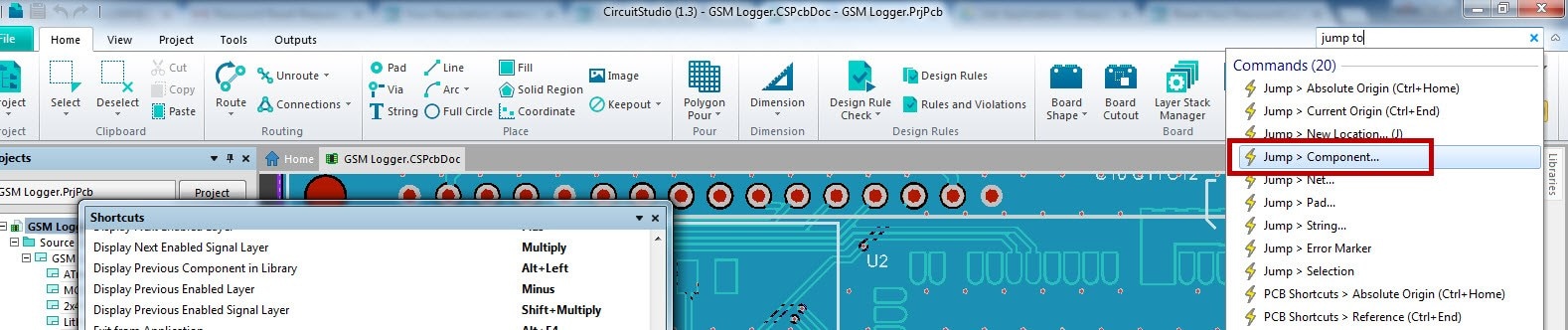
In Altium Designer PCB view, you can press "J" "C" and that opens a text box where you can type in a ref des and your cursor will "jump" to point at the component on your PCB. Can I do this in CS with some other keystrokes?
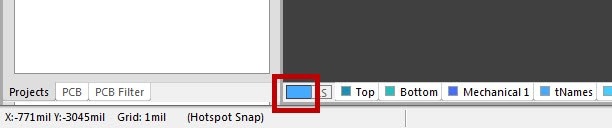
ALSO, pressing L in Altium will bring up the "View Configurations" window. In CS, I have to double click the active layer button in the lower left. Is there any way to set up hotkeys? I don't find anything in the preferences area.
Thanks!
Andy