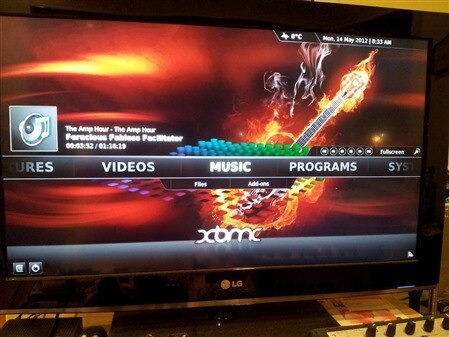
Hi - just a tip, I finally tried XBMC yesterday by using this image which Liam Fraser built:
https://rpi-developers.com/frs/?group_id=10
I'm using a DVI monitor with HDMI adapter cable, so I just have computer speakers hooked up to the analog audio jack on the Pi. For audio, I had to run "modprobe snd_bcm2835" in the shell to load sound driver and change audio from HDMI to analog in the XBMC settings menu.
I didn't have any media files on USB, so I watched the Big Buck Bunny h264 clip from /opt/vc. Not very interesting after using the hello world command line player. But the exciting part for me was installing the YouTube video add-on. It was simple to do this via the menuing system in XBMC. I was able to do a search for videos:
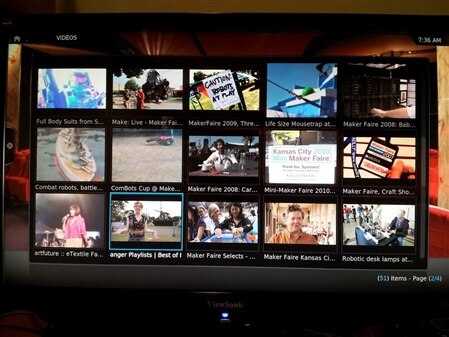
Several clips played well in full resolution with audio. However, some appeared stretched and the shell could be seen where black letter box rectangles normally appear. I think the issue was for 4:3 video whereas 16:9 video looked ok. Given this is a rough first attempt at XBMC, I'm pretty excited that the Pi will be useful as a streaming player.
Cheers,
Drew
...and when I finally get my own Pi eventually, instead of bumming testing time, I'm going to have to try out some GPIO fun!