

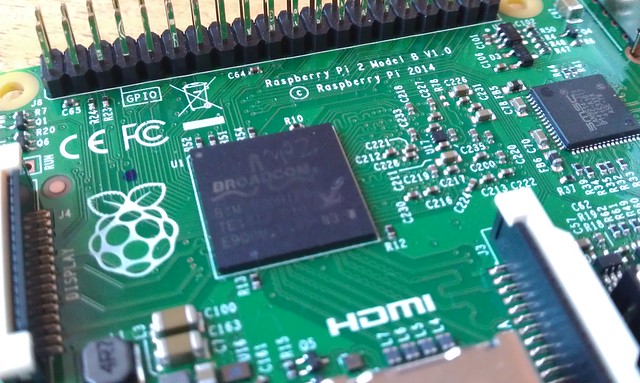
When we think of the Raspberry Pi operating system we instantly think of the giant raspberry wallpaper that is prominently placed on the Raspbian desktop. But is Raspbian still the best distro for the Pi? Well we put Raspbian up against two new distros for the Raspberry Pi, but these are well known distros in the world of Linux and their pedigree is hard to beat. Ubuntu has been a runaway success on the desktop and has converted thousands of users since it’s release in the mid 2000s, it has even recently spawned a version for mobile devices. Fedora is another big distro, coming from Red Hat and considered the leading name in open source solutions. Fedora is Red Hat’s bleeding edge product that often tests new innovations and technologies for Enterprise class products. Both of these distros have enjoyed a long and prominent history in the Linux community and their entrance to the Raspberry Pi community is something to get excited about.
There are many more distros for the Raspberry Pi but for this feature we wanted to show two strong new contenders against the de facto standard that is Raspbian.
So can Ubuntu or Fedora beat Raspbian’s dominance in the Raspberry Pi community? Or is Raspbian the perfect example of what a Raspberry Pi distro should aim to be? Let’s find out.
For all of these reviews we created a baseline to ensure a fair test.
- A Raspberry Pi 2 Model B
- No overclocking or tinkering of hardware
- 8GB SD card that came with our Pi
Raspbian
The de facto standard for Raspberry Pi projects but does it still meet the needs of the user?
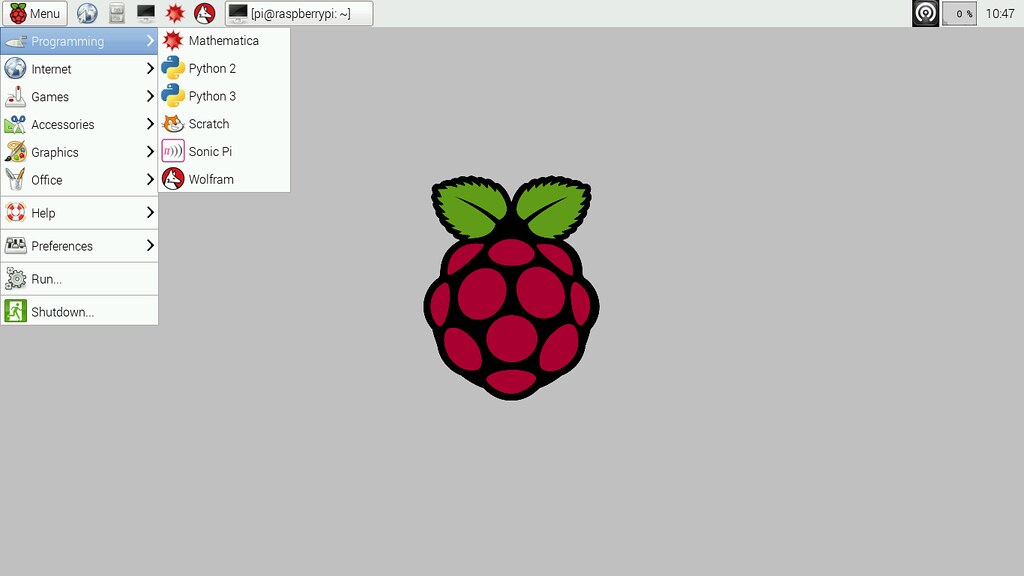
Raspbian has been the standard Raspberry Pi operating system, more commonly referred to as a “distro”, since the Pi arrived in 2012 and we have seen it grow over time into the capable distro that we use today. Raspbian is a fork of the massively popular Debian distribution and it is jointly maintained by the Raspberry Pi Foundation and the community.
Being based on Debian, Raspbian comes with the APT (Advanced Packaging Tool) as it’s package manager, which is used to install software from the vast Raspbian repositories, but Raspbian also comes with raspi-config, a menu based tool that simplifies the act of managing Raspberry Pi configurations such as setting up an SSH, overclocking and enabling the official Raspberry Pi camera.
Since December 2014 the Raspbian desktop has received a notable improvement to it’s user interface thanks to the hard work of Simon Long. Moving away from the cluttered LXDE menu system we now have a simplified and refined interface that groups applications and configuration tools into clearer categories. As Raspbian is the default distro for Raspberry Pi it is also the distro that sees the most improvement and innovations examples of this are the RPi.GPIO library that enables Python to talk to the GPIO (General Purpose Input Output) pins, Minecraft the popular survival / sandbox game that has seen a massive investment of time from the community to enable a Python API for programming the game world. Lastly we have Sonic Pi the Ruby powered music creation application that has risen in popularity thanks to the efforts of Sam Aaron.
With the release of the Raspberry Pi 2 we have seen Raspbian receive the speed boost that it always needed, by no means was it a slouch on the original Raspberry Pi, but the addition of more RAM and better CPU has enabled it to become a usable desktop distro that can easily be used as a main machine.
Raspbian has improved since it was first released in 2012 and with each new release we see more refinements added to it, no wonder the majority of projects around the world are based upon this distro. It is a rock solid development base that runs well on the original Raspberry Pi but screams ahead on the new Raspberry Pi 2 specification.
If you are taking your first steps with the Raspberry Pi or need a solid and dependable basis for a project, Raspbian has to be your first choice. No other Raspberry Pi distro can compete with it’s stability, range of projects nor it’s supportive community. Hence why Raspbian is the official distro for the Raspberry Pi and is supported by a series of projects available via the Raspberry Pi Foundation’s learning resources.
Ubuntu MATE
Ubuntu finally makes it’s onto the Raspberry Pi but will it claim the top spot?
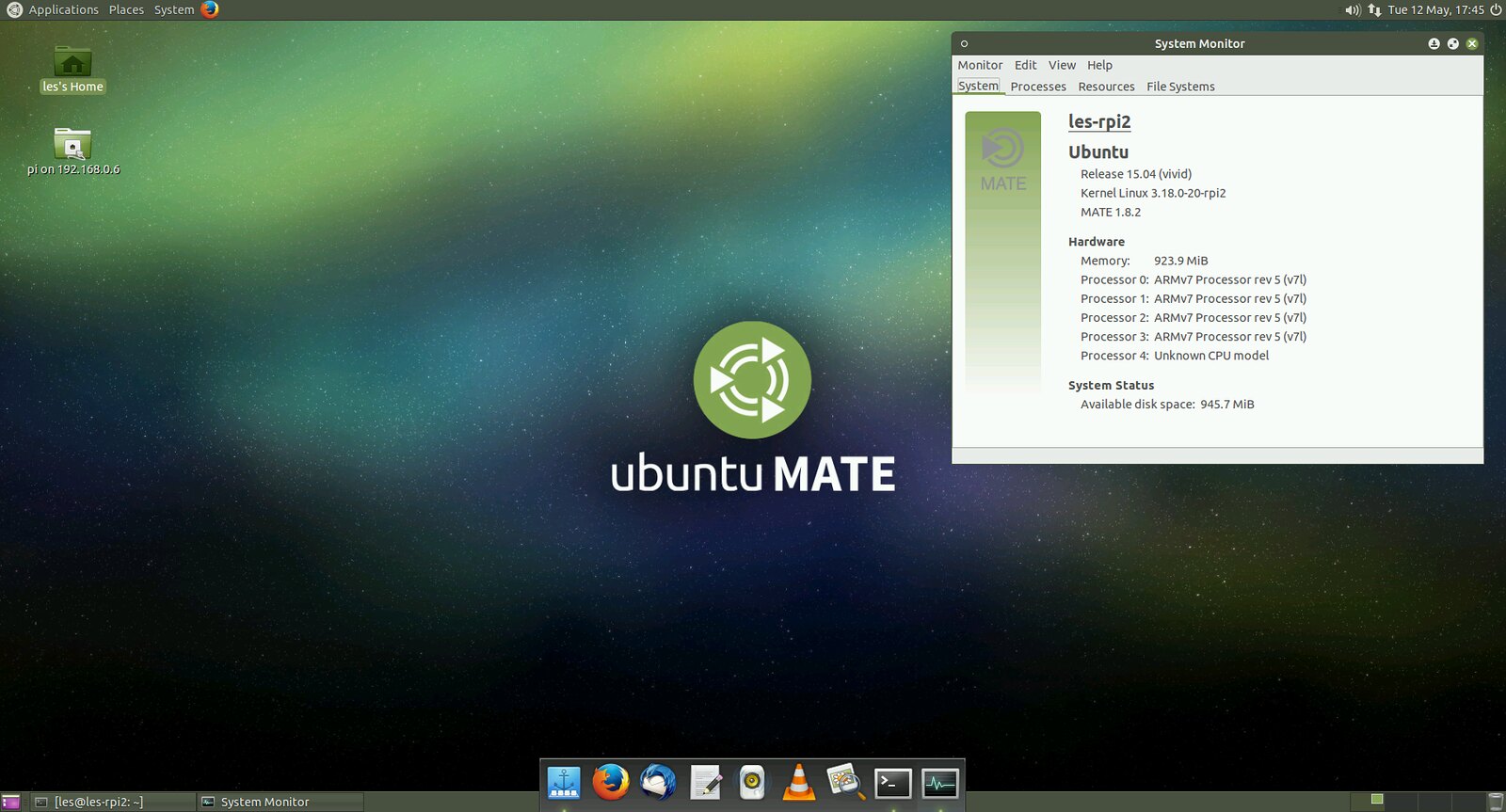
In the early days of the Raspberry Pi many questioned the choice of Raspbian over Ubuntu. At that time Canonical had stopped supporting the ARM11 CPU that powered the Raspberry Pi and this spelt the end of any possible Ubuntu releases. We now fast forward to the Raspberry Pi 2 release and it’s ARM7 CPU which is now compatible with Ubuntu to try out Ubuntu MATE. Ubuntu MATE can be downloaded via the Raspberry Pi Foundation downloads page and copied to your SD card using dd or another image writing tool. On first boot you will be asked to configure the system and create a user account. Once complete and quick reboot will present a graphical login screen and once logged in you will see the desktop, but not the Unity desktop, rather you will see the MATE desktop, which is a lightweight desktop based upon the GNOME 2 desktop environment . Unity is the default desktop for Ubuntu but it is too heavy even for the new Raspberry Pi 2 specification. MATE is a rather light and full featured desktop.
Ubuntu comes with a few applications installed, such as LibreOffice, but you will need to install a few more applications to make the most of it, you can do this using the Software Center or by dropping into a terminal and running apt-get. Ubuntu MATE feels very slick and using a class 6 or 10 SD card will help speed up the operating system.
At the time of writing this version of Ubuntu does not have access to the Raspbian repositories, meaning that RPi.GPIO, the library needed to use the GPIO pins, is not available for use. But as Ubuntu for Raspberry Pi 2 is still in heavy development by the community it is just a matter of time before it is successfully ported across along with other favourites such as raspi-config.
The version of Ubuntu used in this review was based upon Ubuntu 15.04 which has just been released. At the time of writing there is another version of Ubuntu for Pi 2 based on the 14.04 image. This version does not come with a desktop so will require installation of LXDE, KDE or another lightweight window manager.
Using Ubuntu is a joy, it is swift and smooth enough to be used as a desktop computer. The current lack of “Raspbian” features is not a major issue due to the community interest of integrating them into Ubuntu. A good distro for general use but not one for the makers amongst us, yet.
Fedora
Fedora is one of the big names in the Linux world, but is it ready for the Raspberry Pi?
Back before the Raspberry Pi was released to an eager public, there were a number of videos and blog posts that showcased the Pi running Fedora. It turned out that at the time Fedora was too much for the original specification, but with the recent release of the Raspberry Pi 2 the rules have changed.
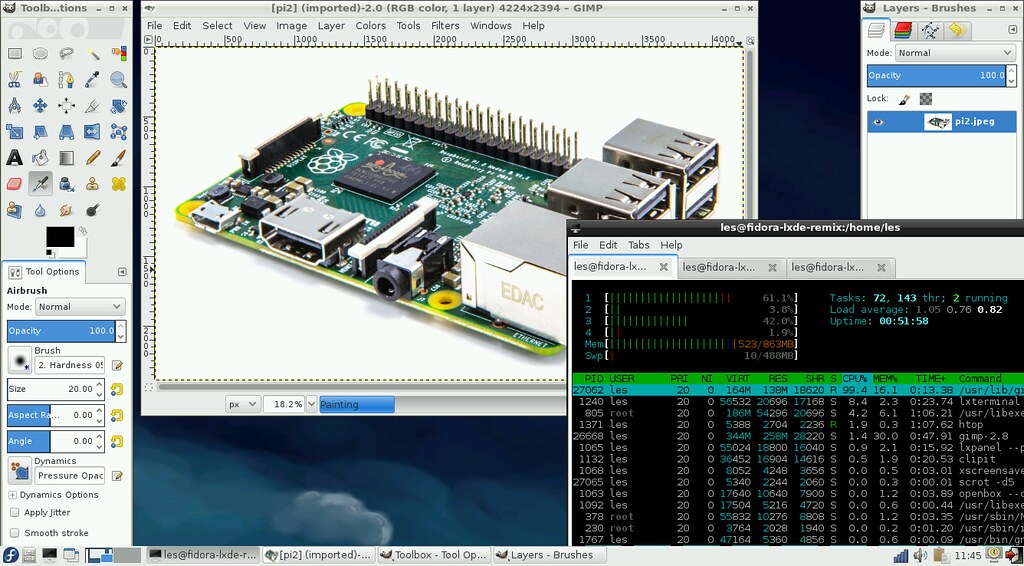
We’re looking at the Fedora 21 remix and chose to run the LXDE window manager. Installation was relatively painless requiring us to copy the raw image to a blank 8GB micro SD card, the image is created for 8GB and above cards only. Upon first boot we were presented with a config screen which enabled us to setup the root password and create a user account for general use. Once created we are asked to login to the desktop via a pleasant login screen. Once logged in we see a typical LXDE desktop environment, an uncluttered and functional desktop with the main menu in the bottom left of the screen. Fedora comes with a few applications installed, such as Abiword for word processing, Gnumeric for spreadsheets and the file manager PCmanFM.
To test Fedora we installed a few essential applications via the terminal and the yum package manager. Firstly we installed Libreoffice, weighing in at 275MB it installed quickly and when we launched the Writer application it opened in less than 15 seconds and was very usable with no lag experienced. The same was true for installing Firefox which provided a better browsing experience thanks to it’s ARM7 optimisations.
The only application we tested that felt sluggish was GIMP, but it is quite a beast of an application that gobbles up RAM and CPU cycles. Multitasking was possible and we had Firefox, GIMP and Libreoffice open with the terminal program “scrot” capturing images in the background. We’re pleased to say that Fedora also has the RPi.GPIO Python library in it’s repositories which means that you can easily build GPIO powered projects using this distro, but the library is only for Python 2.7 with no Python 3 version in the repositories.
Fedora handled our hardware quite well, we used the official Raspberry Pi Wifi dongle to connect to the Internet and it required no extra configuration steps, unlike Ubuntu which required a hack of the wpa_supplicants.conf file.
Fedora is a slick and very usable distro and we enjoyed the experience of moving away from a Debian derivative distro. Fedora is competent and provides a good user experience and could quite easily be used as desktop distro for general purpose work. The Python GPIO library is a nice addition but it really needs to be updated for Python 3 inline with the Foundation’s learning resources.
Top Comments