


Received the shipment of the USB-C accessories for the roadtest. Thanks OwainM and E14Alice . Stickers are a nice addition.
- Multicomp Pro USB-C PD Power Supply 30W, MP009260
- TP-Link USB-C 9-Port Hub
- USB-C Cable 2M USB4 20Gbps
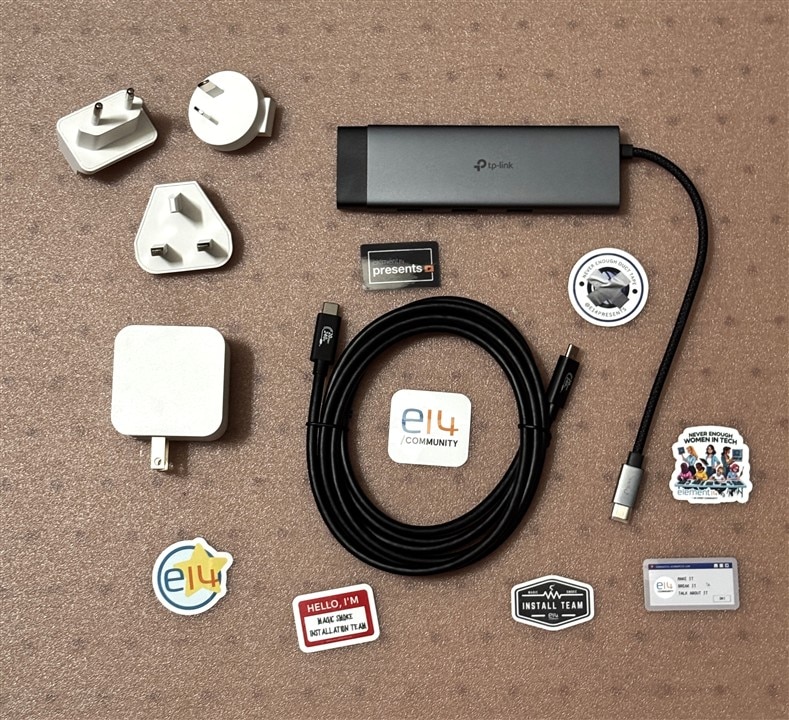
Multicomp Pro Power supply
USB-C PD 30W
- 5.0V, 3.0A
- 9.0V, 3.0A
- 12.0V, 2.5A
- 15.0V, 2.0A
- 20.0V, 1.5A
The power supply comes with standard US type prongs and a set of international adapters. Nice feature is that it uses a separate USB-C cable so that you can customize the installation length if required. It has a different set of PD voltages than the RPi 27W power supply.
RPi USB-C PD 27W
- 5.1V, 5.0A
- 9.0V, 3.0A
- 12.0V, 2.25A
- 15.0V, 1.8A
The RPi supply has a capability of 5.0A at 5.1V, which probably would have provided better margin since the Uno Q only negotiates 5V power delivery. So there would have been 10W of extra headroom. The Uno Q should work fine with 15W unless high power accessories are added. I didn't realize it earlier, but the RPi supply also uses 17AWG wire for power which is a significant advantage as most cables are currently using 20-22 AWG max.
TP-Link USB-C Hub
- 1x HDMI, 4K@60Hz
- 1x USB-C 3.0 PD, 100W
- 1x RJ45, 1 Gbps
- 1x SD, 1x uSD, 104 MBps
- 1x USB-C 3.0, 5Gbps
- 3x USB-A 3.0, 5Gbps
Nice hub. It will allow for standalone operation with display, keyboard, mouse, and USB camera plus storage.
USB4 Cable
- USB-C to USB-C
- 2m length
- EPR (Extended Power Range) - implies E-Marker chip
- 20 Gbps
Not sure who the manufacturer is and there is no jacket marking, but it sort of looks like a Cables Direct logo on the connectors. This should be a high performance cable, but I would have preferred a shorter length for my particular setup.
Uno Q Standalone
Time to run standalone using the hub. I connected an RPi keyboard/mouse and a portable HDMI display. Powered up with boot messages on the monitor and it ran through the familiar LED matrix animation. Desktop opened with AppLab login. After logging in I could see all the apps that I had been working on with AppLab running remotely on the PC.
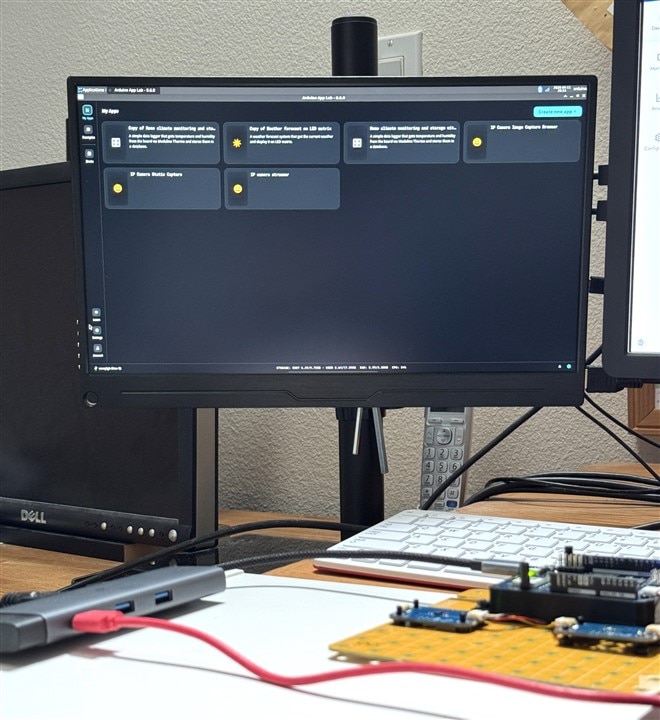
And just for fun - opened AppLab on the PC and connected over WiFi and can see the same apps. There are a couple of differences that I can spot. The apps on the PC have colored backgrounds on the app icons. The AppLab on the PC shows a network connection and the one on the Uno Q shows a USB connection.
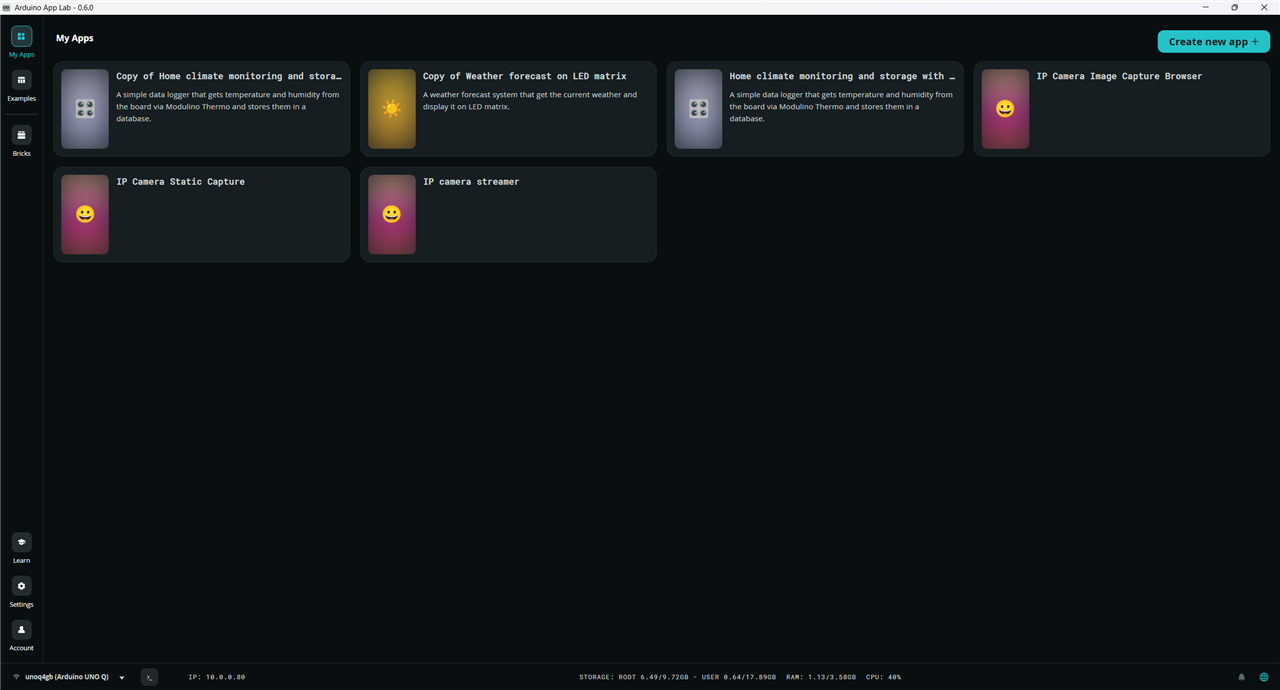
The AppLab instances don't run in sync, i.e. when I ran the Home Climate app on the PC, I did not see it running on the Uno Q monitor. It ran as expected and opened a browser window on my PC. Likewise when I ran the same app on the Uno Q, I did not see it running on my PC. This time it opened a browser window on the Uno Q using the localhost addr 172.0.0.1:700.
The one interesting thing that I did not initially realize is that if I look at the Run/Stop button in either AppLab instance, that they do track and I can stop the app from either AppLab.
I guess this is all expected behavior - lots to learn.

