


System boot
Now that Linux is installed, it's time for the first boot. I'm using a Joy-IT RB-LCD10 touchscreen monitor with a resolution of 1280 × 800 pixels. During startup, the system asks for several configuration parameters, including the language and regional settings, keyboard layout, and Wi-Fi credentials.
Initially, I had some trouble connecting to Wi-Fi because of a weak signal. I hadn't realised that the Raspberry Pi was using the internal PCB antenna rather than the external antenna connected through the U.FL connector. This can be changed by adding dtparam=ant2 to the /boot/firmware/config.txt file.
After making this change and rebooting, the system completed the startup process in an impressive less than 18 seconds. This is significantly faster than I have experienced with any of my other Raspberry Pi systems, even with a headless installation.
Software updates
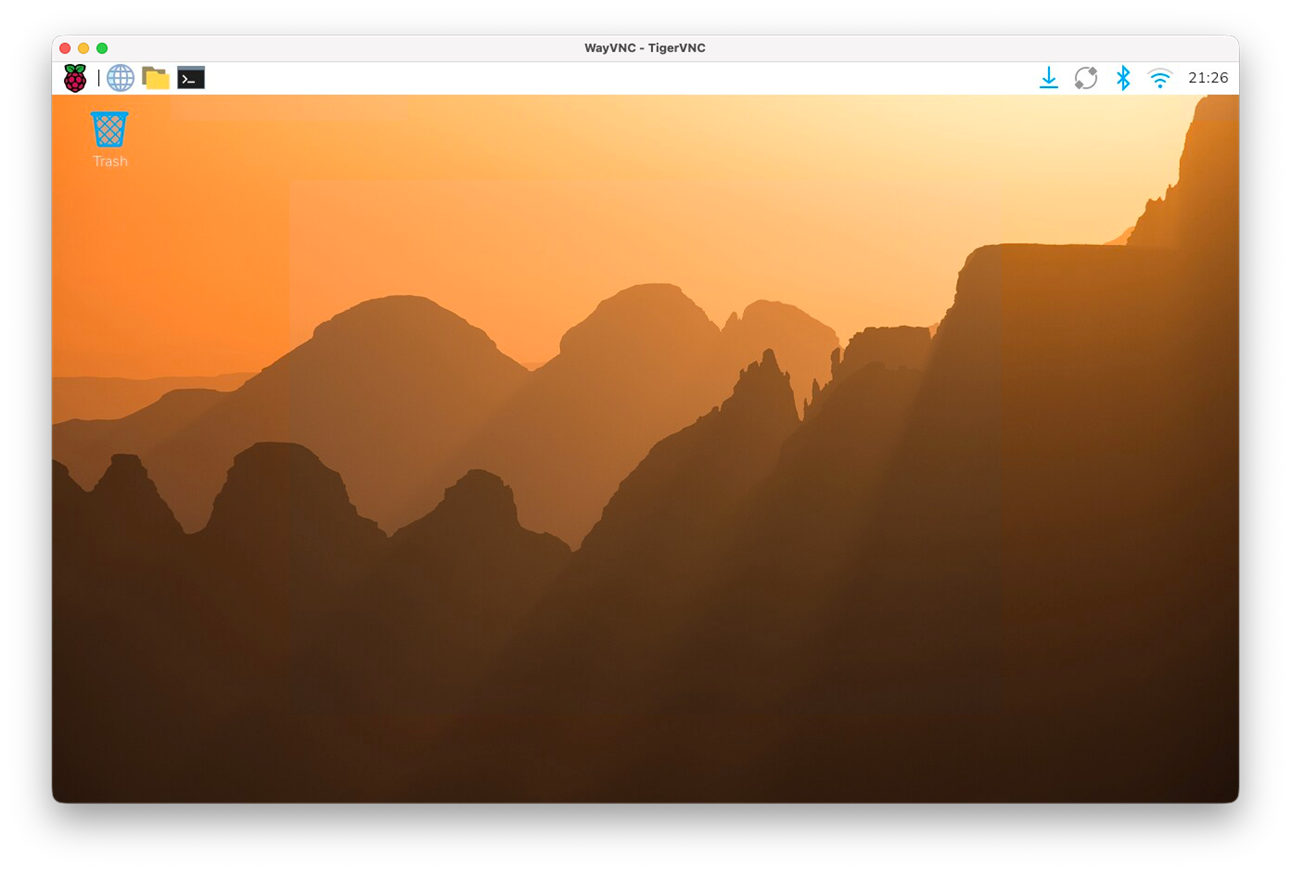
In the upper right corner of the screen we encounter a icon showing a arow pointiung down, this means updates are available. You will see this quite often when using the Raspberry Pi. After clicking the icon, a window pops up showing the new available software versions.
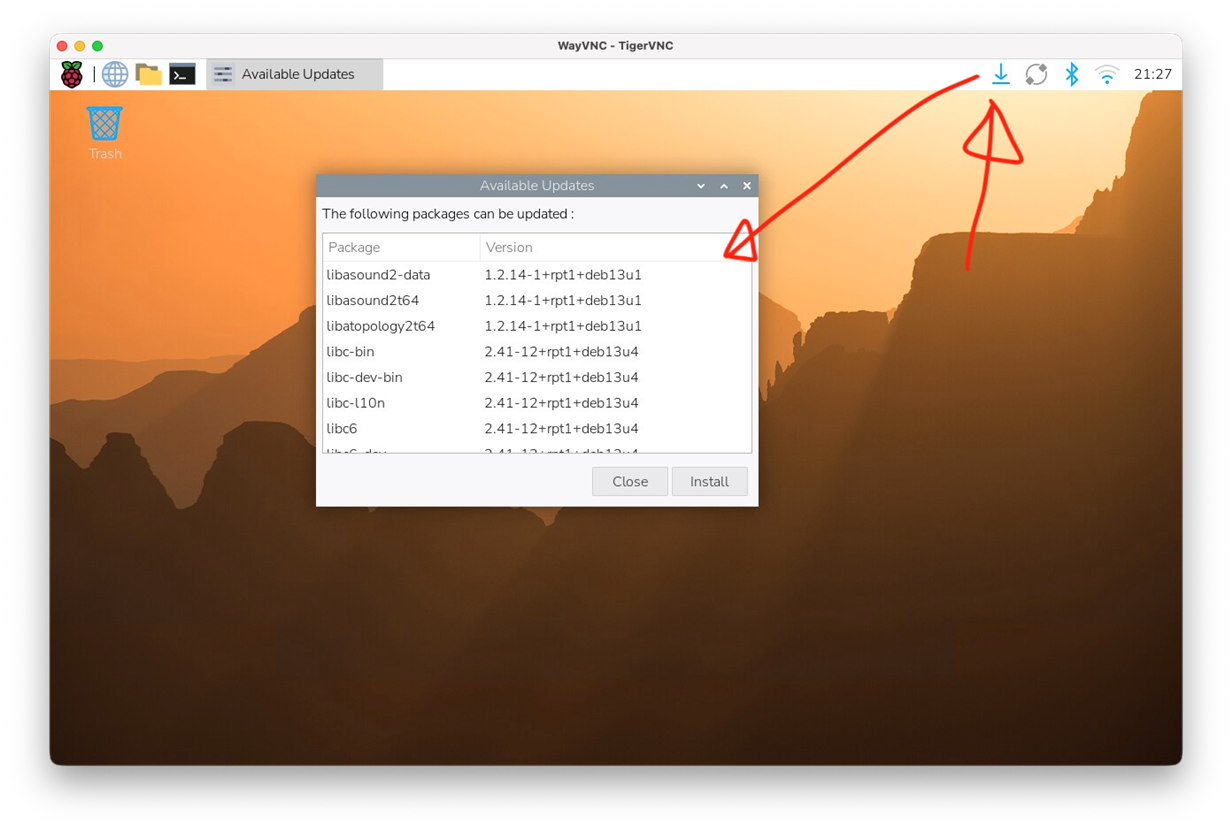
After pressing instal the software is dowloaded
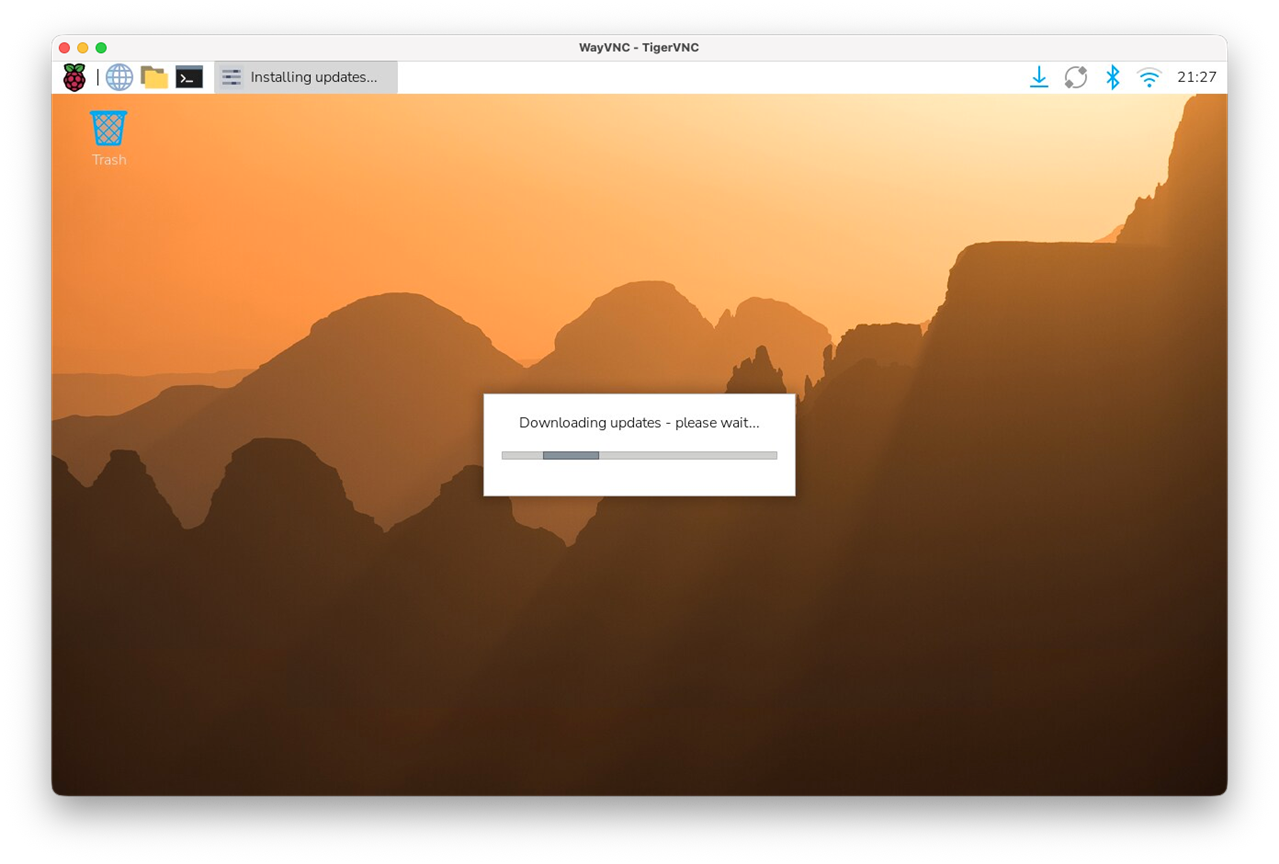
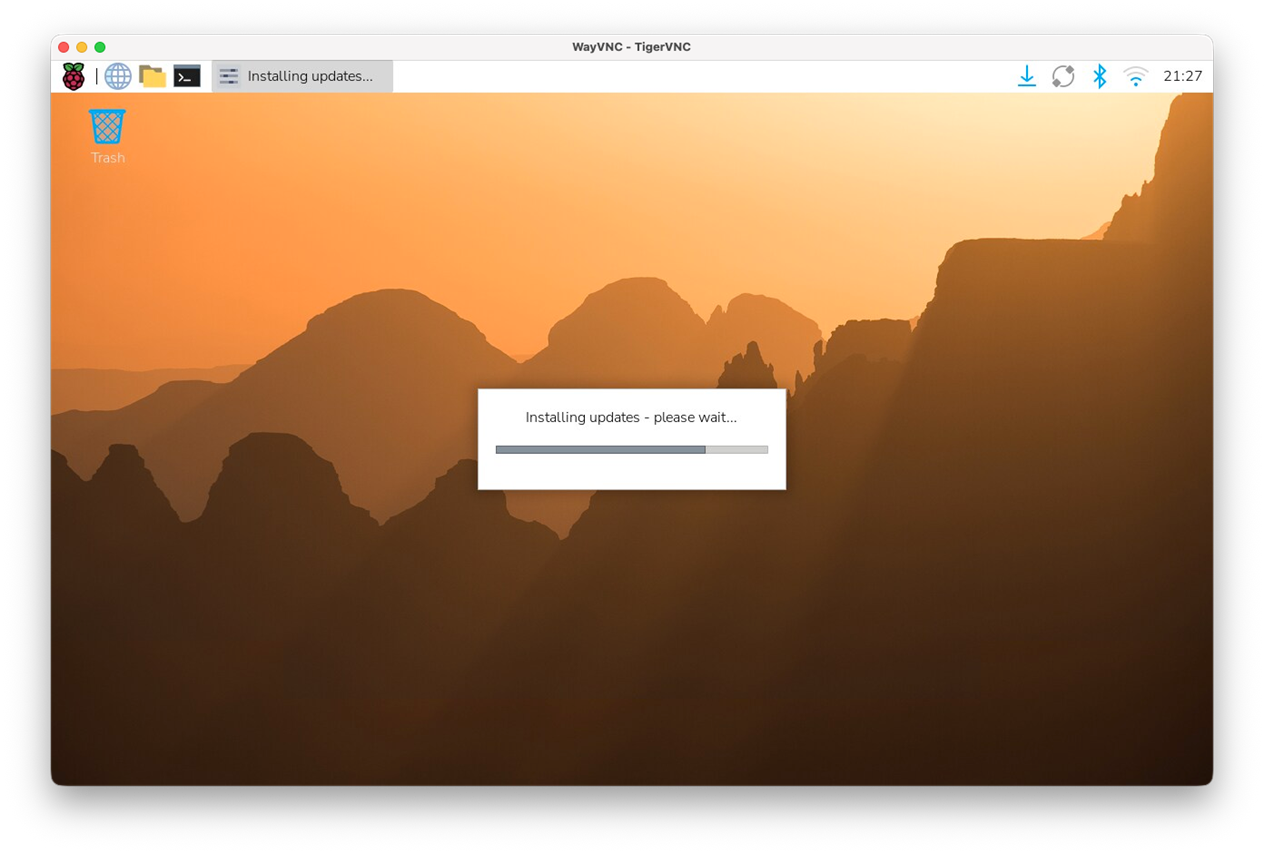
And installed.
RTL-SDR
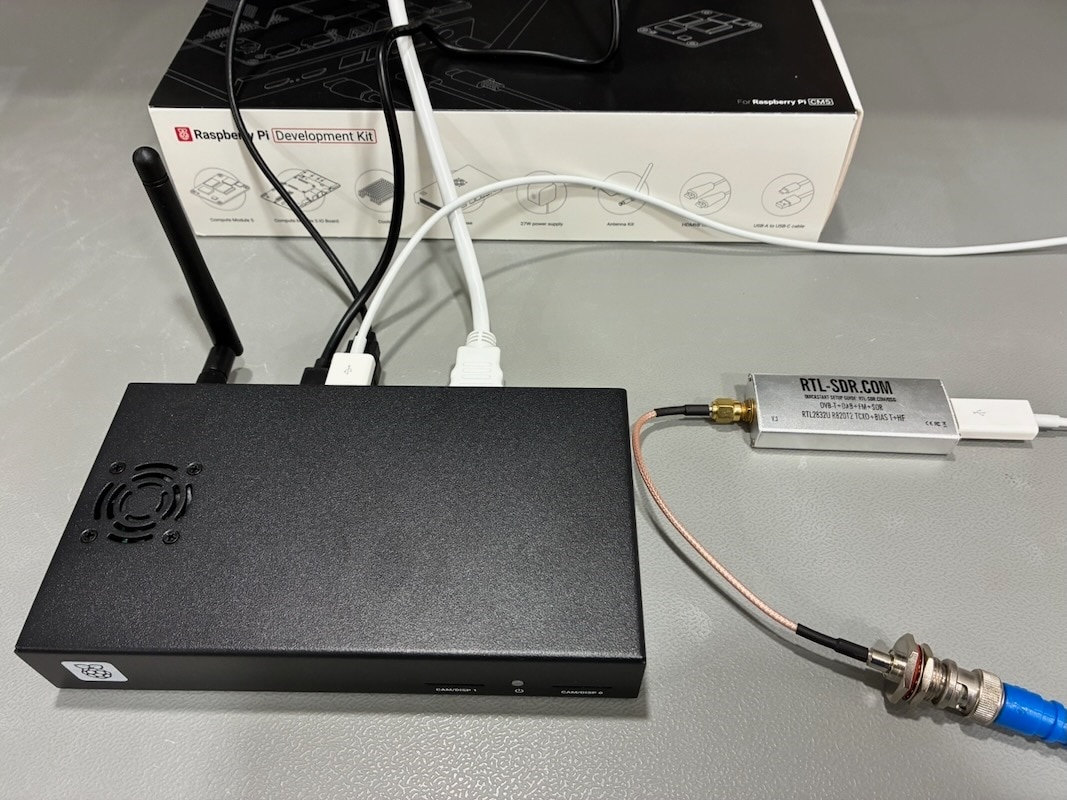
Now the system is up and running it's time to start with the initial roadtest plan, testing the capability of the CM5 for software defined radio (SDR) using the RTL-SDR and Ettus Research USRP B205mini-I hardware. I start with the most common and simple RTL-SDR V3. Due to the size of the RTL-SDR and the tight space on the usb connectors an USB extension cable was used to connect the RTL-SDR. Then to be sure eventual existing drivers were removed, and the most recent driver was built from the software repository at https://github.com/osmocom/rtl-sdr.
me@raspberrypi:~ $ sudo apt-get remove rtl-sdr
[sudo] password for me:
Reading package lists... Done
Building dependency tree... Done
Reading state information... Done
Package 'rtl-sdr' is not installed, so not removed
0 upgraded, 0 newly installed, 0 to remove and 0 not upgraded.
me@raspberrypi:~ $
me@raspberrypi:~ $
No previous drivers seems to be installed, now clone the driver source code from the repository:
me@raspberrypi:~ $ git clone https://github.com/osmocom/rtl-sdr.git
Cloning into 'rtl-sdr'...
remote: Enumerating objects: 2065, done.
remote: Counting objects: 100% (775/775), done.
remote: Compressing objects: 100% (134/134), done.
remote: Total 2065 (delta 680), reused 651 (delta 641), pack-reused 1290 (from 2)
Receiving objects: 100% (2065/2065), 465.25 KiB | 8.78 MiB/s, done.
Resolving deltas: 100% (1469/1469), done.
me@raspberrypi:~ $
Install required libraries:
me@raspberrypi:~ $
me@raspberrypi:~ $ sudo apt install build-essential cmake usbutils libusb-1.0-0-dev
build-essential is already the newest version (12.12).
usbutils is already the newest version (1:018-2).
Installing:
  cmake  libusb-1.0-0-dev

Installing dependencies:
  cmake-data  libjsoncpp26  librhash1  libusb-1.0-doc

Suggested packages:
  cmake-doc  cmake-format  elpa-cmake-mode

Summary:
  Upgrading: 0, Installing: 6, Removing: 0, Not Upgrading: 0
  Download size: 12.7 MB
  Space needed: 51.1 MB / 20.1 GB available

Continue? [Y/n]
Get:1 http://deb.debian.org/debian trixie/main arm64 cmake-data all 3.31.6-2 [2,268 kB]
Get:2 http://deb.debian.org/debian trixie/main arm64 libjsoncpp26 arm64 1.9.6-3 [72.9 kB]
Get:3 http://deb.debian.org/debian trixie/main arm64 librhash1 arm64 1.4.5-1 [129 kB]
Get:4 http://deb.debian.org/debian trixie/main arm64 cmake arm64 3.31.6-2 [9,906 kB]
Get:5 http://deb.debian.org/debian trixie/main arm64 libusb-1.0-0-dev arm64 2:1.0.28-1 [81.3 kB]
Get:6 http://deb.debian.org/debian trixie/main arm64 libusb-1.0-doc all 2:1.0.28-1 [205 kB]
Fetched 12.7 MB in 1s (9,423 kB/s)
Selecting previously unselected package cmake-data.
(Reading database ... 142246 files and directories currently installed.)
Preparing to unpack .../0-cmake-data_3.31.6-2_all.deb ...
Unpacking cmake-data (3.31.6-2) ...
Selecting previously unselected package libjsoncpp26:arm64.
Preparing to unpack .../1-libjsoncpp26_1.9.6-3_arm64.deb ...
Unpacking libjsoncpp26:arm64 (1.9.6-3) ...
Selecting previously unselected package librhash1:arm64.
Preparing to unpack .../2-librhash1_1.4.5-1_arm64.deb ...
Unpacking librhash1:arm64 (1.4.5-1) ...
Selecting previously unselected package cmake.
Preparing to unpack .../3-cmake_3.31.6-2_arm64.deb ...
Unpacking cmake (3.31.6-2) ...
Selecting previously unselected package libusb-1.0-0-dev:arm64.
Preparing to unpack .../4-libusb-1.0-0-dev_2%3a1.0.28-1_arm64.deb ...
Unpacking libusb-1.0-0-dev:arm64 (2:1.0.28-1) ...
Selecting previously unselected package libusb-1.0-doc.
Preparing to unpack .../5-libusb-1.0-doc_2%3a1.0.28-1_all.deb ...
Unpacking libusb-1.0-doc (2:1.0.28-1) ...
Setting up libusb-1.0-doc (2:1.0.28-1) ...
Setting up libusb-1.0-0-dev:arm64 (2:1.0.28-1) ...
Setting up libjsoncpp26:arm64 (1.9.6-3) ...
Setting up cmake-data (3.31.6-2) ...
Setting up librhash1:arm64 (1.4.5-1) ...
Setting up cmake (3.31.6-2) ...
Processing triggers for man-db (2.13.1-1) ...
Processing triggers for libc-bin (2.41-12+rpt1+deb13u4) ...
me@raspberrypi:~ $
And compile the drivers:
me@raspberrypi:~ $ cd rtl-sdr
me@raspberrypi:~/rtl-sdr $ mkdir build
me@raspberrypi:~/rtl-sdr $ cd build
me@raspberrypi:~/rtl-sdr/build $ cmake -DINSTALL_UDEV_RULES=ON -DDETACH_KERNEL_DRIVER=ON ../
-- The C compiler identification is GNU 14.2.0
-- Detecting C compiler ABI info
-- Detecting C compiler ABI info - done
-- Check for working C compiler: /usr/bin/cc - skipped
-- Detecting C compile features
-- Detecting C compile features - done
-- Build type not specified: defaulting to release.
-- Extracting version information from git describe...
-- Performing Test CMAKE_HAVE_LIBC_PTHREAD
-- Performing Test CMAKE_HAVE_LIBC_PTHREAD - Success
-- Found Threads: TRUE
-- Found PkgConfig: /usr/bin/pkg-config (found version "1.8.1")
-- Checking for module 'libusb-1.0'
--   Found libusb-1.0, version 1.0.28
-- Building with kernel driver detaching enabled
-- Building with usbfs zero-copy support disabled, use -DENABLE_ZEROCOPY=ON to enable
-- Performing Test COMPILER_HAS_HIDDEN_VISIBILITY
-- Performing Test COMPILER_HAS_HIDDEN_VISIBILITY - Success
-- Performing Test COMPILER_HAS_HIDDEN_INLINE_VISIBILITY
-- Performing Test COMPILER_HAS_HIDDEN_INLINE_VISIBILITY - Failed
-- Performing Test COMPILER_HAS_DEPRECATED_ATTR
-- Performing Test COMPILER_HAS_DEPRECATED_ATTR - Success
-- Building for version: 2.0.3 / 2.0.3
-- Using install prefix: /usr/local
-- Configuring done (0.8s)
-- Generating done (0.0s)
-- Build files have been written to: /home/me/rtl-sdr/build
me@raspberrypi:~/rtl-sdr/build $
 me@raspberrypi:~/rtl-sdr/build $ sudo make install
[sudo] password for me:
[  3%] Building C object src/CMakeFiles/rtlsdr.dir/librtlsdr.c.o
[  6%] Building C object src/CMakeFiles/rtlsdr.dir/tuner_e4k.c.o
[  9%] Building C object src/CMakeFiles/rtlsdr.dir/tuner_fc0012.c.o
[ 12%] Building C object src/CMakeFiles/rtlsdr.dir/tuner_fc0013.c.o
[ 15%] Building C object src/CMakeFiles/rtlsdr.dir/tuner_fc2580.c.o
[ 18%] Building C object src/CMakeFiles/rtlsdr.dir/tuner_r82xx.c.o
[ 21%] Linking C shared library librtlsdr.so
[ 21%] Built target rtlsdr
[ 25%] Building C object src/CMakeFiles/rtlsdr_static.dir/librtlsdr.c.o
[ 28%] Building C object src/CMakeFiles/rtlsdr_static.dir/tuner_e4k.c.o
[ 31%] Building C object src/CMakeFiles/rtlsdr_static.dir/tuner_fc0012.c.o
[ 34%] Building C object src/CMakeFiles/rtlsdr_static.dir/tuner_fc0013.c.o
[ 37%] Building C object src/CMakeFiles/rtlsdr_static.dir/tuner_fc2580.c.o
[ 40%] Building C object src/CMakeFiles/rtlsdr_static.dir/tuner_r82xx.c.o
[ 43%] Linking C static library librtlsdr.a
[ 43%] Built target rtlsdr_static
[ 46%] Building C object src/CMakeFiles/convenience_static.dir/convenience/convenience.c.o
[ 50%] Linking C static library libconvenience_static.a
[ 50%] Built target convenience_static
[ 53%] Building C object src/CMakeFiles/rtl_sdr.dir/rtl_sdr.c.o
[ 56%] Linking C executable rtl_sdr
[ 56%] Built target rtl_sdr
[ 59%] Building C object src/CMakeFiles/rtl_tcp.dir/rtl_tcp.c.o
[ 62%] Linking C executable rtl_tcp
[ 62%] Built target rtl_tcp
[ 65%] Building C object src/CMakeFiles/rtl_test.dir/rtl_test.c.o
[ 68%] Linking C executable rtl_test
[ 68%] Built target rtl_test
[ 71%] Building C object src/CMakeFiles/rtl_fm.dir/rtl_fm.c.o
[ 75%] Linking C executable rtl_fm
[ 75%] Built target rtl_fm
[ 78%] Building C object src/CMakeFiles/rtl_eeprom.dir/rtl_eeprom.c.o
[ 81%] Linking C executable rtl_eeprom
[ 81%] Built target rtl_eeprom
[ 84%] Building C object src/CMakeFiles/rtl_adsb.dir/rtl_adsb.c.o
[ 87%] Linking C executable rtl_adsb
[ 87%] Built target rtl_adsb
[ 90%] Building C object src/CMakeFiles/rtl_power.dir/rtl_power.c.o
[ 93%] Linking C executable rtl_power
[ 93%] Built target rtl_power
[ 96%] Building C object src/CMakeFiles/rtl_biast.dir/rtl_biast.c.o
[100%] Linking C executable rtl_biast
[100%] Built target rtl_biast
Install the project...
-- Install configuration: "Release"
-- Installing: /etc/udev/rules.d/rtl-sdr.rules
-- Installing: /usr/local/include/rtl-sdr.h
-- Installing: /usr/local/include/rtl-sdr_export.h
-- Installing: /usr/local/lib/librtlsdr.so.2.0.3
-- Installing: /usr/local/lib/librtlsdr.so.0
-- Installing: /usr/local/lib/librtlsdr.so
-- Installing: /usr/local/lib/librtlsdr.a
-- Installing: /usr/local/bin/rtl_sdr
-- Set non-toolchain portion of runtime path of "/usr/local/bin/rtl_sdr" to ""
-- Installing: /usr/local/bin/rtl_tcp
-- Set non-toolchain portion of runtime path of "/usr/local/bin/rtl_tcp" to ""
-- Installing: /usr/local/bin/rtl_test
-- Set non-toolchain portion of runtime path of "/usr/local/bin/rtl_test" to ""
-- Installing: /usr/local/bin/rtl_fm
-- Set non-toolchain portion of runtime path of "/usr/local/bin/rtl_fm" to ""
-- Installing: /usr/local/bin/rtl_eeprom
-- Set non-toolchain portion of runtime path of "/usr/local/bin/rtl_eeprom" to ""
-- Installing: /usr/local/bin/rtl_adsb
-- Set non-toolchain portion of runtime path of "/usr/local/bin/rtl_adsb" to ""
-- Installing: /usr/local/bin/rtl_power
-- Set non-toolchain portion of runtime path of "/usr/local/bin/rtl_power" to ""
-- Installing: /usr/local/bin/rtl_biast
-- Set non-toolchain portion of runtime path of "/usr/local/bin/rtl_biast" to ""
-- Installing: /usr/local/lib/pkgconfig/librtlsdr.pc
-- Installing: /usr/local/lib/cmake/rtlsdr/rtlsdrTargets.cmake
-- Installing: /usr/local/lib/cmake/rtlsdr/rtlsdrTargets-release.cmake
-- Installing: /usr/local/lib/cmake/rtlsdr/rtlsdrConfig.cmake
-- Installing: /usr/local/lib/cmake/rtlsdr/rtlsdrConfigVersion.cmake
me@raspberrypi:~/rtl-sdr/build $
me@raspberrypi:~/rtl-sdr/build $ sudo ldconfig
me@raspberrypi:~/rtl-sdr/build $ sudo vi /etc/modprobe.d/rtlsdr-blacklist.conf
Put in the folowing lines in /etc/modprobe.d/rtlsdr-blacklist.conf, to prevent the Linux DVB kernel driver from automatically claiming an RTL-SDR USB dongle:
blacklist dvb_usb_rtl28xxu
blacklist rtl2832
blacklist rtl2830
blacklist dvb_usb_rtl2832u
blacklist dvb_usb_v2
blacklist dvb_core
After rebooting the system sudo reboot an pluging in the RTL-SDR it can be listed with lsusb
me@raspberrypi:~ $ lsusb
........
Bus 004 Device 002: ID 0bda:2838 Realtek Semiconductor Corp. RTL2838 DVB-T
........
me@raspberrypi:~ $
Finally, I listened to the local broadcast news station on the FM band using rtl_fm. Since the IO board has no separate audio output and my HDMI display does not provide one either, I used a Bluetooth speaker. The raw audio output from rtl_fm was piped directly to pw-play. The parameters, particularly the sample rate and audio format, required some tweaking, but in the end the setup worked quite well.
me@raspberrypi:~ $ rtl_fm -f 98.9e6 -M wbfm -s 154000 -r 48000 - | pw-play -a --format=s16 --rate=48000 --channels=1 -
Found 1 device(s):
  0:  Realtek, RTL2838UHIDIR, SN: 00000001

Using device 0: Generic RTL2832U OEM
Found Rafael Micro R820T tuner
Tuner gain set to automatic.
Tuned to 99185500 Hz.
Oversampling input by: 7x.
Oversampling output by: 1x.
Buffer size: 7.60ms
Exact sample rate is: 1078000.010281 Hz
Sampling at 1078000 S/s.
Output at 154000 Hz.
^CSignal caught, exiting!

User cancel, exiting...
me@raspberrypi:~ $
Bottom line
The CM5 proved more than capable of handling the RTL-SDR, from building and installing the latest drivers to receiving an FM broadcast and playing the demodulated audio through a Bluetooth speaker. The lack of a dedicated audio output on both the IO board and the display required a slightly different approach, but using rtl_fm together with pw-play provided a simple and effective solution. Overall, this was a good first demonstration of the CM5 as a compact SDR platform, and it leaves plenty of scope for further testing with more advanced SDR hardware and software.

