


Late last year, I got a decent deal on a SpaceMouse Enterprise.
I've grown to love it after suffering through the steep learning period (at least for me, as I only do 3D design every once in a while, to 3D print stuff). I basically can't design things without it anymore, it's super convenient and useful.
For anyone unfamiliar, it's basically a 6 DoF controller, where the big central thing can be twisted, pulled, pushed, lifted, pressed down, etc. It makes moving the camera so much nicer and more natural, and the programmable keys are great to map frequently used actions to.
The most useful part is using it with my laptop on the go though, where navigating things is a massive pain otherwise. There's only one problem: someone at 3DConnexion decided that a permanently attached, 2 meter long USB-A cable would be a great choice for this. I constantly get tangled up in it, it's a pain to pack it up to fit in its official carrying case, and my laptop's USB-A port is usually occupied by something else.
I took it apart to start thinking about the best way forward. Unfortunately the hole for the stock cable is too small to fit a USB-C port behind, so I had to get creative.
I found these "USB-C extension" cables online, which are super non-standard and dangerous if you don't know what you're doing. Do NOT use them if you can avoid them, it will end up one day at someone not familiar with electronics and burn their house down, as it lacks any of the E-markers and other safety features regular cables have. For example, you can extend a 240W cable with it, the charger won't be "aware" of the extension cable(as the extension just 'passes through' the identification signals from the 240W cable), proceed to pump 5A at 48V through it, and possibly light the thing on fire, if the extension cable was not designed for those power levels.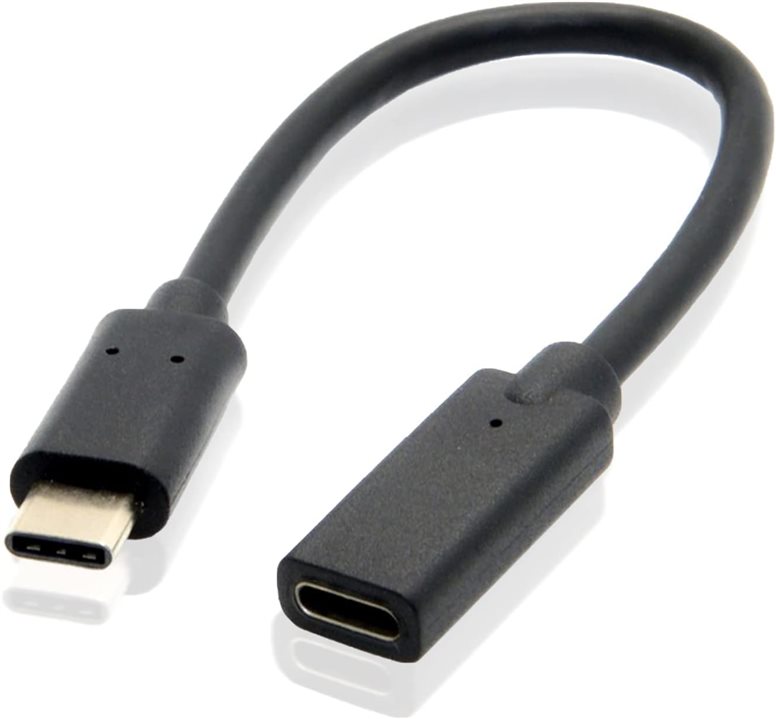
However, for what I need, this is perfect. I cut the female end off, and test fitted it into my SpaceMouse.
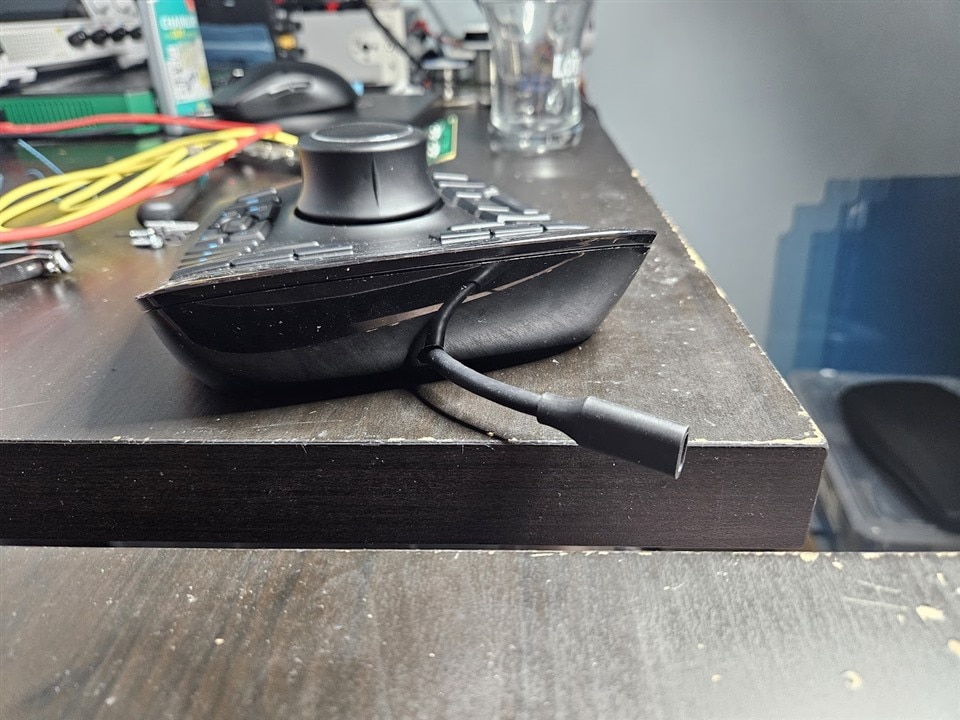
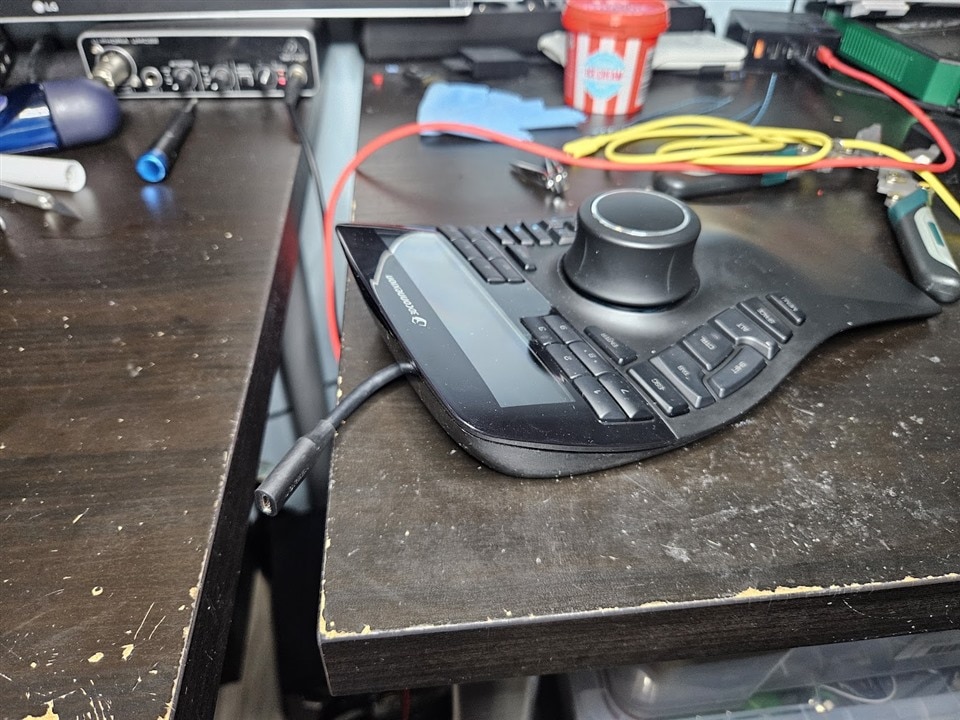
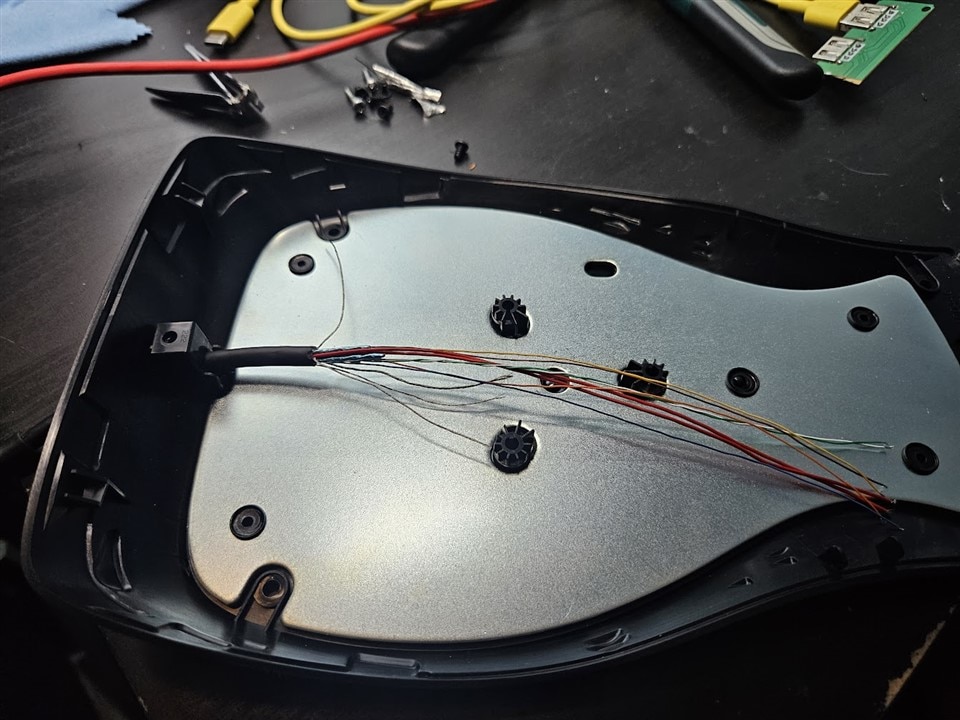
I really liked how this looked, so I ordered a JST-SHR cable, which the factory cable uses to connect to the PCB, and figured out the pinout of the extension cable.
One thing to keep in mind when working with USB-C is the CC pins. A compliant USB-C source will not enable VBUS until it detects a connected device.
For our purposes, all we need is two 5.1k pulldown resistors on the CC lines. This identifies the device as a power sink and causes the upstream port to supply 5V.
There are also a bunch of extra wires we do not need, namely four separately shielded twisted pairs(the two USB3 TX and RX pairs), and the SBU1 and SBU2 sideband wires. I trimmed these short, and only kept the single twisted pair needed for USB2.0 (the white and green wires), the two VBUS wires(red), and the two CC wires (blue and yellow).
The CC wires were soldered to 0.25W through-hole resistors and connected to ground.
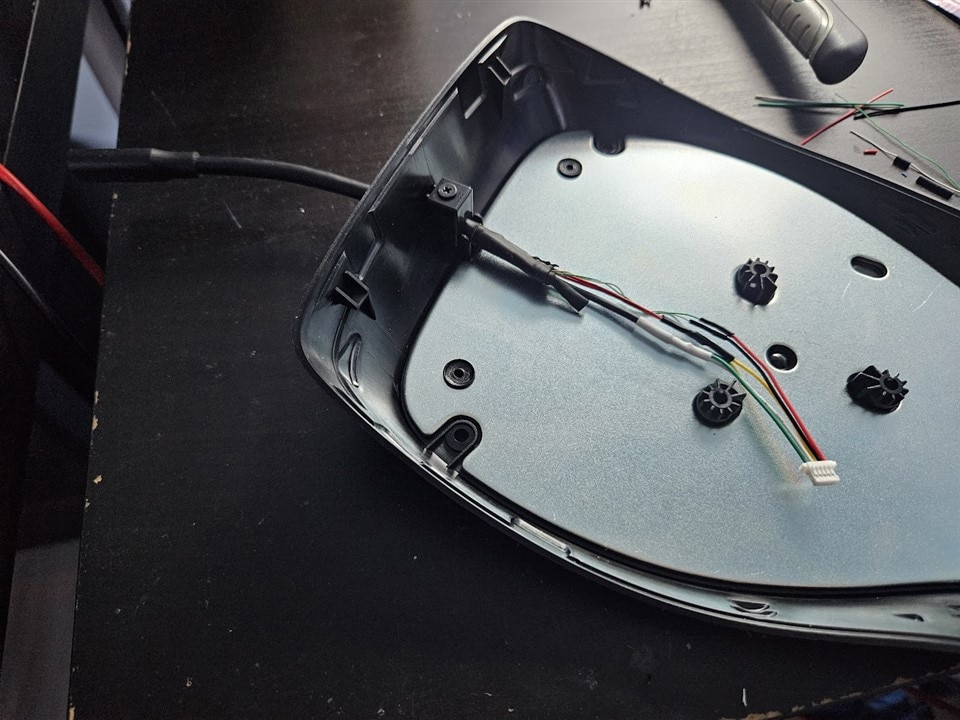
The two resistors are under the heatshrink, and the two VBUS pins are tied together, then soldered to the JST-SHR cable. I opted to splice a premade JST-SHR cable on there, instead of crimping my own, as the crimp contacts are *really* tiny.
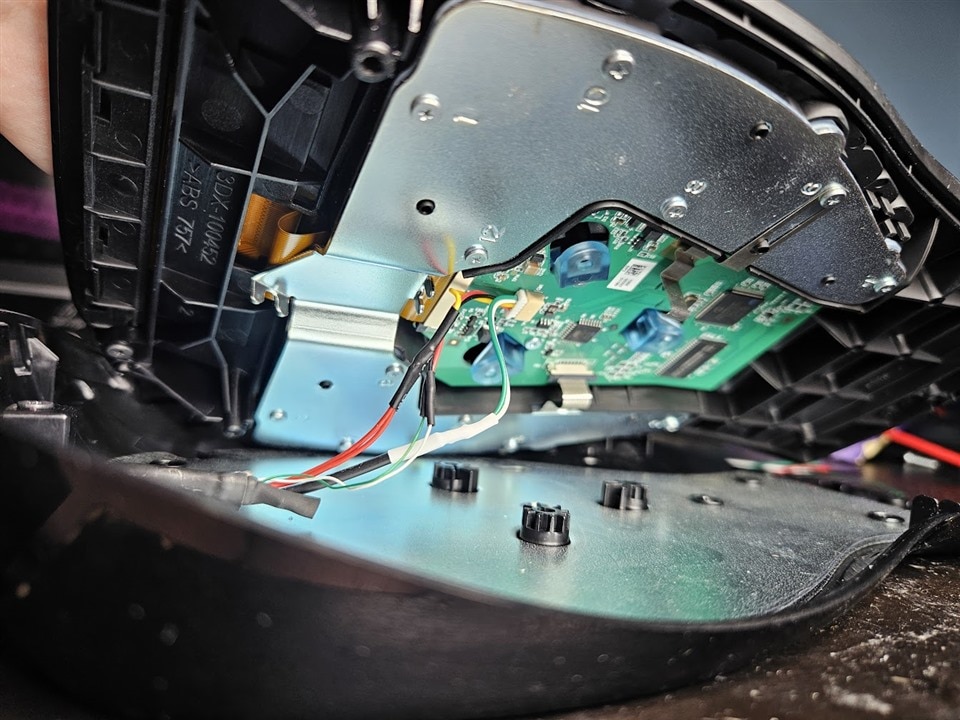
I routed the cables inside so I could fit the two halves together, and quickly test if everything still worked.
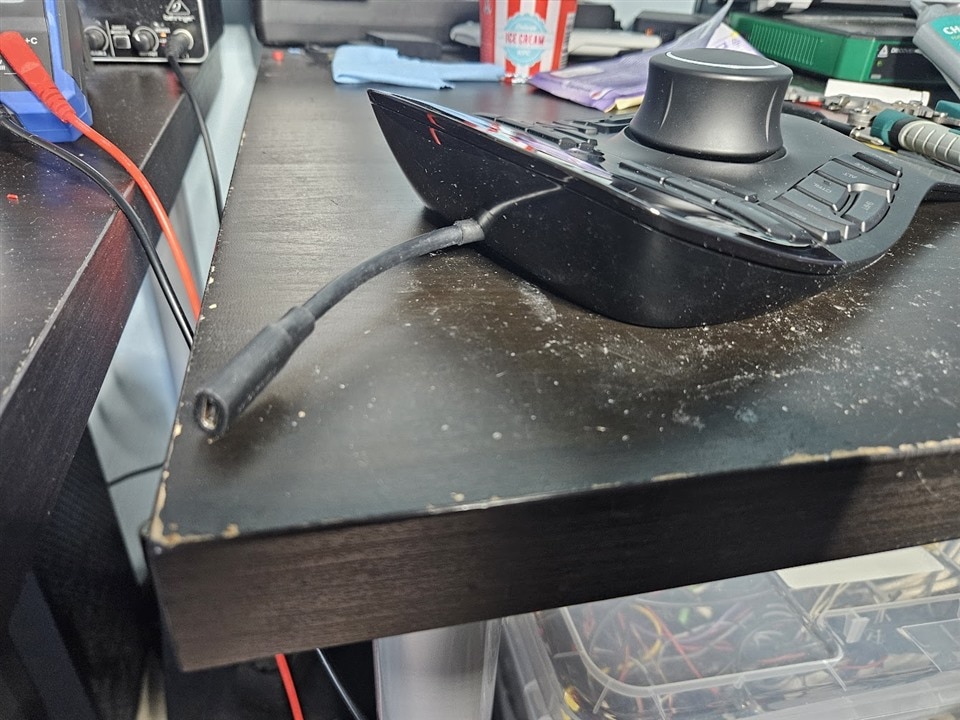
Thankfully everything worked just fine, so I reassembled everything, and added back the sticky rubber feet.
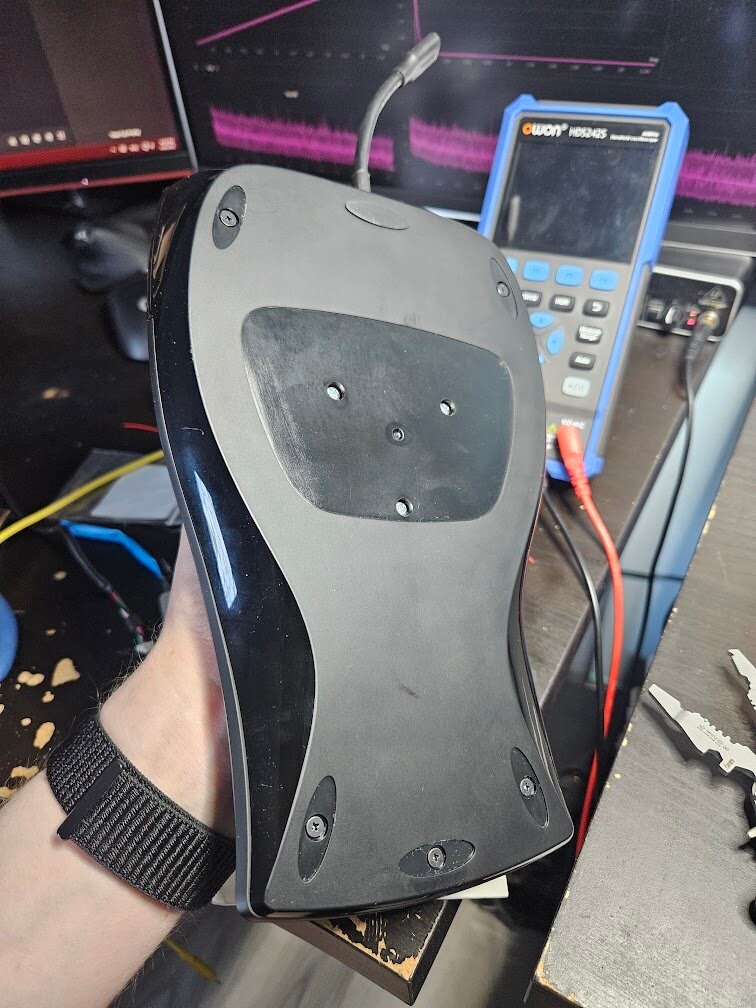
And here's the end result:
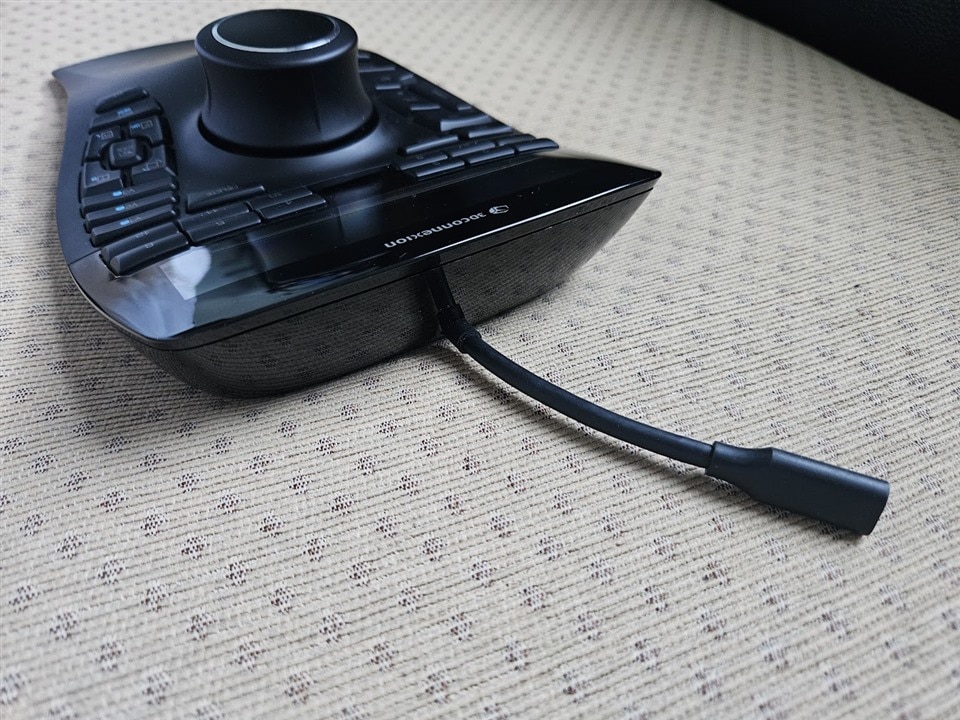
It's way less bulky than the original cable, and also fits better in its carrying case now:
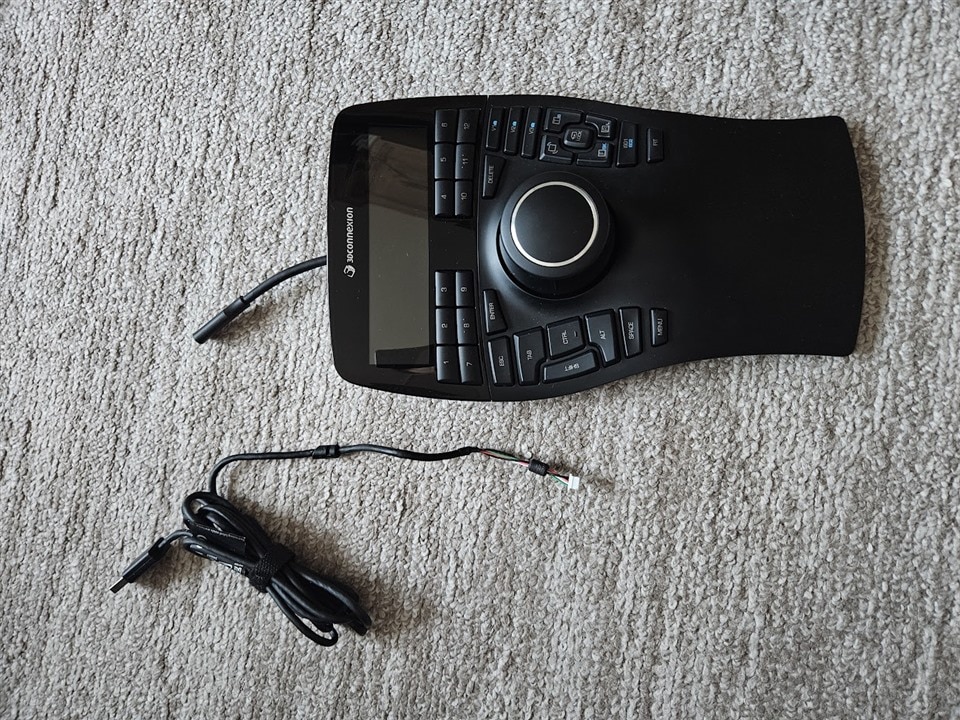
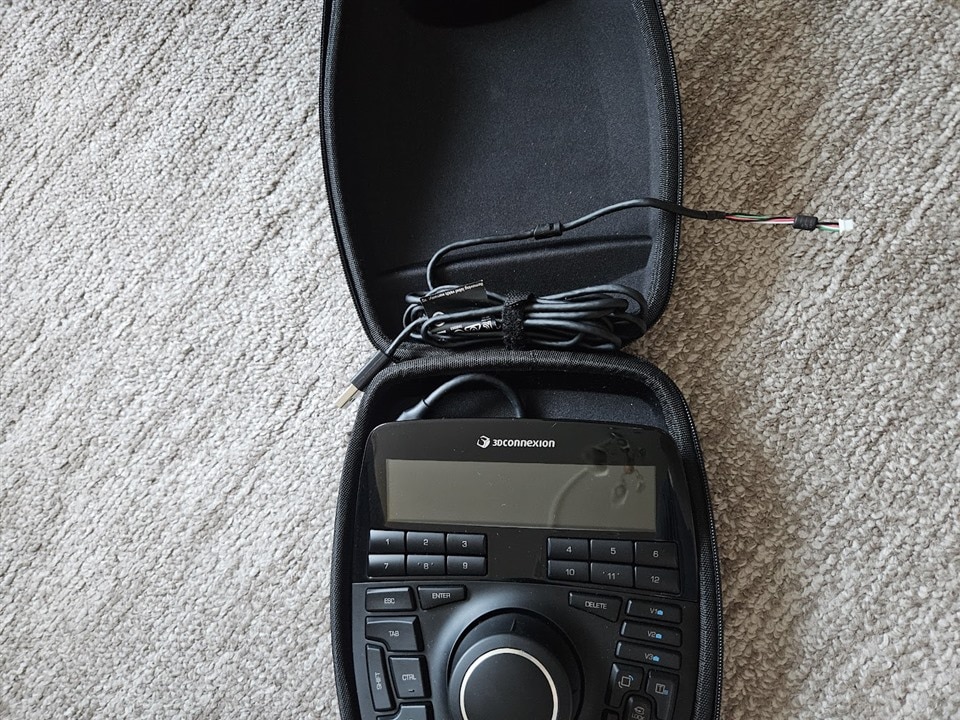
It's also much quicker to put away if I need extra space on my desk, and then get it back when needed, as I don't have to crawl under the desk to mess with the cable.


