


Introduction
I have decided to try one of the devices used for power profiling and power optimization of embedded devices. Among the devices available at a similar price point, I have narrowed my choice down to two options: the Nordic Power Profiler Kit II and the STLINK-V3PWR. The table below provides a brief comparison of these two devices:
| Aspects | Nordic Power Profiler Kit II | STLINK-V3PWR |
| Measurement type | source measure or ampere meter | source measure |
| Measurement range | 200 nA - 1 A | 100 nA - 550 mA |
| Measurement accuracy | 20 % (avg. current) | 2 % |
| Voltage output range | 0.8 V - 5 V, up to 1 A | 1.6 V - 3.6 V, up to 550 mA |
| Measurement bandwidth | not specified | 50 kHz |
| Sampling rate | 100 kS/s | 100 kS/s |
| Power input | 2xUSB, one is power only | USB |
| Debug probe | no | yes |
| Extra features | 8 channels logic analyzer | bridges USB to SPI/I2C/CAN/GPIO |
| Price at 2026 at Farnell | £87.564 inc VAT | £143.844 inc VAT |
Since I already own debugging probes such as the STM32 ST-LINK and J-Link EDU Mini, and the PPK2 offers additional features, including an ammeter and a logic analyzer, as well as a wider voltage range, I decided to purchase the Nordic Power Profiler Kit II, despite its lower measurement accuracy.
I ordered it from Mouser, and the device arrived very quickly without any issues. The box contained:
- one Nordic Power Profiler Kit II device
- four dupont cables for power connections
- ten dupont cables for the logic analyzer
Here is a photo of the complete set: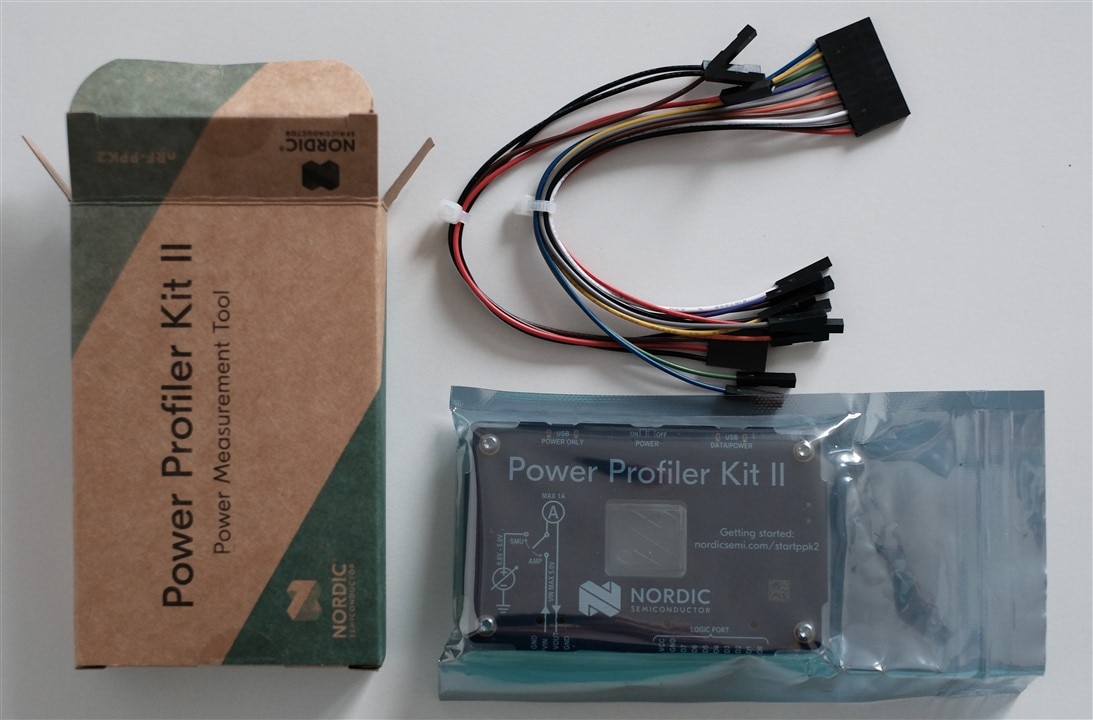
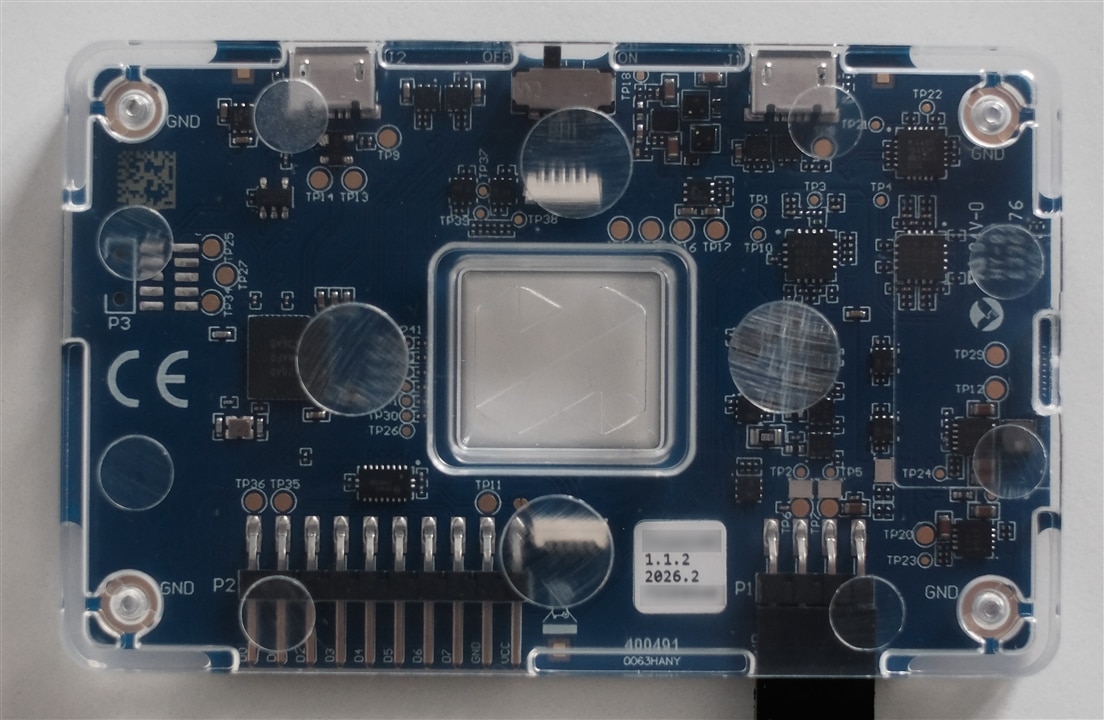
Setup
The setup is simple: you only need to connect the device to a computer using a USB cable. In this configuration, the device can deliver up to 500 mA. To supply up to 1 A, a second USB cable must be connected. The PPK2 is managed through the nRF Connect for Desktop framework by running the Power Profiler app. nRF Connect for Desktop is available for Windows, macOS, and Linux. For Linux, it is distributed as an AppImage, so no additional dependencies need to be installed.
However, on Linux, one additional step is required: installing the udev rules provided by Nordic Semiconductor, available here: https://github.com/NordicSemiconductor/nrf-udev. These rules can be installed using the nrf-udev_1.0.1-all.deb package or by adding them manually. Without these rules, the device will not be detected by the Power Profiler app, and the following error will be displayed: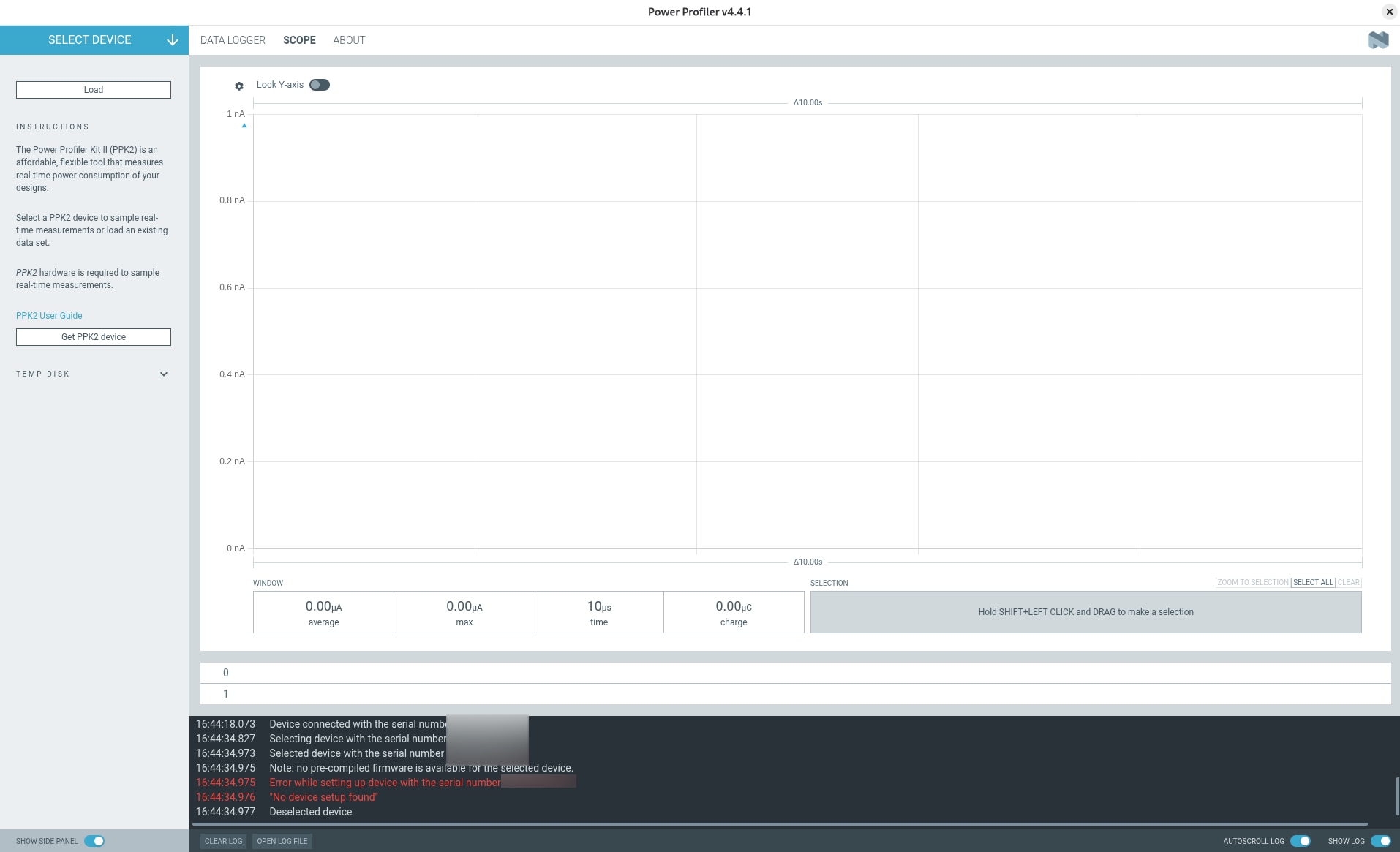
Measurement
The Power Profiler app is intuitive and easy to use, allowing you to get started quickly. For my first test, I decided to evaluate the SMU mode using the following precision resistors:
- 15 ohm 0.1 %
- 150 ohm 0.1 %
- 1.1 kohm 0.1 %
- 10 kohm 0.1 %
- 1 Mohm 0.1 %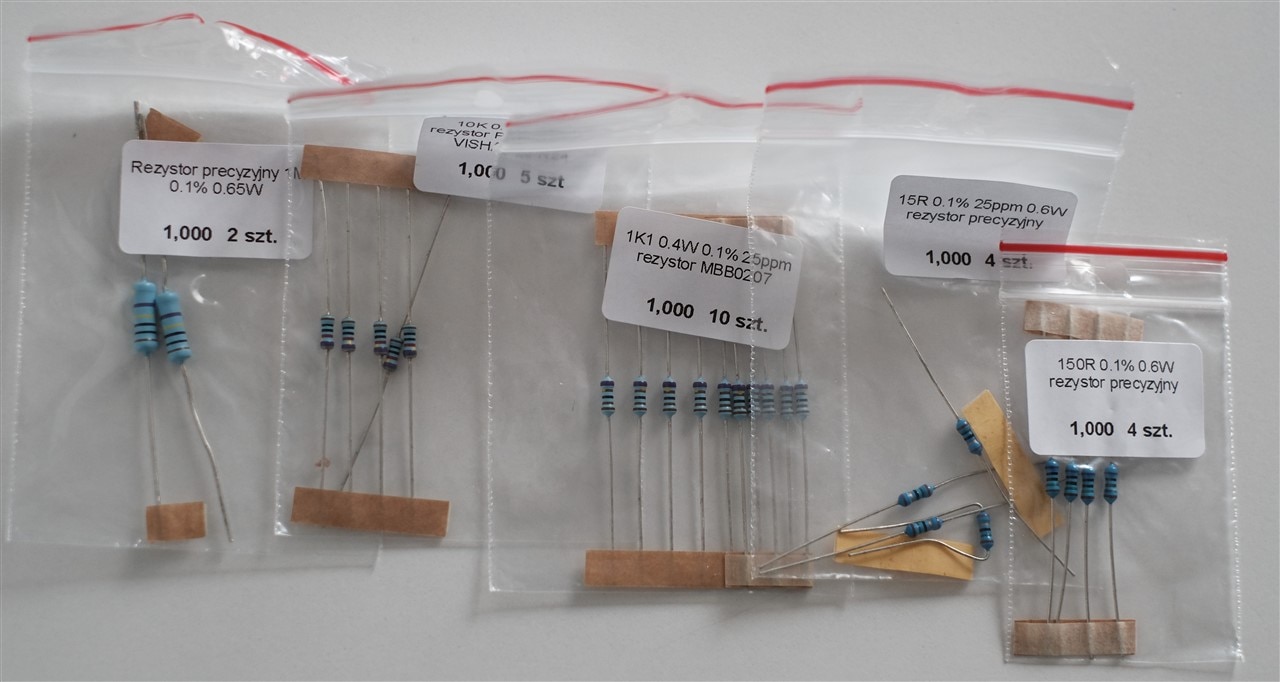
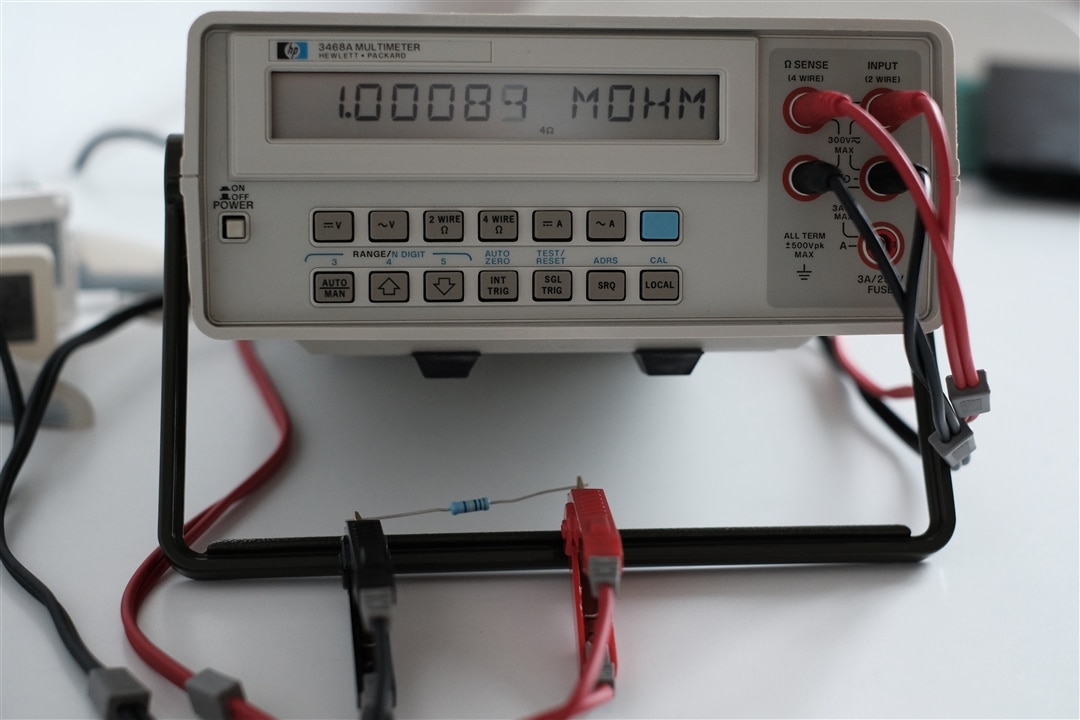
As a first step, I measured these resistors (R_mes) using the four-wire measurement method with an HP 3468A multimeter. The measurement results are presented below:
| {gallery}Resistors measurement |
|---|
|
15 ohm 0.1 % |
|
150 ohm 0.1 % |
|
1.1 kohm 0.1 % |
|
10 kohm 0.1 % |
|
1 Mohm 0.1 % |
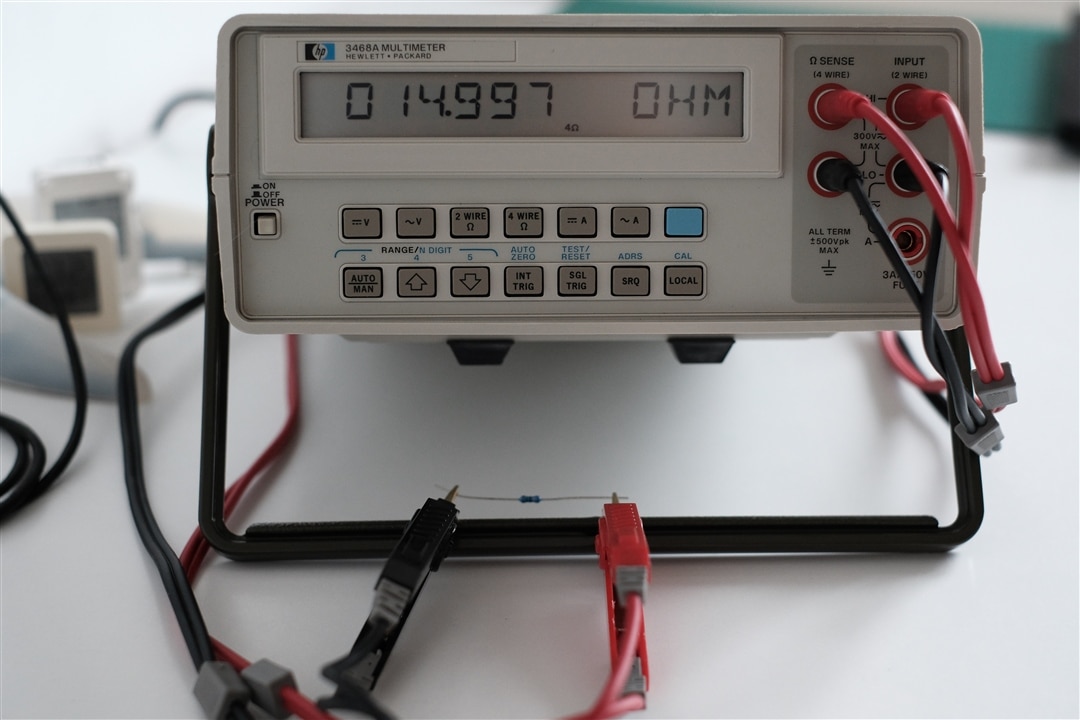
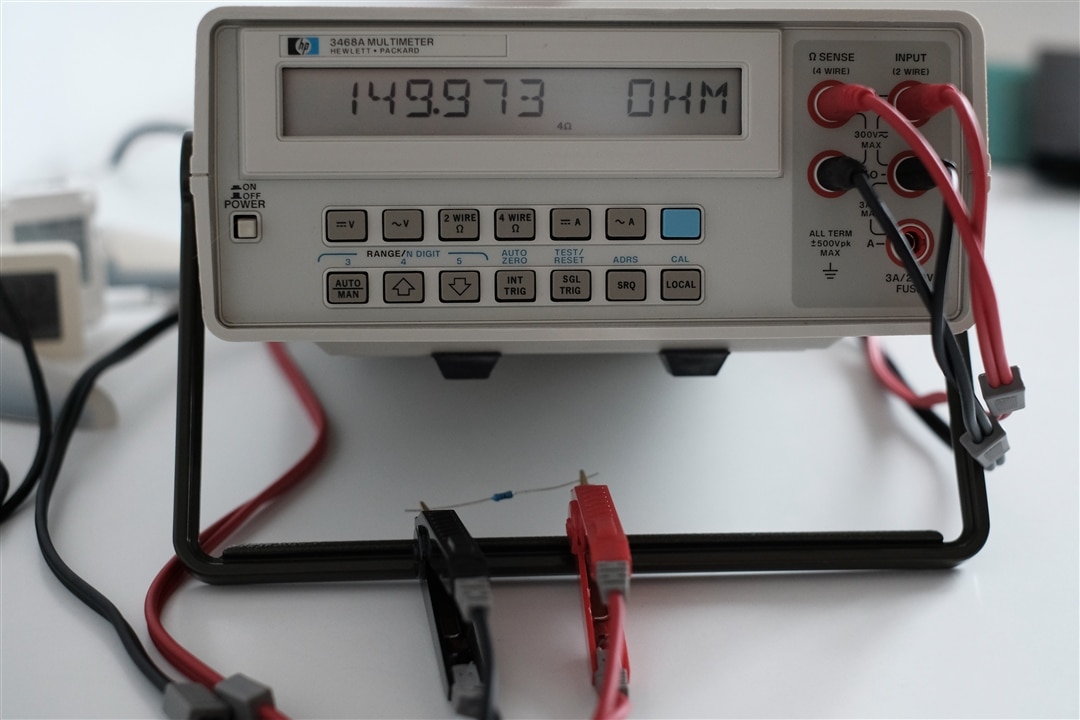
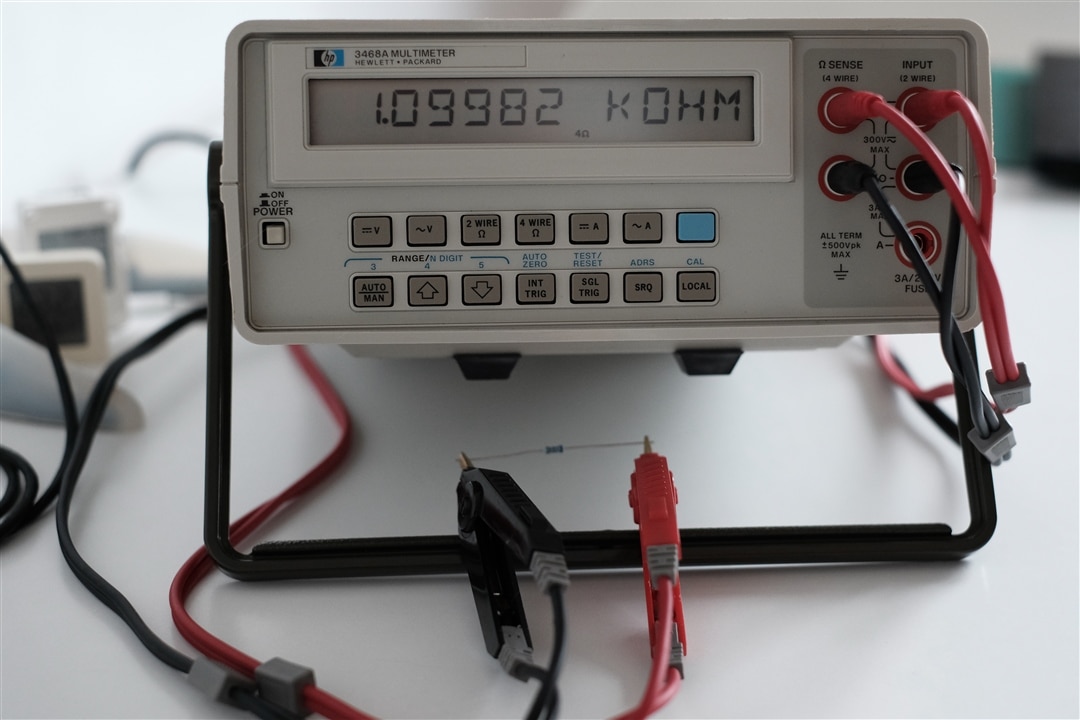
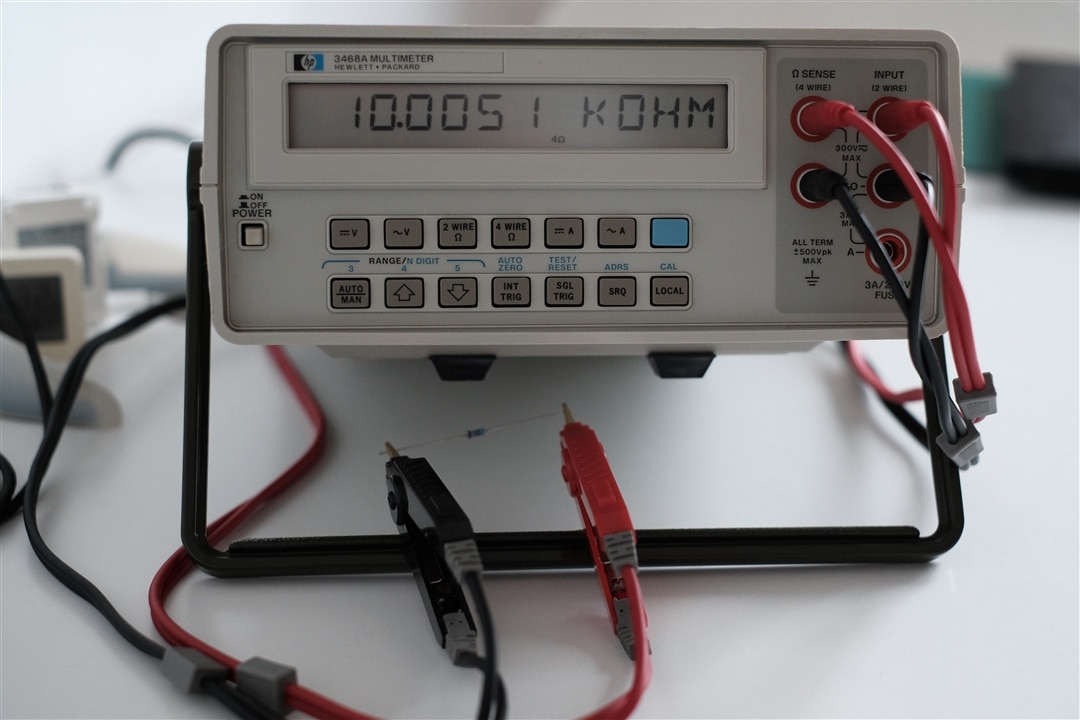
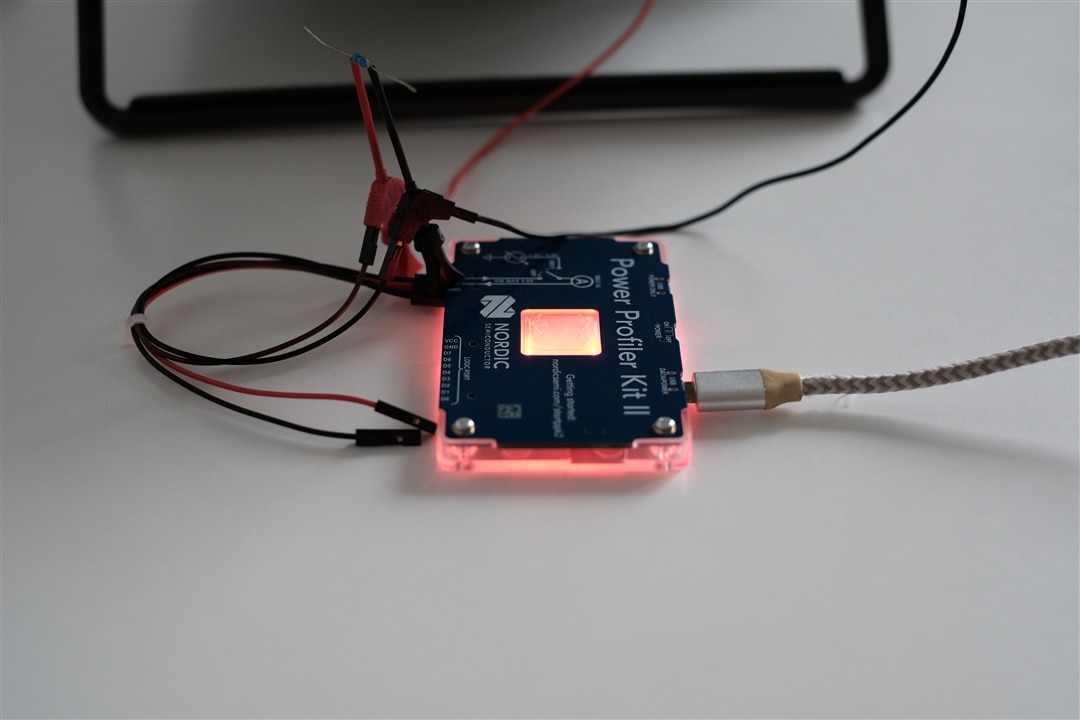
Using this information, I measured the voltage drop (V_r) across each resistor during the Power Profiler Kit II measurements with the HP 3468A. I then calculated the current (I_r) based on these voltage measurements and used it as a reference to determine the absolute error (δ%). I decided to use the 1-3 V range to keep the HP 3468A's input resistance at approximately 10^10 ohm, minimizing its impact on the measurement circuit. Using the Power Profiler Kit II, I measured the average current (I_avg) over a 10-second interval. A photo of the measurement setup is shown below: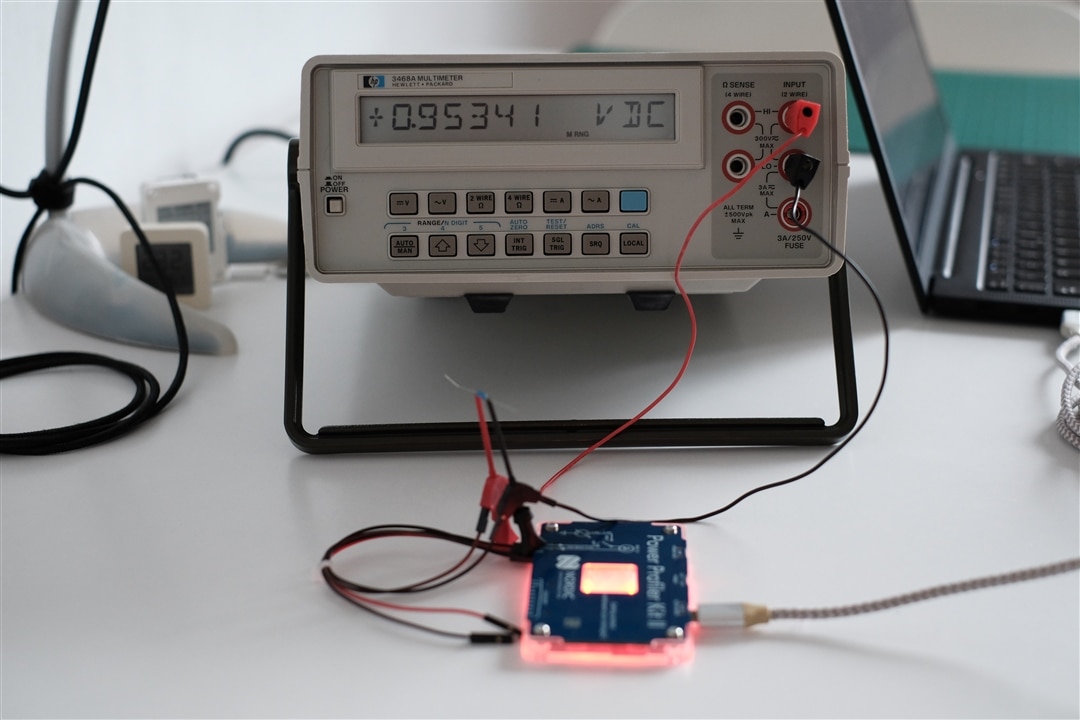
The tables below present the measurement results for each resistor:
| R_nom [ohm] |
R_mes [ohm] |
V_set [V] |
V_r [V] |
I_avg [mA] |
I_r [mA] |
δ [%] |
| 15 | 14,997 | 1 | 0,95487 | 62,48 | 63,67 | -1,87 |
| 15 | 14,997 | 1,5 | 1,45175 | 94,58 | 96,80 | -2,30 |
| 15 | 14,997 | 2 | 1,94983 | 126,53 | 130,01 | -2,68 |
| 15 | 14,997 | 2,5 | 2,4353 | 157,6 | 162,39 | -2,95 |
| 15 | 14,997 | 3 | 2,9212 | 189,66 | 194,79 | -2,63 |
| R_nom [ohm] |
R_mes [ohm] |
V_set [V] |
V_r [V] |
I_avg [mA] |
I_r [mA] |
δ [%] |
| 150 | 149,973 | 1 | 0,9646 | 6,42 | 6,43 | -0,18 |
| 150 | 149,973 | 1,5 | 1,46401 | 9,52 | 9,76 | -2,48 |
| 150 | 149,973 | 2 | 1,9447 | 12,59 | 12,97 | -2,91 |
| 150 | 149,973 | 2,5 | 2,45162 | 15,87 | 16,35 | -2,92 |
| 150 | 149,973 | 3 | 2,93926 | 19,12 | 19,60 | -2,44 |
| R_nom [ohm] |
R_mes [ohm] |
V_set [V] |
V_r [V] |
I_avg [mA] |
I_r [mA] |
δ [%] |
| 1100 | 1099,82 | 1 | 0,96535 | 0,95422 | 0,88 | 8,71 |
| 1100 | 1099,82 | 1,5 | 1,44416 | 1,38 | 1,31 | 5,10 |
| 1100 | 1099,82 | 2 | 1,94401 | 1,82 | 1,77 | 2,97 |
| 1100 | 1099,82 | 2,5 | 2,43255 | 2,26 | 2,21 | 2,18 |
| 1100 | 1099,82 | 3 | 2,93672 | 2,73 | 2,67 | 2,24 |
| R_nom [ohm] |
R_mes [ohm] |
V_set [V] |
V_r [V] |
I_avg [uA] |
I_r [uA] |
δ [%] |
| 10000 | 10005,1 | 1 | 0,90225 | 90,38 | 90,18 | 0,22 |
| 10000 | 10005,1 | 1,5 | 1,44571 | 143,36 | 144,50 | -0,79 |
| 10000 | 10005,1 | 2 | 1,94507 | 192,56 | 194,41 | -0,95 |
| 10000 | 10005,1 | 2,5 | 2,4332 | 241,41 | 243,20 | -0,73 |
| 10000 | 10005,1 | 3 | 2,91996 | 291,01 | 291,85 | -0,29 |
| R_nom [ohm] |
R_mes [ohm] |
V_set [V] |
V_r [V] |
I_avg [uA[ |
I_r [uA] |
δ [%] |
| 1000000 | 1000890 | 1 | 0,95756 | 0,89 | 0,96 | -6,97 |
| 1000000 | 1000890 | 1,5 | 1,46158 | 1,44 | 1,46 | -1,39 |
| 1000000 | 1000890 | 2 | 1,96516 | 1,98 | 1,96 | 0,84 |
| 1000000 | 1000890 | 2,5 | 2,45742 | 2,49 | 2,46 | 1,42 |
| 1000000 | 1000890 | 3 | 2,94845 | 3 | 2,95 | 1,84 |
Summary
Based on these measurements, the accuracy appears to be quite good, especially considering the specifications provided by the manufacturer. However, one factor may have influenced the results: the PPK2 measures the average current over a 10-second interval, whereas I used a single voltage reading from the HP 3468A to calculate the current rather than the average voltage over the same 10-second interval. I may revisit these measurements once I have built the HP-IL interface.
The largest error, however, appears to occur near the range-switching threshold. Nevertheless, it remains within the manufacturer's specified limits. The Power Profiler app also provides an advanced menu that allows the gain to be adjusted for certain ranges, which may help reduce this error.
Overall, it is a very capable device that allows you to estimate power consumption and profile current usage. The built-in logic analyzer is also useful when correlating GPIO signals with power consumption.