


Here is another update on my wearable sudden impact and health monitor project. The box with the materials for this challenge came; thank you Analog Devices, Tektronix, and Electrolube.

I was very excited, so I opened the box, I took out the contents, and I put them on the floor for a “group” picture.

I was taking pictures admiring all the evaluation modules and thinking which one to start with first, until the dog found me and I had to quickly move everything on the table.
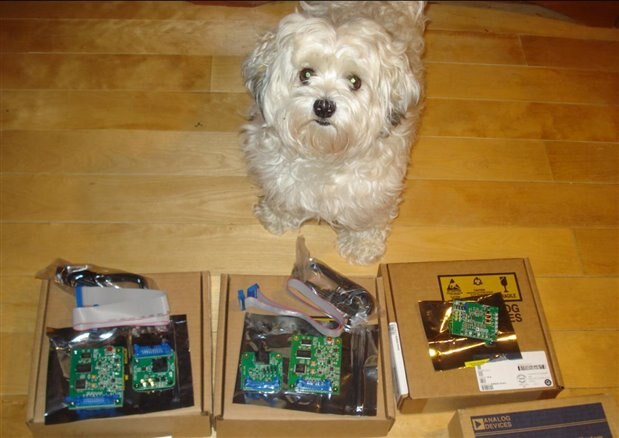
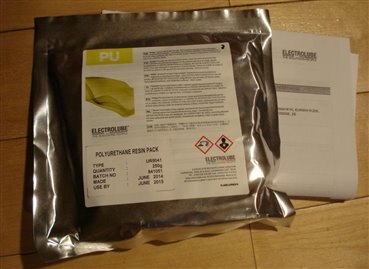
Luckily the electrolube resin pack was not there so the dog missed the opportunity to chew on it 
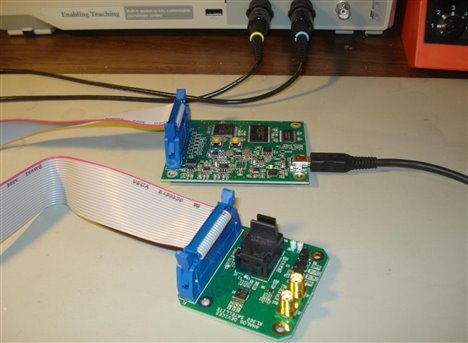
Then I started to experiment with one of the inertial accelerometers, the EVAL-ADXL362Z-MLP kit. Downloading and installing the software went smoothly and in a few minutes I had the evaluation board functional on my test bench. Here is a picture of the setup:
And here is a screenshot of the GUI software panel on the computer:
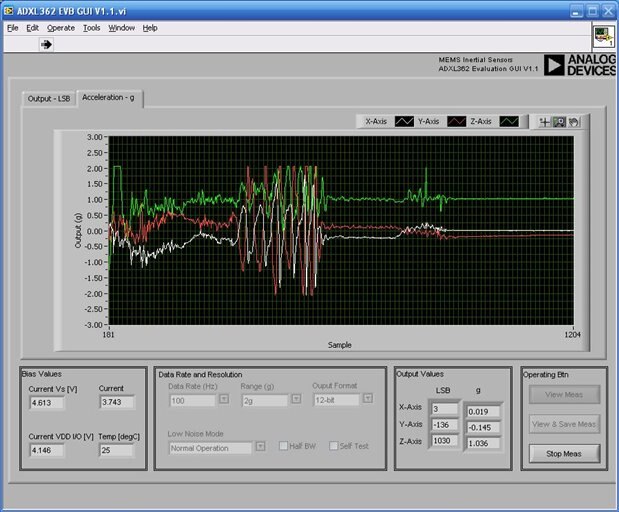
The three waveforms represent the continuous monitoring of inertial acceleration on x, y, and z axis. The “wiggles” are the result of me moving the sensor up and down, left and right, and forward and backward.
Next I downloaded and installed the ADXL375 software and I connected the EVAL-ADXL375Z-M evaluation kit to the computer. Here is a screenshot of the GUI software while recording continuous movement of the sensor.
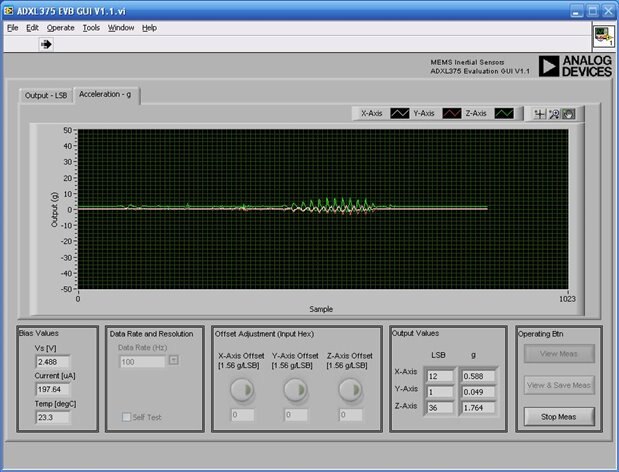
The wiggles are smaller than for ADXL362 sensor since this ADXL375 is a high-g (+/-200g) type sensor, and the vertical scale on the graph spans a larger range. What I liked at this sensor is that it has a FIFO and an interrupt/trigger mode in which in case of a mechanical shock it records for a few milliseconds the entire impact waveform on all three axes. Here is an example screenshot where I applied five mechanical impact shocks to the sensor from different directions.
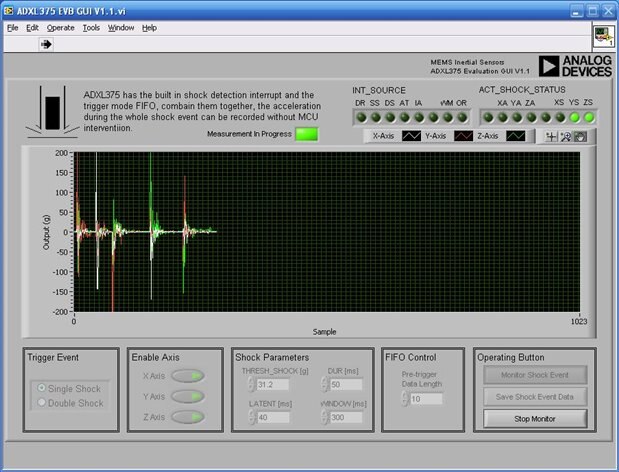
The GUI software waits for the shock and immediately after the shock it displays the waveform. The trigger level for recording a shock is adjustable, and the length of the FIFO that stores the data is also adjustable. This function is very useful for my wearable sudden impact and health monitor, since it acts like a “stand-by” routine that in case of a sudden impact it provides the detailed waveforms for further evaluating the impact on the athlete/player.
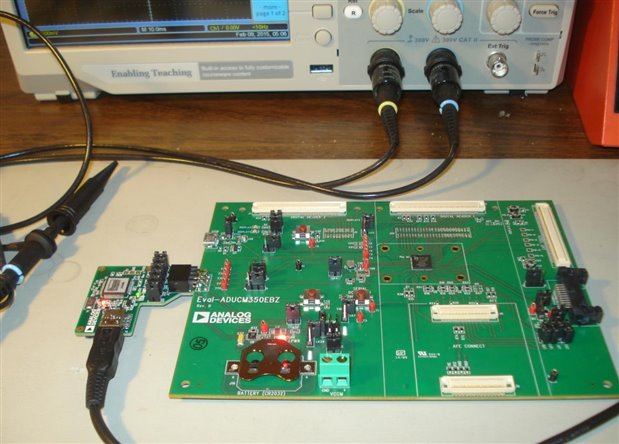
Next I downloaded the software for the Eval-AduCM350EBZ, but for this board things did not go so smoothly. Here is a picture of the Eval-AduCM350EBZ connected to my computer.
After downloading and installing the drivers, which did not give me any trouble, I installed the software and I tried to use the instructions in the getting started document to compile and run an example project. Here is a screenshot of the steps I wanted to follow.
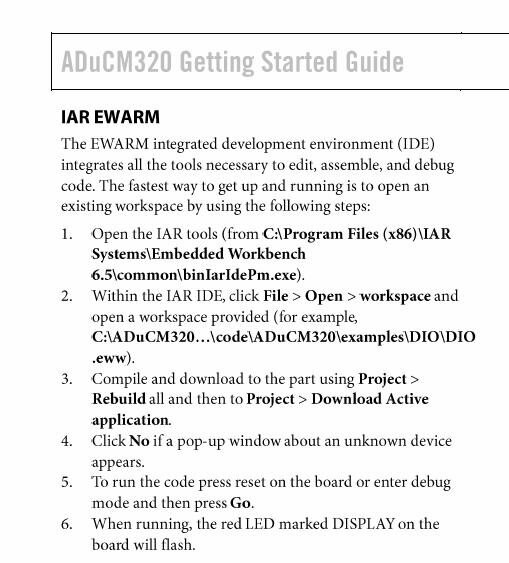
But when I reached step 3 I got an error:
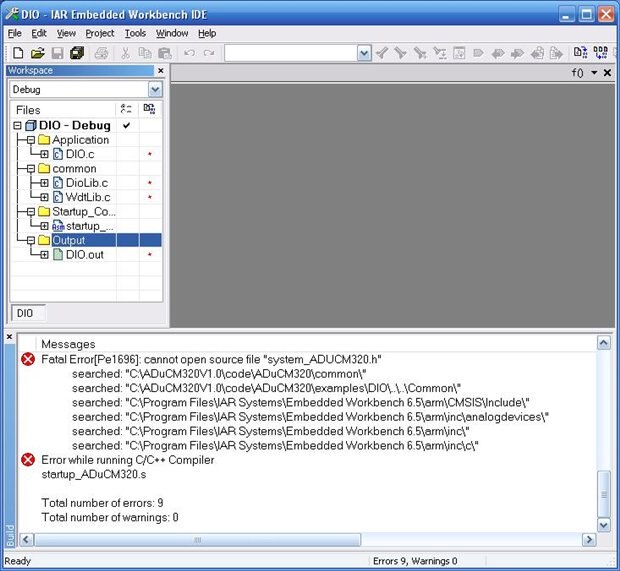
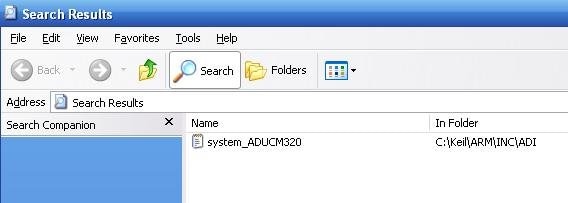
So it looks like the issue is caused by a missing file. I then searched my computer and found the system_ADUCM320.h file in the Keil directory.
Reading through all the software and instructions in that getting started document I’ve got to a point where everything looked kind of “cloudy” and hard to make sense of. Following another list of steps in that document I was able to open that DIO example project in micro-Vision:
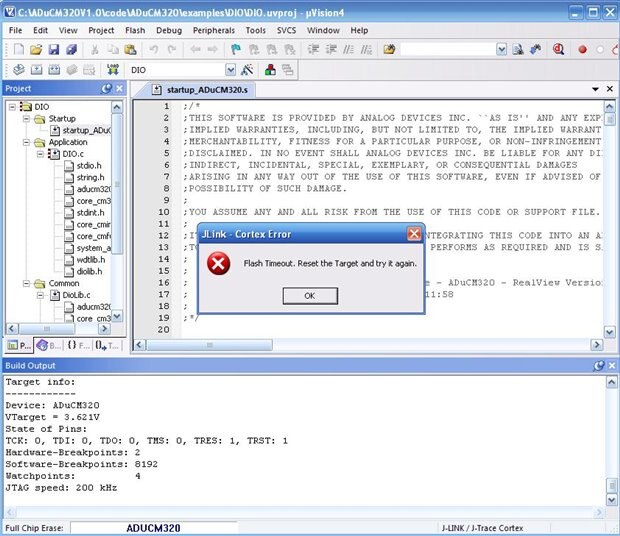
Here I was able to “build” the project but when I tried to load it in into the AduCM320 microcontroller I’ve got a timeout error. So far I did not figure out why I get this error.
So this is where I've got so far with my project. I will come back with new updates as I fix these issues and I get more work done.
Best Wishes,
Cosmin
Top Comments