Looks like the behaviour is different depending on what you do in KiCAD. This works:
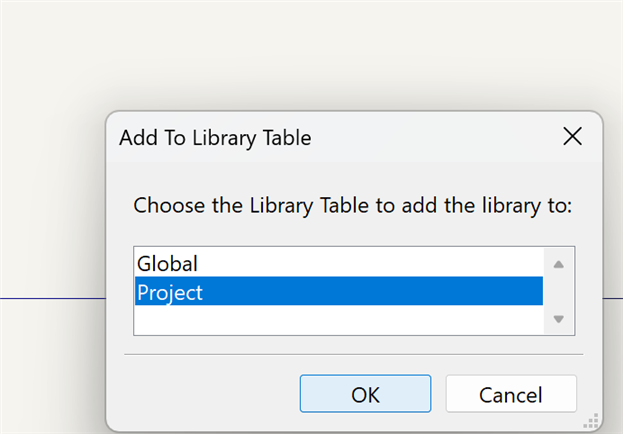
In library editor, select Add Library, then select if you want to add it to all (Global) or to the current project only. In essence, it just adds an entry to the library table, that points to the file.
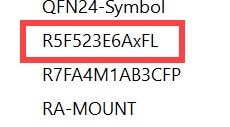
From then on, all symbols are available:
I can also copy-paste the individual symbols now, between libraries. Makes sense if you add it to global, but want an independent copy in the local lib for your project.
Weird. I see the symbol file MCU_RENESAS_R.kicad_sym does contain the FP variant when I peek at it in a text editor.
However, when I import that file using the Symbol Editor File->Import->Symbol, it only imports the FL (48-pin) variant. I didn't actually know you could have more than one symbol in a kicad_sym file (I've only ever saved one symbol per file). How do you import that file?
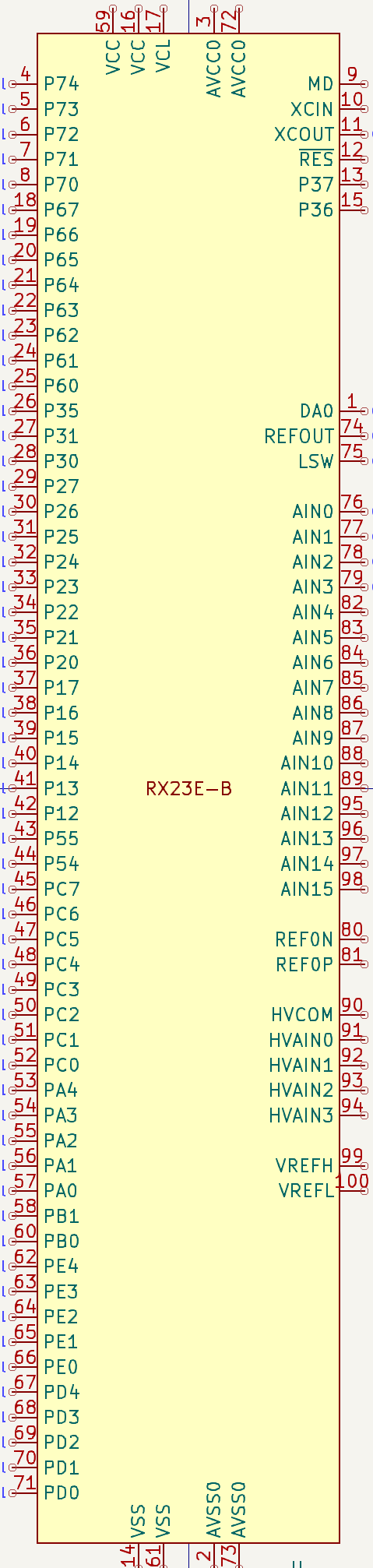
That's the correct link . That symbol lib contains two symbol versions of a 48-pin RX23E-A and the symbol of the 100-pin RX23E-B. Updating the post ...
Thanks very much for the info. I'm not sure when I'll attempt a reasonable complex design with Kicad but I shall attempt to follow your tips when I do.
I don't know if you can "slice and dice" an existing symbol into multiple units, once it's placed on a schema ...
It is doable, but seems to have side effects.
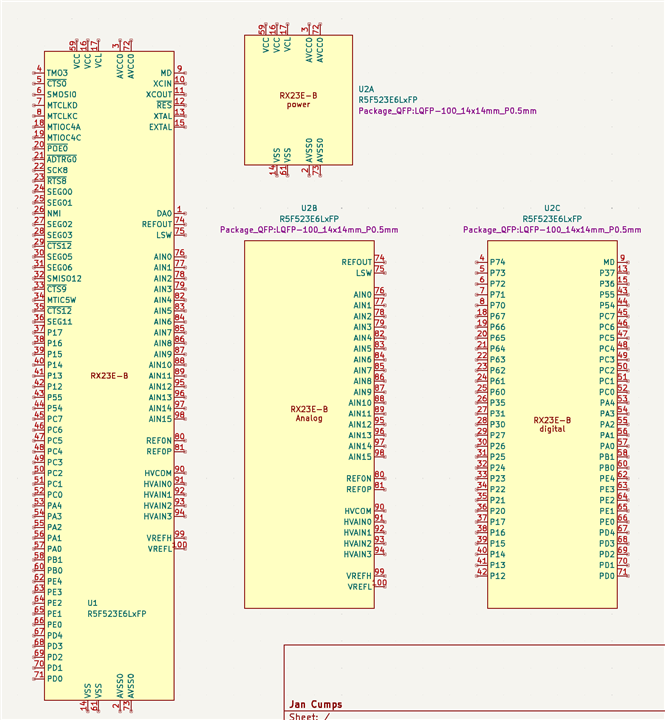
Below you see my full-pinned symbol. I duplicated it on the board, as U2.
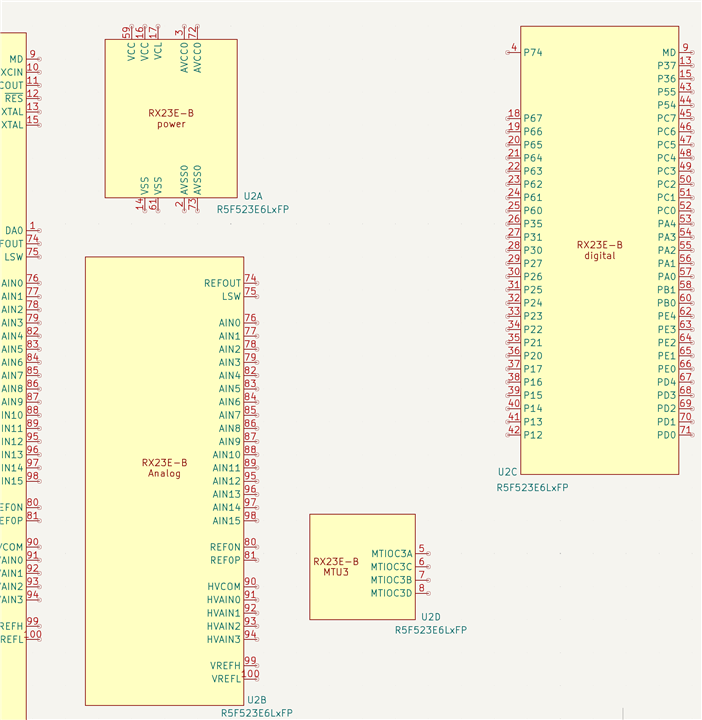
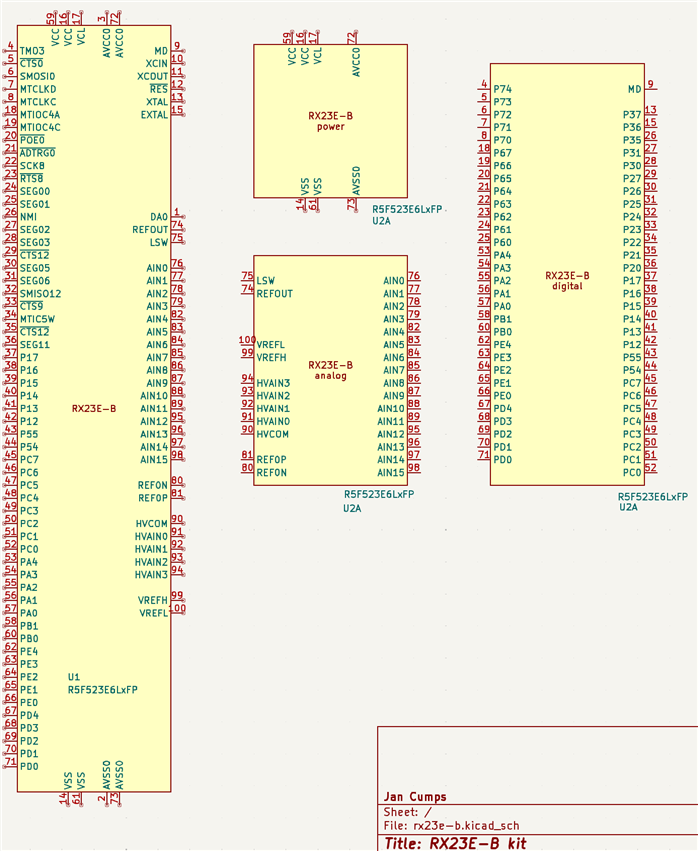
Then I used the Symbol Editor on U2, and created 3 units, for this instance of the symbol only.
I was expecting that the schema editor then allows to place unit B and C, but it didn't.
I was able to create the image above by duplicateing U2 2 times, named all 3 U2, and then selected unit A, B and C. I'm sure that's not correct. If I ask KiCad to number my component, it does not work correctly. And the ERC fails for the 3 with the same name.
More trials needed ...
What I think would work is: copy the symbol into a project specific symbol library. Break that symbol up as needed by your project. Then place that one on the schematic. KiCAD would then prompt to place all units.