Can someone please share me detail on how to see trapezoidal wave in TMC9660 driver board using osciloscope.
I am using ubuntu. Please share me a link of it that supports ubuntu 22.04
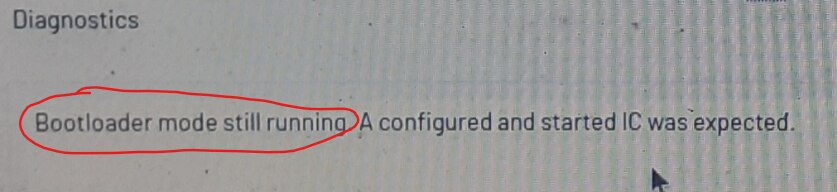
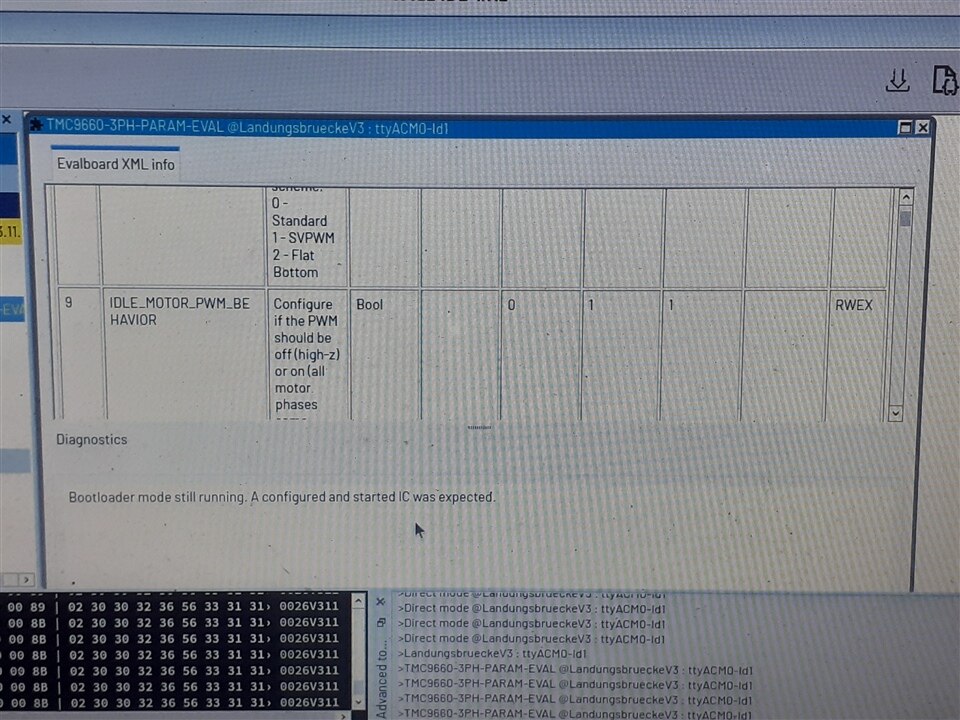
Looks like it is still in bootloader mode.
Perhaps try using the separate UBLTools app to configure the bootloader.


'Copy to TMCL editor' button is inactive Direct mode dialog
The Direct Mode dialog you were using before
The list of params for the TMC9660 is available here:
I'd imagine that the TMCL-IDE is supposed to pre-populate the dialog box instruction list with the TMC9660 param list when you select the eval kit from the list, but if not it looks like you can manually enter them as well.
There is a demo with an older version here:
https://youtu.be/wMrv60LYTTw?t=41
using the direct mode to build into a script. However looks like you can execute single command directly from the direct mode dialog box.
If you use a status instruction, it should provide a response that will help confirm that you can at least communicate with the TMC9660 via the USB interface in parameter mode using the TMCL protocol.


How to do that. Which window to open for doing that.
Ok, that may be due to the 'commutation mode' defaulting to 'system off' after a reset.
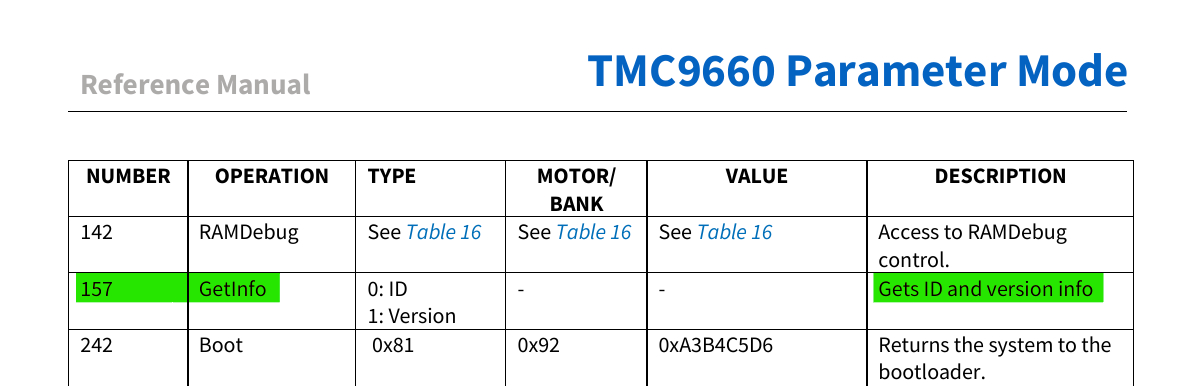
Perhaps try sending it a status request like GetVersion or GetInfo using the TMCL protocol and see if you get a sensible response back from it.
If so, then you can start using param mode commands to configure the motor board and get the motor turning.
Yes. But only when set to param mode in the device setting.
Is the error LED on the interface board still lit, with a valid VM displayed on the TMCL-IDE ?
How to configure bootloader. VM voltage is displayed on the TMCL-IDE