


This blog post completes the Zynq MPSoC software training, most of which has been covered in Path II Programmable Blog 5 - Starting with Zynq UltraScale+ MPSoC Software with Xilinx SDK and Path II Programmable Blog 6 - More Zynq UltraScale+ MPSoC Software with Xilinx SDK
SW Chapter 9 video: Interrupts
- An introduction to hardware & software interrupts.
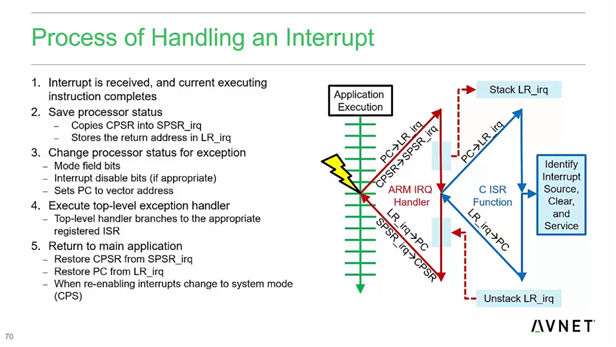
- A look at the interrupt interface on Zynq MPSoc - multiple sources and multiple endpoints. The GICs are configurable and support multiple options.
- A recap of how interrupt service routines handle interrupts.
- ISR tips & tricks - keep things short, disable other interrupts when servicing certain IRQs etc.


SW Lab 9 - Interrupts
- Executed 2 applications which were the same as the applications we used in the HW lab to control the PWM IP - they accept a number over the UART and program the compare register of the PWM IP. The first application didn't use the interrupt capability, but the second application added that - which involved configuring the Zynq GIC to pass the interrupt signal from the PL to the PS.
SW Chapter 10 video: Xilinx Libraries
- Xilinx libraries can be enabled (and imported) into a BSP. Each library may have some settings, which can also be configured using the wizard.
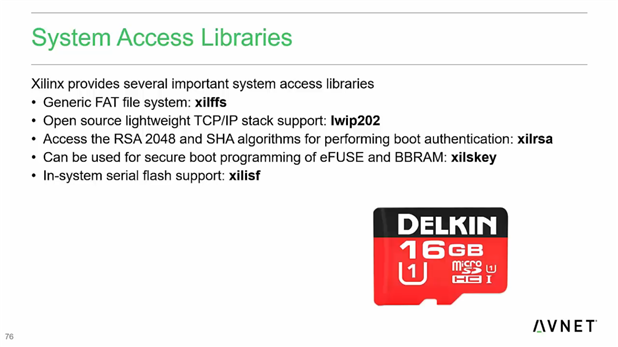
- Different Xilinx System Access Libraries: FAT file system, TCP/IP stack, security algorithms, serial flash library
- Xilinx includes example code with their libarries
SW Lab 10 - Xilinx Libraries
- Created a new application & BSP. The xilffs (Xilinx Fat File System) library was imported during BSP generation.
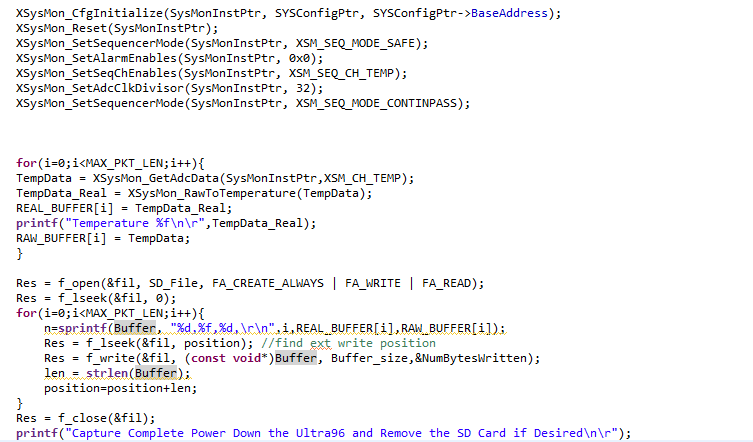
- Imported the provided C source file for an application that writes values from the System Monitor to a CSV file on the SD card, and explored the xilffs APIs that it uses
- I didn't want to overwrite my SD card which had already been flashed with an image, so I didn't execute the application. It's pretty simple - it initializes the System Monitor, reads the temperature using the driver API and stores it in an array. It then creates a file on the SD card and prints a formatted string in a buffer to the card.
SW Chapter 11 video: Interfacing with Sensors
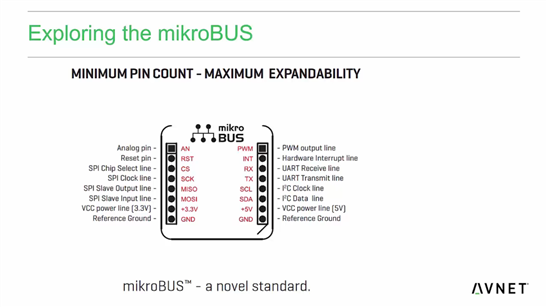
- Connecting to a MikroElectronika 'click' sensor board via the mezzanine card which is connected to low speed connector.
- There is a large ecosystem of 'click' boards.
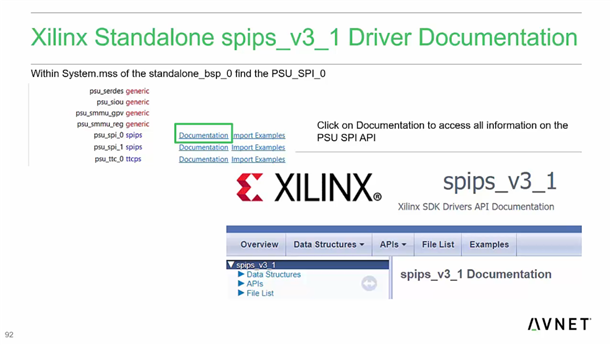
- Will use the PS SPI to talk to the click board. Will use the Xilinx SPI library (driver).
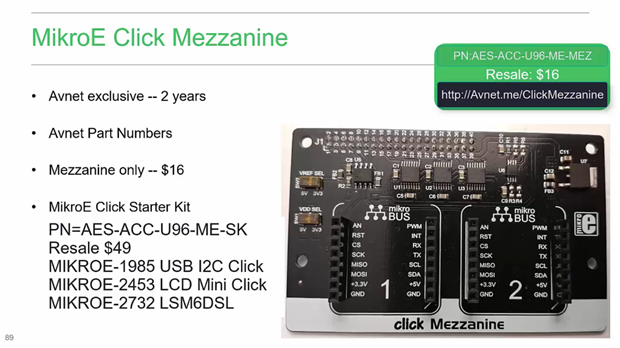
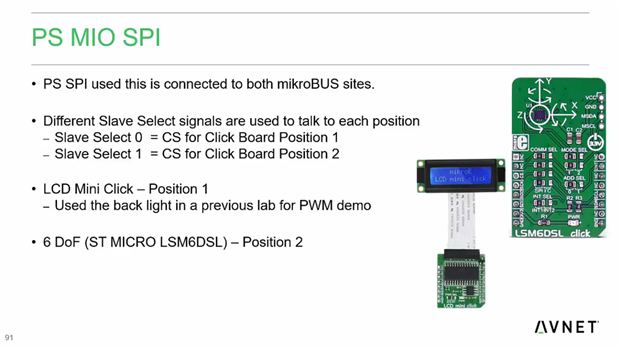
SW Lab 11 - Click Mezzanine Standalone Environment
I did not have a LSM6DSL sensor with me, so I did not complete this lab. However, it did not involve anything too complex:
- Had a look at the Xilinx SPI driver APIs.
- A short part on how the SPI clock prescaler needs to be calculated - the root clock is much more flexible than on a MCU. While a MCU might have a couple of possible values, the larger number (and range) of possible PLL settings on Zynq mean that users need to be a little more careful.
SW Chapter 12 video: Next Steps
- A recap of what we covered in the software training.
- Another recap of the Xilinx ecosystem: IP, reference designs, design kits.
- Where to get help & support, and find documentation.
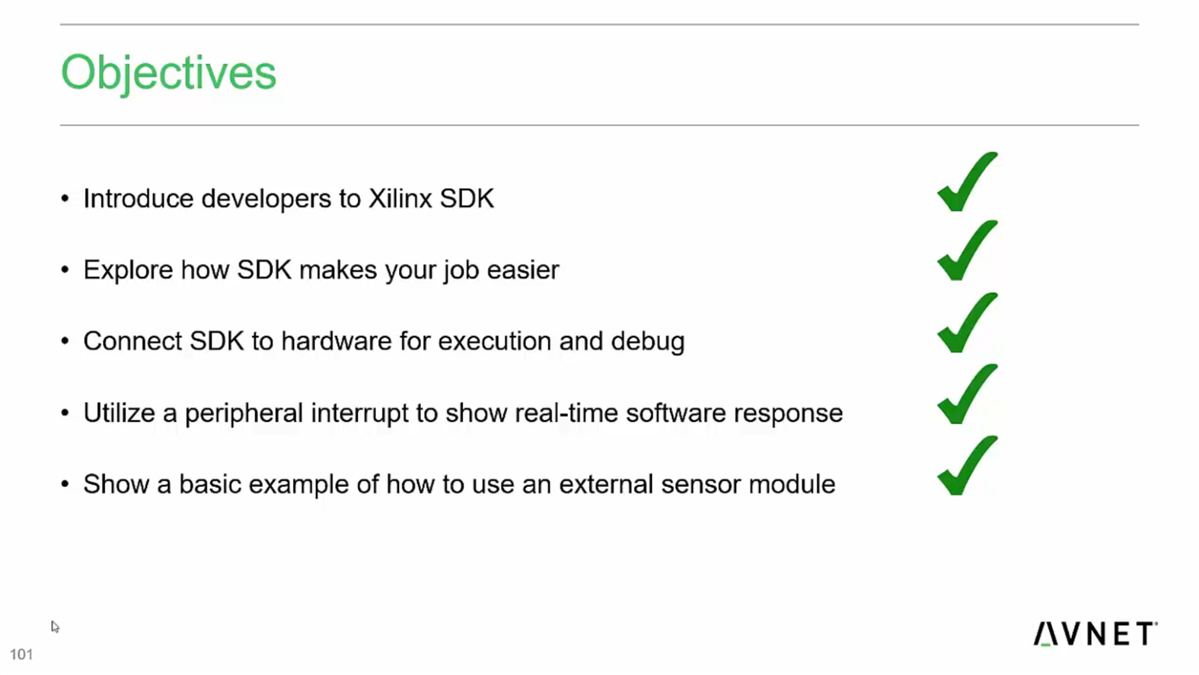
That completes the software course!

