Table of Contents
The Hardware Lab

You may recognize the diagram above, don't you? The diagram corresponds to the Lab 8 in the Hardware manual. Directly from it, I had to do some small changes to work on Windows to bring a functional practice. Despite the design of new IP to solve an specific problem (CISC approach) is easy, if you are not familiar with the procedure you could face some particular challenges. You must remember that we are integrating new peripherals to an ARM-based architecture and those have to be compatible with the embedded hardware, and finally, all of them should be understandable to the software developer.
Windows troubleshooting
When you create a new IP you have a set of files that describe the behavior of the system and how to map memory to the processor, configure it, and get information from the new peripheral. Unfortunately I faced an issue with the Makefile generated by Vivado 2021,
COMPILER=
ARCHIVER=
CP=cp
COMPILER_FLAGS=
EXTRA_COMPILER_FLAGS=
LIB=libxil.a

RELEASEDIR=../../../lib
INCLUDEDIR=../../../include
INCLUDES=-I./. -I${INCLUDEDIR}

INCLUDEFILES=*.h
LIBSOURCES=*.c
OUTS = *.o

libs:
	echo "Compiling PWM_w_Int..."
	$(COMPILER) $(COMPILER_FLAGS) $(EXTRA_COMPILER_FLAGS) $(INCLUDES) $(LIBSOURCES)
	$(ARCHIVER) -r ${RELEASEDIR}/${LIB} ${OUTS}
	make clean

include:
	${CP} $(INCLUDEFILES) $(INCLUDEDIR)

clean:
	rm -rf ${OUTS}
The above file might work well on Linux since the manual does not provide information about the following problem. When you export your hardware to Vitis IDE, apparently all the components seem to be assembled correctly, but when you try to compile your projects without modifications or build the platform, you will get something like this,

You might think that there is an error synthesizing the hardware or creating the .XSA file, but it is not sure at all. I faced the same problem for the ePWM IP. This IP consists of a PWM module for clockwise pulse width modulation for motor drivers, it uses the sign bit to establish CW or CCW and the other bits for duty cycle. I designed the ePWM on Vivado 2018 and it was interfaced for a Microblaze processor. I solved the issue with the information available in thread 75527, but it does not work with the version 2021 and for ARM Cortex architecture. Thanks to the Mooona forum question, available here, I made a small change to the file,
COMPILER=
ARCHIVER=
CP=cp
COMPILER_FLAGS=
EXTRA_COMPILER_FLAGS=
LIB=libxil.a

RELEASEDIR=../../../lib
INCLUDEDIR=../../../include
INCLUDES=-I./. -I${INCLUDEDIR}

INCLUDEFILES=*.h
LIBSOURCES:=$(wildcard *.c)
OUTS = *.o

libs:
	echo "Compiling PWM_w_Int..."
	$(COMPILER) $(COMPILER_FLAGS) $(EXTRA_COMPILER_FLAGS) $(INCLUDES) $(LIBSOURCES)
	$(ARCHIVER) -r ${RELEASEDIR}/${LIB} ${OUTS}
	make clean

include:
	${CP} $(INCLUDEFILES) $(INCLUDEDIR)

clean:
	rm -rf ${OUTS}
This change was made in File Groups -> Advanced -> Software Driver to propagate to all instances of the driver on the platform,

All these steps solved the problem with Windows and I was able to handle the physical practice.
Captures
As shown in the manual, you can connect your board through the serial port with 115200@8N1
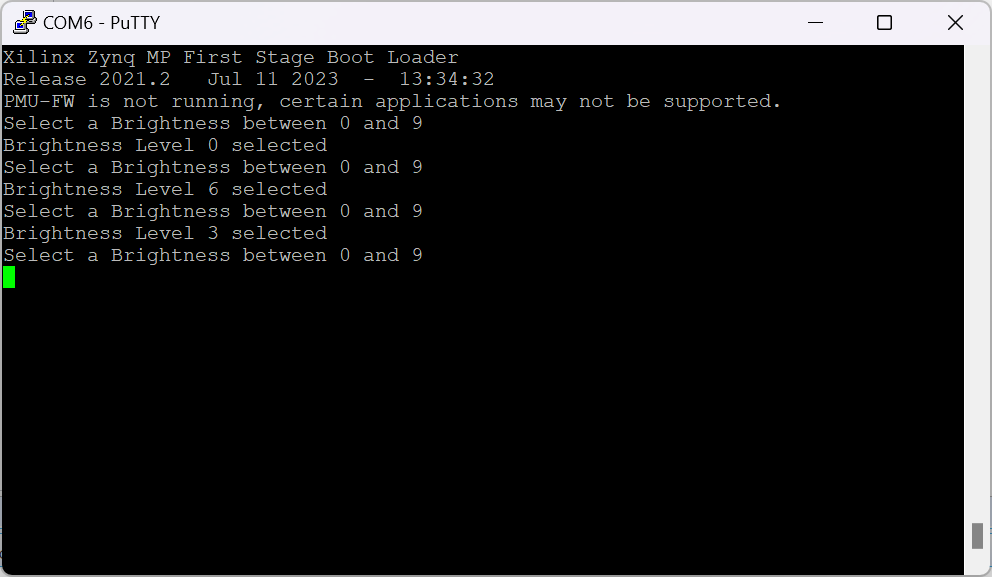
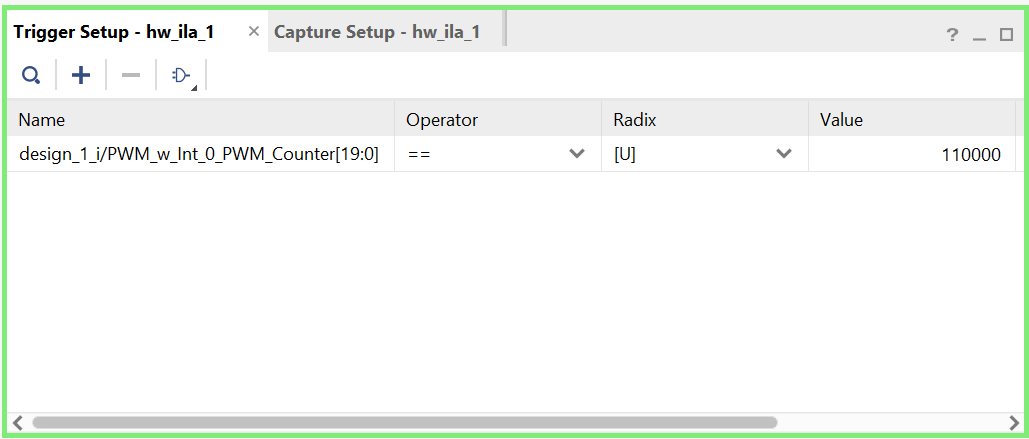
and with the ILA IP, you are able to trace the counter values, you can even add triggers to catch an special event without additional lab equipment as long as there are sufficient logic elements to do it.