


Hello guys.
This weeks writeup is using the PocketSphinx to recognize voice commands.
The complete documentation can be found here -> CMUSphinx Wiki.
Esther Kim Jun has written a great Documentation on Installation and Application Procedures in her Github repository.
So what I've done is, I've used the PocketSphinx to call out the gmail.py and the weather.py scripts done in the previous part.
The Setup.
Its simple,just plugged in the Microphone into the USB sound card. Looks lil clumsy, have soldered plenty of wires over there.
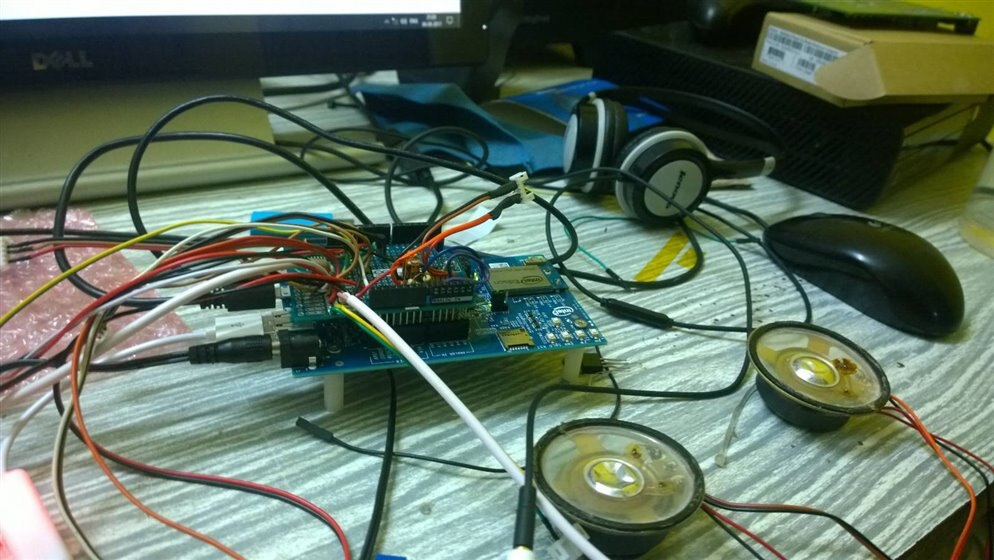
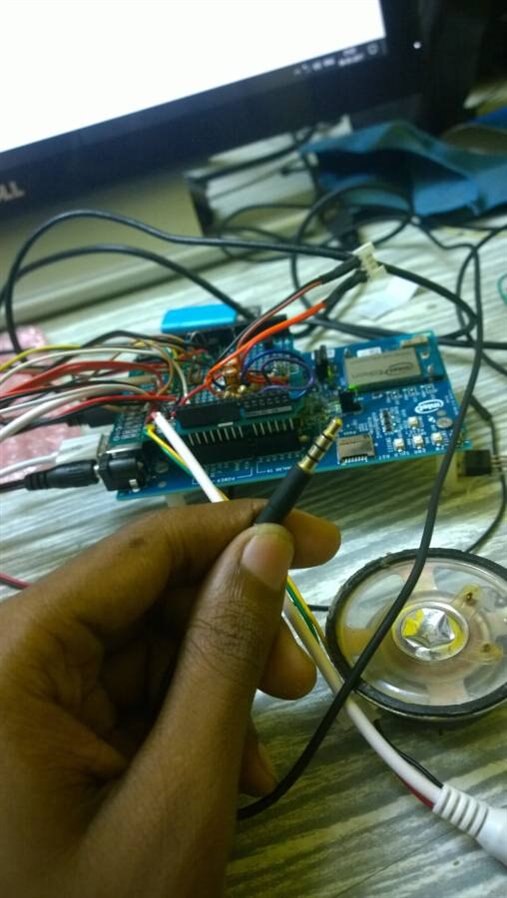
But I've used a separator cable, since the Headset I'm using is 4-pole jacked (Mic and Speaker comes in same pin)
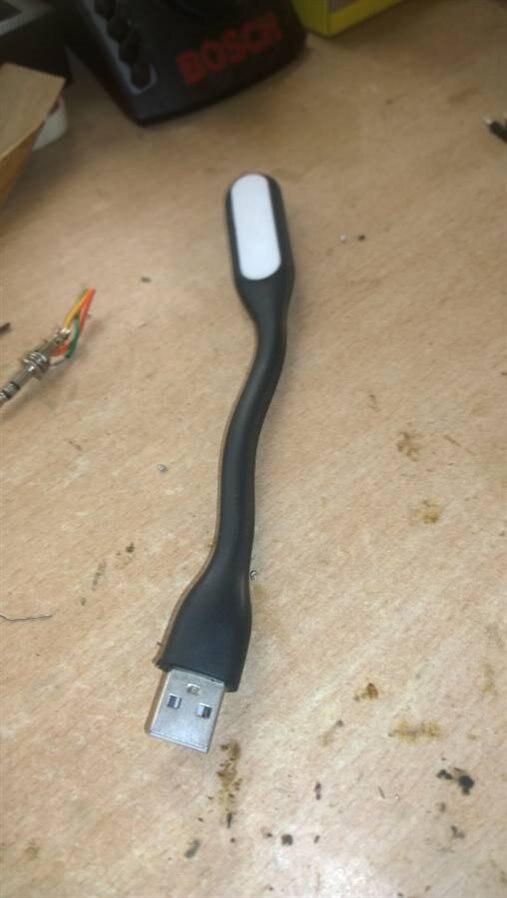
I found this guy around , checked it...was broken but the leds were working thought of using it as a notification light when recording happens in speech recognition mode
The Code.
import os
import subprocess
import mraa
import time
import pyaudio
import wave
import pocketsphinx as ps
import sphinxbase

LED_GPIO =10
onled=mraa.Gpio(LED_GPIO)
onled.dir(mraa.DIR_OUT)
onled.write(0)

LMD   = "/Skull/6838/6838.lm"
DICTD = "/Skull/6838/6838.dic"
CHUNK = 1024
FORMAT = pyaudio.paInt16
CHANNELS = 1
RATE = 16000
RECORD_SECONDS = 2
PATH = 'output'

def decodeSpeech(speech_rec, wav_file):
    wav_file = file(wav_file,'rb')
    wav_file.seek(44)
    speech_rec.decode_raw(wav_file)
    result = speech_rec.get_hyp()
    return result[0]

def main():

    if not os.path.exists(PATH):
        os.makedirs(PATH)

    p = pyaudio.PyAudio()
    speech_rec = ps.Decoder(lm=LMD, dict=DICTD)

    while True:
        # Record audio
        stream = p.open(format=FORMAT, channels=CHANNELS, rate=RATE, input=True, frames_per_buffer=CHUNK)
        print("* recording")
        frames = []
        for i in range(0, int(RATE / CHUNK * RECORD_SECONDS)):
            data = stream.read(CHUNK)
            frames.append(data)
        print("* done recording")
        stream.stop_stream()
        stream.close()

        fn = "o.wav"
        wf = wave.open(os.path.join(PATH, fn), 'wb')
        wf.setnchannels(CHANNELS)
        wf.setsampwidth(p.get_sample_size(FORMAT))
        wf.setframerate(RATE)
        wf.writeframes(b''.join(frames))
        wf.close()

         wav_file = os.path.join(PATH, fn)
        recognised = decodeSpeech(speech_rec, wav_file)
        rec_words = recognised.split()
       # print(str(rec_words))
        if "MAIL" in rec_words :
            subprocess.check_output(['python','/Skull/gmail.py'])
        if "WEATHER" in rec_words :
            subprocess.check_output('python', '/Skull/weather.py'])

if __name__ == "__main__":
    try:
        main()
    except KeyboardInterrupt:
        print "Keyboard interrupt received. Cleaning up..."
You can also create a custom words Library and Dictionary Files. All you need to do is make a txt file will all the words and upload it to Sphinx Knowledge Base Tool VERSION 3.
and replace these lines.
LMD   = "/Skull/6838/6838.lm"
DICTD = "/Skull/6838/6838.dic"
and here comes the output...
The EL sequencer came in....thanks to Workshopshed for suggesting them..
tried playing with them for some time(Sorry couldn't capture a video) , also fitted the EL wire to the skull.
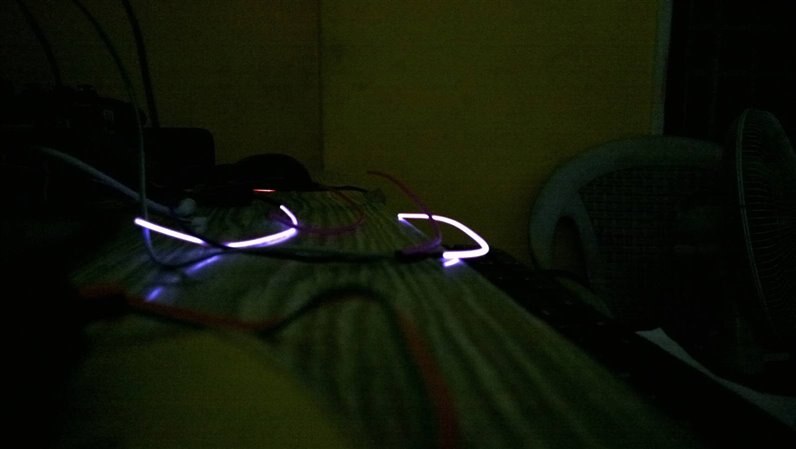
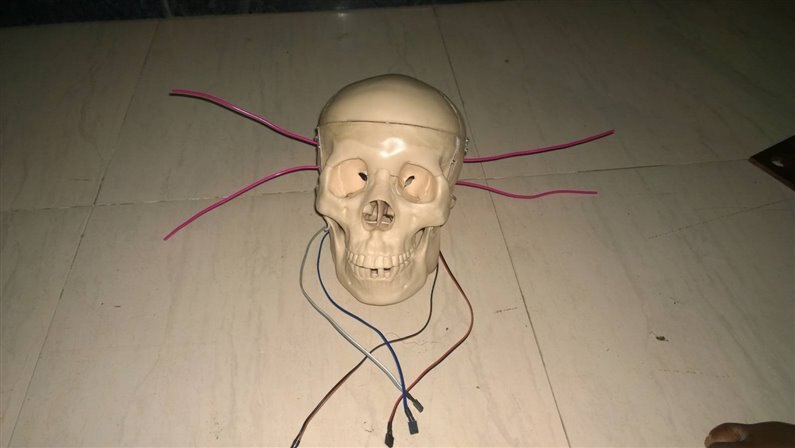
Got some old Mild Steel pieces from scraps, some welding and tada we got a support for the Skull 
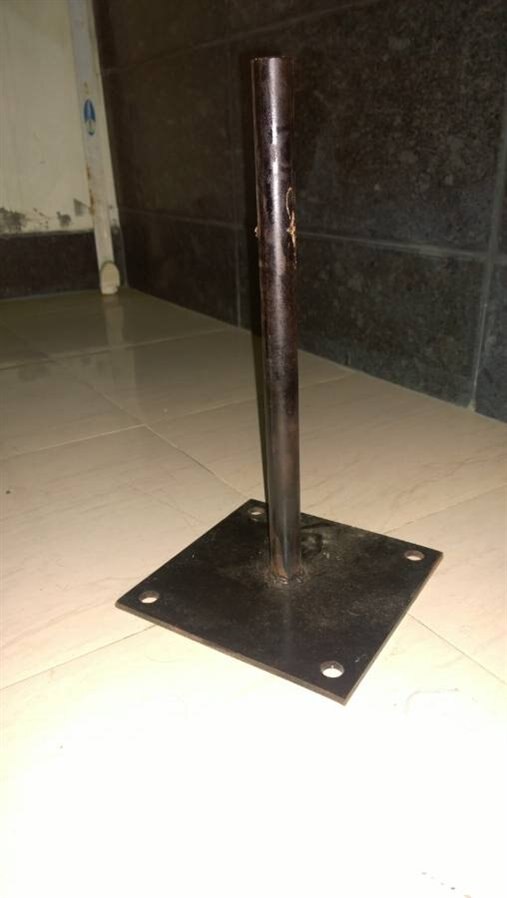
Also I just wanted to mention things that have been upcycled.
A LCD Screen
USB Sound Card
Radio shack Speakers and Amps
Old Headphones with Mic
Yet to use :
Motors from the CD drive 1 stepper and 1 DC, I already tried using the lasers but it was too hot, got my finger burnt twice so thought of dropping it.
and some components to be desoldered from those scrap boards for decoration.
the next week update will be on eye movement, the following week i'll be finishing out the skull.
Cheers
Top Comments
-

dougw
-
Cancel
-
Vote Up
+3
Vote Down
-
-
Sign in to reply
-
More
-
Cancel
-

balearicdynamics
in reply to dougw
-
Cancel
-
Vote Up
+1
Vote Down
-
-
Sign in to reply
-
More
-
Cancel
Comment-

balearicdynamics
in reply to dougw
-
Cancel
-
Vote Up
+1
Vote Down
-
-
Sign in to reply
-
More
-
Cancel
Children