

Technical Specification
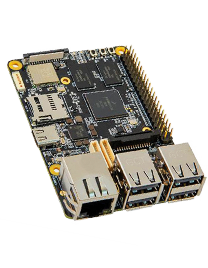
The MaaXBoard Mini is a low-cost, NXP i.MX 8M Mini processorbased, single-board computer ideal for embedded computing and smart edge IoT applications. The i.MX 8M Mini family of application processors are based on the Arm Cortex-A53 and Cortex-M4 cores, which provide industry-leading audio, voice and video processing for applications that scale from consumer home audio to industrial building automation and embedded computers. The MaaXBoard Mini is production ready, FCC, CE and RoHS certified. It is available in quantities from one to thousands. Product Brief (Datasheet)
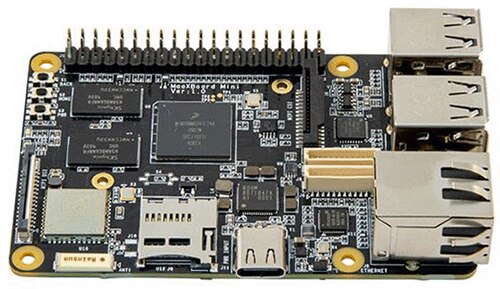
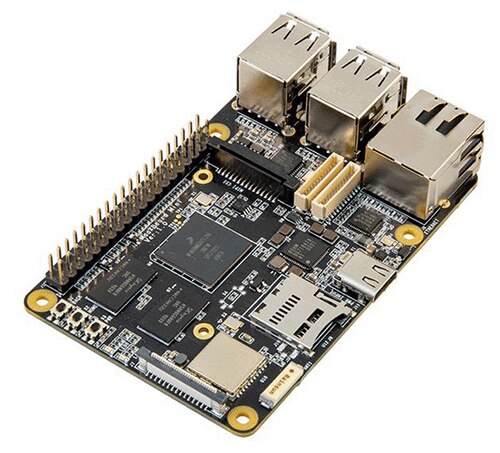
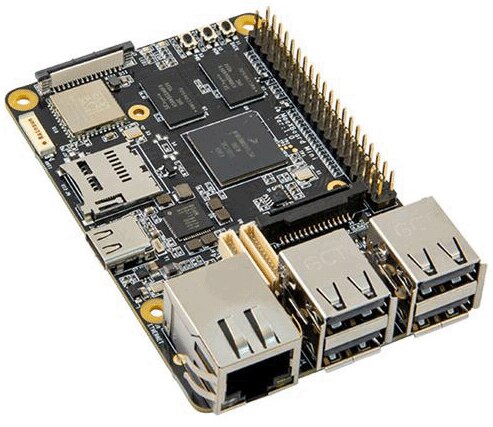
The MaaXBoard Mini contains everything necessary to support and create Linux, Android or other OS-based systems. The platform offers several onboard peripherals including 2GB of DDR4 memory, a gigabit Ethernet port, quad USB 2.0 host ports, MIPI-DSI, MIPI-CSI, WiFi, Bluetooth low energy and a MicroSD card slot. A Raspberry Pi HAT compatible expansion connector also provides interfaces for UART, SPI, I2C and GPIO. These combined capabilities make it an ideal platform for investigating AI, IoT, Industrial and multimedia applications.
Each MaaXBoard Mini is shipped with a passive heatsink and quick-start guide to assist developers with getting started on their hardware or software development project. A user-supplied 5V/3A USB Type C power supply is required to power the board. A 16GB microSD card and a USB-to-UART serial debugger is recommended for booting the MaaXBoard Mini out-of-box experience. To jump-start your development, Avnet offers supported Android 9.0 and Yocto images available for download. For software debugging, an optional Microchip USB-to-UART evaluation board is recommended, allowing USB terminal access through a UART port on the 40-pin expansion connector.
Click on the images to enlarge

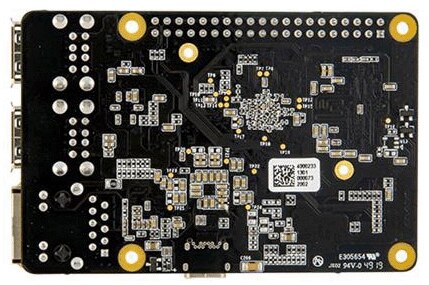
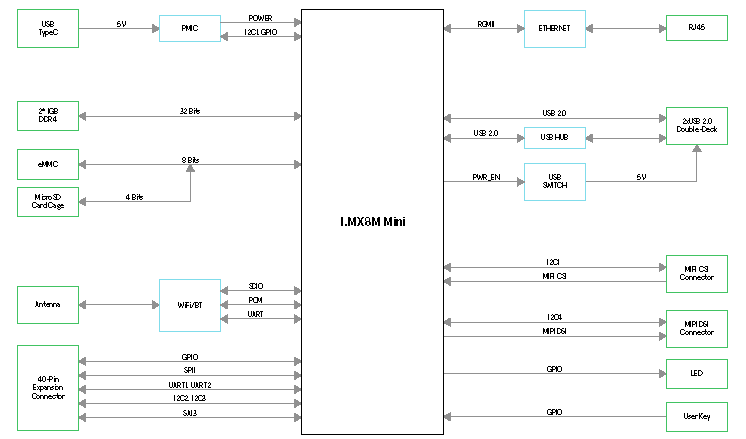
Features
- Processor
- NXP i.MX 8M Mini Processor
- Quad Arm Cortex-A53 @1.8GHz
- Single Cortex-M4F @400MHz
- Memory
- 2GB DDR4 SDRAM
- MicroSD Slot
- Supports eMMC Boot (not populated by default)
- Communications and User Interface
- Gigabit Ethernet
- Quad USB2.0 Host
- MIPI-DSI Display Interface
- MIPI-CSI Camera Interface
- Wi-Fi 802.11 b/g/n/ac
- Bluetooth 4.2 (Bluetooth Low Energy)
- Onboard Ceramic Antenna
- External Antenna supported (not populated by default)
- Audio Expansion
- User I/O
- 40 Pin Low Speed Expansion Interface
- Raspberry Pi Hat Compatible
- Digital I/O voltage: 3.3V
- 2 x User Buttons
- 1 x Power Button
- 2 x User Leds
- 40 Pin Low Speed Expansion Interface
- Other
- Voltage Regulators
- USB Type C 5V/3A Power input
- Operating Temperature: 0~70°C
- Mechanical
- 85mm x 56mm form factor
Target Application
- Embedded computing
- Machine vision
- AI Platform
- Embedded Kiosk
- Smart IoT Platform
Kit Includes
- MaaXBoard Mini
- Passive Heatsink
- Quick Start Instructions


