Welcome to
image
MiniZedTm is a single-core Zynq 7Z007S development board. This board targets entry-level Zynq developers with a low-cost prototyping platform.
image

Technical Specification

The MiniZed provides for an efficient hardware reference design with a Cortex A9 processor core.  It is an inexpensive board that can be used to run workshops and tutorials. Product Brief (Datasheet)

Click on the images to enlarge

Top View
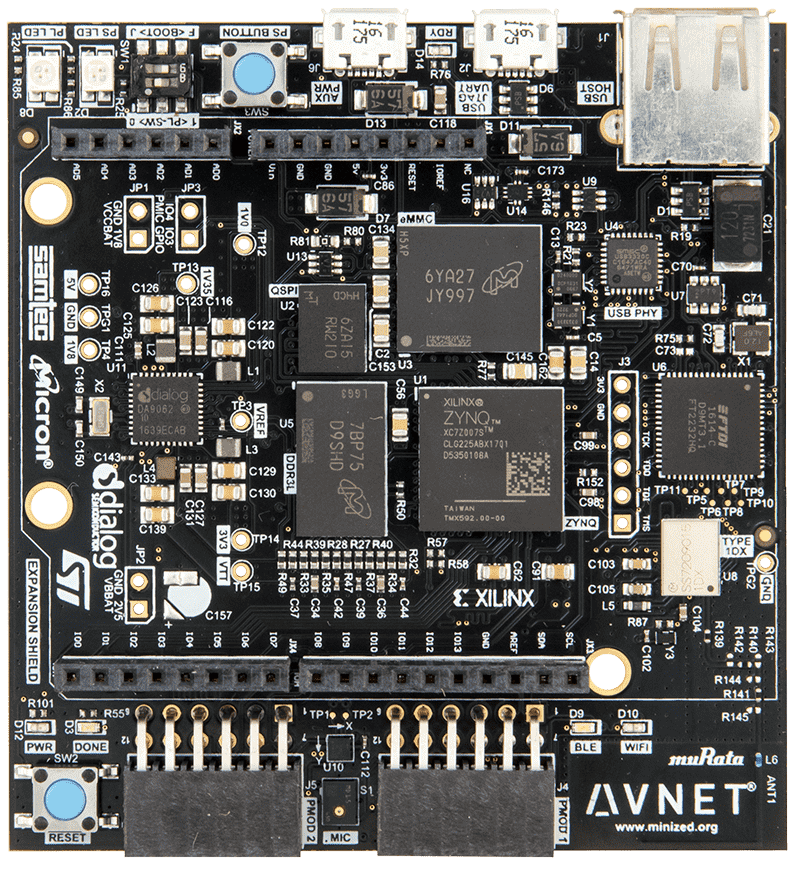
MiniZed Top View
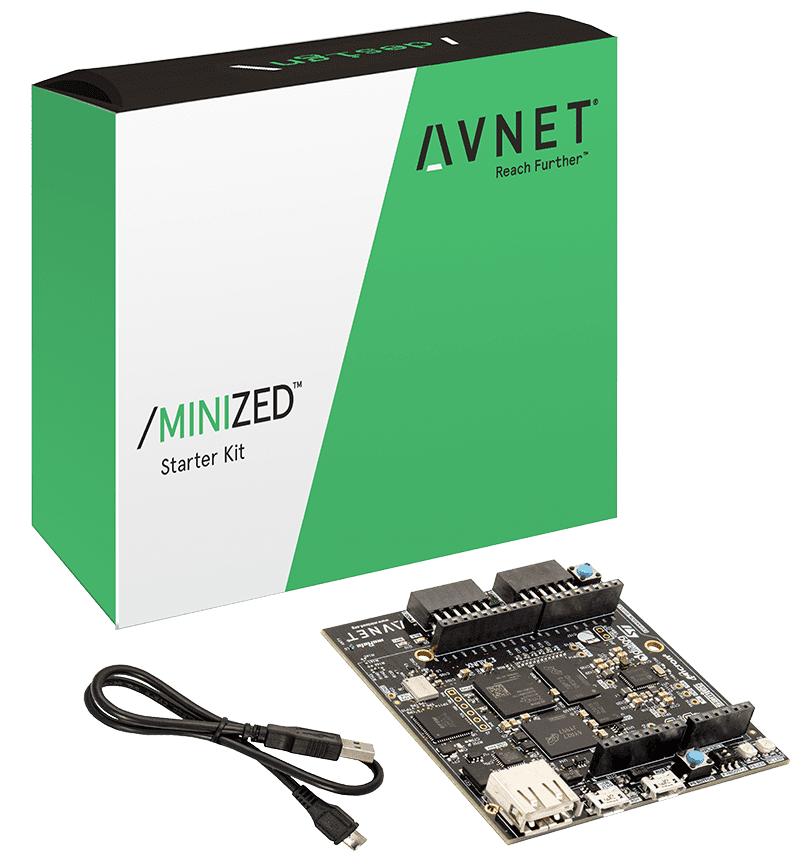
Kit
Kit
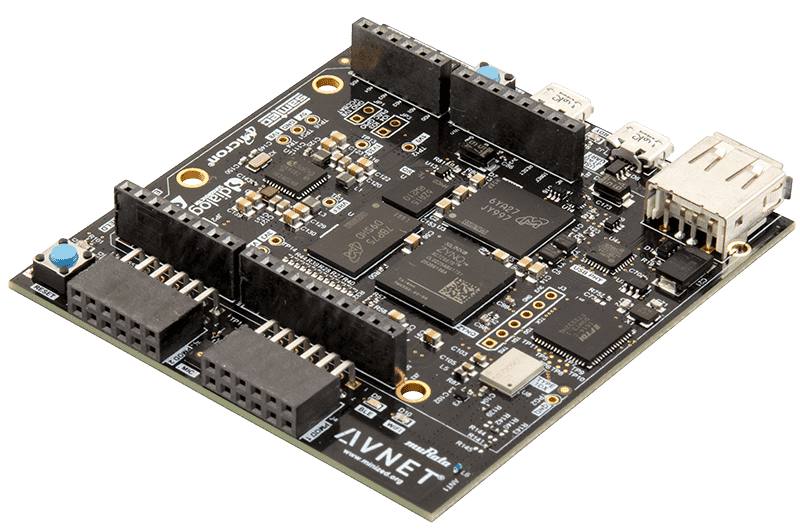
Antenna View
Antenna View
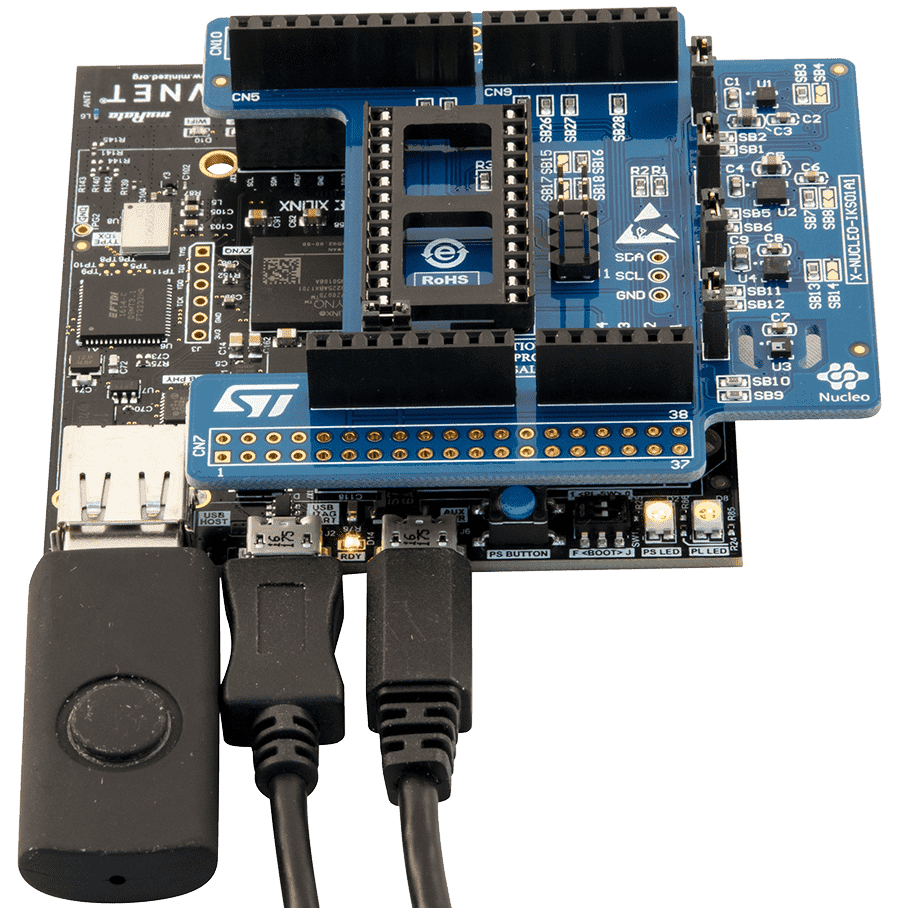
USB & Cable
USB & Cable
Block Diagram
Block Diagram

Hardware Specification

Specification Description
On-board connectivity through the Murata "Type 1DX" wireless module provides:
  • Wi-Fi 802.11b/g/n
  • Bluetooth 4.1 plus EDR and BLE (Bluetooth Low Energy)
On-board memory from Micron
  • 512 MB DDR3L
  • 128 Mb QSPI flash
  • 8 GB eMMC
Peripherals can be plugged into
  • Dual Pmod-compatible connectors (16 GPIO)
  • Arduino-compatible shield interface (22 GPIO)
  • USB 2.0 host interface
Physical interface
  • Two bi-element user LED’s
  • User pushbutton
  • Reset pushbutton
  • User switch
The integrated power supply from Dialog generates all on-board voltages.  An auxiliary microUSB supply input can be used to power designs that require additional current.
On-board MEMS sensors from ST Micro
  • LIS2DS12 Motion and temperature sensor
  • MP34DT05 Digital Microphone

Reference Designs

H264 Video Streaming on Avnet MiniZed

SDSoC Baremetal Platform - Xilinx Matrix Multiply Example

Tutorial 01 Build a Zynq Hardware Platform

Tutorial 02 First Application - Hello World

Tutorial 03 Generate and Run Test Applications

Tutorial 04 FSBL and Boot from QSPI

Tutorial 06 PL SPI Controller

Tutorial 01-08 Solutions

MJPEG Video Streaming over Wi-Fi on MiniZed using the TDNext Pmod

Prebuilt Platforms Using Hardware Definition Files (HDFs)

Technical Documents

Getting Started Guide

Restore QSPI and eMMC Factory Images

Errata and Product Change Notices

Board Definition Files

Related Blog Posts
  • [PP-04] Lab 1 - building a basic Zynq design

    The main purpose of this lab is to illustrate how to create a new Zynq project using UltraFast Design Methodology within Vivado Webpack. Zynq Proccesing System (PS) has a configurable set of built-in peripherals and direct access to Programmable...
  • [PP-03] Lab 0 - setting up a developemnt platform for Zynq

    The main purpose of this laboratory is configuration of environment for the development. It based on Windows PC environment and have three main steps:- downloading and installation of Xilinx Vivado WebPACK,- downloading and installation of Tera Term,…
  • Lab 4 - TCL me Xilinx

    Lab 4 - Using TCL in Vivado Embedded Designs This lab was pretty simple, the goal was to exercise the Vivado environment via the command line using TCL. TCL is the Tool Command Language. It was invented by John Ousterhout at UC Berkeley in 1998....