|
Follow up on my road test of the Keithley Bench Digital Multimeter DMM6500.
|
TSP
TSP is one of the 2 scripting options for the Keithley DMM6500 (the other one is SCPI). It's using the programming language Lua.
You can write scripts that automate anything you can do via the touch screen. It also has functions to manipulate that screen. And you can use any function that's available in Lua.
The typical use is to write a script to automate instrument setup or to do a set of measurements. You can also write complete apps for the DMM.
TSP Toolkit for VSCode
Tektronix released version 1.5 of their VSCode TSP plugin. It supports TSP script development from the IDE, and gives you some remote control options.
Development
The look and feel is similar to developing for Python in VSCode. You set up a workspace, write scripts, and you can execute or debug them.
If you also install a Lua plugin (such as Lua Helper), you get additional language support, such as syntax highlighting and code completion.
Execute and Debug
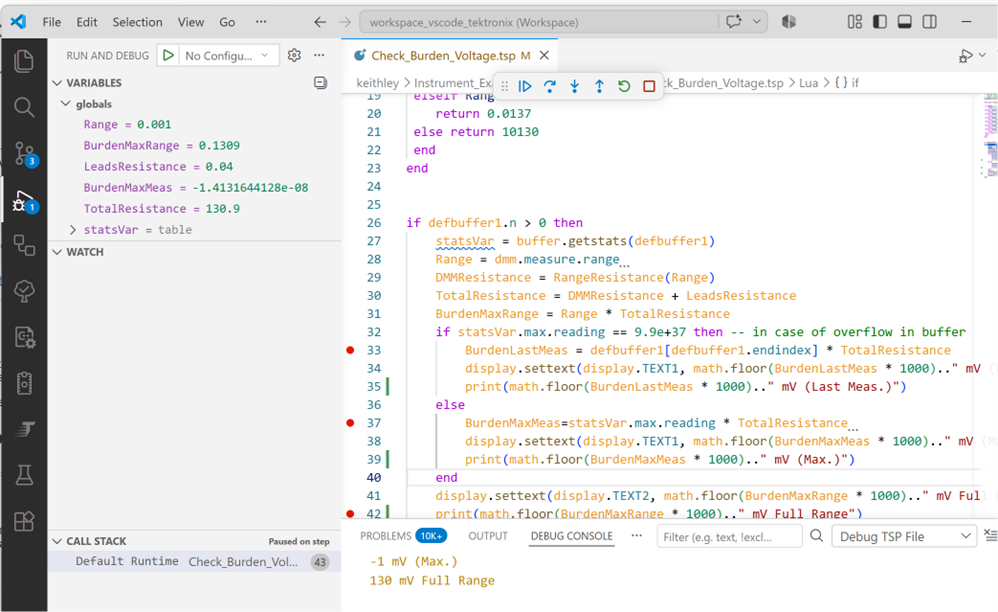
The plugin allows you to execute the code directly on your DMM. Text output and error messages are routed to the VSCode terminal window.
Remote debug is also supported. You can load the script in the DMM6500's memory and then step through the code. Variables and watch expressions are supported. For both options, the DMM has to be reachable from your development PC. More on that in the next section.
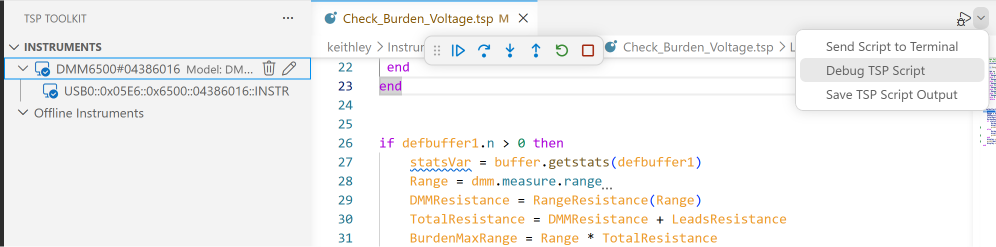
Remote options
The plugin lets you connect to your instrument. This is not really an option. It's required to be able to do anything useful. The easiest way to connect, is when you know the VISA connect string of your instrument or its IP address. This version of the toolkit supports USB and tcpip connected devices. For this review, I connected a DMM6500 via USB, and used the connect string I retrieved from my NIVisa install:
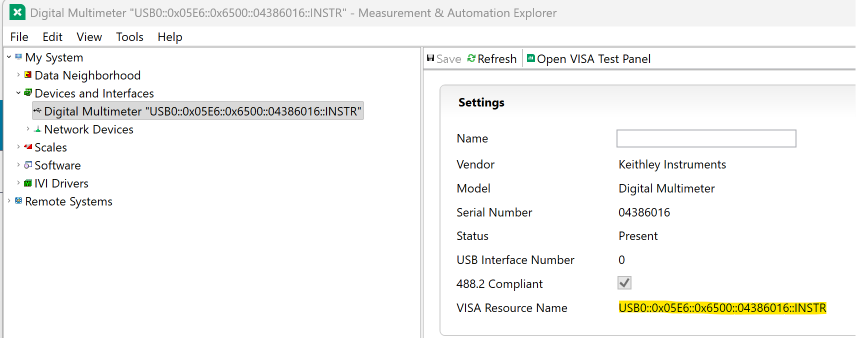
Once connected, you can execute and debug scripts as idicated above, but there are more options:
- update firmware from VSCode
- download the instrument's data buffers
- record actions done on the instrument and save them as a script
- retrieve system configuration
- send direct commands via the VSCode terminal
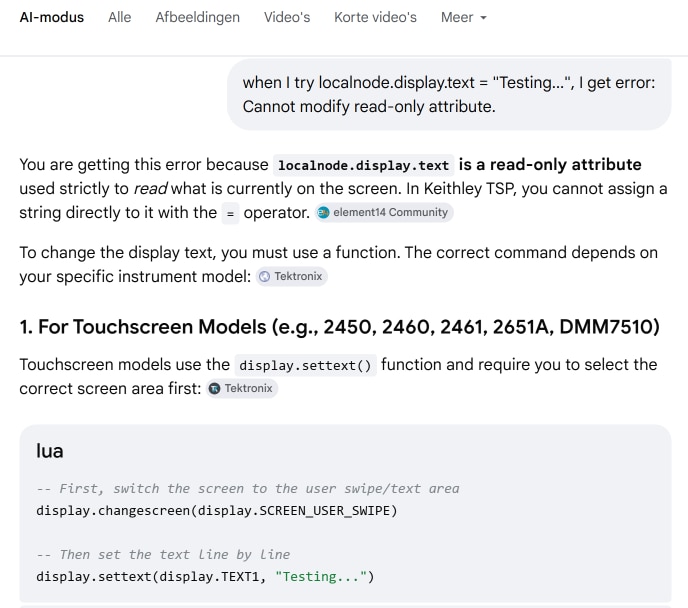
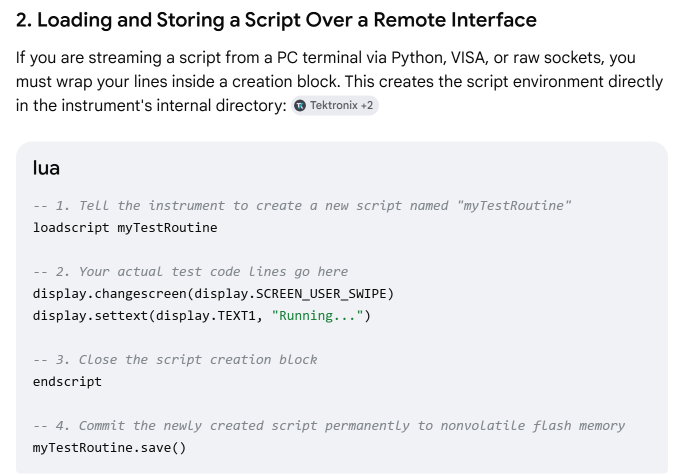
What I didn't find: an option to permanently store scripts on the DMM's disk. This is supported by Lua commands, though. So you can use the VSCode terminal to store a script.
|
Don't know TSP or Lua? Google AI does.
|